Copyright Silhouette School 2016. Powered by Blogger.


Showing posts sorted by relevance for query contact paper. Sort by date Show all posts

Silhouette PVPP Method Tutorial {DIY Oversized Chalkboard Sign}


PVPP method, Silhouette tutorial, chalkboard sign, Silhouette Studio

I mean I might be a little too excited for a Monday...but heck, friends, we have a guest blogger today. And let me tell you, Karley from Craft It Out is about to knock your socks off. Not only is her PVPP tutorial totally awesome, but her crafting abilites are stellar.  For some reason, she calls herself a 'wannabe' wannabe shwanabee...the girl's genius!  See for yourself...

8 Tricks to Working With and Cutting HUGE Silhouette Stencils or Decals

Stencils, decals, Silhouette, cutting, tricks, tips
So you have a stencil or a vinyl decal that you want to cut on your Silhouette, but it's super sized? No problem! Today I'm going to share 8 tricks and tips with you on cutting and working with huge designs that can't be made in a single cut on any of the Silhouette machines.

Cutting Felt with Silhouette CAMEO: Hack to Keep Your Cutting Mat Clean

With the new Silhouette CAMEO 4 Rotary Blade you can cut felt without a liner. BUT it leaves a mess of your cutting mat.

Silhouette 101, Silhouette America Blog, Cutting Felt, CAMEO 4, Rotary Blade

I did find a way to clean the cutting mats, but then I started thinking, what if the cutting mat never actually touched the felt or what if the adhesive part of the cutting mat could be replaced.  Just you wait...

Cutting Polymer Clay with Silhouette CAMEO or Curio: Step by Step for Beginners

Is there anything the Silhouette CAMEO or Curio can't do? I'm thrilled to share with you some tips on how to cut Polymer Clay with Silhouette Curio or CAMEO today.

Cutting Polymer Clay with Silhouette CAMEO or Curio
 
Mags Bowman is an expert in this little niche and she's here today to share with you pretty much everything you need to get started using your Silhouette Curio or Cameo to cut polymer clay.

How to Design a Shaped Card in Silhouette Studio

It's easy to design a shaped card in Silhouette Studio with a few design tricks.  

cutting paper,Paper Crafts,Print and Cut,Paper,Fonts,Cards,


While I would not consider this a first Silhouette project, it's definitely beginner friendly. Read on for the step by step on how to design shaped cards. 

13 Way to Save Money on Silhouette Supplies

Silhouette supplies, save money
If your craft fund is running low or is getting a little too pricey, there are ways to save money on Silhouette supplies.  We all know crafting isn't exactly a cheap hobby - but it can be a cheaper one.  Just follow these 13 tips for saving money on Silhouette supplies.

Sticker Paper Vs Printable Vinyl: Which Should I Use?

It's not always super clear the differences between Sticker Paper vs Printable Vinyl and when to use one over the other. 

silhouette america blog, silhouette 101, stickers, inkjet printable vinyl, sticker paper, sticker printer

I've used both materials, from Online Labels, extensively over the years and am happy to be able to share some tips on when to use each. 

How to Paint a Doormat with Freezer Paper Stencil [No Paint Bleed]

Looking for a cheap wait to make stencils and get perfect, crisp paint lines? 

doormat,Saving Money Silhouette Stencils,Sihouette Stencils,Stencils,Freezer Paper,Painting Projects,


Head to your kitchen because freezer paper is the secret!! Freezer cuts easily sticks well, but is not permanent making it a great material for stencils.

Let me show you exactly how to do this. 

How to Make Waterproof Stickers with Silhouette CAMEO or Portrait

When making waterproof stickers with Silhouette, it's all about the sticker paper. 

silhouette 101, silhouette america blog, print and cut, waterproof stickers, printable sticker paper

Not only do you need a strong adhesive but you need a material, that when wet, the ink won't bleed. 

Silhouette Vinyl Types and Transfer Paper vs Transfer Tape

So...it's come to my attention that we need to talk about vinyl...all types of vinyl.  I do have a whole section on the blog about vinyl...but I've had some questions recently about what the best time of vinyl is for this or that project. 
 Vinyl, vinyl types, transfer paper, transfer tape
And honestly it depends on a few different factors including how the vinyl will be used, where it will be used, and even your personal preferences. 

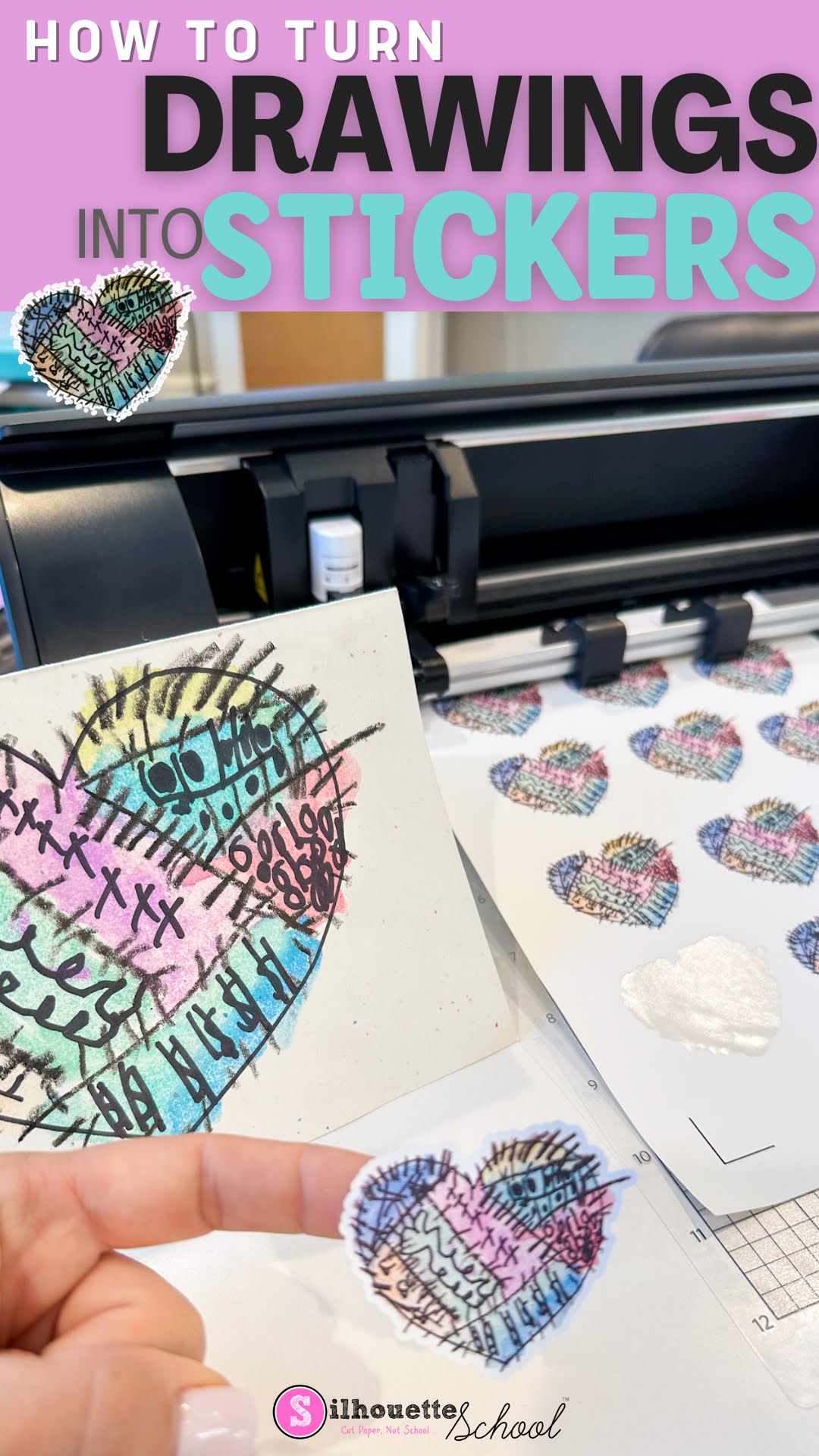
How to Turn Drawings into Stickers

You can turn your drawing into stickers pretty easily using Silhouette Studio. 

You can even do it with the free version of the Silhouette software program...whether you have a Silhouette cutting machine or not. 

stickers, cameo 5, sticker paper, print and cut, silhouette cameo 5

Follow along to learn how to turn your drawings into stickers in just a few steps. 

Mind Blowing New Way to Use Inkjet Starcraft Printable HTV

My love for inkjet printable heat transfer vinyl runs deep and now there's yet another reason why!

silhouette 101, silhouette america blog, heat transfer vinyl, htv, printable heat transfer paper

We tested transferring a printed pattern onto flocked HTV and it works - opening up the possibilities to make your own patterned flock heat transfer vinyl!  I bet this would work on glitter HTV too!

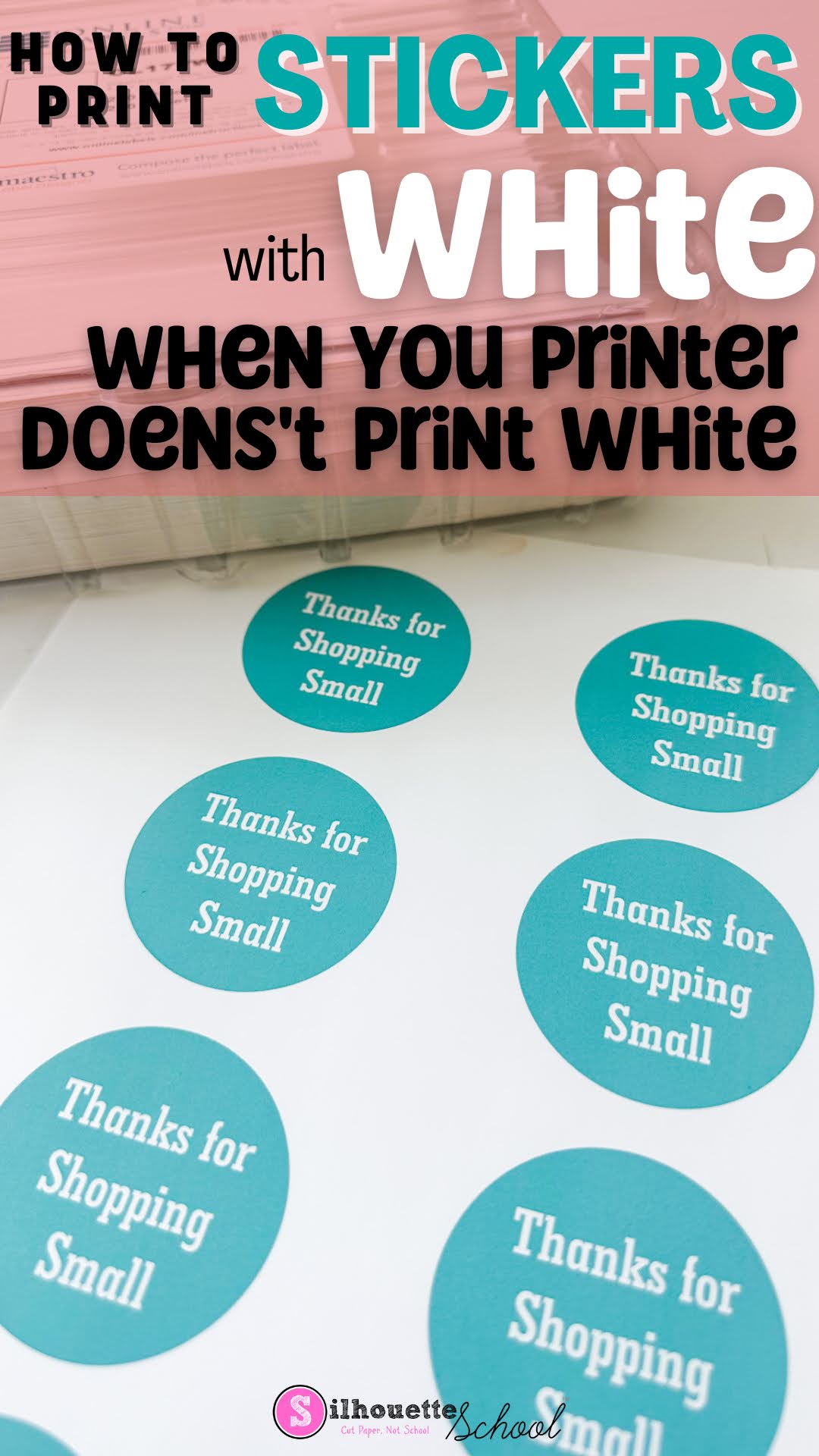
How to Make Stickers with White Text (When Your Printer Doesn't Print White)

If you want to make stickers with white text, but your printer doesn't print white, no problem at all. 

silhouette america blog, silhouette 101, print and cut, white toner printer, sticker paper

You can simply use the white of the sticker paper to "print" white text. Let's design these in Silhouette Studio so you can print and cut your stickers. 

How to Make Clipart Stickers with Silhouette CAMEO

You can easily turn clipart into stickers in Silhouette Studio. 
Stickers,Print and Cut,inkjet printable,Home Printer,online labels,sticker printer,Sticker Paper,


Clipart is great because it often comes in a set of full color images making them perfect for stickers or stickers sets. Read on for the quickest way to make clipart stickers. 

Avoiding and Fixing Registration Errors for Printing Clear Stickers

If you're experiencing registration errors when printing and cutting clear stickers, this is a common issue - but one that's easily fixable. 

stickers, registration marks, clear stickers, cameo 5, print and cut, silhouette cameo

The issues are usually due to a glare or the printing having a hard time gripping the material and then printing in the wrong spot.  Both issues make it difficult for the registration marks to be easily read.  Read on for how to fix Silhouette registration marks errors when printing clear stickers. 

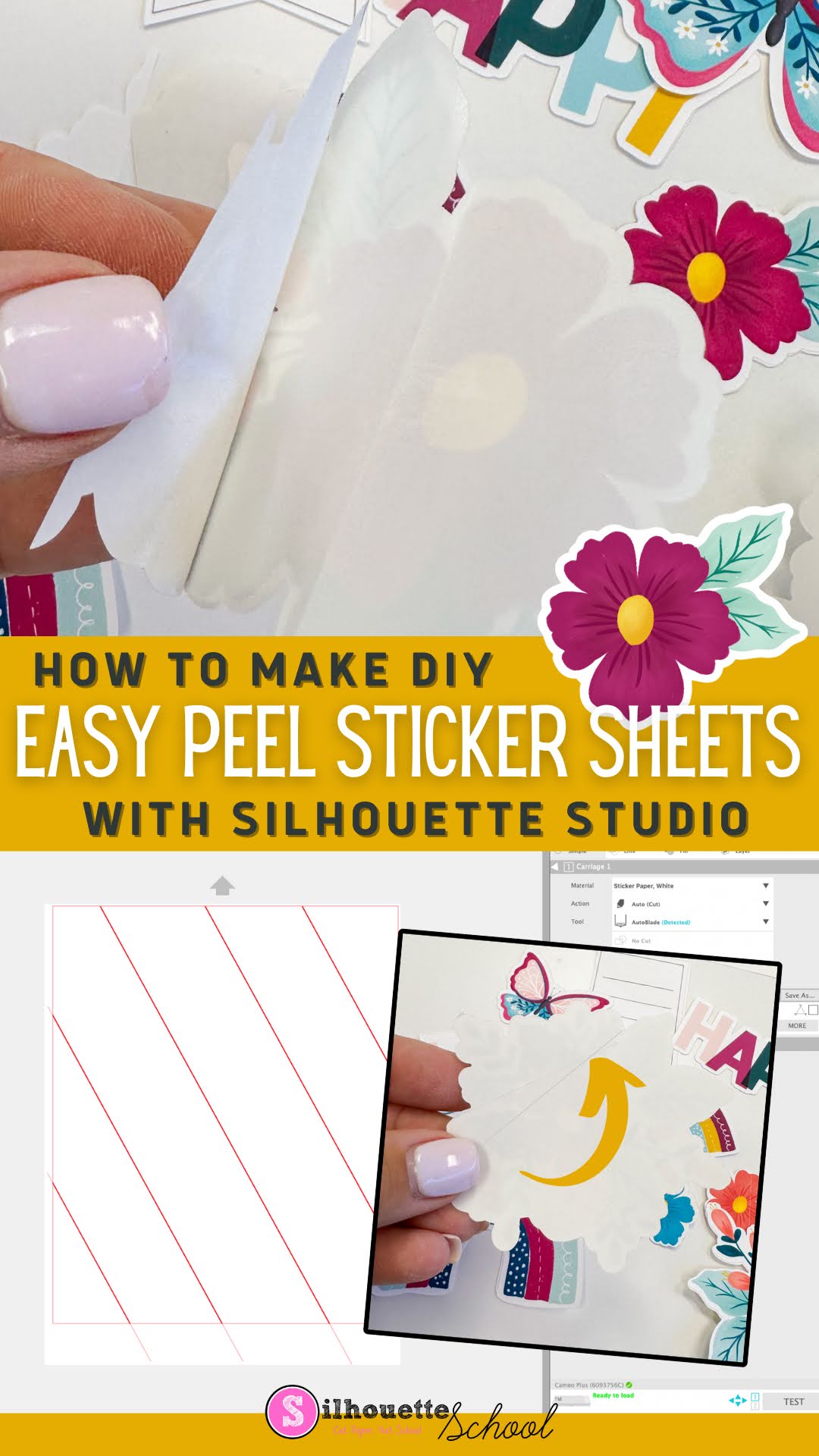
How to Make DIY Sticker Sheets with Easy Peel-Back Liner Using Silhouette CAMEO

It's easy to make Sticker Sheets with an Easy Peel-back liner using your Silhouette CAMEO.  

stickers, silhouette print and cut, print and cut, sticker shop, silhouette 101, silhouette america blog

It's one added step that will make it easier for you or your customers to peel...and if you're selling you can charge a higher price for these premium stickers. 

Having an easy peel liner is specifically helpful when you make die cut stickers that can often be challenging to get off the back liner if there's no slit. 

Read on for how to add slits to the liner of your stickers. 

Brother Sublimation Printer Setup to First Print in 30 Minutes!

If you're looking for an entry-level sublimation printer that costs under $400 and has affordable ink- you're going to love this.  Meet the Brother SP-1 sublimation printer

brother sp-1,brother sublimation,sublimation,Sublimation Printing,

The best part? You can go from box to first print in under 30 minutes! Read on for the step by step set up guide. 

How to Make Silhouette Stickers with a White Edge

You can easily make Silhouette stickers with a white edge in just a few clicks. 

Stickers,offset,Print and Cut,Home Printer,sticker printer,Sticker Paper,


In this tutorial I'll show you how to add a white edge to stickers that you can print and cut with your Silhouette CAMEO or Portrait. 

How to Design Pattern Sticker Sheets with Silhouette Studio

You can take your sticker sheets up a notch by replacing the boring white background with a fun pattern by making pattern sticker sheets.
Stickers,Print and Cut,patterns,sticker,Silhouette CAMEO print and cut,digital patterns,Sticker Paper,Patterns and Backgrounds,


This is relatively easy to do in Silhouette Studio. Follow the steps below to create your own custom sticker sheets with a pattern background. 

No Bleed Painted Wood Signs with Silhouette

If paint bleeds make you hate painting wood signs...this trick may just be the answer!

Custom wood signs, wood signs, personalized wood signs, diy wood signs, blank wood signs

Milissa Martini from MilissaMartiniDesigns.com is here today to share this quick and easy way to paint wood signs. By adding one little ingredient to your paint you can avoid paint bleed while painting multiple signs quickly!