Showing posts with label Silhouette CAMEO. Show all posts
Where to Find the Silhouette Studio Firmware Updates
Monday, September 14, 2026
How to find firmware updates is really one of the most common questions I get.
If you're having an issue with your hardware it's natural to think a firmware update will fix that. But if you go looking for a firmware update - you'll find it's not as simple as download and run it.
How to Cut Paper Cleanly With Silhouette: 10 Tips for Success!
Thursday, December 18, 2025
Vinyl gets a lot of attention around here, but paper crafts are still hugely popular and some of the most amazing creations cut with the Silhouette machines are with paper.
Paper can get a bad rap sometimes because it's not the easiest material to cut cleanly with Silhouette. It can shred, it can tear, it can get stuck to the mat. Today I'm sharing 10 tricks to help you get better paper cuts with your Silhouette.
Print and Cut Registration Errors in Silhouette Studio: 5 Things to Check First
Tuesday, July 29, 2025
Why Your Silhouette CAMEO Might Not Be Connecting - and How to Fix It!
Tuesday, June 24, 2025
Tired of Silhouette Studio connection issues, especially with V5? We've got solutions!
Ugh, there's almost nothing more frustrating than wanting to get your craft on, only to have your Silhouette CAMEO decide it's not going to cooperate and connect to your computer!
We hear you, and trust us, you're definitely not alone. It seems like connection issues with Silhouette Studio, especially with the newer V5, are becoming more and more common, turning what should be a fun crafting session into a head-scratching troubleshooting nightmare.But don't throw your CAMEO out the window just yet! In this video, we're tackling this exact problem head-on.
How To Save PNG Files With A Transparent Background In Silhouette Studio
Tuesday, January 14, 2025
Have you ever wanted to use your Silhouette Studio designs in another program, but struggled to export them correctly?
Fear no more! Silhouette Studio Business Edition makes it incredibly easy to save your designs as PNG files with transparent backgrounds.
Why Bad Silhouette Cuts on Vinyl and HTV May NOT Be User Error (VIDEO)
Thursday, September 5, 2024
If your Silhouette CAMEO is not making clean cuts when cutting vinyl and HTV, there's a good chance it's NOT user error (and I don't often say that).
The default cut settings in Silhouette Studio V4.1 and higher are not accurate for the vinyl and HTV materials which makes getting a good cut without any adjustments nearly impossible. The trick for how to make Silhouette cut deeper should start with the force, not the blade depth.
Labels:
CAMEO 4,
CAMEO 4 help,
cut,
Cut Files,
Cut Settings,
Heat Transfer Vinyl,
HTV,
Silhouette CAMEO,
Vinyl
How to Turn Drawings into Stickers
Thursday, October 12, 2023
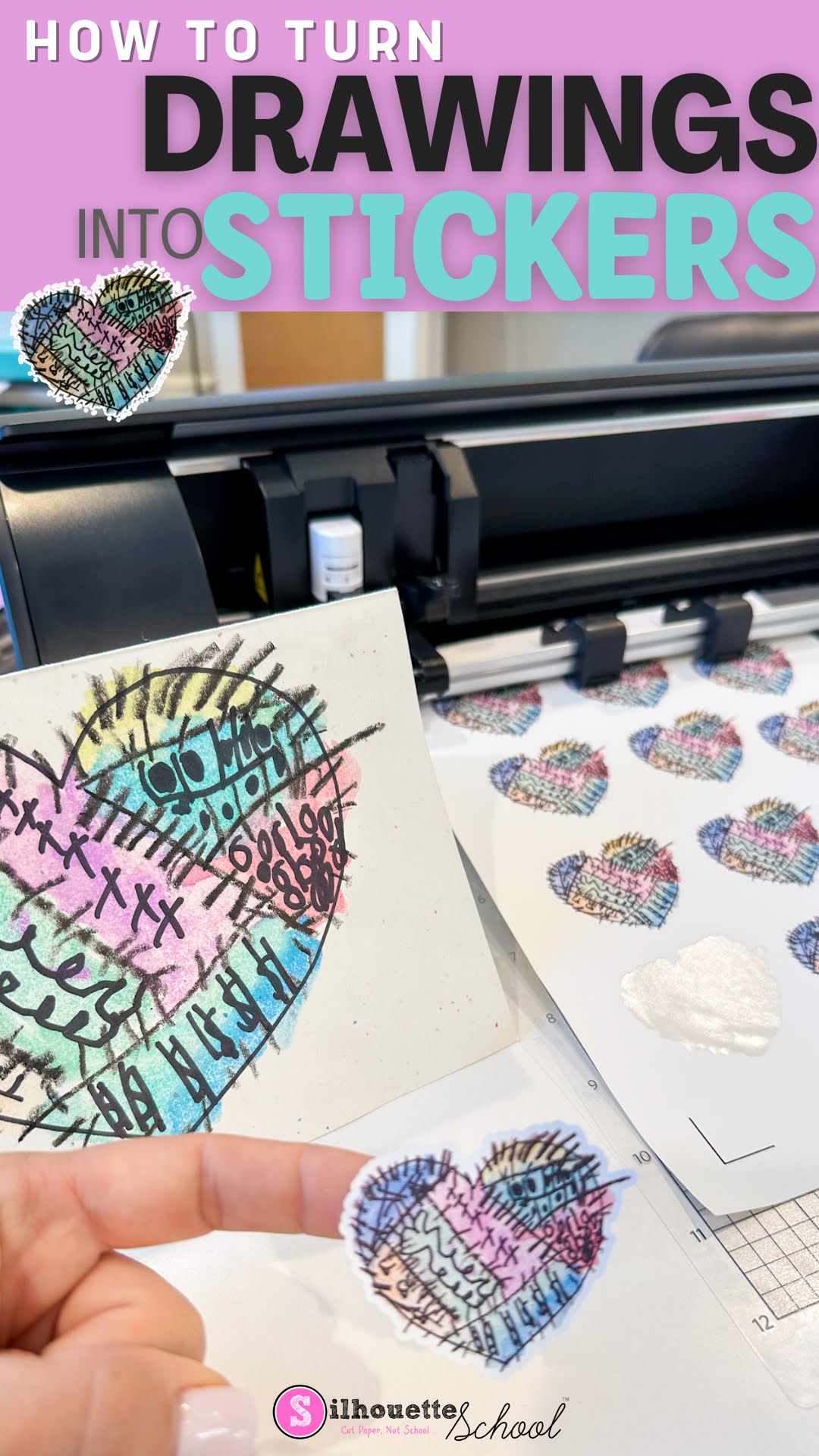
You can turn your drawing into stickers pretty easily using Silhouette Studio.
You can even do it with the free version of the Silhouette software program...whether you have a Silhouette cutting machine or not.
Follow along to learn how to turn your drawings into stickers in just a few steps.
How to Move Your Silhouette Studio Library to a New Computer (2023)
Wednesday, September 13, 2023
If you have a new computer and you need to move your entire Silhouette Studio library to it - it can seem super scary. Will you lose all of your designs? Will everything transfer? Do you have to move every designs individually? What about the Cloud designs and the ones you created yourself?
I recently had to move my entire Silhouette Studio library to a new computer when I got a new laptop. I'm here to tell you - if you do even a little bit of planning ahead - you'll be fine.
Follow along and I'll help you move your Silhouette Studio library.
Silhouette Hack: Craft Foil over HTV for an Amazing Effect!
Monday, September 4, 2023
I just blew my own mind with this little Silhouette hack!! I have figured out a way to add metallic craft foil to fabrics and apparel and the results are amazing!
Cutting Laminated Shapes and Print and Cuts with Silhouette (Plus Perfect Cut Settings)
Thursday, June 22, 2023
If there's one thing I know it's that there is always another way to use your Silhouette machine....like, say, with a laminator. I recently got myself a (very basic) laminator and let me tell you, nothing is safe! I know what you're thinking: laminators are only for teachers. WRONG!
I've combined the powers of my Silhouette CAMEO and my laminator to make custom bookmarks, planner inserts, photo booth props, dry erase games for my kids, luggage tags, the list goes on.
How to Calibrate Silhouette CAMEO
Thursday, November 17, 2022
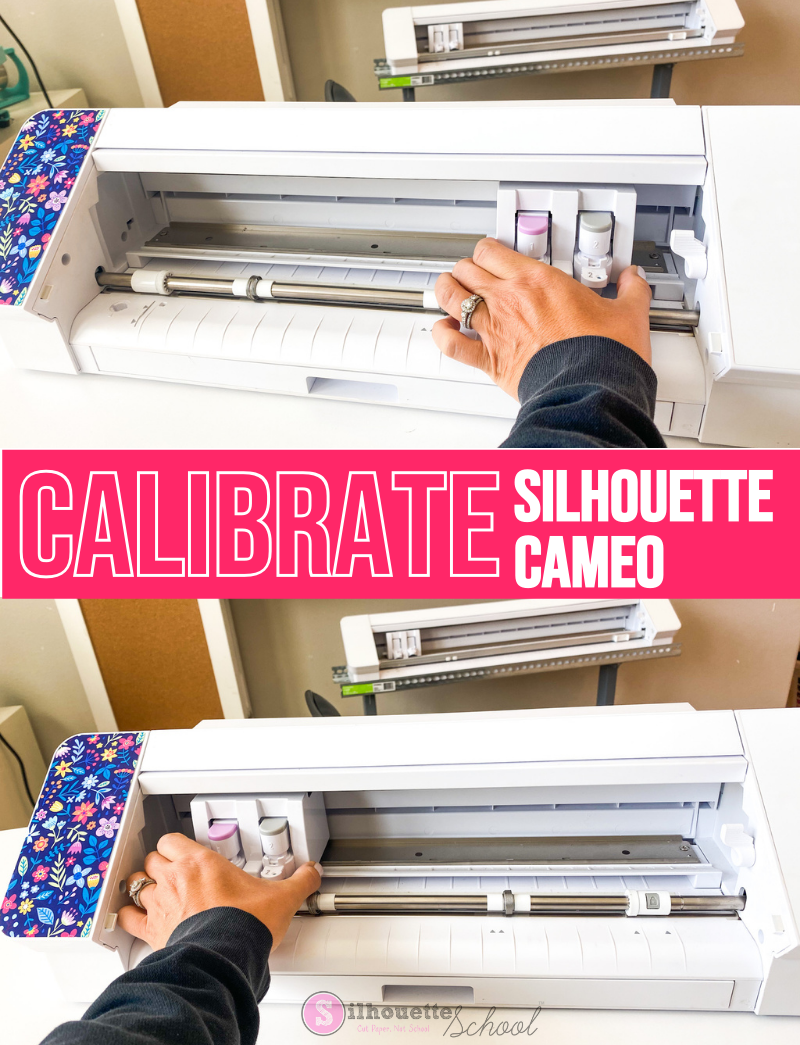
There are times when you may need to know how to calibrate your Silhouette CAMEO machine.
Silhouette CAMEO calibration is helpful when the machine is cutting in the wrong area and ends up cutting off the mat or off the material on the mat. This Silhouette CAMEO calibration tutorial will fix that issue applies to the CAMEO 4 and other older machines.
Silhouette Sheet Feeder: Everything to Know
Tuesday, September 20, 2022
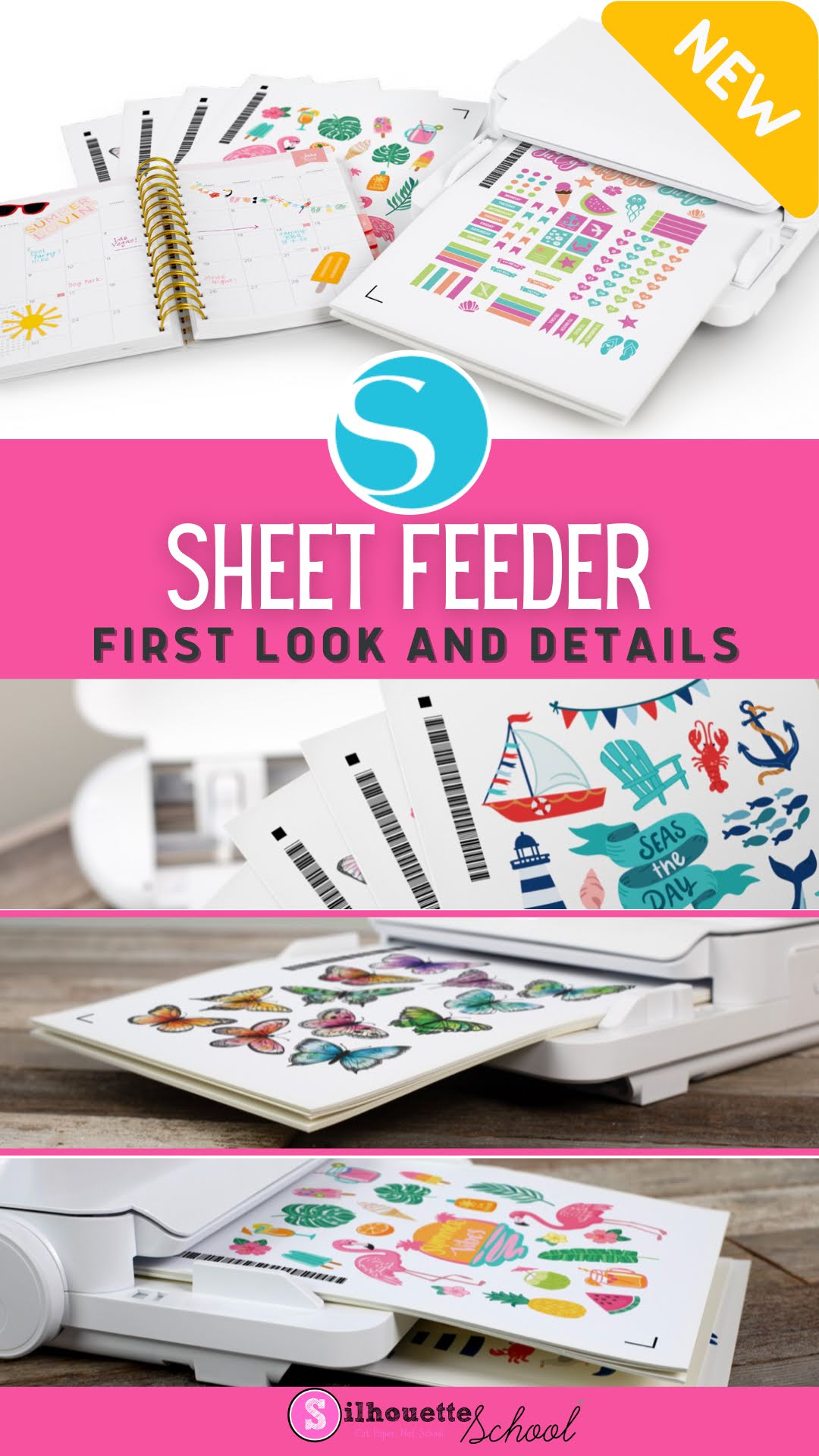
Silhouette America announced the upcoming release of the long-awaited Silhouette Sheet feeder today and with it the first look at the add-on accessory and the opening of pre-orders.
The two different size sheet feeders are compatible with the CAMEO 4 machines and the Portrait 3 and allow for up to 20 printed sheets to be stacked and then automatically fed into the cutting machine for cutting.
Silhouette Studio Double Sided Print and Cut Tutorial
Tuesday, January 25, 2022
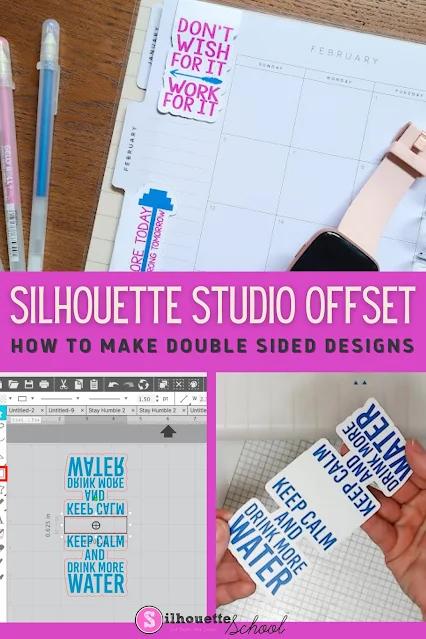
Use Silhouette Studio's Offset tool to create double-sided print and cut projects in Silhouette Studio!
This tutorial will walk you through how to make double sided print and cut projects with Silhouette CAMEO using the offset tool in Silhouette Studio! This technique can be used in so many ways including to make double sided tags, cards and even magnet bookmarks like we're making today.
Silhouette CAMEO Projects and Tutorials for Beginners: My Best Advice for Newbies (Updated Dec 2021)
Monday, December 27, 2021
If you're the new owner of a Silhouette CAMEO or Silhouette Portrait and are wondering where to start...you're in luck. Silhouette School Blog has more than 3,000 Silhouette CAMEO tutorials for beginners and lots of beginner projects for all of the Silhouette machines including the Silhouette CAMEO 4, CAMEO Plus and CAMEO Pro!
But don't do what a lot of new Silhouette users do when they get a Silhouette cutting machine and let it sit in the box (seriously more people than you'd believe do this!!) because they're too intimidated to use it. Instead, follow my best piece of advice for Silhouette CAMEO and Silhouette Portrait beginners.
Getting Started with Silhouette CAMEO: 10 Things No One Tells Beginners Before the First Cut (Updated 2021)
Thursday, December 23, 2021
This time of year there are always a lot of beginners getting started with Silhouette CAMEO so I figured what better time to tell you what no one else will tell you before making your first cut with Silhouette!
After eight years of writing Silhouette CAMEO tutorials for beginners on up, I admit I sometimes think to myself "Is this information too basic?" Turns out...when it comes to learning Silhouette...usually the answer is no.
So today I'm going to tell you 10 things no one will tell you when you're getting started with Silhouette Studio and your cutting machine.
After eight years of writing Silhouette CAMEO tutorials for beginners on up, I admit I sometimes think to myself "Is this information too basic?" Turns out...when it comes to learning Silhouette...usually the answer is no.
So today I'm going to tell you 10 things no one will tell you when you're getting started with Silhouette Studio and your cutting machine.
How to Do Bleach Shirts with Vinyl
Monday, October 11, 2021
After I shared my 7 best tips for how to bleach shirts at home, I got a lot of questions from people asking how I do bleach shirts with vinyl.
Using adhesive vinyl as a way to block the bleach from areas of the shirt gives a really cool effect and it's not hard to do.
Silhouette School Craft Room and Home Office Tour
Monday, September 6, 2021
When you do what I do running a craft education business - creating content, testing products, review products, and providing education on equipment - you tend to have a lot of "stuff." In my case, stuff is printers, machines, heat presses...just stuff.
I get questions almost every time I do a Facebook Live about pretty much anything visible in the camera shot. So today I figured I'd take you an office and craft room tour and provide a little behind the scene look at how my dream space came to be.
Everything is linked so you can grab whatever it is you're wondering about!
Free Silhouette Studio Keyboard Shortcuts Printable
Thursday, August 26, 2021
Sometimes designing and editing your Silhouette files can feel like it takes forever. Clicking back and forth between tools and trying to figure out where to find the functions you need is a hassle. But did you know there are a whole slew of Silhouette Studio keyboard shortcuts?!
If you haven't used them before, keyboard shortcuts will change how you use Silhouette Studio. Silhouette School monthly contributor Kati from Houseful of Handmade is here today to share how to use Silhouette Studio keyboard shortcuts along with an adorable free keyboard shortcut printable that you can easily reference!
Subscribe to:
Posts (Atom)


.png)