Copyright Silhouette School 2016. Powered by Blogger.


Showing posts with label Silhouette CAMEO 4. Show all posts

Embroidery Machine Applique for Beginners (Cut the Fabric on Your Silhouette)

If you own an embroidery machine and a Silhouette machine you can combine the best of both worlds!

silhouette 101, silhouette america blog, cameo 4, embroidery, fabric

Can you applique with an embroidery machine?

Silhouette Studio Designer Edition Plus or higher will open embroidery files which means you can cut fabric applique with your Silhouette then finish the machine embroidery applique on your embroidery machine!

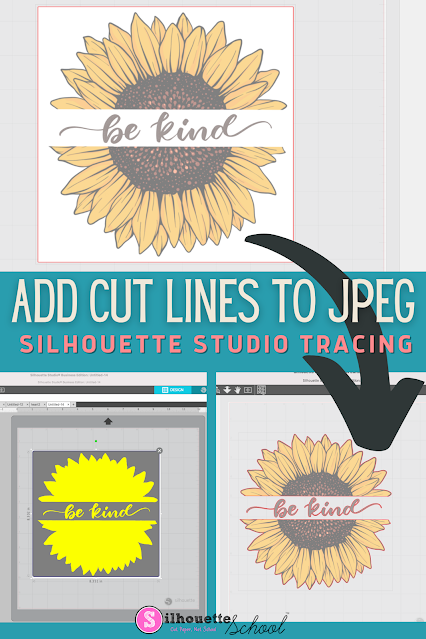
How to Add Cut Lines to JPEG in Silhouette Studio

You can add cut lines to a JPEG in Silhouette Studio by using the trace tool. 

silhouette america blog, silhouette 101, silhouette studio v4, JPEG files, beginner tutorial

The free version of Silhouette Studio allows you to import JPEG files making it a popular file type choice for some.  This tutorial will show you how to add a cut line to a JPEG image in the Silhouette software. 

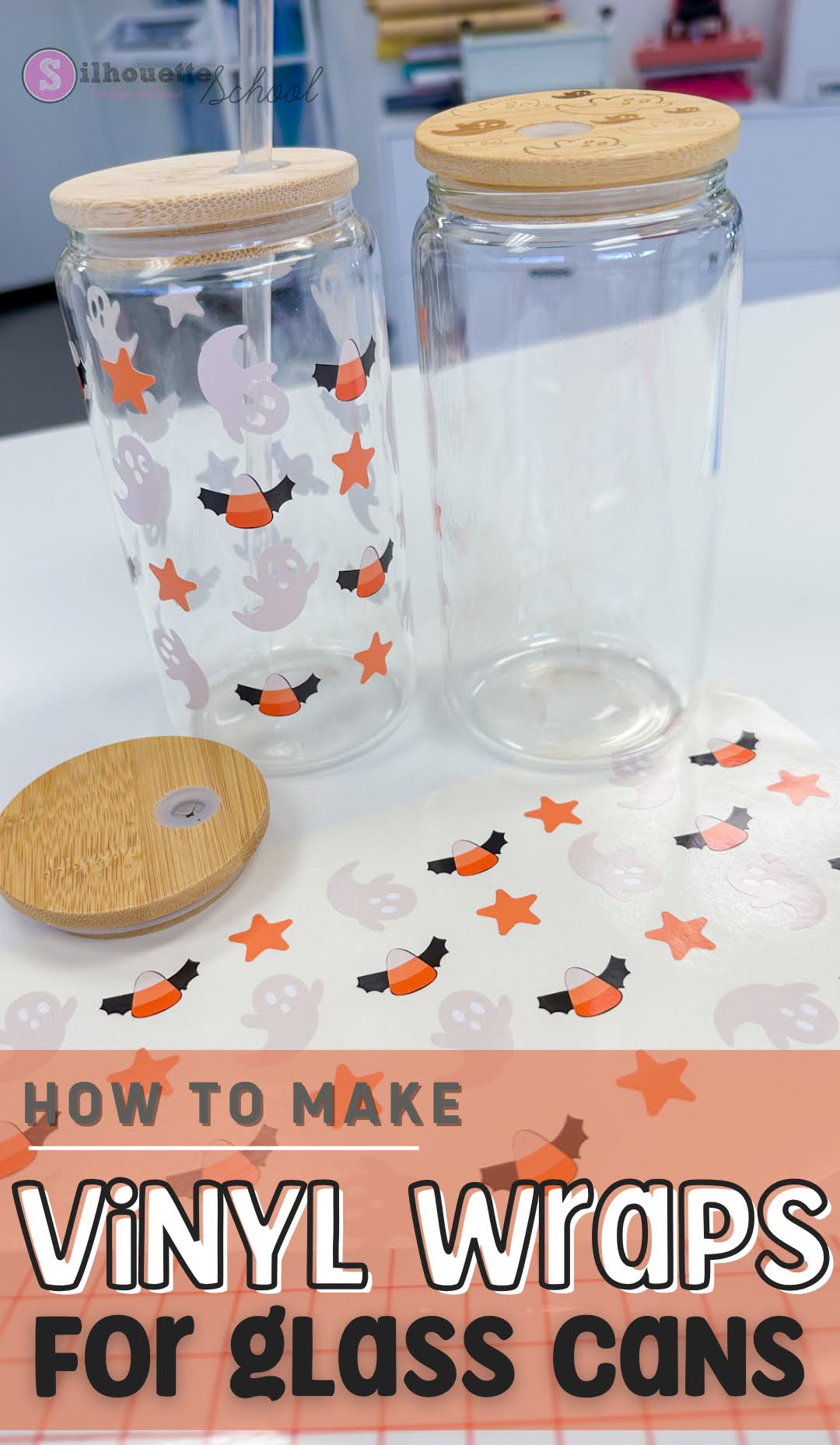
DIY Vinyl Glass Can Wraps (Without Layering Vinyl): Step by Step Tutorial

Vinyl wraps have become a popular way to decorate libbey glass can tumblers. 

roland, print and cut, silhouette cameo 4, roland bn20, roland bn2-20, roland2-20a, printable vinyl

Using printable vinyl is a great alternative to sublimation and UV DTF wraps - both of which have certain limitations.  In this tutorial we'll walk through the steps to learn how to make DIY vinyl glass can wraps without layering. 

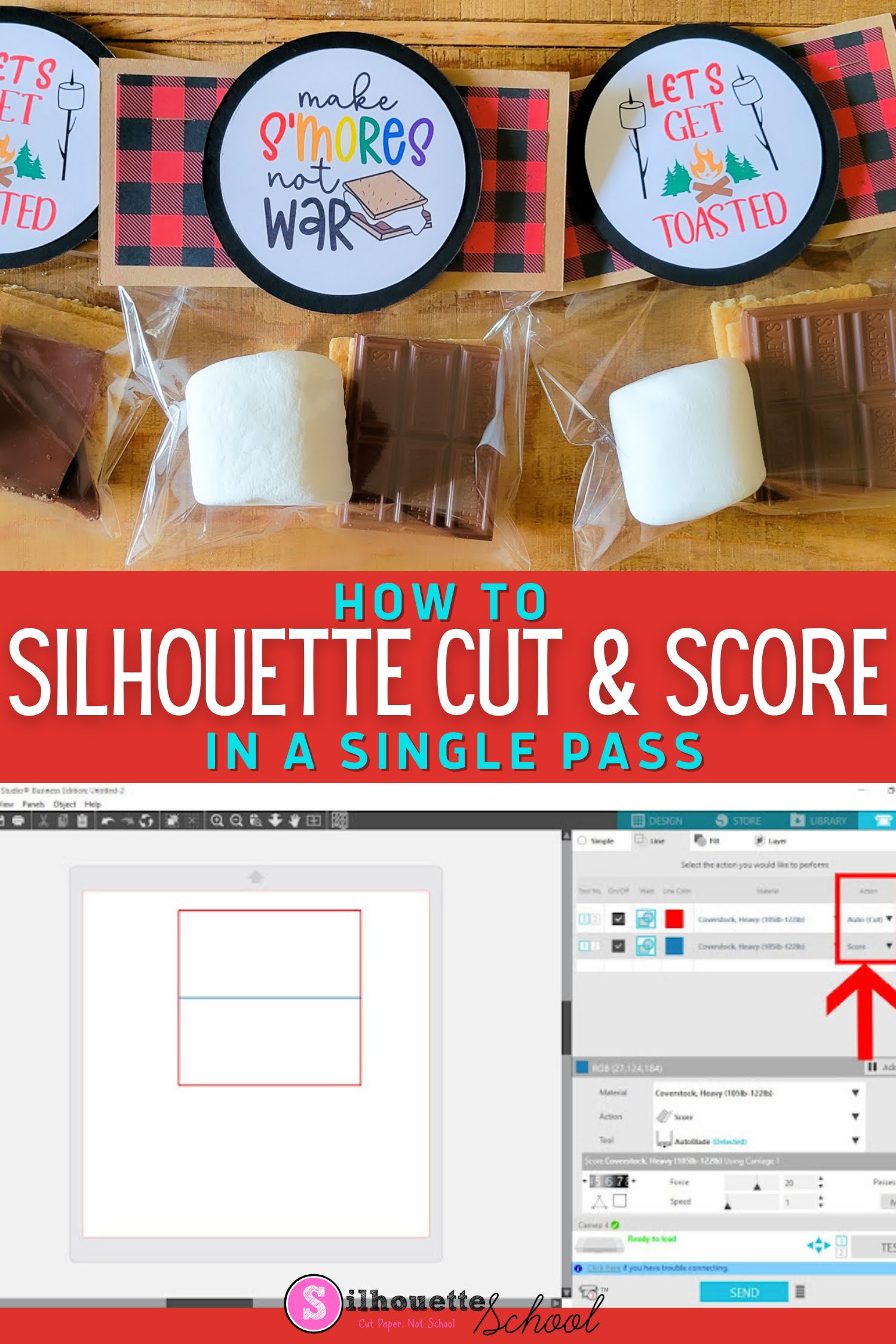
How to Cut and Score with Silhouette CAMEO 4 in a Single Pass

The ability to cut and score with Silhouette CAMEO can be extremely helpful when it comes to paper projects! 

silhouette 101, silhouette america blog, cameo 4, score line, cut and score

This Silhouette tutorial will show to set up cut and score lines in Silhouette Studio..which comes in really handy for cards, 3d box cards and favor bag toppers like for these adorable s'more bags.  

Print and Cut Silhouette CAMEO 4: Beginner Sticker Tutorial (Free Sticker Designs)

If you've never made print and cut stickers with your Silhouette CAMEO 4 this beginner tutorial will walk you through everything you need to know. 

silhouette 101, silhouette america blog, stickers, cameo 4, print and cut

I'm also going to include the free sticker designs for download so you can focus on the process of printing and cutting. 

Best Engraving Tool for Silhouette CAMEO 4: Metal Sheets Engraving Tutorial

Did you know you can get a deep engraving with your Silhouette CAMEO 4 - even on metal? 

silhouette 101, silhouette america blog, engraving, metal etching, etching
This is a sponsored blog post but all opinions are my own

The trick is all in the engraving tool, the metal sheets, the cutting mat and of course the settings. Lucky for you I have found the perfect combination of all four to get the best engraving with CAMEO 4. 

How to Layer Vinyl Decals Without Registration Marks (Video)

There’s no better feeling in the crafting world than when the multi-color, multi-layer vinyl decal you’ve worked so hard on comes out perfectly aligned! Using the registration marks method is a tried and true way to line up the different layers of a decal perfectly.

silhouette 101, silhouette america blog, layering vinyl, adhesive vinyl, silhouette cameo 4

But what if I told you that there is a way you can line up vinyl decals WITHOUT registration marks? Well there is, and here’s how!

How to Engrave with Silhouette CAMEO 4 and Zoom Precision Etching Tool (Video)

I get asked a lot if it's possible to etch or engrave with the Silhouette CAMEO 4. 

silhouette 101, silhouette america blog, silhouette blades, cameo 4, engraving
This is a sponsored blog post, but all opinions are my own

There were tools that fit in the CAMEO 3 that allowed for engraving and etching, but they're harder to find for the newer model Silhouette CAMEO. 

I recently came across the the Zoom Precision 3-in-1 etching tool on Amazon. It not only includes three different size tips, but also several metal blanks to get started and ...it fits perfectly into the Silhouette CAMEO 4's tool carriage with the need for any type of adapter. 

Adding Custom Silhouette Cut Settings for 3mm Kraft Blade (And Why You Should NOT Skip This Step)

The key to cutting with the Silhouette 3mm Kraft Blade is cutting in multiple passes with varying levels of force and blade depth.

Silhouette 101, Silhouette America Blog, 3mm Kraft Blade, Cameo 4, Custom Cut Settings

Because Silhouette Studio is not able to do this automatically, you need to set up a series of custom material cut settings for every material you cut with 3mm Kraft Blade.

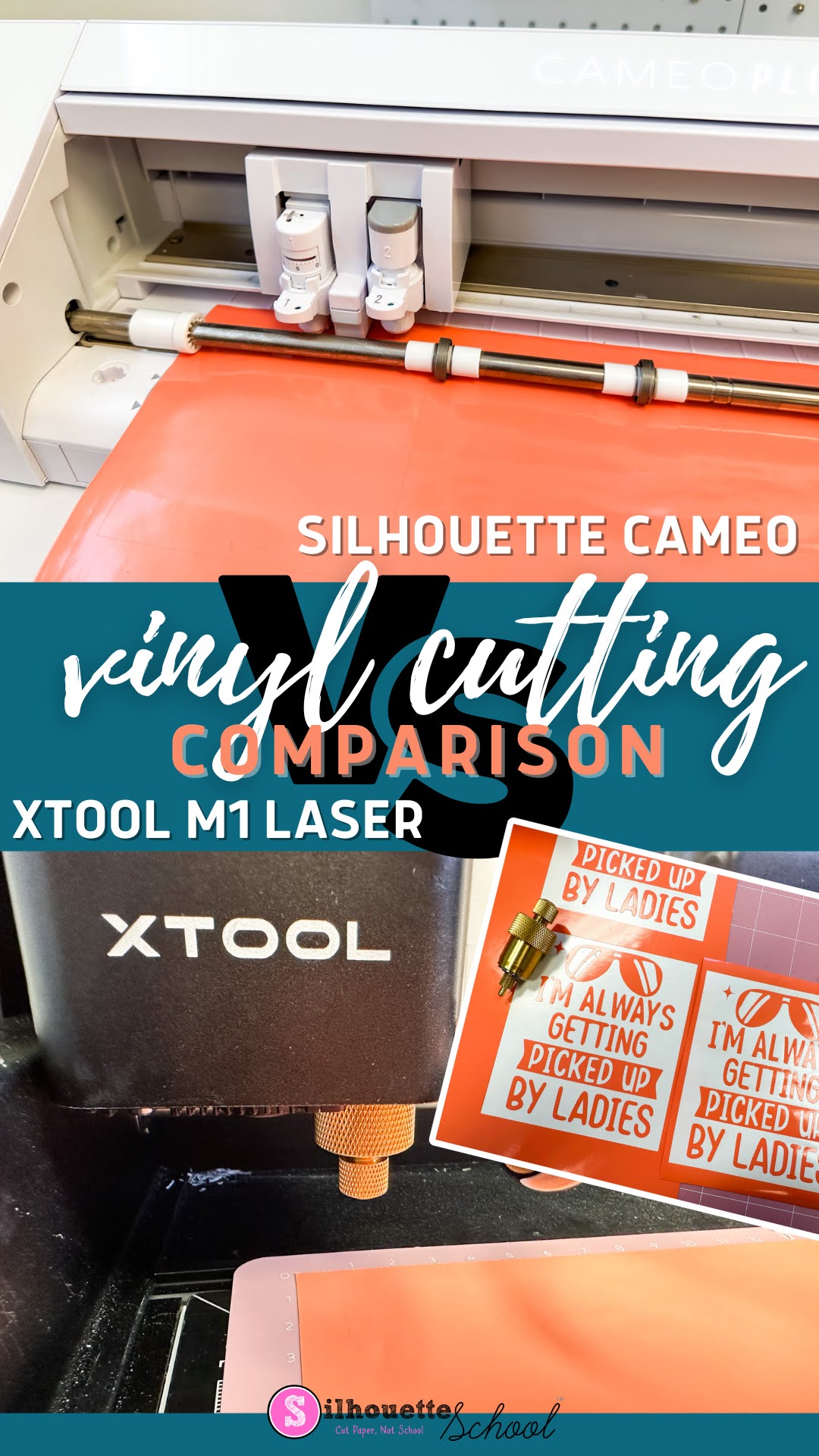
Silhouette CAMEO 4 vs XTool M1 Vinyl Cutting Comparison

I recently added a craft laser to my collection and one of the features of the XTool M1 Craft Laser is vinyl cutting.  

silhouette 101, silhouette america blog, xtool, vinyl, laser engraver

Not only does the XTool M1 have a 10W diode laser for cutting and engraving wood, stainless steel, and many other material, the hybrid craft machine also has a cutting blade for vinyl and paper which means it has the potential to be an all in one craft machine! 

But how well does the vinyl cutting compare to a Silhouette CAMEO?  I compared the speed, max size, and quality of side by side so you can decide for yourself. 

Silhouette CAMEO 4 Cross Cutter Tutorial

One of the new features of the Silhouette CAMEO 4 is the built in roll trimmer or cross cutter. It's a great addition to the new CAMEO - but it's only useful if you intentionally set up your vinyl and HTV cuts to use it - BEFORE you cut.

silhouette 101, silhouette america blog, cameo 4, cross cutter, silhouette cameo 4 tutorials

Rather than your having the material feed back out the front of the machine, when the cut is complete, you want the vinyl to feed through the back.

How to Cut Heat Transfer Vinyl with Silhouette CAMEO 4: Beginner Tutorial (2022)

Cutting heat transfer vinyl with Silhouette CAMEO 4 is a great first project for beginners. It's easy to cut, easy to weed, and easy to apply. Plus HTV is very forgiving.  

silhouette 101, silhouette america blog, heat transfer vinyl, beginner silhouette tutorial, cameo 4


Picking the right design is key to having a successful first Silhouette CAMEO heat transfer vinyl cut and lucky for you I am not only including a free Silhouette design download for you, I am going step by step so you can follow right along! 

Silhouette CAMEO 4 Cut Settings: How to Find The Best Settings for ANY Material! (Video)

If you haven't asked "What's the Best Silhouette Cut Setting for ____FILL_IN_THE_BLANK___?" are you even really a Silhouette crafter?

Silhouette 101, Silhouette America Blog, Cut Settings, CAMEO 4, Silhouette CAMEO 4

While Silhouette Studio offers 100+ recommended cut settings for various materials they are a starting point. They don't take into account the exact material you are using, the condition of your blade, and sometimes (like in the case of permanent vinyl and smooth HTV) they're just wrong.  For this reason it's important to know how to find the best Silhouette CAMEO 4 cut settings so you don't waste an entire sheet of material.

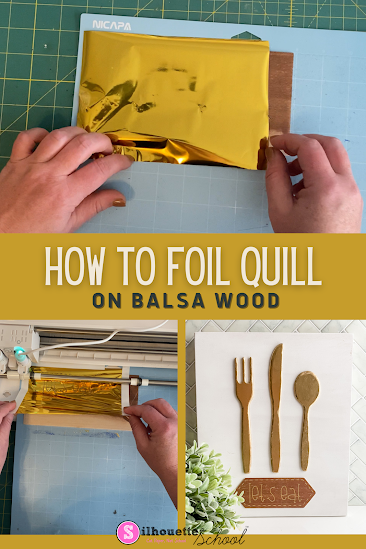
How To Foil Quill On Balsa Wood

Looking for a creative new way to spruce up your kitchen? Look no further – today, I'm going to show you how to make a unique sign with the foil quill and balsa wood. 

silhouette 101, silhouette america blog, balsa wood, foil quill, foil quill on wood

With this simple technique, you'll be able to craft an eye-catching home décor piece that will have your guests impressed. So come join me as we explore the beauty of foil quill on balsa wood!

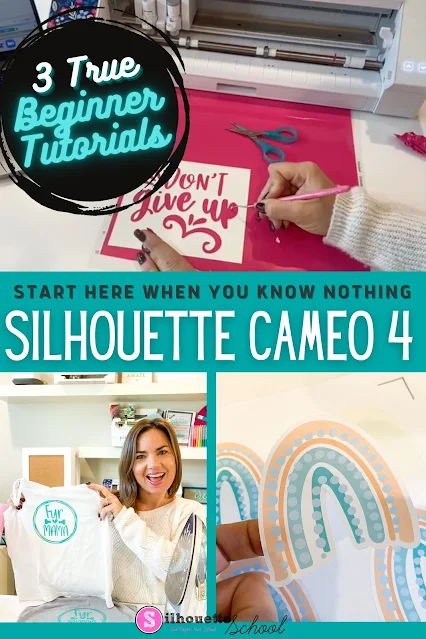
Silhouette Cameo 4 Tutorial for Beginners: Start Here When You Know Nothing (2023)

If you're a Silhouette CAMEO 4 beginner it's easy to wonder: where do I start? What should my first Silhouette CAMEO 4 project be? And how do I...do all the things? 

silhouette america blog, silhouette 101, silhouette studio, silhouette beginner tutorial, silhouette cameo 4

I totally understand it can be overwhelming for CAMEO 4 beginners to know where to start even with all of the Silhouette resources we offer her at Silhouette School. For that reason I have created this Silhouette CAMEO 4 beginner hub for you! Before you get to all that, you might be wondering...what do I know? 

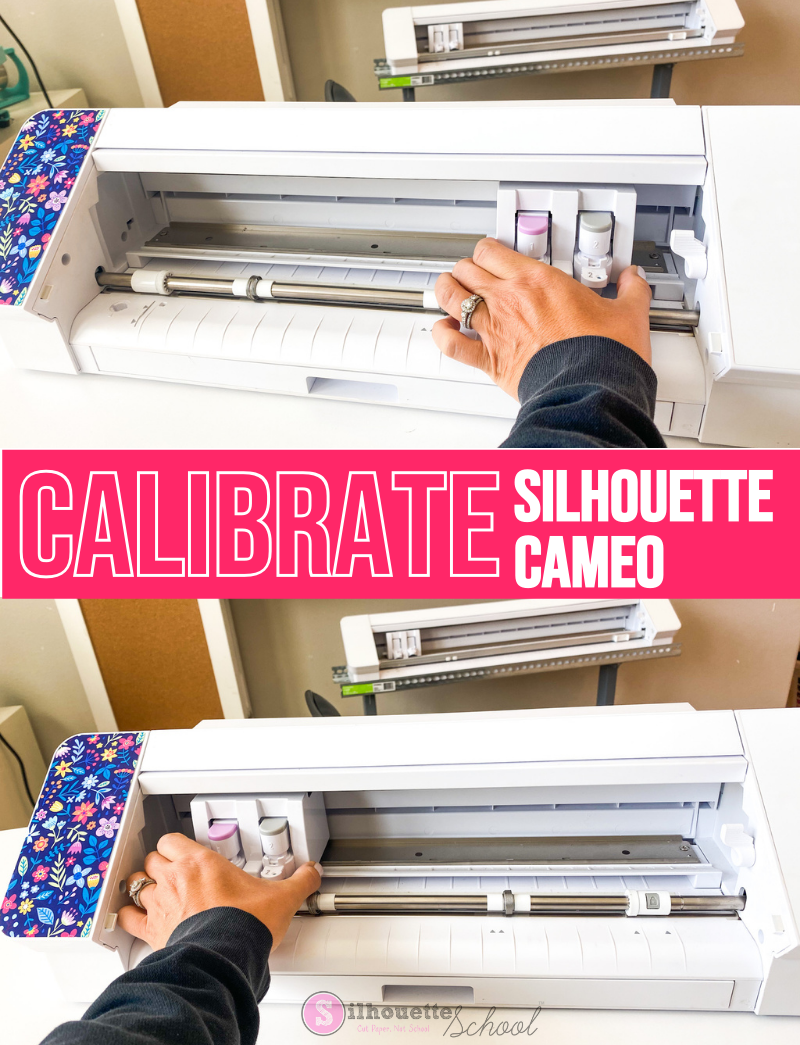
How to Calibrate Silhouette CAMEO

There are times when you may need to know how to calibrate your Silhouette CAMEO machine.

silhouette 101, silhouette america blog, cutting problems, silhouette cameo, silhouette cameo 4

Silhouette CAMEO calibration is helpful when the machine is cutting in the wrong area and ends up cutting off the mat or off the material on the mat.  This Silhouette CAMEO calibration tutorial will fix that issue applies to the CAMEO 4 and other older machines. 

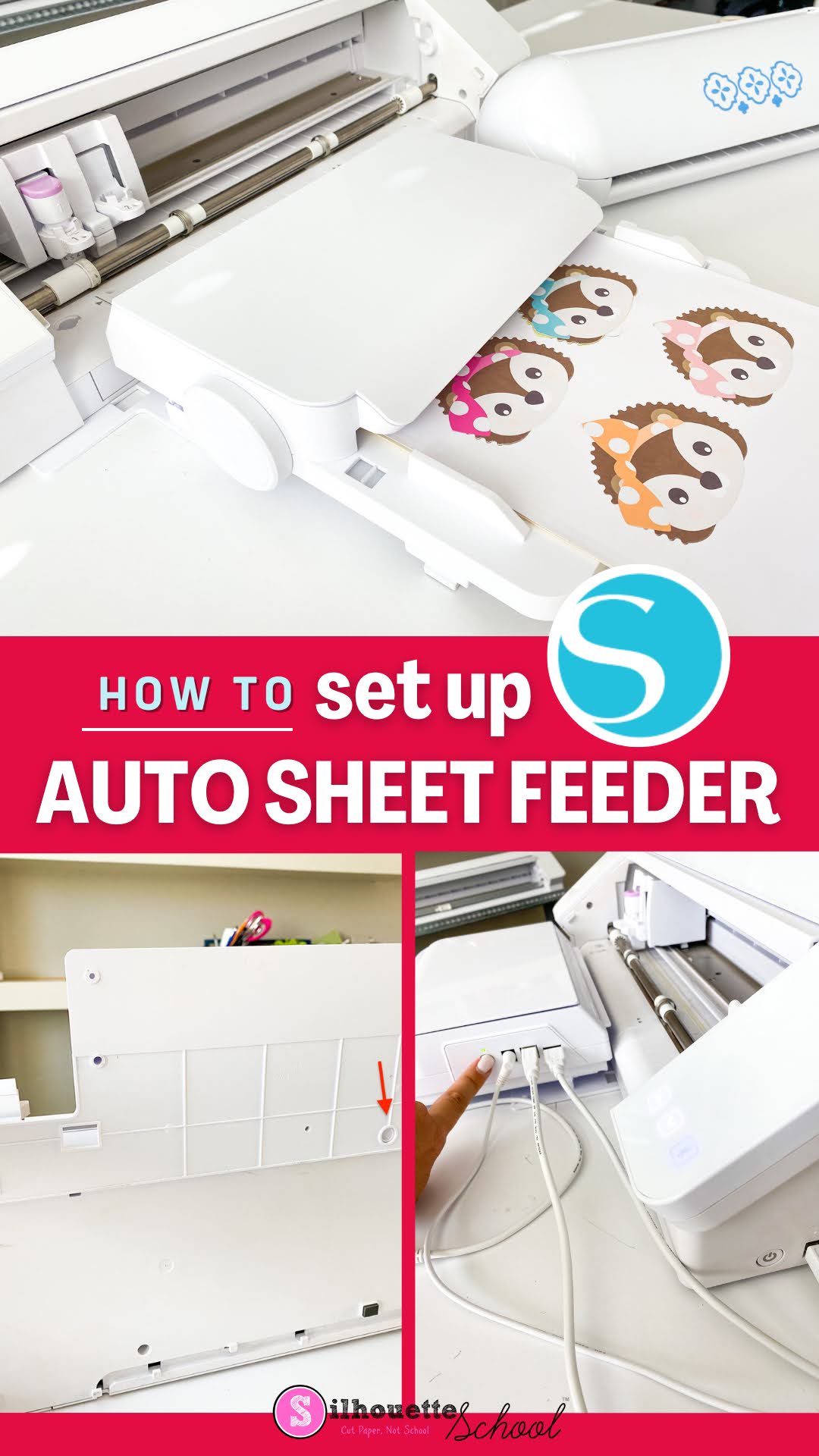
Silhouette Sheet Feeder CAMEO 4 Setup: Step by Step

The Silhouette Sheet Feeder set up for the CAMEO 4 and Portrait 3 is pretty easy and quick, but there are some important things you need to know. 

silhouette america blog, silhouette 101, sheet feeder, silhouette cameo 4, silhouette portrait 3

The initial A4 Silhouette Sheet Feeder set up requires a firmware update in Silhouette Studio and connecting the sheet feeder to the CAMEO 4 vs the Portrait 3 is slightly different. This tutorial will walk you through how to setup the Silhouette Sheet Feed - A4 with the CAMEO 4. You can follow this tutorial for how to use with the Portrait 3. 

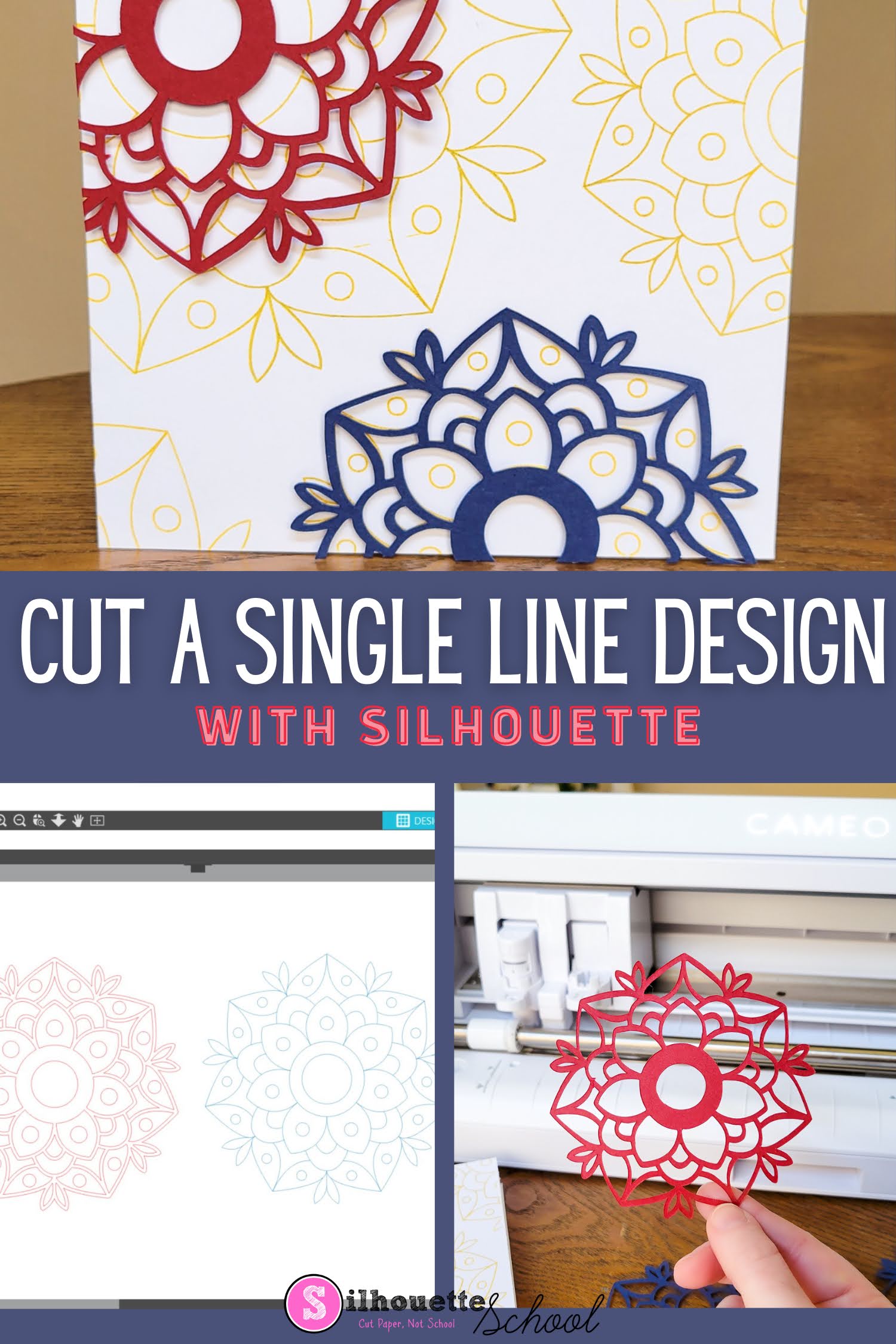
How to Make Single Line SVG Files Cuttable with Silhouette CAMEO

You can make single line SVG files cuttable with your Silhouette CAMEO or Portrait machine. 

silhouette 101, silhouette america blog, sketch pens, silhouette cameo 4, paper crafts

This is an easy process that works for single line fonts and designs that you want to cut instead of sketch or draw. 

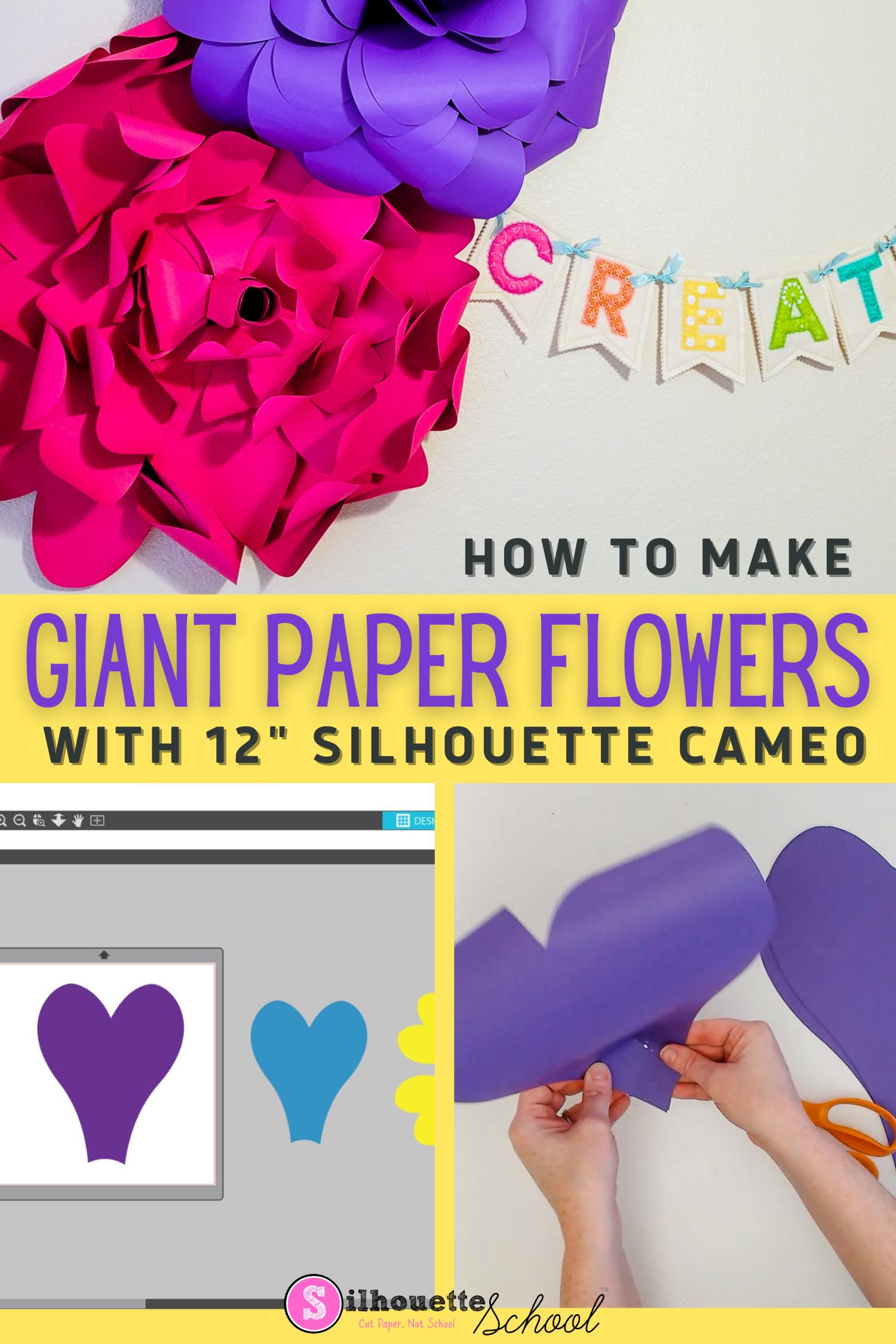
How to Cut Giant Paper Wall Flowers with Silhouette CAMEO

It's possible to make giant paper wall flowers with Silhouette CAMEO - even a 12" Silhouette CAMEO!

silhouette 101, silhouette america blog, cameo 4, paper crafting, paper flowers

The trick is knowing how to enlarge the paper flower template and taking advantage of a 12" piece of cardstock! 

How to Cut with Multiple Silhouette Machines at One Time

When you have a big project ahead of you you can save a lot of time by running multiple Silhouette cutting machines at the same time. 

silhouette 101, silhouette america blog, silhouette studio business edition, silhouette software, silhouette cameo 4

This tutorial will explain how to use multiple Silhouette cutting machines simultaneously to cut different cut files.