Copyright Silhouette School 2016. Powered by Blogger.


Showing posts with label Home Decor. Show all posts

Tips for How to Apply Vinyl to Round Ornaments

Before making your own vinyl ornaments, be sure to check out our best tips for how to apply vinyl to round glass or plastic ornaments. You'll thank us later!

Silhouette 101, silhouette america blog, christmas ornaments, oracal 651, holiday decor

Following these tips will help to avoid wrinkled vinyl which can happen when the vinyl is placed on a round surface.

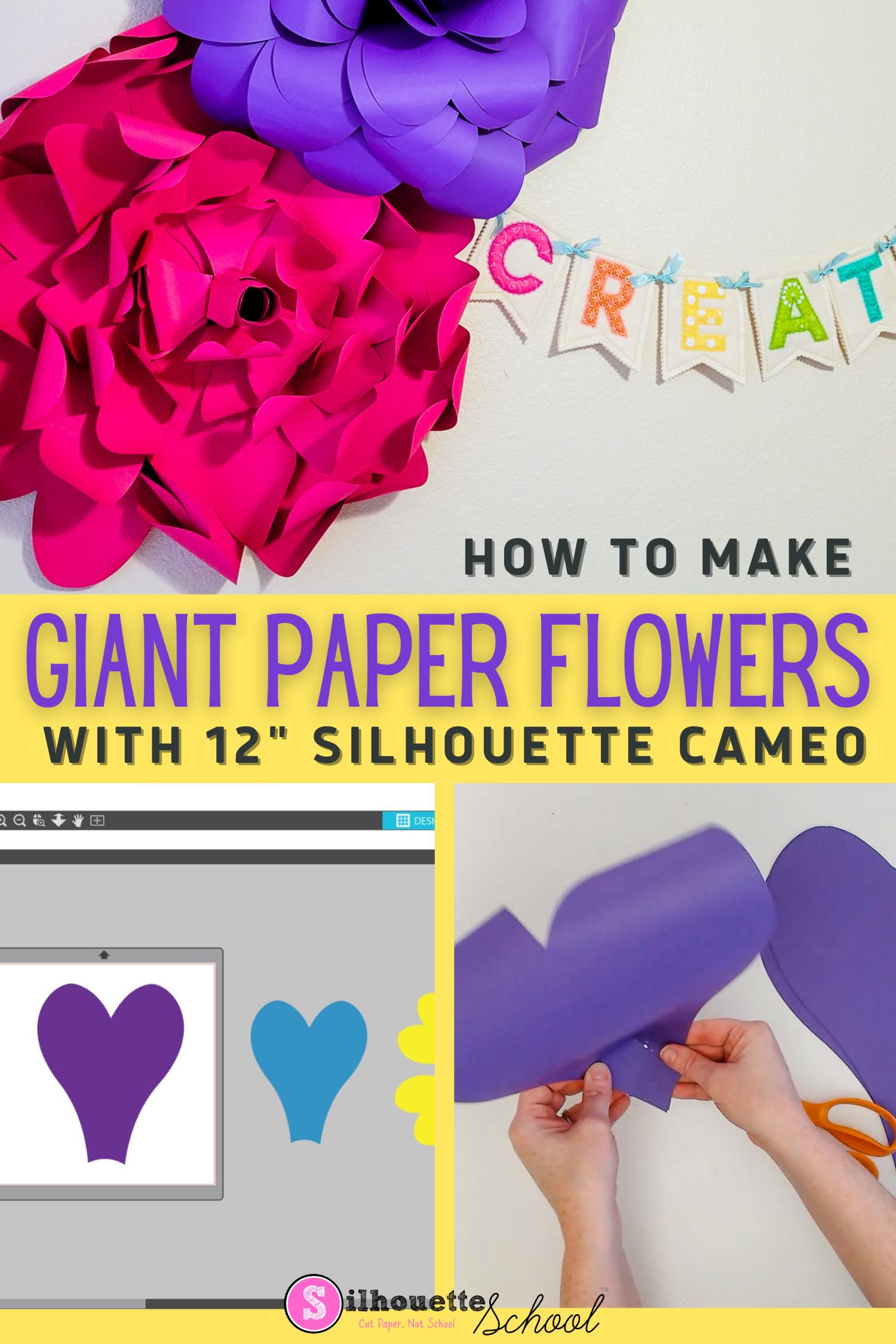
How to Cut Giant Paper Wall Flowers with Silhouette CAMEO

It's possible to make giant paper wall flowers with Silhouette CAMEO - even a 12" Silhouette CAMEO!

silhouette 101, silhouette america blog, cameo 4, paper crafting, paper flowers

The trick is knowing how to enlarge the paper flower template and taking advantage of a 12" piece of cardstock! 

How to Make Silhouette Rhinestone Sprays (Cut on Vinyl, HTV, & Stencils, too!)

Today I'm answering a reader question on the blog.  The reader asked how to create a rhinestone spray design in Silhouette Studio. It's actually something I've contemplated myself, but it wasn't until this reader inquired that I really felt the challenge to sit down and figure it out. OOHHMMMGGGG you guys - this is so stinking easy - and fast. She literally emailed me back, "How did you do that so fast?"

Silhouette Studio, rhinestone sprays, HTV, vinyl, silhouette 101, silhouette america blog

Well, my friends it's far easier than it looks - if you have Designer Edition. As we've discussed here in the past, you need Silhouette Studio Designer Edition to make custom rhinestone templates and that's what is needed for this tutorial.  But the best news is just because you're using the rhinestone tool, doesn't mean you have to use rhinestones when you cut...as you can see, I cut my spray design on HTV!

What Vinyl To Use for Wall Decals and How to Apply Decals to Walls Straight!

Adding vinyl wall decals doesn't have to be stressful. If you know how to apply vinyl decals straight and centered AND you know the best vinyl to use - it's easy! 

This Silhouette tutorial will go over all of that so you can cut and apply your vinyl wall decal perfectly on the first try! 

silhouette 101, silhouette america blog, oracal 631, cameo 4, transfer tape

Open Silhouette Studio and import or open the design you want to use for the wall decal. I'm using this farmer's market design from the Bundle of Bundles on So Fontsy

How to Etch on Slate (Video)

Ever wonder how to etch on slate coasters, a plaque or a cheese or cutting board? It's really actually very easy! 

Silhouette 101, Silhouette America Blog, Etching, Slate etching, Ikonart

In this tutorial I'll show you how to use Armor Etch to etch on slate in just a few quick steps! 

Trick to Make a No Measuring Peel and Stick Vinyl Accent Wall (VIDEO)

A few years back I added vinyl decals all over an accent wall in an already-decorated room.  

silhouette 101, silhouette america blog, oracal 631, removable vinyl, transfer tape

Everyone asked me then how I did it and I've been saving this trick ever since.

9 Must Have Christmas Blanks (and Where to Get Them!)

I'm a sucker for blanks...probably because I love to customize a blank slate using my Silhouette. Of course around Christmas I have even more of an excuse to stock up on craft blanks with all the decorating and gift giving.

silhouette 101, silhouette america blog, christmas blanks, blanks, vinyl
Today I'm sharing 9 of my favorite Christmas blanks...and where to get them! Christmas Blanks for Crafters.

Add Vinyl to Floor Tiles for a Cheap Upgrade: 7 Tips (Video)

If you're wanting to upgrade your boring wall or floor tile...vinyl may just be all you need! 
 
silhouette 101, silhouette america blog, home decor, adhesive vinyl, project ideas

I recently added a farmhouse style tile design cut on vinyl to the tile in my low traffic guest room bathroom and it added a lot of personality to this otherwise kind of dull little space. I got a lot of questions about how I did this and where to find personal and commercial free tile SVG designs so I figured it was worth a tutorial on how to add vinyl to floor tile....so here are my seven best tips!

How to Roll Paper Flowers with a Drill Tutorial! (Silhouette Tutorial)

The Silhouette makes cutting paper flowers a breeze, but rolling them can be another story...that is until now.  I ran across this genius crafting hack, in which you can use a drill to roll paper flowers, last year.  Sometimes my to do list gets really long. Anyway, I know a lot of crafters are making spring and flower-inspired project this time of year so I thought I'd share this paper flower rolling tutorial with you.

Silhouette Tutorial, paper flowers, drill

Cutting Vinyl with Silhouette CAMEO for Beginners

Cutting vinyl with the Silhouette CAMEO or Portrait is arguably easier than cutting anything else on the machine.

Silhouette CAMEO, Silhouette Portrait, Silhouette vinyl, Silhouette blog, how to cut vinyl, how to cut vinyl with silhouette cameo

You want to first start by making sure you have the proper type of vinyl - that in and of itself can be overwhelming. But don't worry - we'll get you covered in one of the most popular tutorials ever on the Silhouette School blog!

Silhouette Inspired Craft Room Clock with Mixed Media (And Free Silhouette Design File)

Believe it or not I don't make a whole lot of Silhouette projects for me. I am usually working on Silhouette tutorials to put on the blog...so it's nice when I can combine the two. And it's always a treat when I can break out the spray paint in the process! 

craft room decor, silhouette project ideas, silhouette cameo


My favorite part of the Silhouette crafting process has always been designing in Silhouette Studio. The more you do it the more comfortable you get and the more custom designs you can make because you start to realize how the tools work together to make pretty much any shape you want!

So I was fooling around with creating some Silhouette-inspired designs a few weeks back. These were never intended to hit the blog - I was just doing it for me. (Such a rebel taking a break...). 

Dark Dining Room To Bright Home Office Makeover Reveal

I am so thrilled to finally reveal a project we've been working on at Silhouette School headquarters for months!!!  Together with Wayfair as our sponsor, we have transformed our dark red dining room into a light and bright home office that I consider industrial-masculine-chic.

Dining room to home office makeover reveal wayfair

Many of you know that a few months back my husband, Bob left his job in Corporate America to join me full time on the blog (read about our journey blogging full time as a couple on our other site Boss Lady and Bob).  In less than three years, Silhouette School has grown from a blog into a full fledged business with a whole series of books, a membership site in the works, speaking engagements, and more - and so we decided going into business together would be best for our family.  What is not best for our family or relationship or business...is sharing an office.  When it comes to working - I need my own space.  In other words: Bob needed his own office.

It was pretty evident that our barely-used red dining room was on the chopping block.  I have to admit, I did not shed a tear to see it go...so take a good ol' look at the 'before' because the difference is pretty shocking!


Vinyl Mailbox Decal Design: Free Silhouette Studio Cut File

Vinyl mailbox decals are a popular way to add personal and curb appeal to a home.  One of the very first designs I created in Silhouette Studio was a monogram mailbox decal.  For this week's Freebie Friday I'm sharing the cut file with you so you can simply add a monogram, cut, and apply to your mailbox.

Vinyl mailbox decal design, vinyl, mailbox, Free Silhouette Studio cut file, Silhouette Studio, cut file, Silhouette tutorial

Silhouette School Office/Craft Room Makeover: Behind the Scenes

I get a whole lotta questions about my office...none more than about my lamp (which I picked up from a neighbor at a yard sale and spray painted). But today I'm not talking about the lamp or the chair, I'm talking about how I finally got my home office/craft room/blogging headquarters organized!!

craft room, home office, Silhouette School

As you can imagine when you have a blog like Silhouette School you have a lot of...stuff. I'm talking five Silhouette machines (Portrait, CAMEO, CAMEO 2, Curio, and Mint), a heat press, lamintor, Xyron, printer, computer, enough vinyl to make my husband cringe every time another tube mailer shows up in the mail, endless stacks of papers, supplies, tools and gadgets to demo, review, and use.

The problem is I only have so much room.

Pallet Wood and Paper Signs with Silhouette (The Unlikely, but Awesome Combo)

Wood pallet projects are a popular one with Silhouette crafters - but did you ever consider combining wood with paper?! One of the great things about having guest bloggers on Silhouette School every once in a while is sharing different crafting techniques...and that's just what Holly from Ribbons & Glue is sharing today!
Silhouette tutorial, pallet, wood pallet, paper signs

Cutting Large Vinyl Decals with Silhouette (Part 1 of 2)

Silhouette tutorial, Silhouette Cameo, Silhouette Studio, cut, design, vinyl wall decal
I've been asked time and time again how to cut and apply large vinyl decals created in Silhouette Studio.  I've discussed how to create oversized stencils and shared how to apply wall decals, but today I'm going to combine the two to hopefully make this as easy a process as possible for you.

Awhile back I asked you all what type of large vinyl decal I should put up to demo this tutorial and it was a pretty evenly split between a tree and a monogram.  I'm gonna be honest here - I am not a huge fan of wall decals. BUT for the good of the blog and all you fine, people I decided I'd go with the monogram in my daughter's room.

To start open up Silhouette Studio. At this point just work on the 12x12 virtual mat, don't worry about making this thing ginormous - yet. If you don't already have a design for your wall decal, create it or open it from the library or purchase from the Silhouette Design Store.

How to Make String Art Patterns with Silhouette

I've been wanting to make string art for some time and I knew that my Silhouette would make it so easy.  Using the rhinestone feature you can make DIY String Art Patterns with just the click of a button in Silhouette Studio.
Silhouette Cameo, DIY, do it yourself, string art

To use the rhinestone feature you will, of course, need Silhouette Studio Designer Edition. However, you can follow this tutorial on making polka dot shapes and get the same end result if you don't have DE.

Door Photos Shadow Box with Silhouette Studio (How to Design and Print and Cut)

I got the idea for this project while in Barcelona this spring, where the doors and architecture are stunning. You certainly don’t need to go to a foreign city to do it though.  I’m sure you can find some inspiring scenes in your own hometown. Or find a cute graphic design that has a door and use the same technique as I did here with a little camper that I turned into a retirement card. 

Silhouette Cameo, Silhouette print and cut, 3D door art

This Silhouette Studio has quite a few steps, but they're all pretty easy and straight forwards so just follow along and you'll be making 3D door photos in no time!

DIY Silhouette Art with Vinyl and Cardstock (No Tricky Photography or Editing Needed)

DIY Silhouette Art is really popular, but it can be a challenge if you have to take a picture in front of a window or use a special design program to remove the background.  With your Silhouette, you don't need either! All you need is vinyl and cardstock. 

Silhouette Studio, art, DIY, do it yourself, vinyl, cardstock
Expressions Vinyl provided Silhouette School the vinyl for this awesome project - and tons of others on this blog!

The great thing about making silhouette art with your Silhouette is you don't need any tricky photography or editing.  All you need is a semi-profile picture of your child.  Since my kids can't ever seem to face the camera when I'm taking a picture anyway, I had an abundance of profile photos to choose from.

July 4th Printable & Free Silhouette Studio Cut File

It's Freebie Friday at Silhouette School and this week I'm sharing a free July 4th printable/cut file.

Silhouette Studio, free cut file, July 4th


The Land of the Free Because of the Brave cut file is set up as a 4x6" printable so all you have to do is open it > add registration marks > print > cut.