I have a lot of printers...but I can honestly say these are both incredible print and cut machines and it's a tough choice. While there is some overlap there are different some differences as well. One thing that is the same about each of these is I love them both equally - so this is going to come down to YOUR needs and budget!
Showing posts with label sticker printer. Show all posts
Sticker Printer Comparison: Roland BN2-20A vs iColor 250
Thursday, June 18, 2026
If you're considering getting a sticker printer you maybe deciding between two of my favorite printers: the iColor 250 and the Roland BN2-20A.
How Much Does Roland BN2 Ink Actually Cost Per Sticker? (Plus: Why your low ink warning is lying to you)
Monday, June 15, 2026
If you're running a sticker business on your Roland BN2 and you have NO idea how much your ink is actually costing you per sticker - keep reading. The math might shock you, and if you're pricing your stickers based on guesses, you're almost certainly losing money.
But here's the twist - before we get to the sticker pricing help - I recently made a discovery that has been saving me a ridiculous amount of Roland ink. It's why I'm now telling all of you to: start ignoring the low ink warning completely so you're not wasting money and ink!!
Why the Trace Tool in Silhouette Studio Isn't Working (And How to Fix It)
Monday, May 25, 2026
I hear it all the time: "the trace tool isn't working."
You found a graphic you want to cut. Maybe it's a sticker sheet, maybe it's a design someone sent you, maybe it's something you pulled off Pinterest or made in Canva. You bring it into Silhouette Studio, click Select Trace Area, adjust the threshold, and either nothing is yellow or everything is yellow and it looks like a mess.
read on for tips on how to trace to get clean cut lines on hard to trace images.
Best UV Printer for Small Business - EufyMake E1 vs xTool UV Printer vs Epson V1070
Tuesday, April 14, 2026
If you are trying to figure out which UV printer is right for your small business or home craft setup, you are in the right place.
What makes this comparison different is I actually own multiple UV printers. I'm not going off spec sheets - I'm going off real experience setting up, printing and maintaining these machines.
I've also had an inside look at xTool UV printer so I can give you real details on what I know for that one as well.
Best Roland Perf Cut Stickers Fix: It's All About the Offset
Monday, February 9, 2026
If you're struggling with Roland perf cut stickers having jagged edges and tears - this ONE change can make a huge difference!
The problem isn't necessarily your VersaWorks settings. It starts earlier in the workflow - in how you create your offset for the perf cut line. Read on for exactly how to fix it.
How to Make Professional Laminated Stickers (The Easy Way!) - Video Tutorial
Tuesday, February 3, 2026
The All-in 1-Amazon Print and Cut Sticker Machine for Under $200
Wednesday, January 28, 2026
Turns out there is a print and cut sticker machine on Amazon for under $200.
I currently have two print and cut machines - a Roland BN2-20A and an iColor 250 - both cost thousands. So when Liene reached out to see if I'd be interested in trying their new sticker printer, I jumped at the chance.
iColor 250 Creating Sticker Cut Lines - Video Tutorial
Tuesday, December 16, 2025
Professional looking stickers is easier than you think!
If you've been wondering how to easily create cut lines and add that popular white border to your stickers, I'm going to show you how I do it using the free iColor Custom Cut software.
Sticker Shop Game Changer | Print Rolls of Contour Cut Stickers at Home!
Wednesday, September 3, 2025
If you're looking to print rolls of contour cut stickers at home or for your sticker shop - do not sleep on the iColor 250.
It may disguise itself as a "label printer," but the iColor 250 is a what I call a magic sticker printer because of what this little machine can do!
You can print and cut continuous rolls of stickers - either the same stickers or sets of stickers. Read on for how to do this.
How to Make Stickers with Canva and Silhouette CAMEO
Thursday, April 17, 2025
Are you ready to step up your sticker game? Making custom stickers with Canva and Silhouette CAMEO is easier than you think!
In this blog post, I'll share my best tricks for how to make stickers with Canva and Silhouette CAMEO.
Print and Cut Sticker Printer: Introducing the iColor 250 Sticker Machine (MAC and PC)
Thursday, February 13, 2025
If you run a sticker shop or custom sticker business, I just found what hopefully will end up being one of the best printers to print stickers!!
The Uninet iColor 250 is a super compact, super fast print and cut sticker machine that can print on 5" wide sticker and label material as well as speciality materials like magnet, BOPP (a polypropylene material with permanent adhesive), and metallics.
There is a lot to like about the iColor 250 including that this print and cut sticker printer works on both a PC and a MAC as well as its small size and fast, high resolution printing. Did I mention the small learning curve?
Yes, the price tag is high, but so are the margins on stickers especially for a machine that both prints and cuts leaving you hands off rather than fussing with registration marks and multiple machines.
Read on to learn if the iColor 250 print and cut sticker machine is right for your small business.
How to Make Clipart Stickers with Silhouette CAMEO
Monday, July 22, 2024
You can easily turn clipart into stickers in Silhouette Studio.
Clipart is great because it often comes in a set of full color images making them perfect for stickers or stickers sets. Read on for the quickest way to make clipart stickers.
Sticker Paper Vs Printable Vinyl: Which Should I Use?
Tuesday, May 28, 2024
It's not always super clear the differences between Sticker Paper vs Printable Vinyl and when to use one over the other.
I've used both materials, from Online Labels, extensively over the years and am happy to be able to share some tips on when to use each.
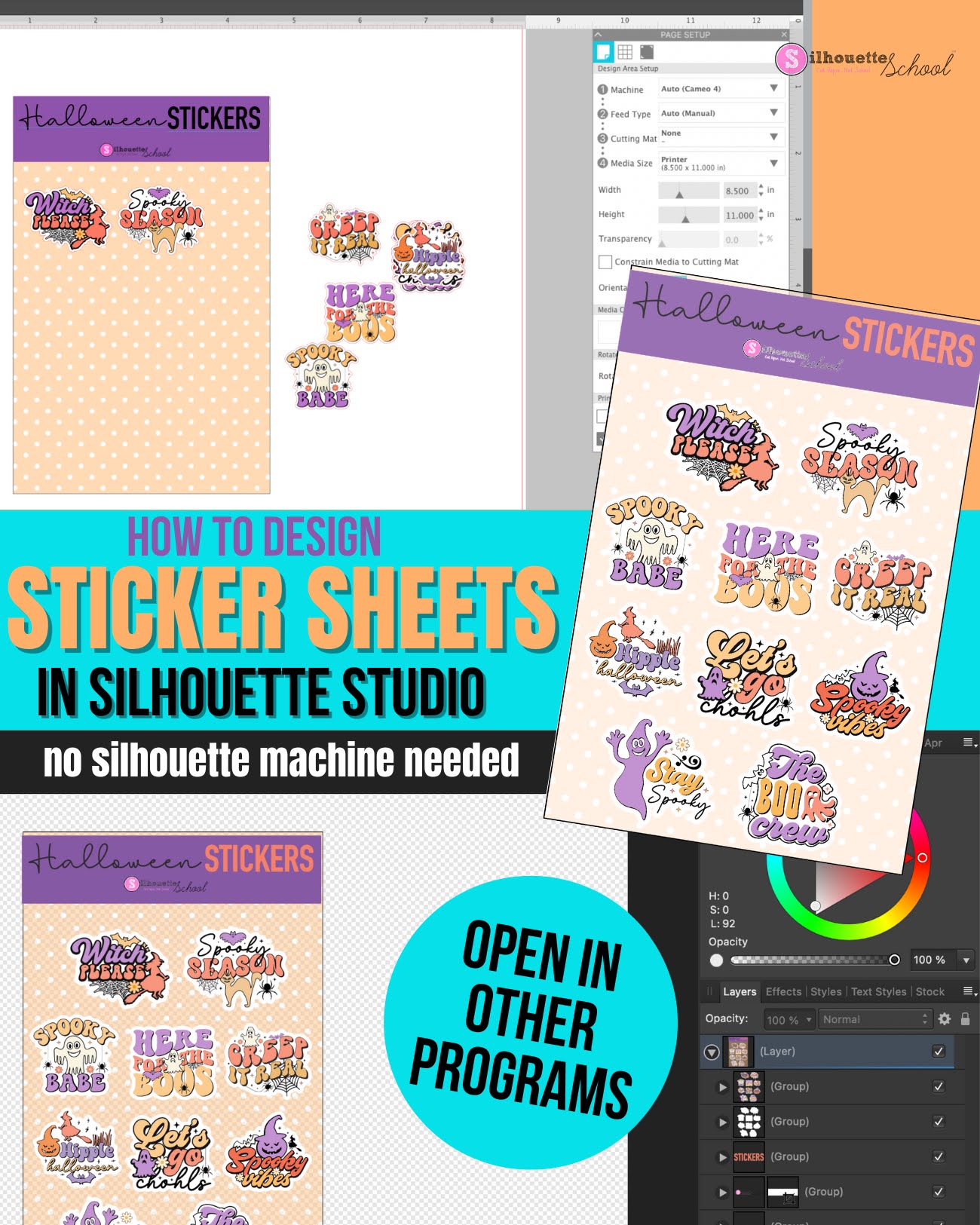
How to Use Silhouette Studio as Sticker Sheet Design Software (Even Without a Silhouette Machine)
Thursday, October 5, 2023
If you're looking for an inexpensive and robust sticker sheet design software, look no further than Silhouette Studio.
Even if you don't have a Silhouette machine you can use the software for designing sticker sheets. If you do have a Silhouette you can of course also print and cut.
Read on for how to use the Silhouette software to design sticker sheets. I have a separate tutorial on how to print and cut sticker sheets with a Silhouette machine.
What Can the BN-20A Do: Is Roland BN-20A Worth It?
Wednesday, April 26, 2023
If you're looking to increase production and expand your small business with an all-in-one printer and cutter you are probably wondering "What can the BN-20A do?"
Knowing what the 20" ecosolvent print and cut machine can do can help you decide if the Roland BN-20A is worth the start up price for your small business. Read on for a look at just how versatile the BN-20A is and what all it can do.
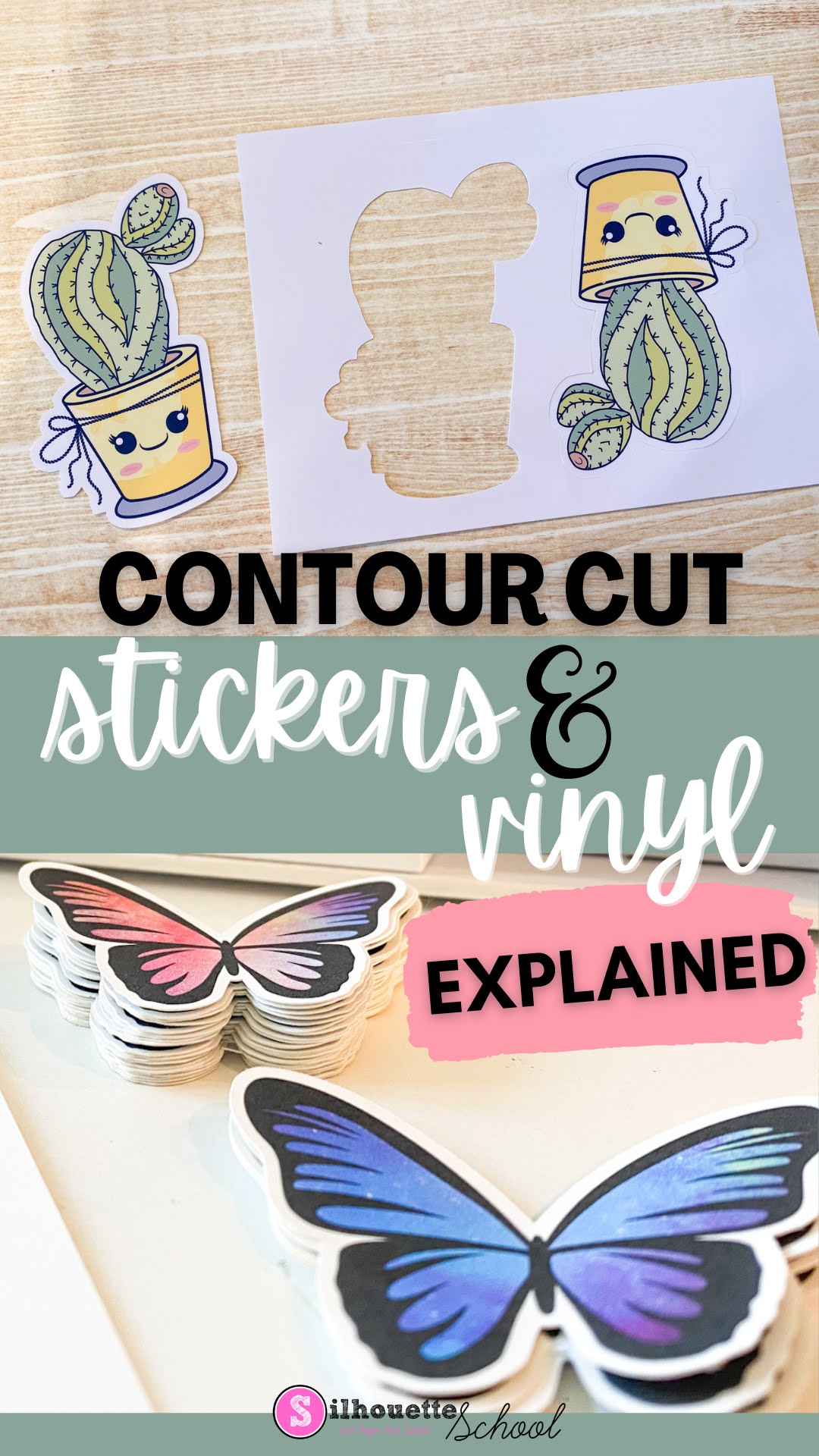
Contour Cut Stickers and Vinyl Stickers Explained: What is the Contour Cut Meaning Anyway?
Monday, January 9, 2023
If you have a Silhouette CAMEO, or any vinyl cutter or print and cut machine including a Roland BN-20A, you've no doubt heard the term "Contour Cut". But what is the meaning of contour cut?
Contour cut describes how a sticker or vinyl sticker is cut around the edge of the image or shape. Read on get a better understanding of contour cutting and how to accomplish it with a Silhouette CAMEO.
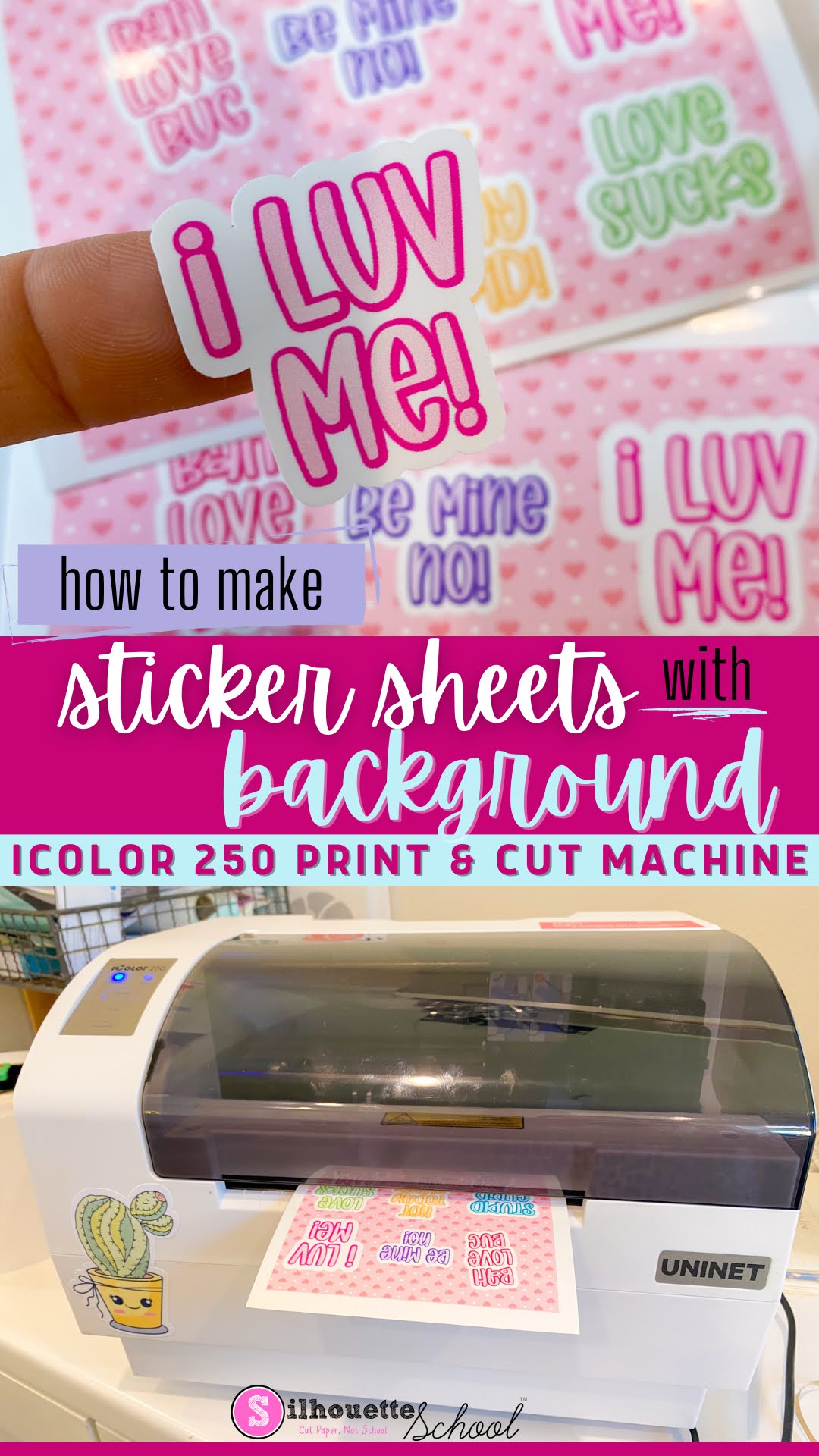
How to Make Sticker Sheet with Background (iColor 250 Print and Cut Sticker Machine)
Wednesday, January 4, 2023
You can make sticker sheets with a background using the iColor 250 print and cut sticker machine.
This step by step tutorial explains how so read on for yet another fun way to create custom stickers and labels with the iColor 250. If you are looking for a Silhouette print and cut tutorial to make sticker sheets with a background, check it out here.
Subscribe to:
Posts (Atom)


.png)


.png)