In this blog post, I'll share my best tricks for how to make stickers with Canva and Silhouette CAMEO.
Showing posts with label Sticker Paper. Show all posts
How to Make Stickers with Canva and Silhouette CAMEO
Thursday, September 24, 2026
Are you ready to step up your sticker game? Making custom stickers with Canva and Silhouette CAMEO is easier than you think!
Laminated Vinyl Stickers Without Registration Marks
Tuesday, June 23, 2026
If you're looking to make laminated vinyl stickers without registration marks - there is an entry-level print and cut sticker machine that is often overlooked.
The iColor 250 is usually dubbed as a label printer, but this MAC and PC compatible printer and cutter can easily be used as a vinyl sticker printer. When it is, it comes in as the lowest priced sticker printer on the market.
Sticker Printer Comparison: Roland BN2-20A vs iColor 250
Thursday, June 18, 2026
If you're considering getting a sticker printer you maybe deciding between two of my favorite printers: the iColor 250 and the Roland BN2-20A.
I have a lot of printers...but I can honestly say these are both incredible print and cut machines and it's a tough choice. While there is some overlap there are different some differences as well. One thing that is the same about each of these is I love them both equally - so this is going to come down to YOUR needs and budget!
How to Make White Border for Stickers with Silhouette CAMEO
Thursday, January 22, 2026
You can make a white border for stickers with Silhouette CAMEO by quickly adding an offset in Silhouette Studio.
This tutorial will show you step by step how to add a white border to stickers in Silhouette Studio.
Sublimation Stickers - Step By Step Video Tutorial
Tuesday, January 6, 2026
I’ve been hearing so much about sublimation stickers lately, so I decided it was finally time to see what all the fuss is about.
Today I’m testing out this HTVRont Sublimation Sticker Paper to see if it actually lives up to those waterproof and vivid color claims!
Print and Cut Silhouette CAMEO 4: Beginner Sticker Tutorial (Free Sticker Designs)
Thursday, May 22, 2025
If you've never made print and cut stickers with your Silhouette CAMEO 4 this beginner tutorial will walk you through everything you need to know.
I'm also going to include the free sticker designs for download so you can focus on the process of printing and cutting.
Print and Cut Sticker Printer: Introducing the iColor 250 Sticker Machine (MAC and PC)
Thursday, February 13, 2025
If you run a sticker shop or custom sticker business, I just found what hopefully will end up being one of the best printers to print stickers!!
The Uninet iColor 250 is a super compact, super fast print and cut sticker machine that can print on 5" wide sticker and label material as well as speciality materials like magnet, BOPP (a polypropylene material with permanent adhesive), and metallics.
There is a lot to like about the iColor 250 including that this print and cut sticker printer works on both a PC and a MAC as well as its small size and fast, high resolution printing. Did I mention the small learning curve?
Yes, the price tag is high, but so are the margins on stickers especially for a machine that both prints and cuts leaving you hands off rather than fussing with registration marks and multiple machines.
Read on to learn if the iColor 250 print and cut sticker machine is right for your small business.
How to Design Pattern Sticker Sheets with Silhouette Studio
Wednesday, October 2, 2024
You can take your sticker sheets up a notch by replacing the boring white background with a fun pattern by making pattern sticker sheets.
This is relatively easy to do in Silhouette Studio. Follow the steps below to create your own custom sticker sheets with a pattern background.
How to Fill Sticker Sheet Backgrounds with Patterns in Silhouette Studio (Free Sticker Sets)
Thursday, September 12, 2024
No one likes boring stickers...and you're in luck because it's possible to design, print and cut professional-looking custom stickers with your Silhouette!
The added touch of a custom sticker sheet backing will take your sticker sets to the next level..no more boring white!
![]() |
| This is a sponsored post but all opinions are my own. |
The added touch of a custom sticker sheet backing will take your sticker sets to the next level..no more boring white!
How to Make Clipart Stickers with Silhouette CAMEO
Monday, July 22, 2024
You can easily turn clipart into stickers in Silhouette Studio.
Clipart is great because it often comes in a set of full color images making them perfect for stickers or stickers sets. Read on for the quickest way to make clipart stickers.
How to Make Print and Cut Sticker Sets (Silhouette Studio V4 Tutorial)
Tuesday, June 18, 2024
I love making little sticker sets with my Silhouette CAMEO and it's pretty easy to do!
Depending on the size, you can get several sticker sets out of each piece of sticker paper. This beginner Silhouette sticker tutorial will walk you through how to set up and print and cut multiple sets of stickers in Silhouette Studio V4.
![]() |
| This is a sponsored post but all opinions are my own. |
Sticker Paper Vs Printable Vinyl: Which Should I Use?
Tuesday, May 28, 2024
It's not always super clear the differences between Sticker Paper vs Printable Vinyl and when to use one over the other.
I've used both materials, from Online Labels, extensively over the years and am happy to be able to share some tips on when to use each.
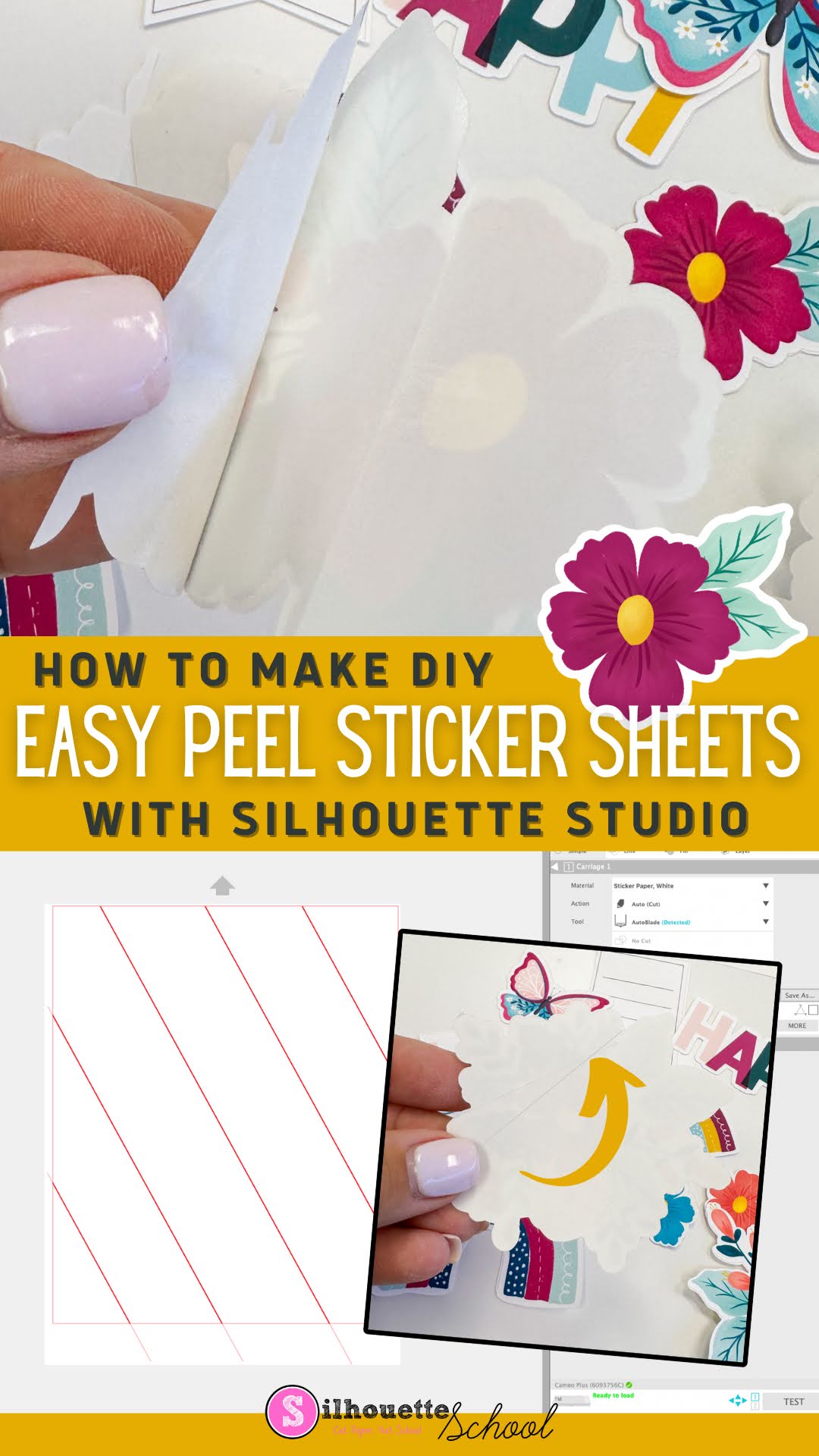
How to Make DIY Sticker Sheets with Easy Peel-Back Liner Using Silhouette CAMEO
Tuesday, April 16, 2024
It's easy to make Sticker Sheets with an Easy Peel-back liner using your Silhouette CAMEO.
It's one added step that will make it easier for you or your customers to peel...and if you're selling you can charge a higher price for these premium stickers.
Having an easy peel liner is specifically helpful when you make die cut stickers that can often be challenging to get off the back liner if there's no slit.
Read on for how to add slits to the liner of your stickers.
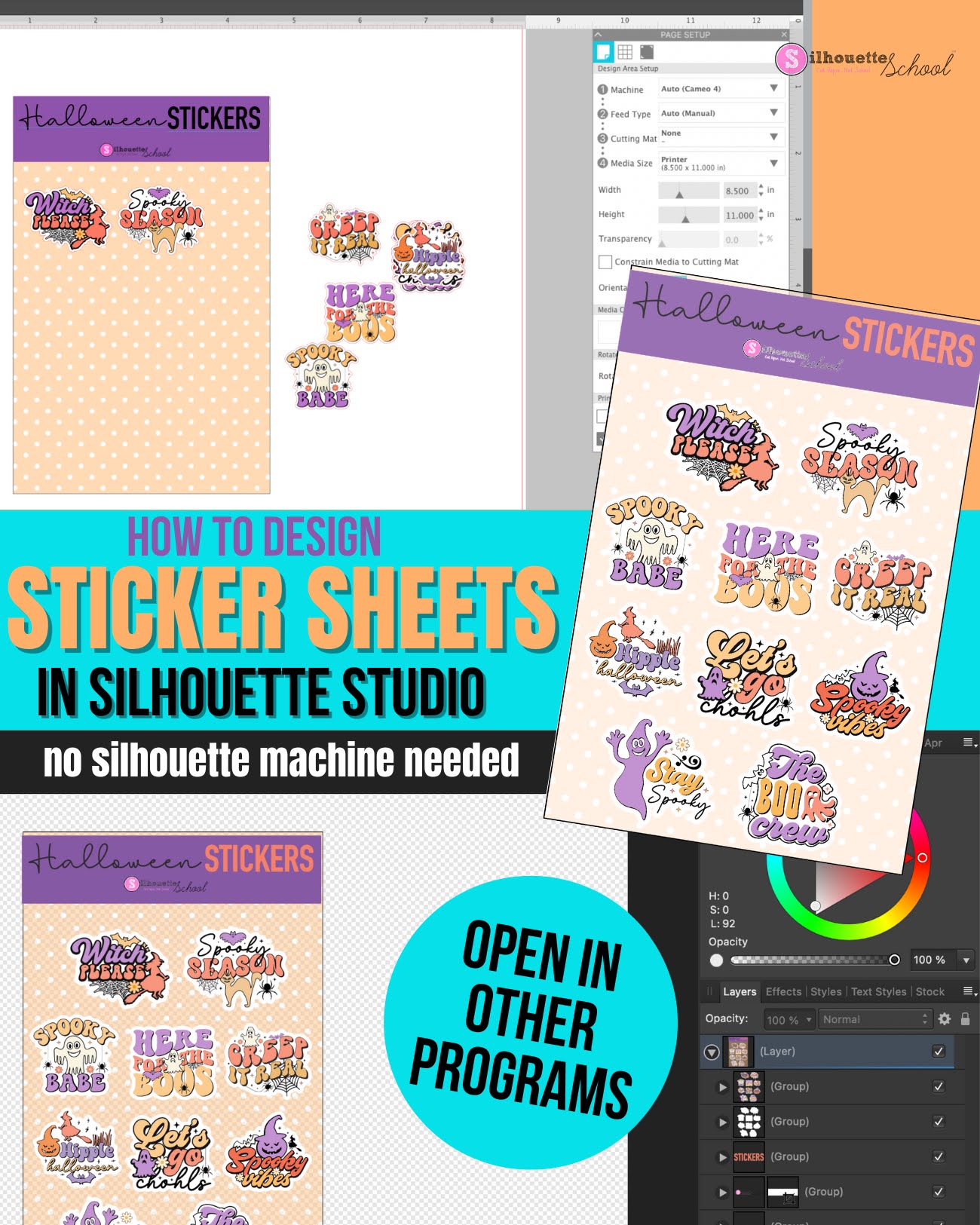
How to Use Silhouette Studio as Sticker Sheet Design Software (Even Without a Silhouette Machine)
Thursday, October 5, 2023
If you're looking for an inexpensive and robust sticker sheet design software, look no further than Silhouette Studio.
Even if you don't have a Silhouette machine you can use the software for designing sticker sheets. If you do have a Silhouette you can of course also print and cut.
Read on for how to use the Silhouette software to design sticker sheets. I have a separate tutorial on how to print and cut sticker sheets with a Silhouette machine.
Fastest Way to Resize Large Images in Silhouette Studio
Thursday, September 21, 2023
When it comes to designing in Silhouette Studio, we're all about speed and efficiency!
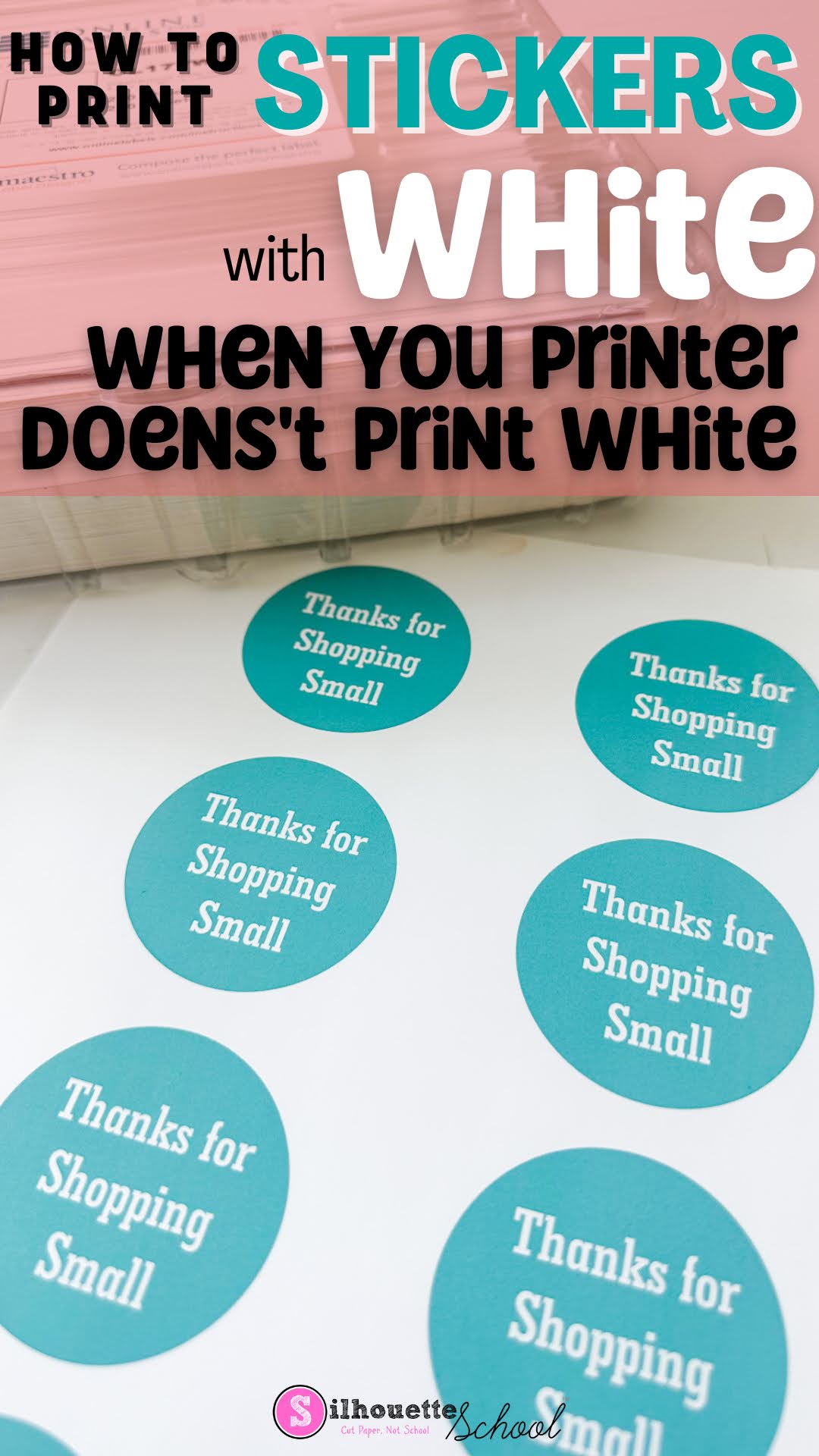
How to Make Stickers with White Text (When Your Printer Doesn't Print White)
Monday, July 31, 2023
If you want to make stickers with white text, but your printer doesn't print white, no problem at all.
You can simply use the white of the sticker paper to "print" white text. Let's design these in Silhouette Studio so you can print and cut your stickers.
How to Kiss Cut and Die Cut Stickers on Same Sticker Sheet
Thursday, June 15, 2023
Labels:
autoblade,
CAMEO 4,
CAMEO 4 blades,
Home Printer,
How to,
Print and Cut,
Printable,
sticker,
Sticker Paper,
Stickers
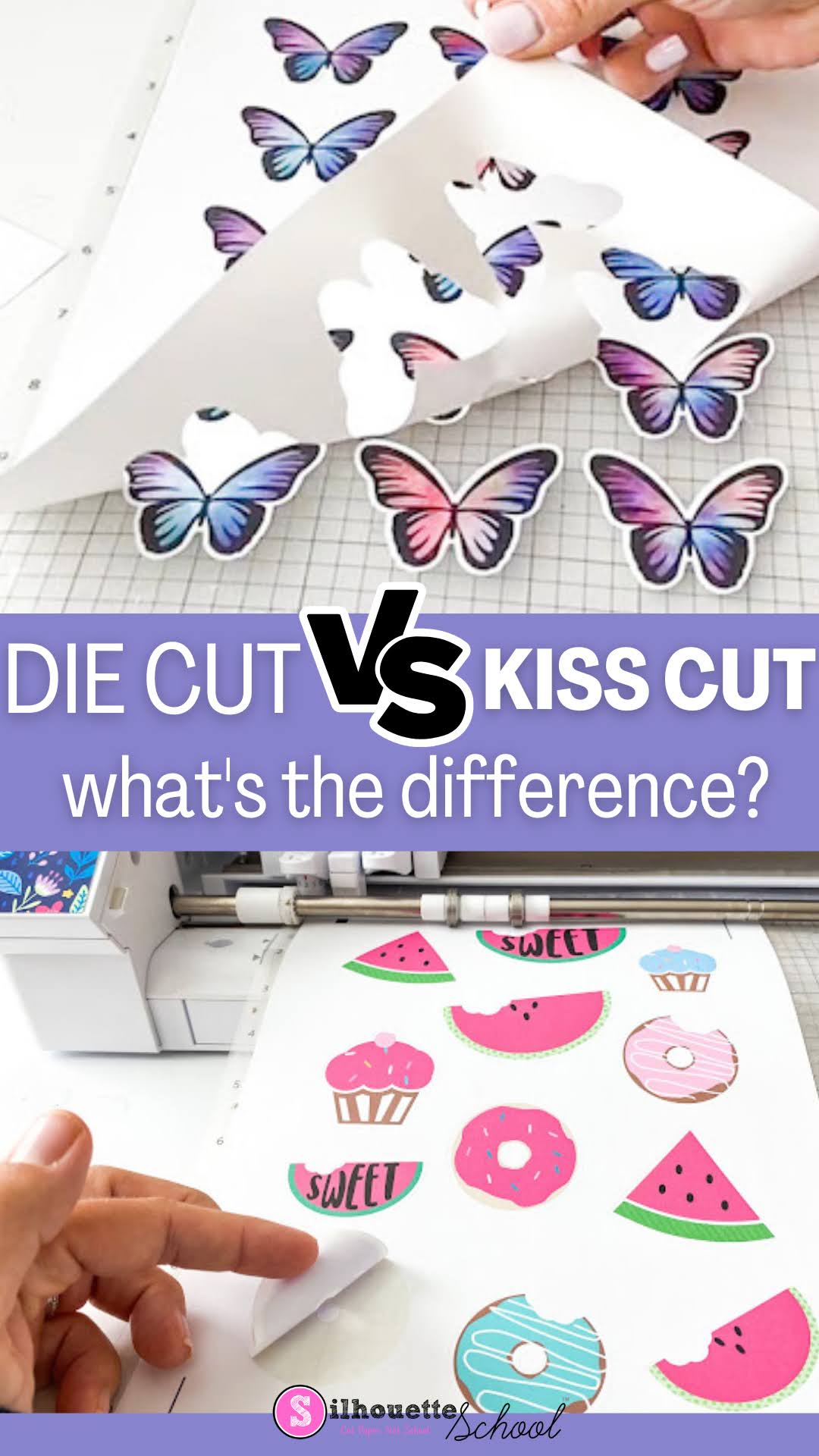
Die Cut Stickers vs Kiss Cut: What's the Difference? (And a GIVEAWAY)
Wednesday, May 10, 2023
If you've ever made stickers with Silhouette, you've probably heard the terms die cut and kiss cut.
But what is the difference between die cut and kiss cut stickers and how do you know which to use? Read on to learn more about the differences between the two sticker cutting methods....and a giveaway for $100 at Online Labels.
Printing Sticker Rolls with iColor 250: Small Sticker Business Must Have
Tuesday, April 25, 2023
If you have a sticker shop and are looking to print sticker rolls, the Uninet iColor 250 is what I would consider a must have.
Not only is the iColor 250 a print and cut sticker machine - no registration marks required - but you can print sticker rolls as long as you want!
Check out this step by step video for how to print rolls of stickers!
Note: This post may contain affiliate links. By clicking on them and purchasing products through my links, I receive a small commission. That's what helps fund Silhouette School so I can keep buying new Silhouette-related products to show you how to get the most out of your machine!
Get Silhouette School lessons delivered to your email inbox! Select Once Daily or Weekly.
Subscribe to:
Posts (Atom)


.png)


.png)