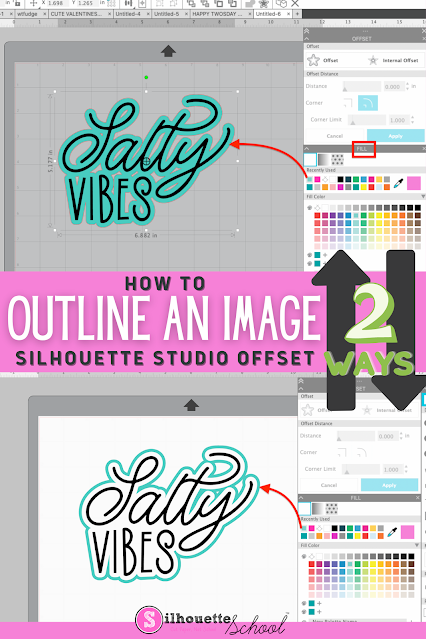
If you want to add an outline to an image in Silhouette Studio, it's easy to do with the Offset tool.
Adding an outline in Silhouette Studio can help you create a base shape, thicken your design, or allow you to add layers to your design. Follow these simple steps for how to outline an image in Silhouette Studio.
You can make personalized vinyl stickers for water bottles in several different ways. You can cut all the different layers of vinyl with a Silhouette machine and then layer or you can use a printer and cutter like a Roland BN-20 and make super durable, full color, and long lasting stickers without any layering at all.
In this tutorial I'm going to show you how to make personalized vinyl name stickers for water bottles with the 20" Roland BN-20A ecosolvent printer and cutter...designed in Silhouette Studio.
And P.S. if you are looking for alternatives ways to print and cut on your inkjet printer and Silhouette CAMEO I have a few options for you at the bottom so keep reading.
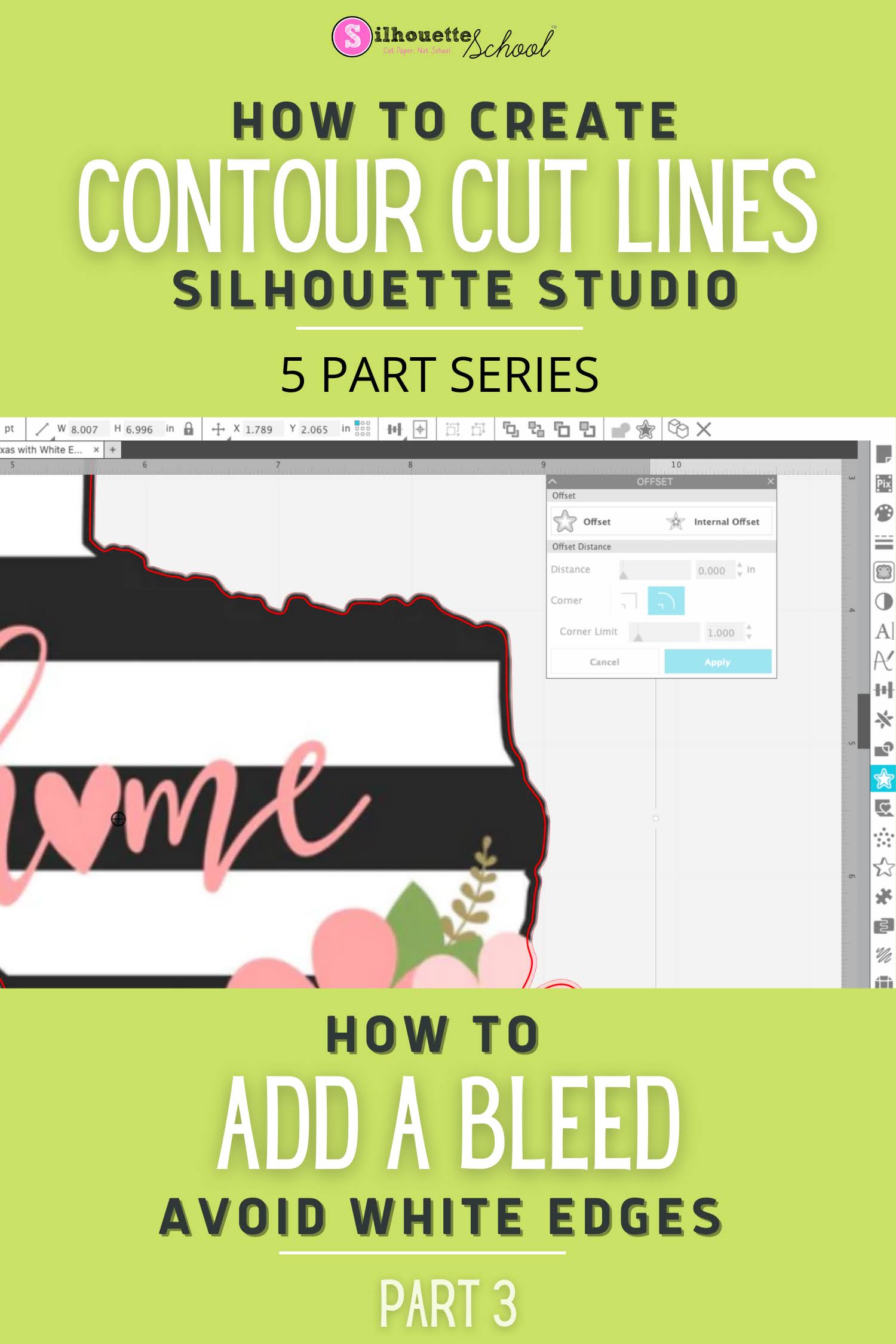
If you want to print and cut and avoid any chance of a white edge you need to add a bleed to your design in Silhouette Studio.
How you add a bleed though depends on the design itself. Let's look at the four most common ways to add a bleed in Silhouette Studio and when you'd want to apply each method.
Weeding lines in Silhouette Studio help to break up the negative space around a design to make weeding the vinyl or HTV easier.
Manually adding weeding lines can be time consuming and the Silhouette Studio automatic weeding lines in Business Edition can be too restrictive - but this "why didn't I think of that" method is super fast and easy!
Shadow fonts take text to the next level by adding a background, border or shadow behind the original text.
This really makes the text stand out! In this tutorial, we'll show you just how easy it is to use shadow fonts so you can get started working them in Silhouette Studio.
If you are printing and cutting - either with a Silhouette machine or another cutter - it's easy to create a full color bleed area in Silhouette Studio.
This post is part 3 of my Five Part series on Creating and Working with Contour Cut Lines in Silhouette Studio. If you haven't already followed Part 1 on creating cut lines around your JPEG or PNG by tracing you'll want to do that first.
If you'd rather have a white border around your entire design, instead of a bleed area, check out Part 2 in this series. And if you are here to create a bleed and contour cut lines for Roland VersaWorks keep reading!
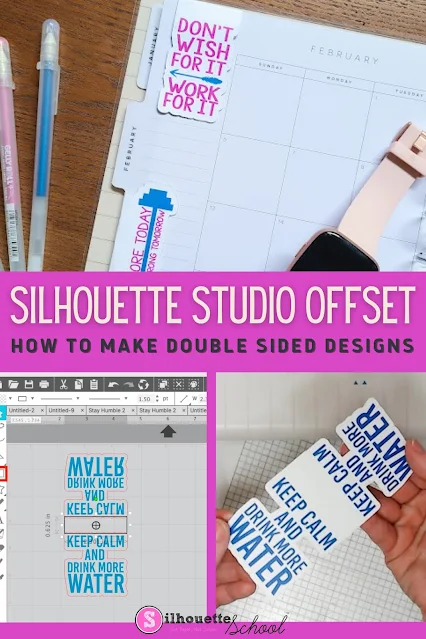
Use Silhouette Studio's Offset tool to create double-sided print and cut projects in Silhouette Studio!
This tutorial will walk you through how to make double sided print and cut projects with Silhouette CAMEO using the offset tool in Silhouette Studio! This technique can be used in so many ways including to make double sided tags, cards and even magnet bookmarks like we're making today.
If you're using the offset tool and wondering why sometimes the offset isn't giving you pointed corners on shapes like stars or hearts, it's not just you.
For some reason the offset squares off pointed corners instead of making an accurate offset- but there is an easy workaround.
Here's a tutorial for all you paper crafters out there! If you've ever wanted to cut an SVG out of paper, but found it tricky to put all the paper pieces together, well here's a couple little tricks that'll make it SO much easier and help make sure you get everything all lined up!
The trick is to create a base layer and use that to not only support the entire design, but also help you align all the pieces!
If you're wondering how to make a border in Silhouette to frame your design, this tutorial will take you through the process step by step.
You don’t need to be a digital design wizard to learn how to outline an image in Silhouette Studio.
The Silhouette Studio
software makes it easy for you to create a border around any design or text!
The offset tool is such a handy feature in Silhouette Studio
because it doesn’t just enlarge an image, it creates an even outline all around
the edge of any shape.
This tool can be used in many different ways, even to
create these unique personalized name keychains!