Copyright Silhouette School 2016. Powered by Blogger.


Showing posts with label Oracal 651. Show all posts

Silhouette CAMEO 4 vs XTool M1 Vinyl Cutting Comparison

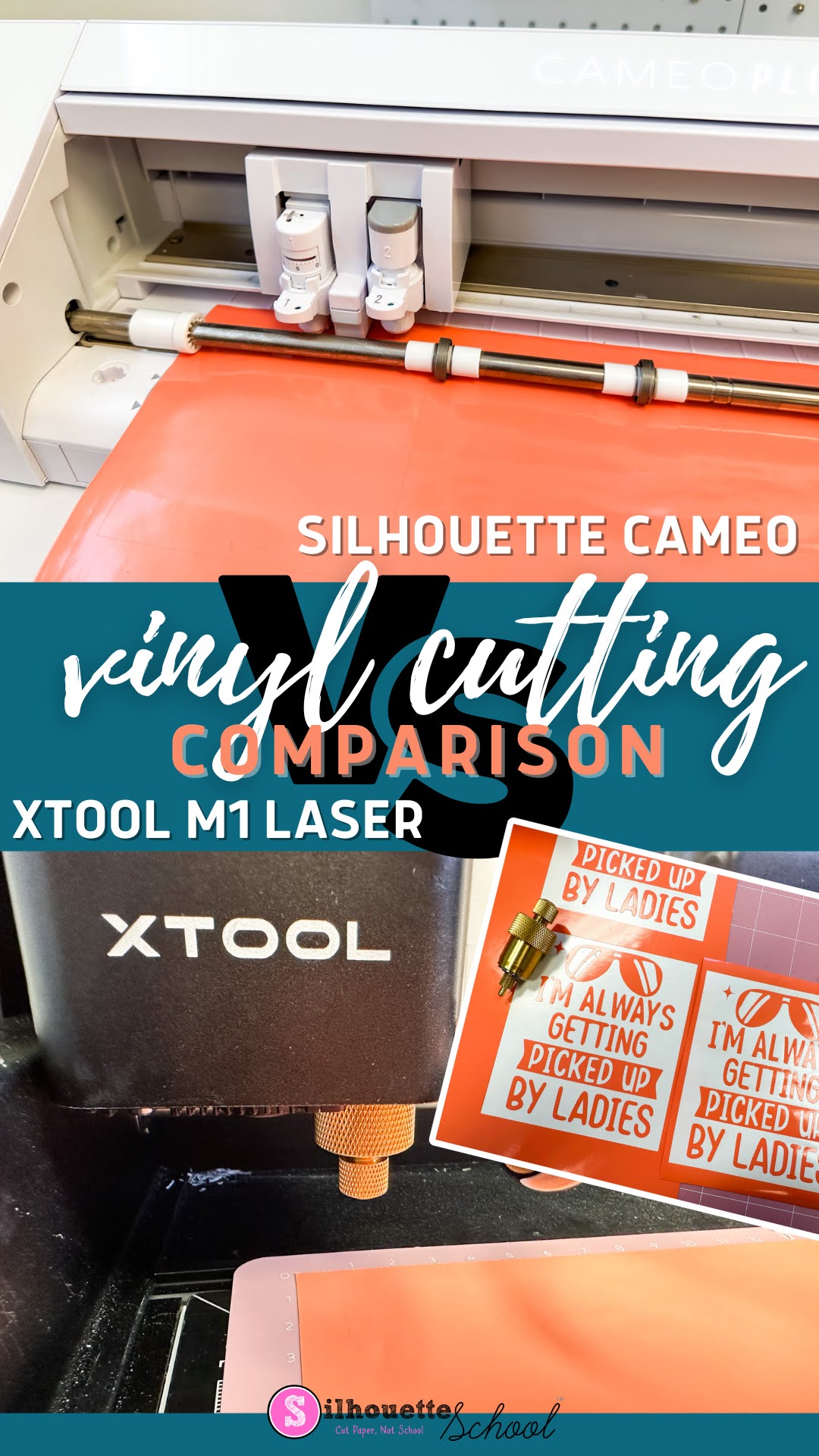
I recently added a craft laser to my collection and one of the features of the XTool M1 Craft Laser is vinyl cutting.  
silhouette 101, silhouette america blog, xtool, vinyl, laser engraver

Not only does the XTool M1 have a 10W diode laser for cutting and engraving wood, stainless steel, and many other material, the hybrid craft machine also has a cutting blade for vinyl and paper which means it has the potential to be an all in one craft machine! 

But how well does the vinyl cutting compare to a Silhouette CAMEO?  I compared the speed, max size, and quality of side by side so you can decide for yourself. 
How to Get Vinyl to Stick to PVC (Like DIY Drink Pouches)

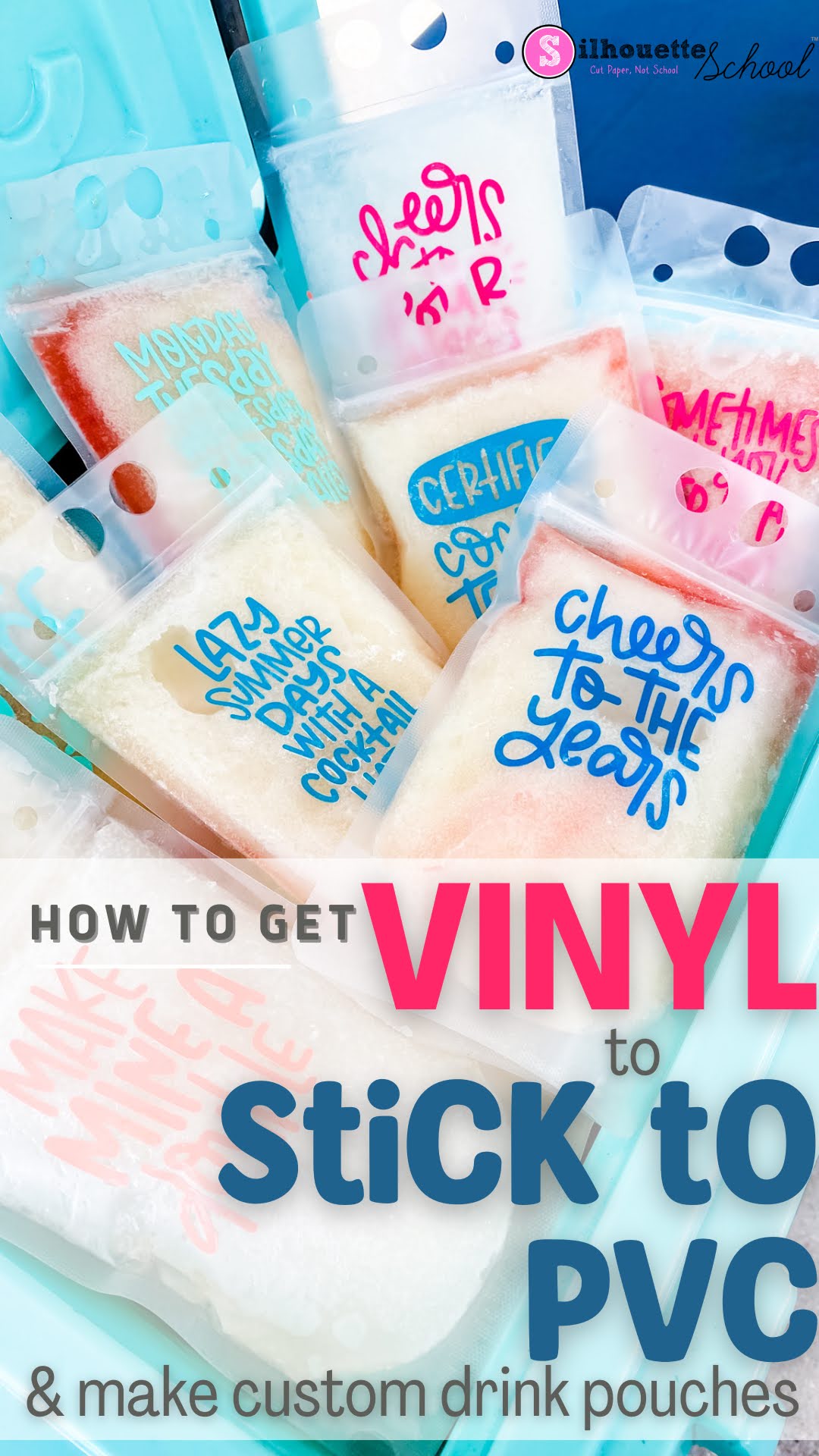
If you're looking for a fun way to personalize a party, make your own drink pouches and add some vinyl!

silhouette 101, silhouette america blog, oracal 651, drink pouches, oracal 631

Vinyl doesn't always want to easily stick to PVC...but there is an easy trick so read on. 

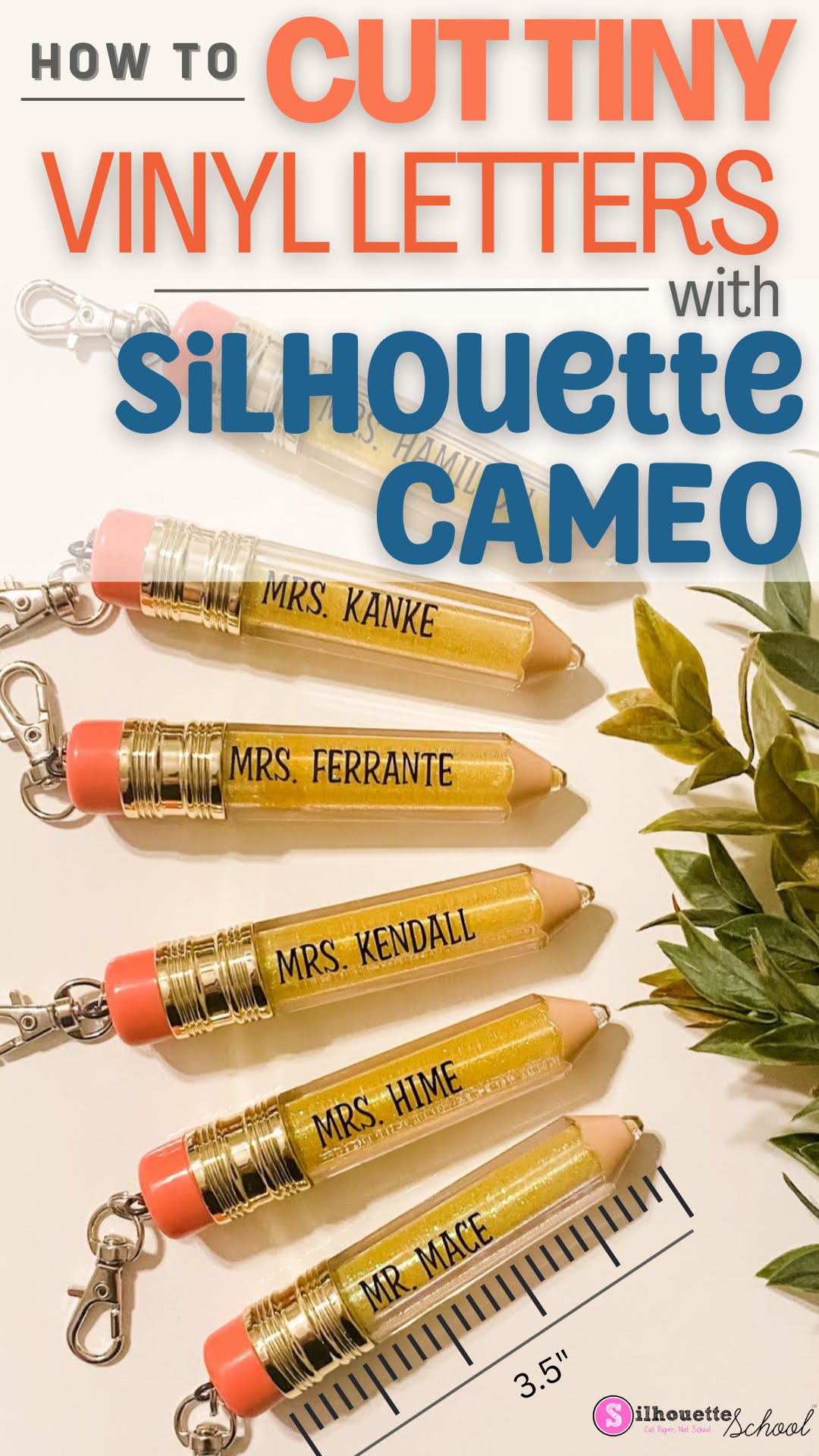
Don't Cut Small Vinyl Text with Silhouette CAMEO Without Reading This FIRST!

You can cut small vinyl text with your Silhouette CAMEO...and not actually pull your hair out. 

silhouette 101, silhouette america blog, cut settings, oracal 651, adhesive vinyl

But just how small can vinyl lettering be cut? In this blog post I'll share some some tips on how to successfully cut even the smallest vinyl letters. 

How to Make Multicolor Vinyl Decals (Video)

To make multicolor vinyl decals you need to layer the vinyl.   

multicolor vinyl, layer vinyl, oracal 651, adhesive vinyl, layer video

Adding small squares or registration marks that are cut with each layer of vinyl will help you line up the layers of vinyl.  Check out this video for tips on how to make multi color vinyl decals. 


Note: This post may contain affiliate links. By clicking on them and purchasing products through my links, I receive a small commission. That's what helps fund Silhouette School so I can keep buying new Silhouette-related products to show you how to get the most out of your machine!


Get Silhouette School lessons delivered to your email inbox! Select Once Daily or Weekly.


www.silhouetteu.com

Tips for How to Apply Vinyl to Round Ornaments

Before making your own vinyl ornaments, be sure to check out our best tips for how to apply vinyl to round glass or plastic ornaments. You'll thank us later!

Silhouette 101, silhouette america blog, christmas ornaments, oracal 651, holiday decor

Following these tips will help to avoid wrinkled vinyl which can happen when the vinyl is placed on a round surface.

How to Cut Scrap Vinyl with your Silhouette CAMEO

Did you know you can cut different color vinyl scraps on the same Silhouette cutting mat at the same time?  You can!

silhouette 101, silhouette america blog, wood signs, layering vinyl, scrap vinyl

Small pieces of vinyl are perfect for small projects like making a spring farmhouse themed tiered tray. Check out how to cut on small scrap vinyl with your Silhouette CAMEO.

Trick for Using Vinyl Scraps for a Vinyl Decal

Are you a vinyl scrap saver? Then, this project using vinyl scraps is for you! 

silhouette america blog, silhouette 101, oracal 651, cameo 4, vinyl scraps

Using even the smallest strips of your adhesive vinyl scraps, you can make a strikingly beautiful, and colorful, vinyl decal. This tutorial will explain how to go about using vinyl scraps to make a new vinyl decal with your Silhouette CAMEO. 

How to Use Laser Printer Sheets for Stencils When You Have Inkjet Printer

If you got an Ikonart Stencil Kit and you now have a pack of inkjet or laser printer sheets that aren't compatible with your printer - all is not lost. 

silhouette america blog, silhouette 101, silhouette stencils, ikonart, oracal 651

If you have an inkjet printer, like I do, you can actually use the laser printer sheets that came with it to make custom reusable stencils. Read on for how to use the Ikonart Laser Sheets for stencils even if you don't have a laser printer (and same goes for inkjet!)...and how to save 15% off anything on the Ikonart site!

How to Do Bleach Shirts with Vinyl

After I shared my 7 best tips for how to bleach shirts at home, I got a lot of questions from people asking how I do bleach shirts with vinyl. 

silhouette america blog, silhouette 101, bleach shirts, oracal 651, cameo 4

Using adhesive vinyl as a way to block the bleach from areas of the shirt gives a really cool effect and it's not hard to do. 

How to Put Vinyl on a Clear Umbrella

Every year around this time we get asked how to put vinyl on clear umbrellas. 

silhouette 101, silhouette america blog, oracal 651, adhesive vinyl, vinyl on umbrella

There's a little trick to this project that makes it much easier than you expect. Take a look at the tutorial below.

Where to Buy 24" Adhesive Vinyl Rolls for Silhouette CAMEO Pro

With the launch of the 24" Silhouette CAMEO Pro...now the big question is where to buy 24" adhesive vinyl rolls and other wide format materials like stencil material.

silhouette 101, silhouette america blog, 24" cameo 4 pro, cameo 4 pro, oracal vinyl

In a survey of Silhouette School readers prior to the Silhouette CAMEO Pro launch, finding wide form materials for a 20 or 24" machine was the #1 concern. No need to worry - I have details on where exactly you can find 24" rolls of Oracal 651, 24" adhesive vinyl roll bundles and even longer 24" rolls of Oracal 651 and 631.