Copyright Silhouette School 2016. Powered by Blogger.


Showing posts with label Beginners. Show all posts

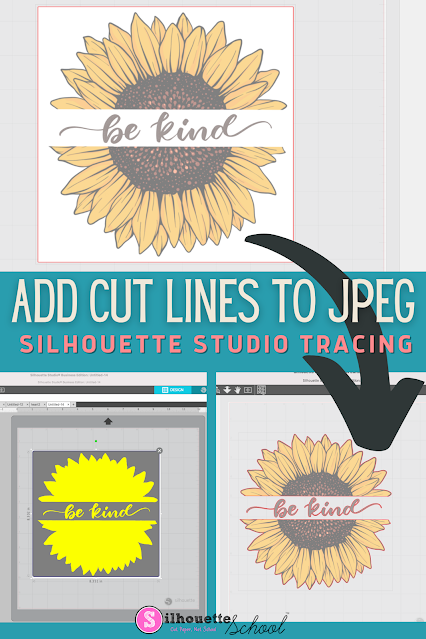
How to Add Cut Lines to JPEG in Silhouette Studio

You can add cut lines to a JPEG in Silhouette Studio by using the trace tool. 

silhouette america blog, silhouette 101, silhouette studio v4, JPEG files, beginner tutorial

The free version of Silhouette Studio allows you to import JPEG files making it a popular file type choice for some.  This tutorial will show you how to add a cut line to a JPEG image in the Silhouette software. 

HTV: Hot Peel vs Cold Peel: Everything to Know About HTV Peeling

Besides using the correct amount of time, temperature and pressure when it comes to pressing HTV, knowing whether to peel off the carrier sheet hot or cold is an important component to getting a successful press. 

silhouette 101, silhouette america blog, heat transfer vinyl, htv, beginner htv tutorial


In this tutorial, we'll explain the difference between hot peel and cold peel HTV and how to know when to do which.

How to Size a Design for a Tea Towel in Silhouette Studio

If you're wondering how to size designs to fit on your project the concept is the same whether it's a shirt or a tea towel or a wood sign. 

silhouette 101, silhouette america blog, silhouette studio v4, heat transfer vinyl, htv,

You need the design to appropriately fit the space. 

In this example we'll work with a set of tea towels to give you some ideas for how to create a quick mockup in Silhouette Studio to help you size your design.

Silhouette Print and Cut CAMEO 4 Page Setup: Beginners Start Here!

Having a successful Silhouette print and cut with a CAMEO 4 (or any Silhouette machine) starts with having the page set up correctly. 

silhouette 101, silhouette america blog, cameo 4, print and cut, silhouette print and cut

This beginner Silhouette print and cut tutorial is stripped down to focus on exactly how your page should be set up for a successful Silhouette CAMEO 4 print and cut.  If you are having print and cut issues I would suggest you open a new design area in Silhouette Studio and start with this step by step Silhouette print and cut setup tutorial. 

Beginner Glass Etching Tutorial with Silhouette Stencil

Did you know you can use etching cream on glass dishes so they're safe for the microwave and oven?

silhouette 101, silhouette america blog, Glass etching, etched glass, how to etch glass

This etching glass tutorial will walk you through exactly how to cut a Silhouette stencil and go about etching pyrex glassware.

Silhouette Studio File Types: Avoiding the Silhouette Studio File Not Supported Error

There are at least a dozen different file types you can import into Silhouette Studio - but not all files types are supported in all versions of Silhouette Studio.   If you've ever gotten the error "Silhouette Studio File Not Supported" it's because you are attempting to import a file that the version of Silhouette Studio you are using can't open. 

Silhouette Studio, Silhouette Studio file types, silhouette studio designer edition, silhouette studio tutorial, silhouette cameo beginner tutorial, silhouette 101, silhouette america blog

This Silhouette Studio tutorial provides an easy break down and list of file types Silhouette Studio supports...and therefore which can be cut with your Silhouette CAMEO, Portrait, and Curio.

How to Load the Silhouette CAMEO 5 Cutting Mat (So It Doesn't Slide and Shift)

Did you know you can semi automatically load the CAMEO 5 cutting mat, to ensure it loads straight and doesn't shift during cutting? 

cameo 5, silhouette 101, silhouette america blog, silhouette cameo 5, cutting mat

Read on for how to properly load the CAMEO 5 mat.

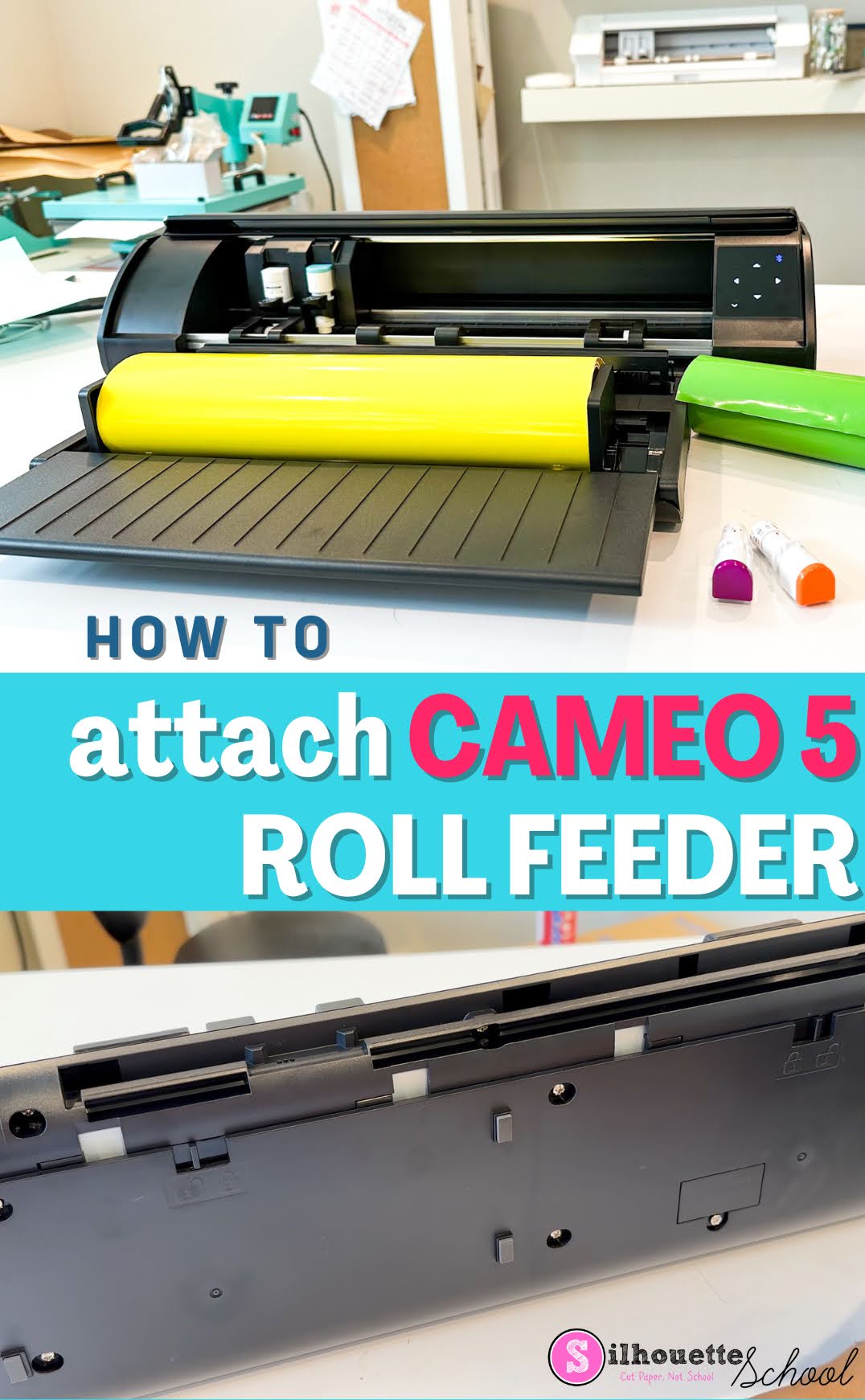
How to Setup CAMEO 5 Roll Feeder

Want to cut off a roll but not sure how to set up the CAMEO 5 roll feeder? You're in the right spot. 

silhouette 101, silhouette america blog, cameo 5, cameo 5 tools, silhouette cameo 5

The Silhouette CAMEO 5 roll feeder is included with the machine, but it's not built in. Read on to learn how to attach the roll feeder. 

How to Setup Silhouette CAMEO 5 Start to Finish (Don't Worry It's Easy!)

If you're trying to get your Silhouette CAMEO 5 setup you've come to the right spot. 

cameo 5, cameo 5 demo, cameo 5 español, cameo 5 plus, cameo 5 pro, cameo 5 release date,

I'll take you through the quick and easy set up process step by step so you can be ready to make your first cut with Silhouette CAMEO 5If you'd rather watch a complete CAMEO 5 setup video, I have that here.

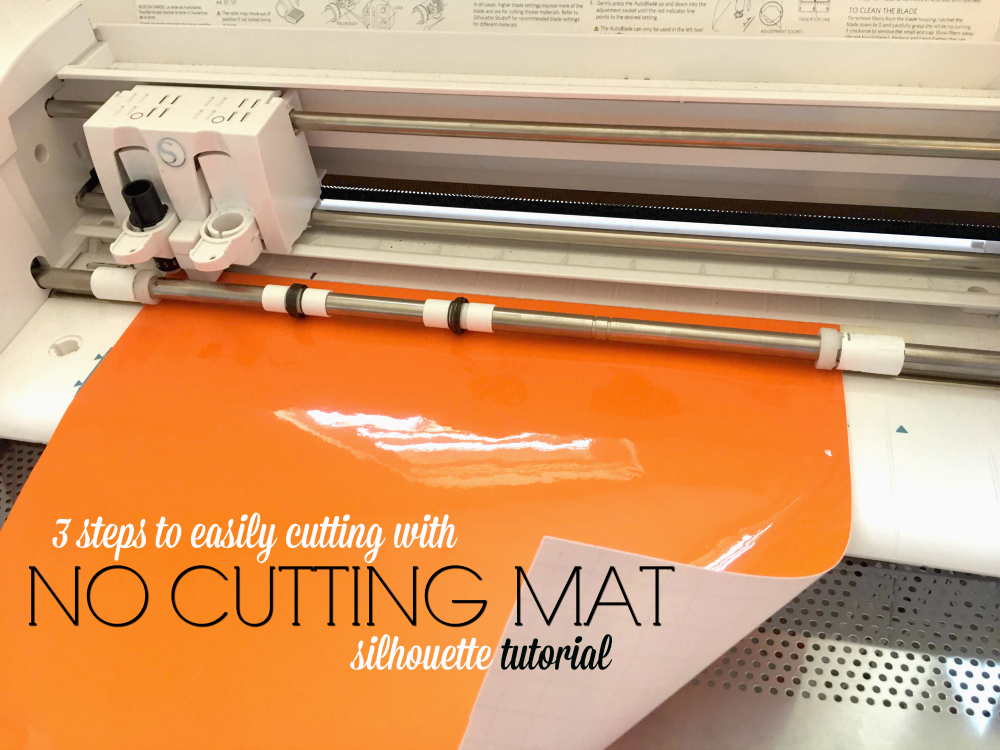
Cutting Without a Silhouette Cutting Mat: 3 Steps to Set Up Silhouette Studio and CAMEO

There are several reasons why you may want or need to cut without a Silhouette cutting mat.

silhouette 101, silhouette america blog, silhouette cutter, silhouette vinyl cutter, silhouette cameo vinyl cutter

Maybe you prefer to cut vinyl without a Silhouette cutting mat or maybe the material you're cutting is too long to fit on a cutting mat.  Whatever the reason, both Silhouette Studio and your Silhouette CAMEO need to be set up correctly to cut without a mat.

New!! Try Silhouette U | Get a 7 Day Free Trial With Full Benefits!

If you've been on the fence about trying out Silhouette U, my ads-free premium content membership site, we just made a HUGE change! For the first time ever we're allowing everyone to try out Silhouette U free for 7 days! 

During the 7 day free trial you'll have complete access to all membership benefits! That means you can:
  • Watch any and all of our more than 500 videos (preview them all here!)
  • Use the $14.99 coupon to So Fontsy for free fonts and designs of your choice 
  • Download the free ebook
  • Take advantage of the member-only discounts at our partner retailers
  • Join the Silhouette U private Facebook Group
  • Get priority email support by using our member-only inbox
  • Join a live 1 on 1 chat with me during Office Hours (which take place twice a week for a total of 9-10 times each month.)

It's also worth pointing out that, like Silhouette School Blog, Silhouette U has expanded beyond just Silhouette machines and the Silhouette Studio software. 

So if you need help with sublimation, ecosolvent, DTF, DTG, White Toner Printer, and software..I'm happy to bring my deep knowledge and strong partnerships with all of these brands and processes to Silhouette U to support you as you grow from a crafter to a small business.





How to Cut Heat Transfer Vinyl with Silhouette CAMEO 4: Beginner Tutorial (2022)

Cutting heat transfer vinyl with Silhouette CAMEO 4 is a great first project for beginners. It's easy to cut, easy to weed, and easy to apply. Plus HTV is very forgiving.  

silhouette 101, silhouette america blog, heat transfer vinyl, beginner silhouette tutorial, cameo 4


Picking the right design is key to having a successful first Silhouette CAMEO heat transfer vinyl cut and lucky for you I am not only including a free Silhouette design download for you, I am going step by step so you can follow right along! 

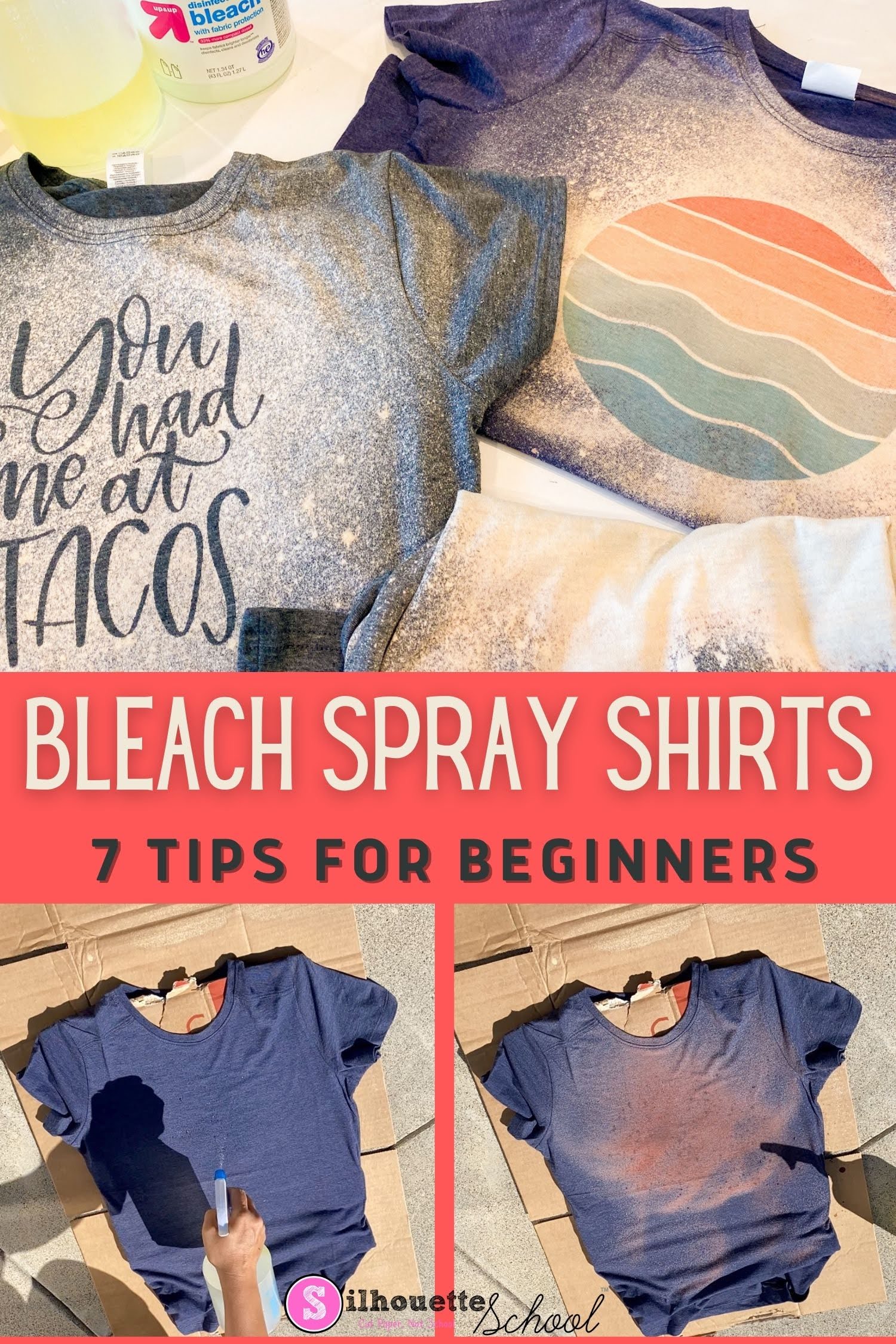
Bleach Spray Shirts: 7 DIY Tips for Beginners

If you are new to making DIY bleach spray shirts - I have some tips for you today to make sure your first bleach shirt is a huge success! 

silhouette 101, silhouette america blog, bleach shirts, sublimation printing, adhesive vinyl

These five tips will help you make an awesome bleach spray shirt at home....and then once you know the basis you can get fancy by making vinyl stencils and sublimation bleach shirts. 

Silhouette Cameo 4 Tutorial for Beginners: Start Here When You Know Nothing (2023)

If you're a Silhouette CAMEO 4 beginner it's easy to wonder: where do I start? What should my first Silhouette CAMEO 4 project be? And how do I...do all the things? 

silhouette america blog, silhouette 101, silhouette studio, silhouette beginner tutorial, silhouette cameo 4

I totally understand it can be overwhelming for CAMEO 4 beginners to know where to start even with all of the Silhouette resources we offer her at Silhouette School. For that reason I have created this Silhouette CAMEO 4 beginner hub for you! Before you get to all that, you might be wondering...what do I know? 

Why Silhouette Studio Designs Disappear When Welding (and the Fix)

If you're trying to weld two or more Silhouette designs in Silhouette Studio and your design or part of your design is disappearing - there's an easy fix.

Silhouette Studio designer edition tutorials, Silhouette Studio Software tutorials, Silhouette Design Studio tutorials, silhouette 101, silhouette america blog

The issue is almost always caused when trying to weld into a frame.

10 Silhouette Terms Every Silhouette CAMEO Beginner Needs to Know

When you're new to Silhouette it can be challenging to even search for free Silhouette tutorials because you don't know the correct terms to search.

silhouette cameo tutorial for beginners, silhouette cameo for beginners, silhouette cameo tutorials for beginners, studio, silhouette 101, silhouette america blog

I thought it would be helpful to share and define 10 of the most common (and confusing) Silhouette terms so you can get a head start as a Silhouette CAMEO beginner.

How to Print and Cut with Silhouette CAMEO 4 for Beginners (2022)

Silhouette CAMEO 4 print and cut is probably one of the most intimidating things for beginners. But it shouldn't be! While I would not suggest print and cut be your first  Silhouette CAMEO 4 project, you should learn how to print and cut with CAMEO 4 as soon as you can as it opens up a lot of possibilities! 

silhouette 101, silhouette america blog, cameo 4, print and cut, stickers

To help you worth through this first print and cut project, I am not only including a free Silhouette design download for you, I am going step by step so you can follow right along! 

How to Cut Vinyl with Silhouette CAMEO 4: Tutorial for Beginners (2022)

A lot of Silhouette beginners start by cutting vinyl. While I would recommend cutting heat transfer vinyl, over adhesive vinyl as your first Silhouette CAMEO project if you're here to learn how to cut vinyl with Silhouette CAMEO read on! 

silhouette 101, silhouette america blog, adhesive vinyl, silhouette cameo beginners, cameo 4 tutorials

Picking the right design is key to having a successful first Silhouette CAMEO vinyl cut. You want to look for a design that's at least 5 inches wide and five inches high. There should be no small areas and it should be a single color design. I have a free Silhouette cut file you can download and use to follow along this tutorial. 

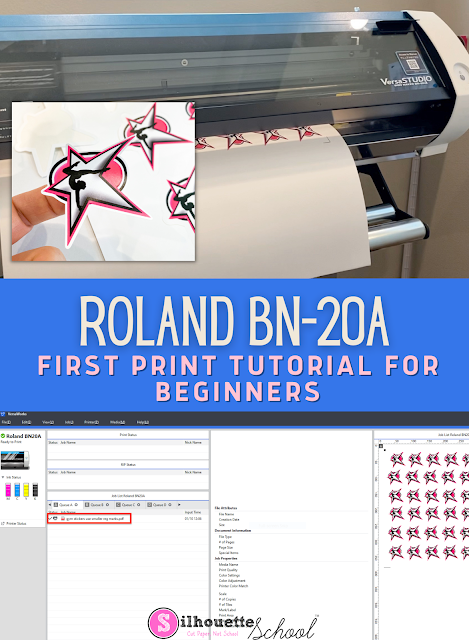
First Print on Roland BN-20A: Beginner Tutorial

It's actually pretty fast and easy to do a first print on the Roland BN-20A

silhouette 101, silhouette america blog, roland bn-20a, roland bn-20, ecosolvent

For this beginner tutorial we are only going to worry about the process of printing so we can get the basics down. 

Follow this Roland BN-20A beginner tutorial for first print using a roll of adhesive vinyl. 

Getting Started with Silhouette CAMEO: 10 Things No One Tells Beginners Before the First Cut (Updated 2021)

This time of year there are always a lot of beginners getting started with Silhouette CAMEO so I figured what better time to tell you what no one else will tell you before making your first cut with Silhouette!

first Silhouette CAMEO project, silhouette cameo beginner, silhouette cameo first cut

After eight years of writing Silhouette CAMEO tutorials for beginners on up, I admit I sometimes think to myself "Is this information too basic?"  Turns out...when it comes to learning Silhouette...usually the answer is no.

So today I'm going to tell you 10 things no one will tell you when you're getting started with Silhouette Studio and your cutting machine.