Laminated Vinyl Stickers Without Registration Marks
How to Add a Weeding Box in Silhouette Studio...and Why You Should
Trick to Size a Vinyl Decal Perfectly in Silhouette Studio
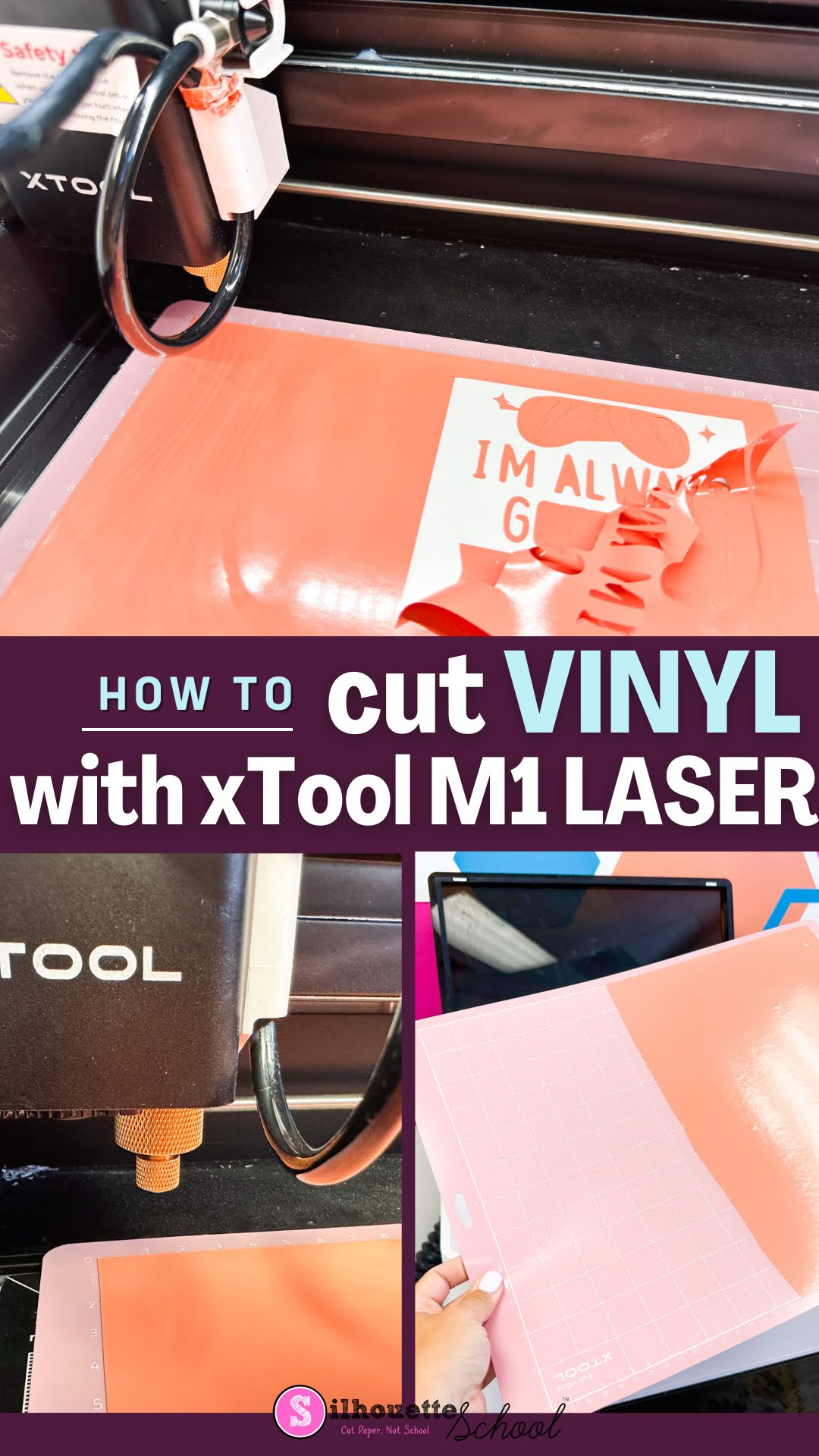
How to Cut Vinyl with XTool M1 Craft Laser
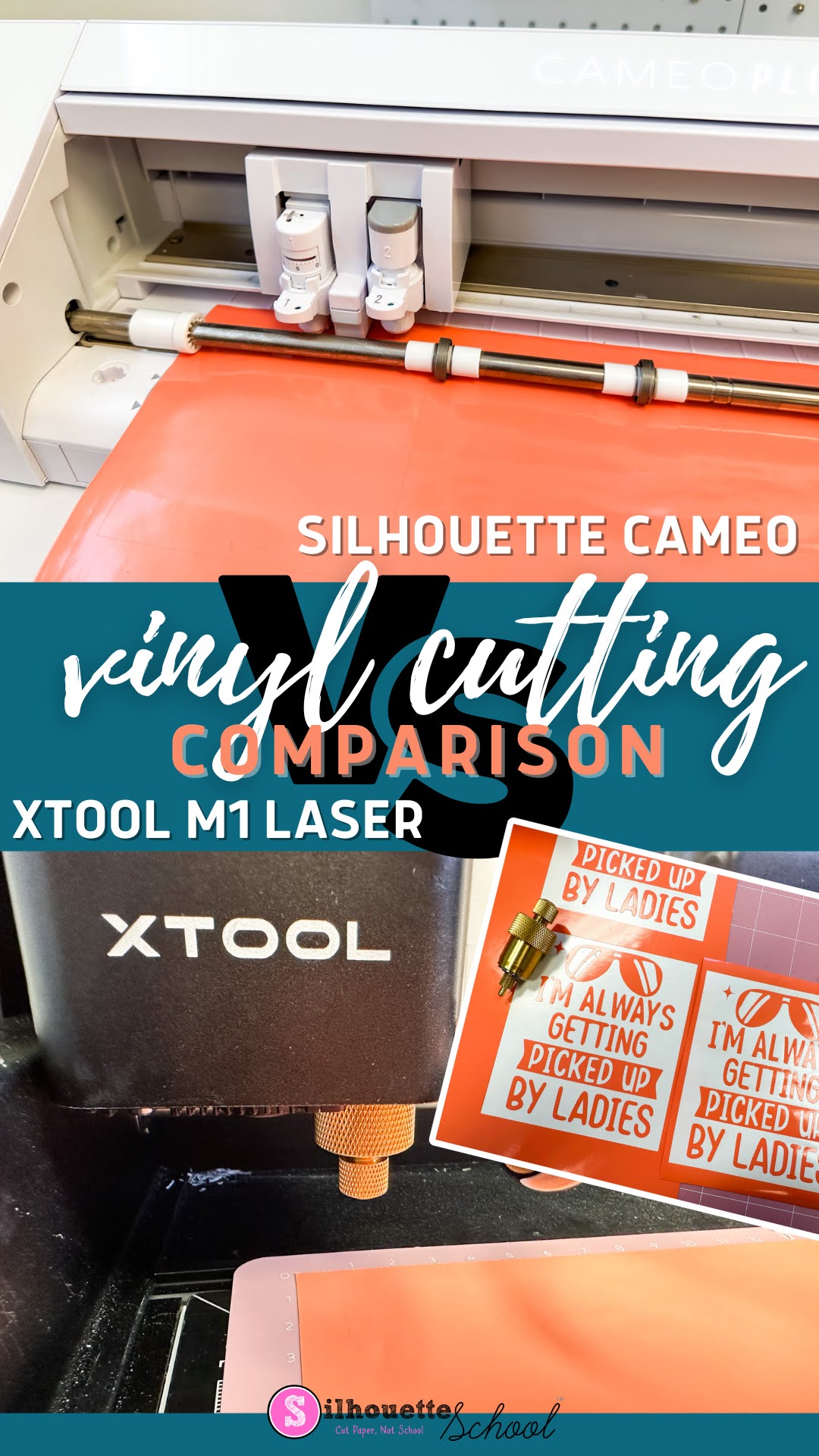
Silhouette CAMEO 4 vs XTool M1 Vinyl Cutting Comparison
Tumblers for Sublimation, Vinyl, and Laser Engraving + Free Tumbler Templates
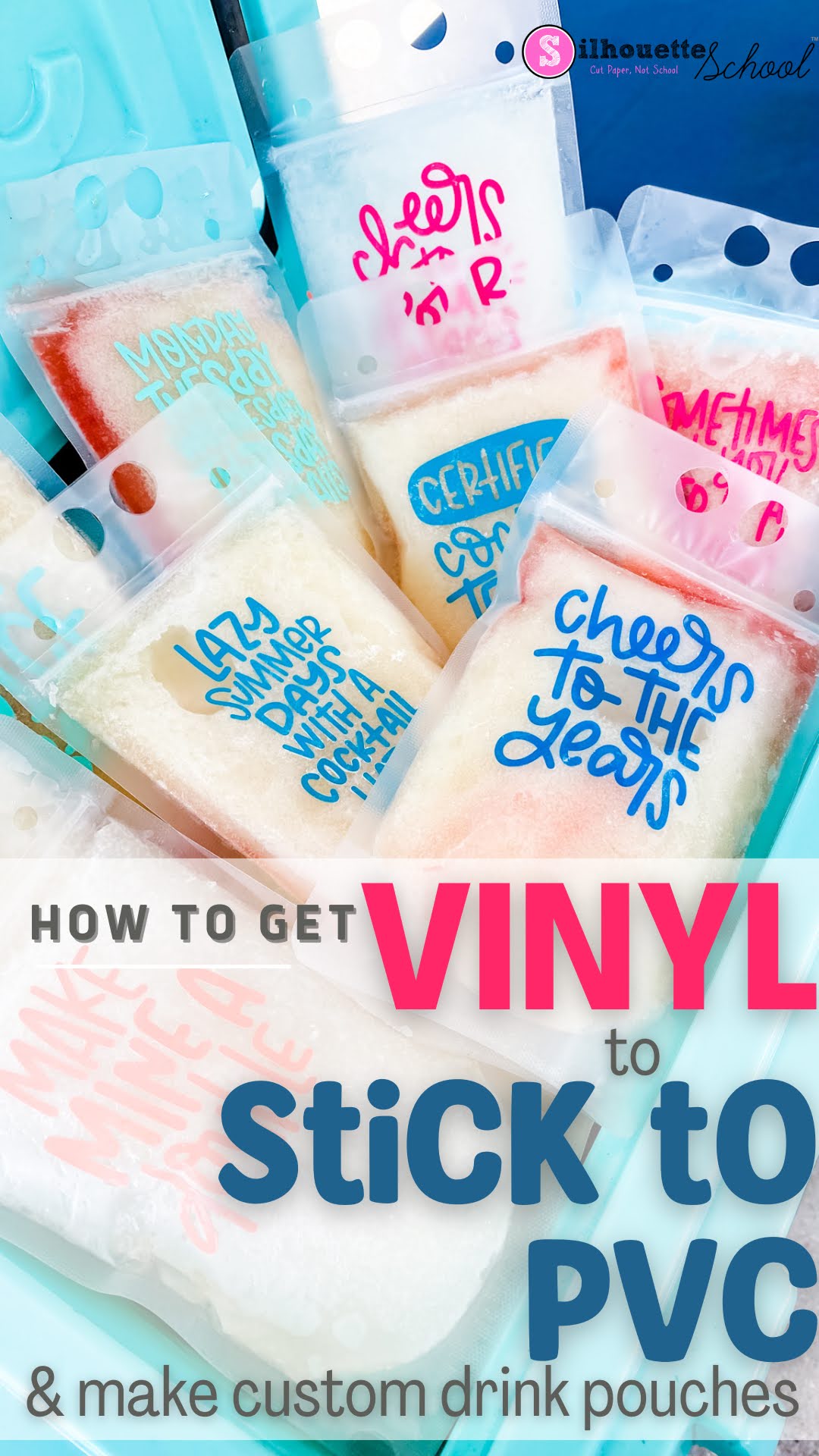
How to Get Vinyl to Stick to PVC (Like DIY Drink Pouches)
How to Make Holographic Stickers with Roland BN-20A
How to Design Personalized Vinyl Stickers for Water Bottles in Silhouette Studio
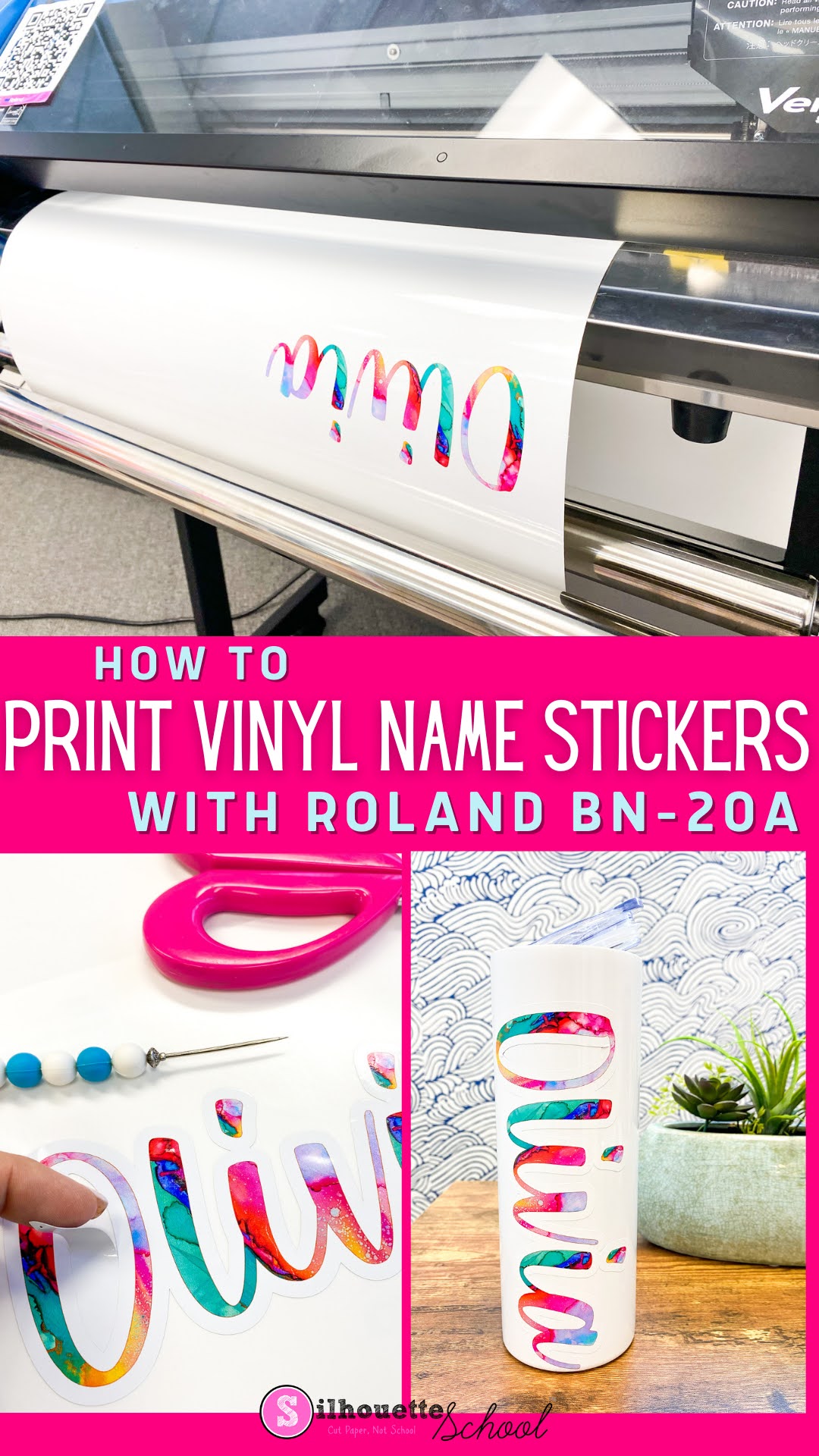
How to Print Vinyl Name Stickers with Roland BN-20A
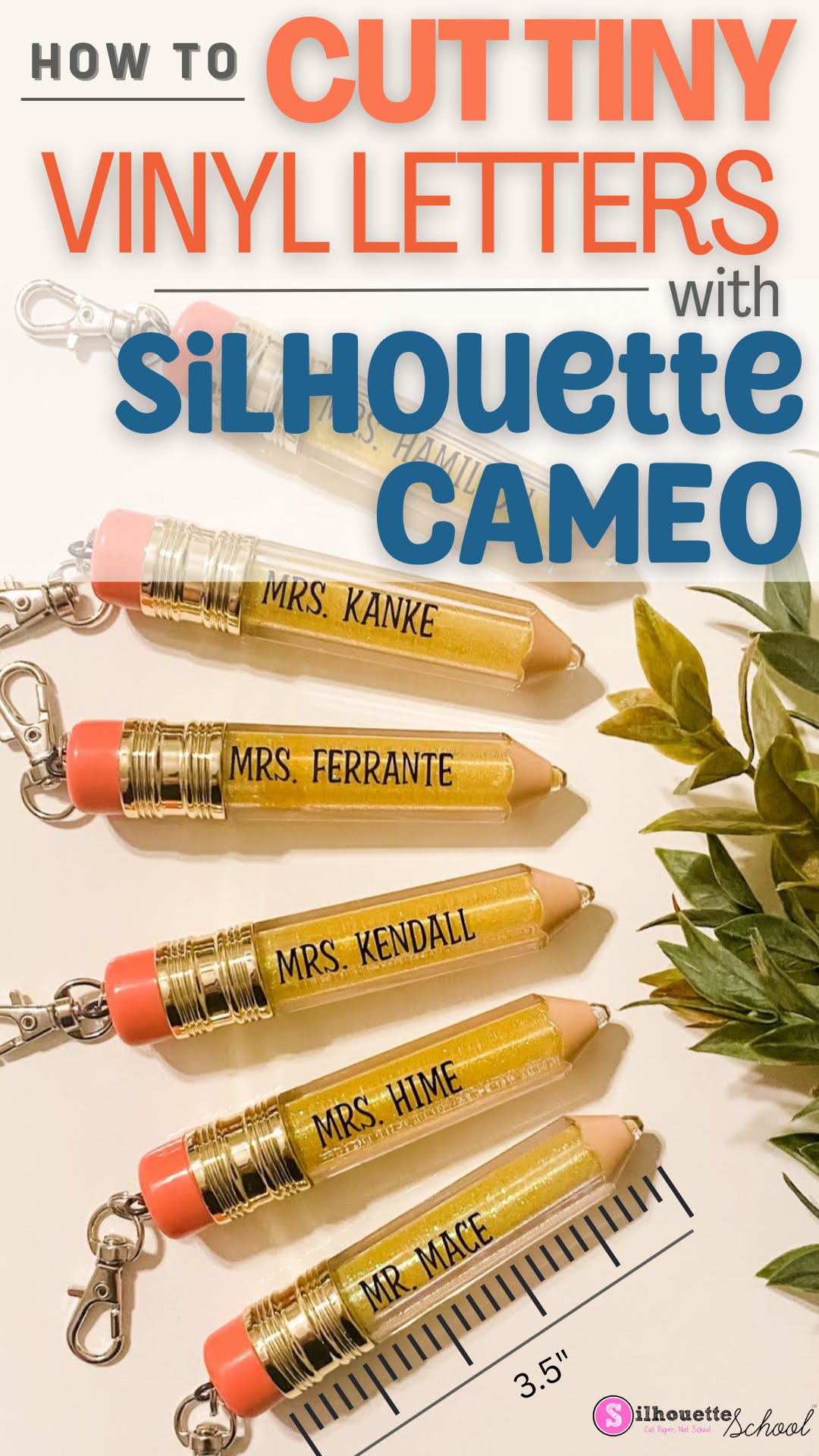
Don't Cut Small Vinyl Text with Silhouette CAMEO Without Reading This FIRST!
How to Make Multicolor Vinyl Decals (Video)
Note: This post may contain affiliate links. By clicking on them and purchasing products through my links, I receive a small commission. That's what helps fund Silhouette School so I can keep buying new Silhouette-related products to show you how to get the most out of your machine!
Turning a Multi color SVG Design into a Single Color Design
With Silhouette Studio, you can quickly and easily turn your multi-layered, multi-colored SVG design into a single layered, single colored design. Whether you need to simplify the look of your project for a more professional finish or just want to do some personalization for a gift, making this conversion is easy and straightforward.
DIY Wallpaper Peel and Stick: Print at Home with Roland BN-20A
Waterslide or Sublimation: What Should I Use?
Have you been seeing the trendy beer glass tumblers and are dying to get your hands on some? We are taking a look at decal printing, and are comparing the options: sublimation and waterslide transfer decals!
Both are great for customizing products and apparel, but which one is better for YOU? Let’s dive in!
Bleach Spray Shirts: 7 DIY Tips for Beginners
How to Cut Puffy HTV and Use it on Paper
We'll guide you through the steps of cutting puffy HTV and using it on paper projects - from cards to scrapbooks and more. Let's get started!


.png)