Copyright Silhouette School 2016. Powered by Blogger.


Showing posts with label ecosolvent printer. Show all posts

How to Get White in your Roland Prints Without White Ink

If you're wondering how I'm printing white on my 4-channel Roland BN2-20A...I'm not.  I'm printing AROUND the white. 

roland bn2,roland bn2-20a,roland bn 2,roland bn20a,banners,ecosolvent printer,white ink,print white,

The 20" CMYK ecosolvent printer does not have a white configuration, but that doesn't mean you can't print designs that have white in them. So what's the trick? There isn't one, really. That's the whole point. Read on and I'll explain. 

roland bn2,roland bn2-20a,roland bn 2,roland bn20a,banners,ecosolvent printer,white ink,print white,


Roland Versaworks 7 Mac Users: It's Not All Good News

Roland released VersaWorks 7 for Mac users in March 2025 and while it seems like a major win for MAC users who want to run a print and cut vinyl and HTV machine -  it's a bit of a mixed bag.  

Roland,roland bn2,roland bn2-20a,roland bn2-20,printable heat transfer paper,t shirt transfers,ecosolvent printer,


As a MAC girl myself, there's one big issue that made me take pause and why I might still be using my PC when it comes to printing on my Roland BN2-20A

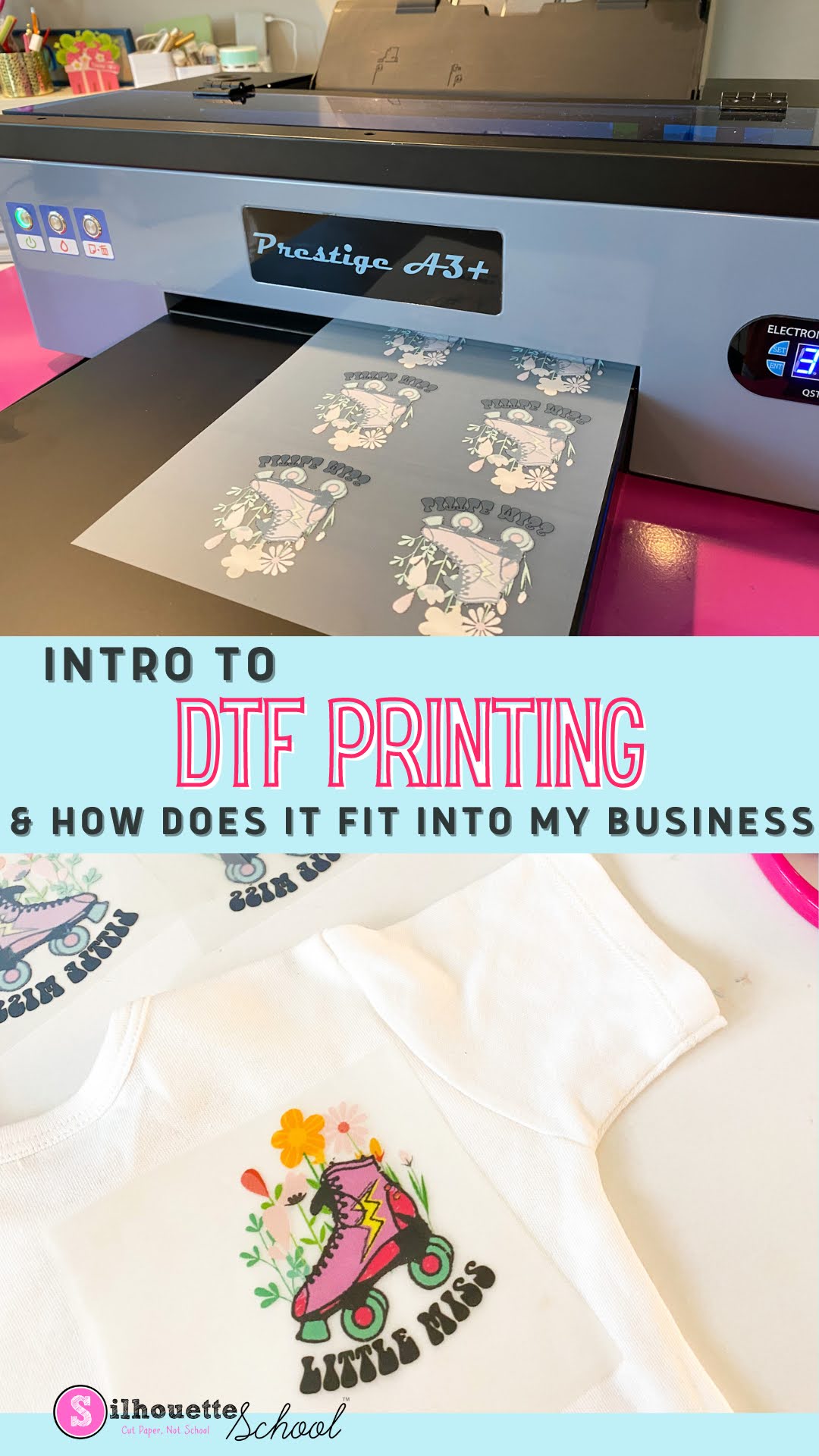
Introduction to Direct to Film Printing and How it Fits into Your Silhouette Business

If you've heard the term DTF or Direct to Film printing but you're not sure what it is - or how it could fit into your Silhouette CAMEO world or your small business - you've come to the right spot. 

silhouette 101, silhouette america blog, Prestige A3, dtf printer, direct to film

Read on to learn more about DTF printing and how a desktop DTF printer like the Prestige A3+ can help you make, print, and sell cut-less, weed-less full color transfers from designs you already own! 

5 Reasons to Consider the Roland BN-20A (And an Epic Giveaway)

If you're considering getting a Roland printer and cutter, there are plenty of arguments to jump straight to the BN2-20A vs the BN-20A. But there are also a handful of good reasons the BN-20A may actually be a better option for YOU! 

Roland,roland contour cut lines,Print and Cut,t shirt transfers,Printer

When the newer model BN2 was released in 2023, Roland kept the BN-20 and BN-20A ecosolvent printers and cutters around and I'm so glad they did..and you should be too because it's a much more affordable option for many people. 

I love the Roland BN-20A so much that I've partnered up with Roland and Swing Design to GIVE AWAY a BN-20A! 

Read on for 5 reasons where the BN-20A edges out the BN2-20A and may actually be the better 20" Roland printer and cutter for you..plus details on how to enter to win one! 

Roland BN2-20A: Everything to Know About the New, Faster Printer and Cutter (And First Look)

The new Roland BN2-20A and BN2-20 models are here...and yours truly has one of the very first machines! 

Roland bn2, roland bn2-20A, new roland bn 2023, roland bn2 vs bn

I'm thrilled to be able to introduce you to the new BN2 20" ecosolvent printer and cutter that's not only newly designed from the inside out to save you space and money, but also increase your production by printing and cutting four times faster than ever before. Did I mention auto cut lines with and direct cut with free Flexi Designer software that's included?  There's so much to love..and a few changes I'm not a fan of...so read on!  

Roland BN-20A vs Uninet iColor 560 White Toner Printer: Pros and Cons & Feature Comparison

Now that I have both an Uninet iColor 560 White Toner Printer and a Roland BN-20A...I am getting A LOT of questions about which one is "better".  It's not an easy question to answer because they are two totally different machines!  

Although if you ask in the respective Facebook groups...it may seem to be an easy decision based on just how adamant users of the respective printers are that "theirs" is hands-down, no-question better, more versatile, better quality, the top pick over the other.


silhouette america blog, silhouette 101, Roland, Roland BN 20, Uninet icolor

The truth is I totally understand that for most crafters-turned-at-home small businesses it's a choice to get one over the other due to price and space....so let me help you decide between the BN-20A vs the Uninet iColor 560 White Toner printer... from someone who has both and has no allegiance one way or the other. 

My only goal here is to help you make an informed decision for your growing business..and then help you learn whichever machine - BN-20A or Uninet iColor 560 - you decide to invest in. 

Printer Stands to Save You Space (When You Have too Many Like Me...)

If you're looking for a printer stand to save space in your small craft room or office, I have a few that I love! 

silhouette 101, silhouette america blog, small business, printer stands, home office

I searched Amazon high and low looking for the cheapest and best printer stands to save space...so check out my favorites

How to Design Personalized Vinyl Stickers for Water Bottles in Silhouette Studio

You can make personalized vinyl stickers for water bottles in several different ways. You can cut all the different layers of vinyl with a Silhouette machine and then layer or you can use a printer and cutter like a Roland BN-20 and make super durable, full color, and long lasting stickers without any layering at all. 

silhouette 101, silhouette america blog, script fonts, stickers, silhouette studio

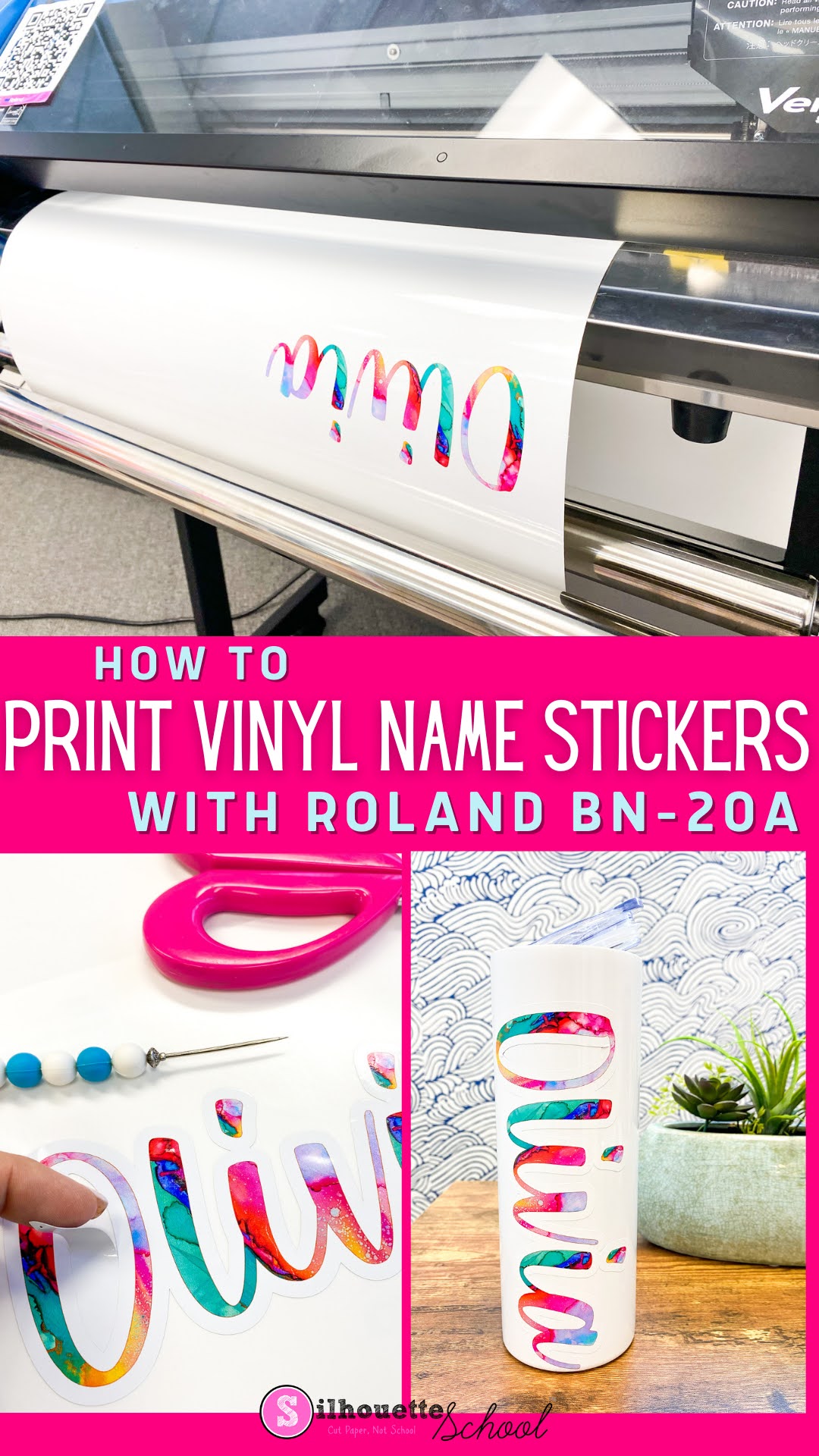
In this tutorial I'm going to show you how to make personalized vinyl name stickers for water bottles with the 20" Roland BN-20A ecosolvent printer and cutter...designed in Silhouette Studio.  

And P.S. if you are looking for alternatives ways to print and cut on your inkjet printer and Silhouette CAMEO I have a few options for you at the bottom so keep reading.

How to Print Vinyl Name Stickers with Roland BN-20A

You can print vinyl name stickers, designed in Silhouette Studio or another program, with a Roland BN-20A which is an ecosolvent print and cut machine.

vinyl stickers, roland, print and cut, roland bn20, adhesive vinyl

One of the benefits about printing vinyl stickers with an ecosolvent printer is the ink is waterproof, and scratch and fade resistant. This makes it ideal for things like water bottles that will be handled a lot. 

If you haven't already designed the personalized vinyl sticker, the first part of this tutorial will take you step by step through the design process in Silhouette Studio..then pick it up here to print and cut on your 20" Roland BN-20A. 

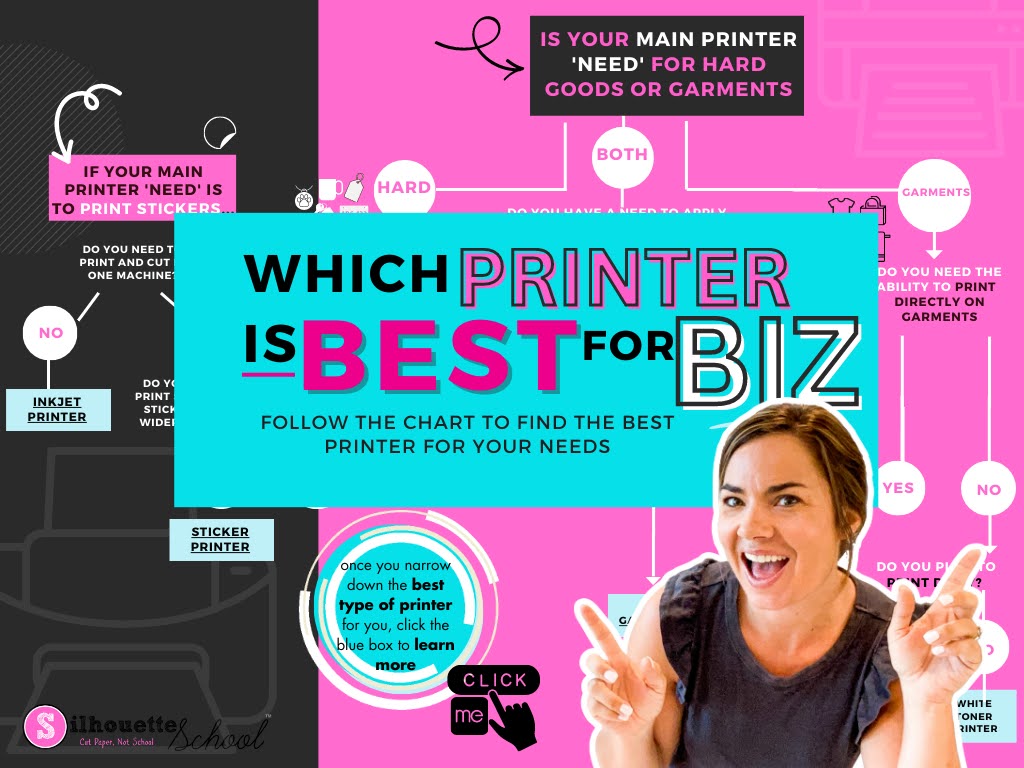
Best Printer for Small Business 2023: Is Inkjet, Sublimation, Ecosolvent, Print and Cut, DTF, DTG Best for You?

Whether you're a home crafter looking for a basic inkjet printer to do print and cut with Silhouette, want a low cost sublimation printer or are looking to expand a small business by investing in some type of sticker printer or transfer printer - I'm going to help you finally decide which is BEST for you. 

silhouette 101, silhouette america blog, small business, printers, print and cut

Unfortunately there's not one printer that will do it all. Especially if you're on a budget and have space restrictions. However, there are a wide variety of printers for both hobby crafters and small businesses. 

24" Siser Romeo Set Up for First Print and Cut

Setting up the 24" Siser Romeo to print and cut may seem intimidating, but it's not...and once you understand the process you will realize just how useful print and cut is!

siser cutting machine, siser juliet, siser romeo, siser romeo cutting machine, silhouette 101

You can print and cut on the 24" Siser machine with the width and length really only limited by your printer. So whether you have a standard 8.5" x 11" inkjet, a 13" wide printer or a 20" ecosolvent printer like the Roland BN-20 or BN-20A you can contour cut on the Romeo.  

Follow these steps to set up for your first print and cut with Siser Romeo and Leonardo Design Space.

What Can the BN-20A Do: Is Roland BN-20A Worth It?

If you're looking to increase production and expand your small business with an all-in-one printer and cutter you are probably wondering "What can the BN-20A do?"

roland, roland bn-20, roland bn-20a, ecosolvent printer, transfer printer, sticker printer

Knowing what the 20" ecosolvent print and cut machine can do can help you decide if the Roland BN-20A is worth the start up price for your small business.  Read on for a look at just how versatile the BN-20A is and what all it can do. 

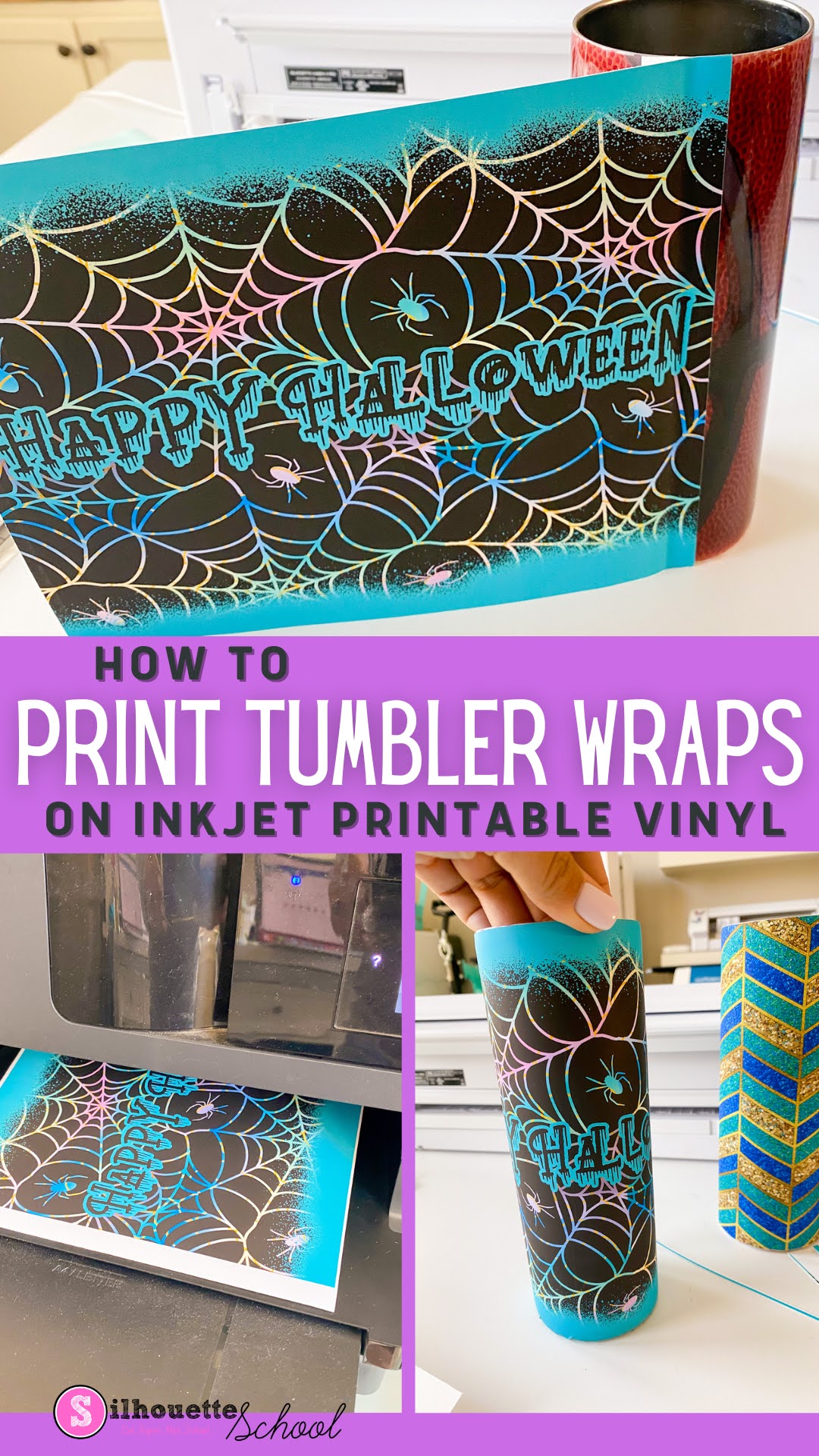
How to Print Vinyl Wraps Using Sublimation Tumbler Templates and Inkjet Printable Vinyl

Sublimation isn't the only way to make tumblers. You can also make vinyl wraps for tumblers using sublimation templates and designs. 

Silhouette 101, silhouette america blog, silhouette and sublimation, roland, inkjet printable

This is a great alternative if you are in one of the following situations: 
  • Wondering how to make skinny tumblers without a sublimation printer 
  • Looking for ideas on how to fix messed up sublimation tumblers
  • Need a way to customize non-sublimation ready tumblers
In this tutorial I'll share how to print vinyl wraps for tumblers using skinny tumbler sublimation templates and inkjet printable vinyl.  

Silhouette Studio Not Printing Correct Size? How to Match Your Page Size to Your Printer

Silhouette Studio can print to any printer on the same WIFI network or attached by USB which is a big benefit of the software program especially when you have a lot of different printers like me.

silhouette 101, silhouette america blog, epson sublimation, sublimation printing, print and cut

In order to correctly print from Silhouette Studio to your printer, though, you'll want to make sure you match the page size between your print manager and Silhouette Studio.  This tutorial will explain exactly how to match your printer page size to the settings in Silhouette Studio.

Roland BN-20 Software: Why Silhouette Studio and Affinity Designer Are the Best (And Cheapest)

If you're considering investing in a Roland BN-20A you're probably also thinking about what the best graphic design software is to use with the 20" Ecosolvent Print and Cut machine.

Roland BN-20, Roland BN-20A, Roland Bn-20 software, Roland BN-20 Contour Cut Lines

The Roland BN-20 and BN-20A come with Roland VersaWorks software, but the free Roland software lacks in its ability to easily create contour cut lines.  Therefore another software program is used to prep art.  

There are three or four main options to create contour lines for the Roland BN-20A ... and here we'll explore why Silhouette Studio and Affinity Designer are the best...even if you don't have a Silhouette machine (and especially if you do!) 

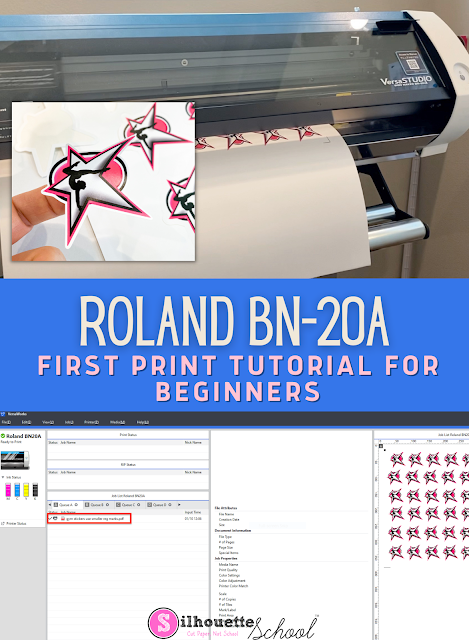
First Print on Roland BN-20A: Beginner Tutorial

It's actually pretty fast and easy to do a first print on the Roland BN-20A

silhouette 101, silhouette america blog, roland bn-20a, roland bn-20, ecosolvent

For this beginner tutorial we are only going to worry about the process of printing so we can get the basics down. 

Follow this Roland BN-20A beginner tutorial for first print using a roll of adhesive vinyl. 

Unboxing Roland BN-20A: Initial Software and Machine Setup in 8 Steps

Setting up the Roland BN-20A for the first time is a several step process, but it's nothing to be overwhelmed about! 

roland, print and cut, roland bn 20, silhouette 101, silhouette america blog

In this Roland BN-20A beginner tutorial I'll take you step by step to set up the 20" eco solvent print and cut machine including the machine, (optional) stand, software package, blade and material to get you ready for your first print and cut with the Roland BN-20A. 
 
The Roland BN-20A is an eco solvent, desktop print and cut machine that will take any small vinyl business to the next level and open up expanded opportunities for Etsy sellers and their customers!  It's similar to the original Roland BN-20, but without the white and metallic ink options allowing a lower price point. 

If you're coming from the crafting side where you're used to a Silhouette CAMEO machine the Roland will seem like a print and cut dream!  But before you can get to printing and cutting vinyl stickers on this 20" printer and cutter we need to get it all setup....and I would recommend devoting a few hours to a half day to do that.