Copyright Silhouette School 2016. Powered by Blogger.


Showing posts with label cutting vinyl. Show all posts

Laminated Vinyl Stickers Without Registration Marks

If you're looking to make laminated vinyl stickers without registration marks - there is an entry-level print and cut sticker machine that is often overlooked. 
icolor 250,Uninet iColor,vinyl stickers,adhesive vinyl,cutting vinyl,sticker,print and cut sticker machine,Sticker Paper,sticker shop,

The iColor 250 is usually dubbed as a label printer, but this MAC and PC compatible printer and cutter can easily be used as a vinyl sticker printer. When it is, it comes in as the lowest priced sticker printer on the market. 

Trick to Size a Vinyl Decal Perfectly in Silhouette Studio

If you've struggled with how to size vinyl decals..that's about to end. 

sizing,Silhouette Studio,Silhouette Studio 4,Silhouette Studio V4,scale,cutting vinyl,adhesive vinyl

It's actually very, very easy to get perfectly sized vinyl stickers when you use this trick in Silhouette Studio. Read on for the why-didn't-I-think of that tutorial! 

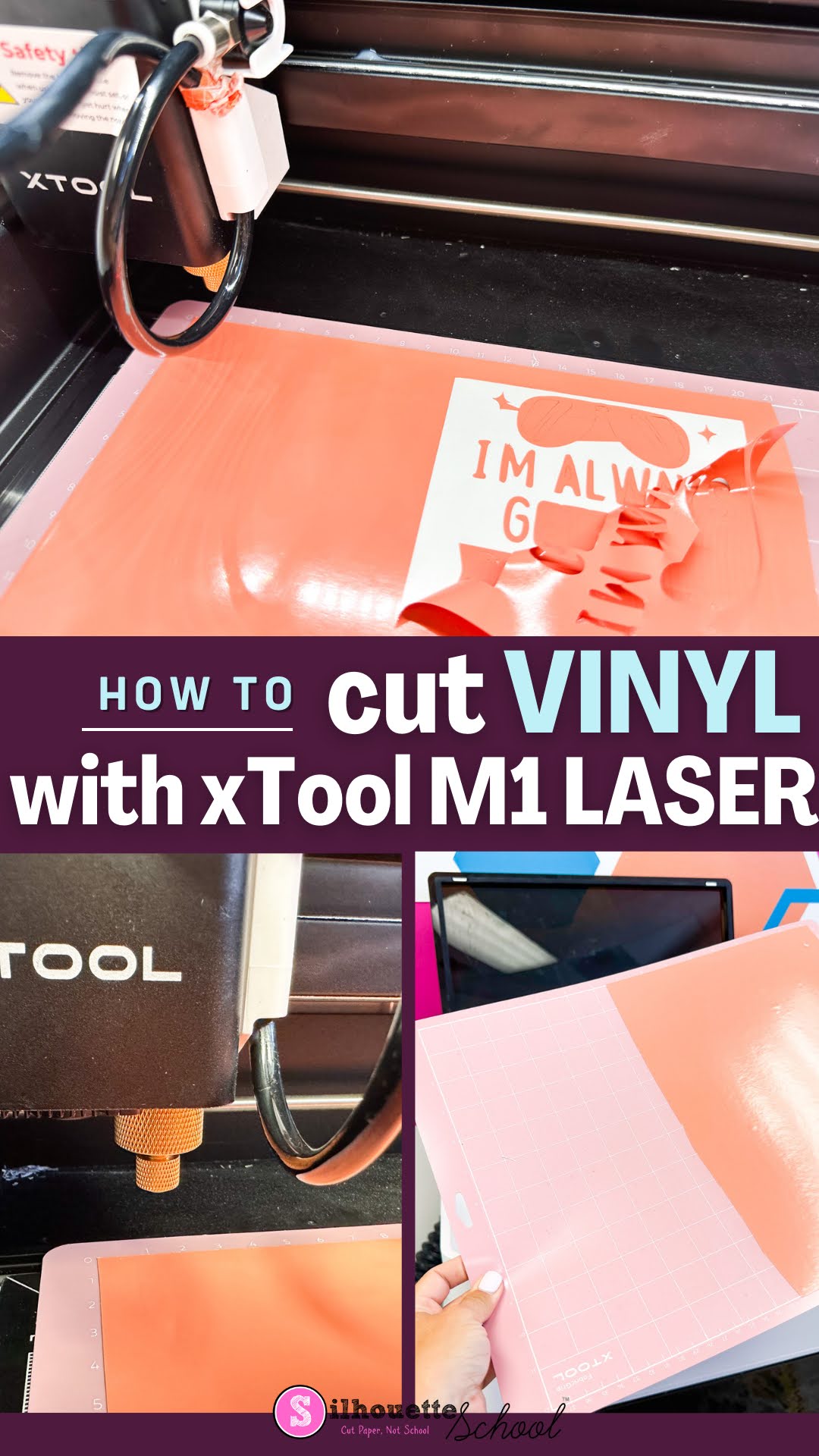
How to Cut Vinyl with XTool M1 Craft Laser

The xTool M1 craft laser is not only a laser engraver and cutter, it is also a vinyl cutter. The versatility of the 12x15" machine makes it an all one craft machine! 

xtool m1, diode lasers, cutting vinyl, adhesive vinyl, xtool

If you're a crafter that likes to dabble in a lot of different material and mediums...the hybrid xTool M1 is a great option. Read on to learn how to cut vinyl with the M1.