Copyright Silhouette School 2016. Powered by Blogger.


Showing posts with label diode lasers. Show all posts

New Free Tool for Laser Engraving Settings (Stop Guessing on Clean Cuts)

If you're constantly struggling to find the right laser settings and wasting time and materials with the wrong settings - then I have just the laser settings finder tool for you! 

Co2 lasers,diode lasers,laser business,laser cutter,laser engraver,

It's important to understand how laser settings actually work, why the charts you find online so often fail you, and a much faster way to land on a tested starting point for your exact machine and material.

Craft Plastic Sheets for Laser Cutting - Settings and Tips

I had never cut craft plastic sheets on my laser before and I honestly wasn't sure what I would use them for. But when I was making photo booth props for my daughter's graduation party, they turned out to be perfect! 


This material is thin, slightly flexible - almost rubbery - and it cuts beautifully on a CO2 laser like an xTool P2s or Flux Beamo.  You can also cut it on a diode laser or even a craft cutter, like a Silhouette CAMEO or Cricut. 

I had my laser up and running already for some DIY big heads, so that's why I opted to laser cut the plastic sheets. Here's everything you need to know before you cut.

Why You Should NEVER Walk Away From Your Laser Cutter

If you're using a laser cutter - to cut any material - listen up. This is an important safety reminder. 

laser cutter,laser engraver,laser engrave,xtool F1 laser,diode lasers,Co2 lasers,laser business,laser engraving,


In my recent tutorial on how to make DIY cookie cutters, I mentioned it's important not to walk away from your laser due to fire risk. 

While this happened while cutting thick acrylic on my laser, it's a good reminder for everyone. 

xTool Creative Space Tutorial | 5 Tips for Laser Beginners

The xTool laser software is pretty user friendly - even for beginners. While it's definitely not a full fledge design software by any means, there are some pretty cool hidden features that make the laser cutting software that much better. 

laser, xtool laser, xtool m1, xtool p2, creative space, laser engraving

In this xTool Creative Space tutorial I'll be sharing five little known tips for using XCS that will make your xTool M1, P2, F1, S1 or D1 that much better!  

Top 15 Laser Engraving Silicone Blanks on Amazon

I am SO excited to share my favorite silicone blanks that you can get on Amazon for laser engraving!

Co2 lasers,diode lasers,laser cutter,laser business,laser engrave,laser engraver,laser engraving,xtool P2,


If you've been wondering what silicone items work best for laser engraving, I've got 15 silicone blanks that engrave beautifully and have the potential to be your next best seller. 

Beginners Guide to Laser Engraving Silicone Rubber (Without Burning)

If you're new to laser engraving silicone rubber - you're in the right spot! 

laser business,laser engraver,laser engraving,diode lasers,Co2 lasers,xtool,xtool creative space,


Once you nail the best laser engraving settings, to avoid burning and scorching, you're going to be absolutely amazed at the results you an get when engraving silicone.  

Read on for my beginner's guide to laser engraving silicone rubber. 

Tips to Reduce Charring When Laser Cutting Wood

If you're getting charring when laser cutting wood, there are ways to reduce the charring and clean up your wood cuts. 

xtool laser, xtool laser tutorials, wood charring, laser cutting, laser engraving wood, laser cutting wood

Wood charring is often caused when there's not enough air during the laser cutting process. Here I'm sharing my best advice on getting cleaner wood laser cuts and a dramatic side by side! 

7 xTool Rotary Tips for Beginners: Read this Before Laser Engraving Your First Tumbler

If you're new to laser engraving tumbler, I have a bunch of tips today to make your first laser engraved tumbler go as successful as possible. 

xtool,xtool M1,xtool P2,diode lasers,laser engraver,xtool S1,tumbler,xtool F1,Co2 lasers,laser cutter,laser engraving,


You can engrave stainless steel tumblers with all of the xTool lasers, but I prefer to use my xTool P2 CO2 laser since it just engraves so fast! Read on for my best tips. 

Sorry Stanley! Three Reasons THESE Are My Favorite 40 Oz Tumblers for Laser Engraving

If you're looking for the best tumblers for laser engraving...I may have an unpopular opinion. 

laser business,business,diode lasers,laser engraver,tumblers,tumbler,Co2 lasers,

My favorite 40 oz stainless steel tumblers for laser engraving are found at Save a Cup and there's three big reasons why I prefer them over the more well know brand that my teenagers insist I use instead. 

Best Laser for Engraving Metal and Jewelry

If you're looking for the best laser for engraving metal and jewelry, the small, portable and powerful xTool F1 is a great choice. 

xtool,diode lasers,laser engraver,Jewelry,Metal Etching,IR laser,xtool F1,laser engraving

The xTool F1 is a dual laser that includes a 10w diode laser as well as an IR laser which is ideal for engraving metals quickly and precisely.  Read on for a beginner tutorial on how to engrave metal and jewelry with the xTool F1. 

How to Use Sublimation Sheets

If you know how to use sublimation sheets, you'll really expand what you can sublimate because you'll be able to make your own custom sublimation blanks.

laser business,Silhouette and Sublimation,diode lasers

The key is pairing a sublimation printer with a laser cutter that can cut any shape out of the sublimation hardboard sheet. Read on to see how easy it is to use sublimation sheets.

Getting Started with xTool S1 Laser Cutter and Engraver: Setup and Unboxing

The xTool S1 40W laser is a great in between laser - when you need more power than an xTool M1 craft laser, but the xTool P2 CO2 laser is more than you really need. 

diode lasers, xtool, xtool laser, laser engraving, laser cutter, xtool videos

The S1 is the newest fully enclosed laser from xTool and with a larger bed than the M1 and more power than the M1, but a more affordable price tag I really do like it.  You can engrave and cut all sorts of material including wood and some colors of acrylic. 

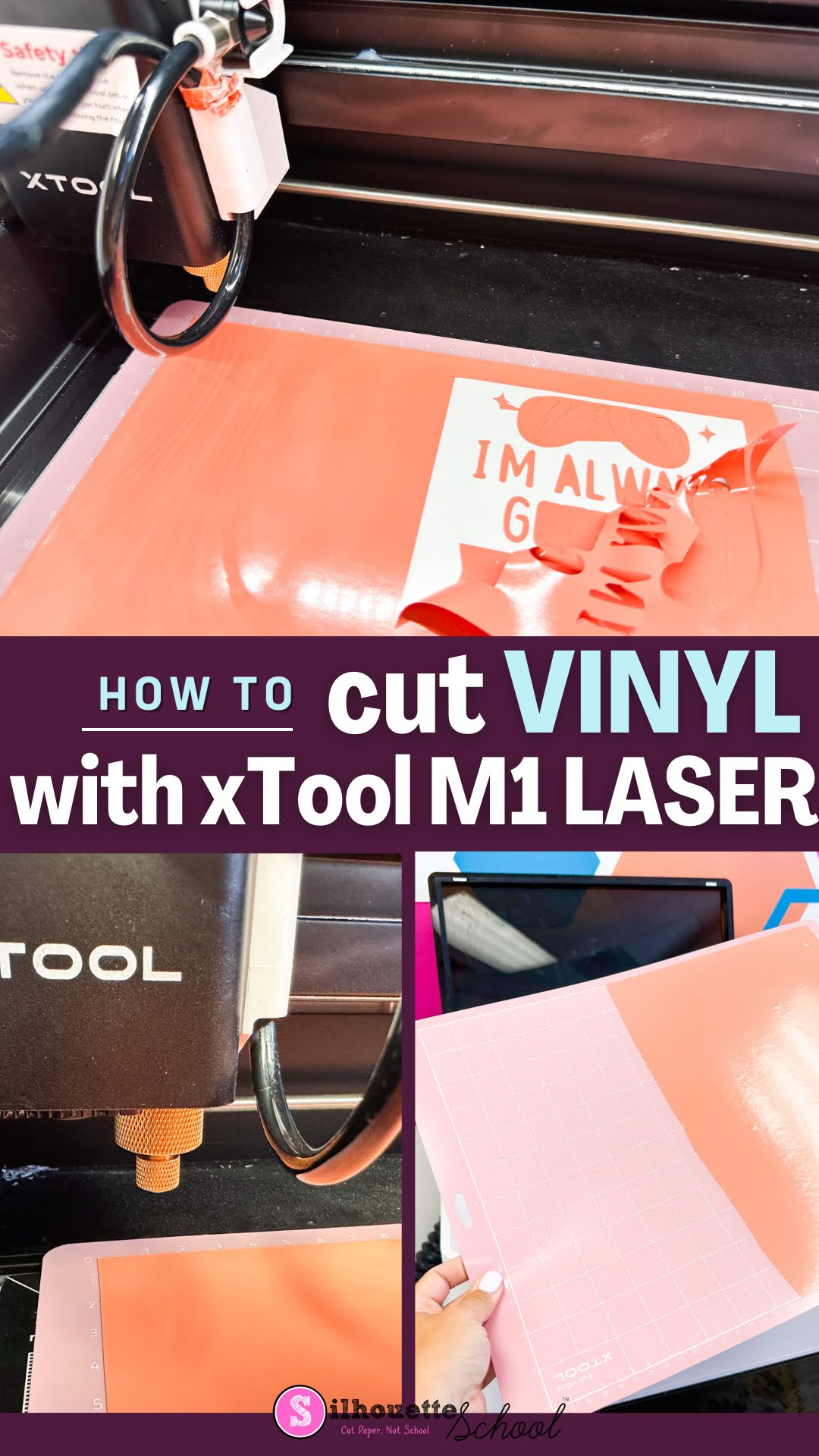
How to Cut Vinyl with XTool M1 Craft Laser

The xTool M1 craft laser is not only a laser engraver and cutter, it is also a vinyl cutter. The versatility of the 12x15" machine makes it an all one craft machine! 

xtool m1, diode lasers, cutting vinyl, adhesive vinyl, xtool

If you're a crafter that likes to dabble in a lot of different material and mediums...the hybrid xTool M1 is a great option. Read on to learn how to cut vinyl with the M1. 

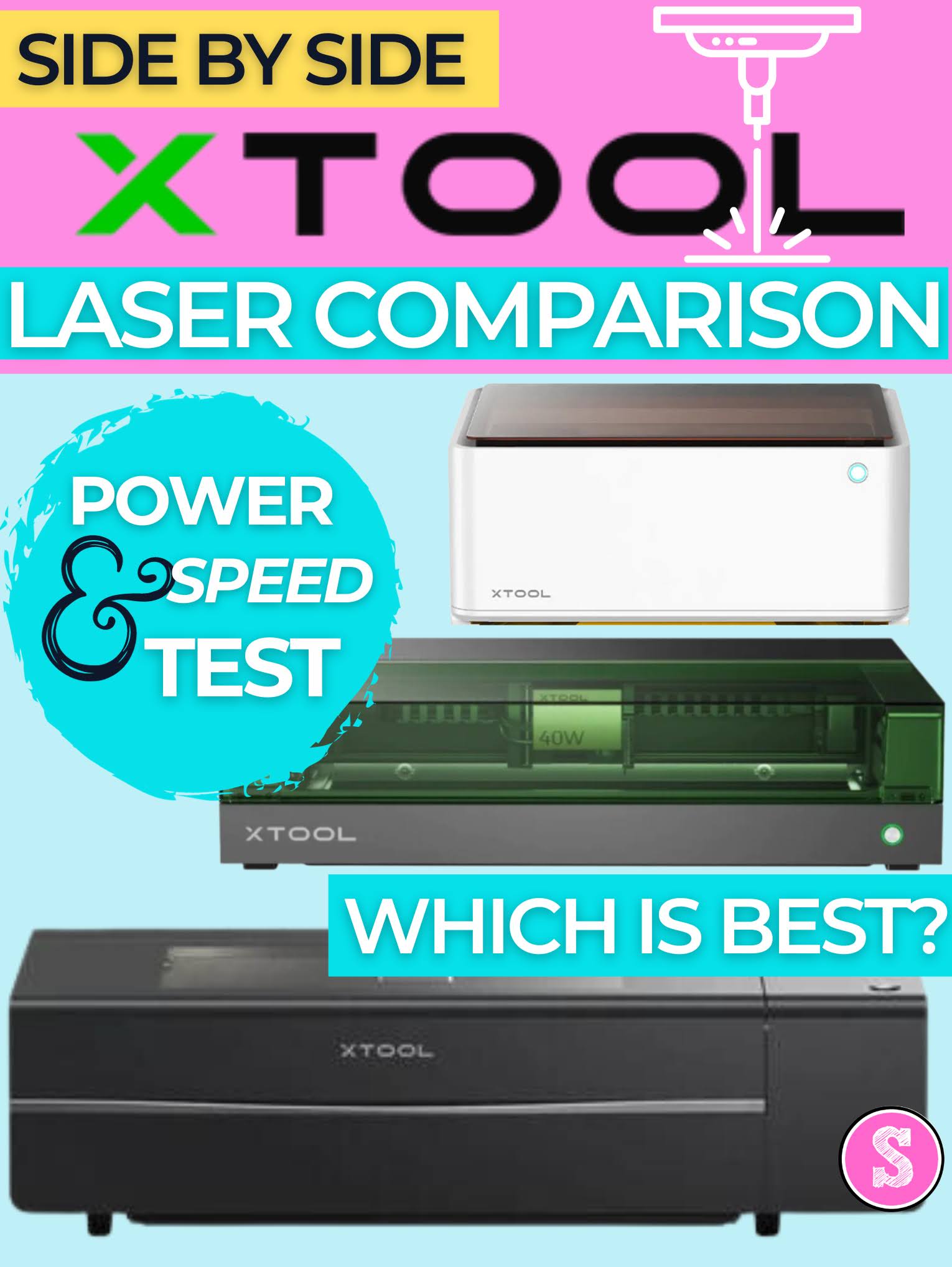
Laser Engraver Comparison for Crafters, Small Business and Pros (Speed and Power Test)

If you're trying to find the best laser cutter and engraver it can all seem a bit overwhelming. 

laser engraver, xtool, xtool m1, xtool p2, diode lasers, laser engraver

I have three xTool laser engravers and cutters. I would consider one for crafters, one for small, side businesses and one for shops and pros.  In the laser world, a higher power laser means faster cutting and engraving. But it also usually means a higher price.  

The good news is there's a laser out there for everyone and as the prices drop and safety with enclosed lasers become more common, the biggest challenge is deciding which is best.