Copyright Silhouette School 2016. Powered by Blogger.


Showing posts with label Engraving. Show all posts

Perfect Silicone Engraving Settings: My Must-Try Tips and Tricks - Video Tutorial

I know laser engraving silicone and rubber can seem tricky, especially when you're trying to avoid that messy black soot and getting a clean result. 

silicone, laser engraving, xtool p2,


But don't worry, I am going to share my trick when engraving silicone items.

10 Things to Make With a Craft Laser Engraver (That You Can't with a Vinyl Cutter)

Laser engravers are not only coming down in price, they're getting a smaller footprint making them more attractive to hobby crafters. 

xtool,Engraving,xtool M1,Popular,xtool P2,laser engraver,laser engraving,glowforge,glowforge alternative,

A laser engraver, like the XTool M1 10W craft laser engraver and cutter or larger and more powerful XTool P2 55W CO2 laser, will expand your crafting and small business by opening up the possibilities of materials you can engrave and cut that a Silhouette CAMEO or other vinyl cutters can't.  Everything from silicone to stainless steel to wood and even acrylic.

Check out 10 things to make with a laser engraver that a Silhouette CAMEO or Cricut simply can't do.

Best Engraving Tool for Silhouette CAMEO 4: Metal Sheets Engraving Tutorial

Did you know you can get a deep engraving with your Silhouette CAMEO 4 - even on metal? 

silhouette 101, silhouette america blog, engraving, metal etching, etching
This is a sponsored blog post but all opinions are my own

The trick is all in the engraving tool, the metal sheets, the cutting mat and of course the settings. Lucky for you I have found the perfect combination of all four to get the best engraving with CAMEO 4. 

How to Engrave with Silhouette CAMEO 4 and Zoom Precision Etching Tool (Video)

I get asked a lot if it's possible to etch or engrave with the Silhouette CAMEO 4. 

silhouette 101, silhouette america blog, silhouette blades, cameo 4, engraving
This is a sponsored blog post, but all opinions are my own

There were tools that fit in the CAMEO 3 that allowed for engraving and etching, but they're harder to find for the newer model Silhouette CAMEO. 

I recently came across the the Zoom Precision 3-in-1 etching tool on Amazon. It not only includes three different size tips, but also several metal blanks to get started and ...it fits perfectly into the Silhouette CAMEO 4's tool carriage with the need for any type of adapter. 

Laser Engraving Tapered 40 oz Tumblers with xTool F1

You can laser engrave stainless steel tumblers, even 40 oz tumblers, with the smallest xTool laser - the F1. 

xtool,Engraving,xtool P2,laser engraver,tumblers,xtool F1,laser engraving,

If you are new to engraving tumblers, I would not start with engraving a tapered tumbler or a full wrap. But if you've already mastered engraving designs on a straight tumbler, this tutorial will take you through how to use the xTool F1 portable laser to engrave a wrap on a tapered tumbler. 

Step By Step Laser Engraving Full Wrap on 40oz Tumbler with Handle

Are you nervous to try to laser engrave a full wrap on a 40 oz tumbler? 

I was too...it's not for the faint of heart..but I learned a ton and I'm sharing it all in my new video so you can feel confident! 
xtool,Engraving,xtool P2,laser engraver,tumblers,tapered tumbler,laser engraving

Plus..the results are stunning and worth all the testing. 

How to Laser Engrave Tumblers for Beginners | xTool F1

Laser engraving tumblers is a popular way to customize stainless steel tumblers. The results can be amazing and the customization endless. 

xtool,Engraving,laser engraver,tumbler,IR laser,xtool F1,laser cutter,laser engraving

You can laser engrave tumblers at home with all of the xTool lasers including the small, portable xTool F1 and least expensive xTool laser - the M1 craft laser.  If you're a beginner, follow along to learn how to laser engrave tumblers like a pro. 

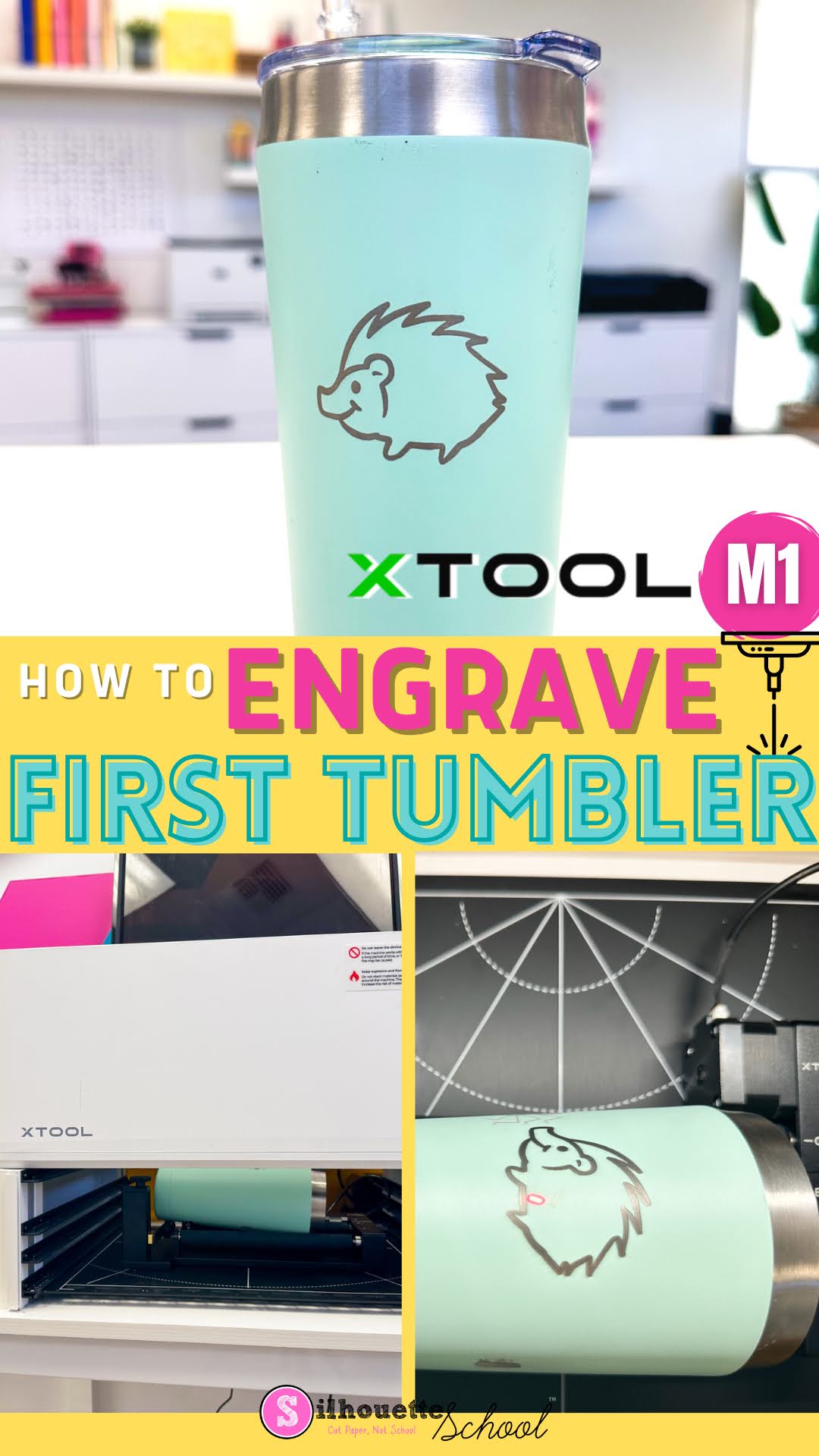
First Engraved Tumbler with XTool M1 Craft Laser Engraver

Engraving tumblers with the XTool M1 Craft Laser Engraver is NOT a good first laser project. 

xtool, engraving, xtool m1, engraving tumblers, laser engraving, tumbler,

However, once you get comfortable using the XTool M1 laser, making your first engraved tumbler is not something to avoid.  In this tutorial I'll take you step by step on how to engrave a stainless steel tumbler with a laser engraver. 

XTool M1 vs P2: Which Laser Engraver is Best for Me? Side by Side Comparison Chart

If you're considering getting a laser engraver and are looking for the differences between the XTool M1 and P2 I've got you covered. 

The two XTool desktop laser engravers share some similarities, but also many differences including size, price, laser type and power and materials they can cut and engrave. 

xtool, Engraving, xtool M1, xtool P2, laser engraver, glowforge, glowforge alternative, laser engraving, xtool comparison

So which is the best laser engraver for you: the XTool M1 Craft Laser Engraver and Cutter or the brand new XTool P2 55W CO2 Laser?  Read on for a side by side comparison of cuttable materials and features. 

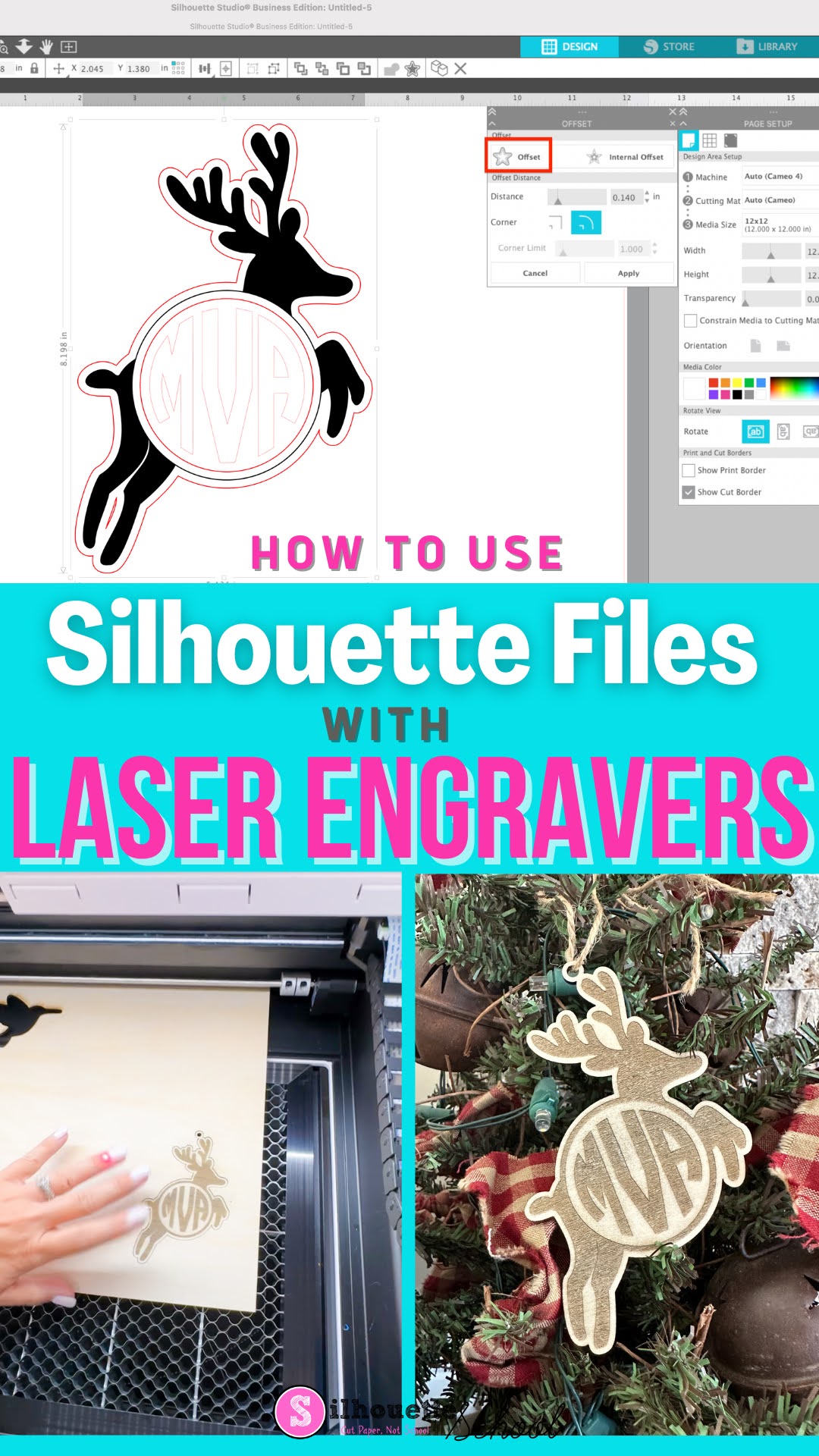
How to Use Silhouette Studio Files with Craft Laser Engraver (Glowforge or xTool)

Did you know you can use Silhouette Studio files with craft laser engravers and cutters?! 


If you're proficient and comfortable in Silhouette Studio there's no reason you can't design in the Silhouette software and then cut or engraver on a Glowforge or xTool laser.  Read on to learn how to use Silhouette Studio files with a laser. 

Engraving and Torch Paste: What's the Difference?

If you are a crafter who uses either a Silhouette CAMEO or Glowforge, you know there are several ways to make your projects look beautiful. However, if you’ve ever asked yourself “Is Torch Paste Comparable to Engraving?” then this blog post is for you!

silhouette 101, silhouette america blog, torch paste, wood sign, laser engraving

Let’s explore the differences between engraving and using torch paste so we can determine if torch paste is all you need.

How to Engrave Metal Bracelets with Silhouette CAMEO and Zoom Precision Tool (Free Templates)

Now that I've figured out the best way to etch metal with Silhouette CAMEO - thanks to the Zoom Precision engraving and etching tool - I'm taking it one step further. 

silhouette 101, silhouette america blog, zoom precision tool, engrave metal, bracelets, cameo 4

I have to admit engraving on metal bracelets with Silhouette CAMEO seemed a bit intimidating. I mean how do you hit something THAT small - we're talking 1/4" wide - that precisely? 

Read on because I'm sharing the secret to not only a deep engraving on metal bracelets, but how to hit such a narrow target on the first try! 

Silhouette CAMEO 4: Can Foil Quill, CB09, and Amy Chomas Tips Be Used?

The Foil Quill and some of the popular other third party tools for Silhouette, including the Amy Chomas etching and engraving tips, can be used in the CAMEO 4.

silhouette 101, silhouette america blog, cameo 4, silhouette cameo 4 review, cameo 4 tools, foil quill

The Silhouette CAMEO 4 includes a set of four tool adapters and I can confirm those adapters will work with a lot of the popular non Silhouette tools.  

Engraving with Silhouette: 7 Tips to the Perfect Engraving

 Engraving, Silhouette, Silhouette tutorial, tips
I have never been so excited to share a Silhouette tutorial with you. Not only have I been working on perfecting this engraving process for a week now, but I've quite literally tried dozens of combinations of settings and tools until I finally figured out the best way to get a clean, legible, centered, and (relatively) deep engraving.