Copyright Silhouette School 2016. Powered by Blogger.


Showing posts with label Silhouette tools. Show all posts

Best Engraving Tool for Silhouette CAMEO 4: Metal Sheets Engraving Tutorial

Did you know you can get a deep engraving with your Silhouette CAMEO 4 - even on metal? 

silhouette 101, silhouette america blog, engraving, metal etching, etching
This is a sponsored blog post but all opinions are my own

The trick is all in the engraving tool, the metal sheets, the cutting mat and of course the settings. Lucky for you I have found the perfect combination of all four to get the best engraving with CAMEO 4. 

How to Use the Knife Tool in Silhouette Studio to Separate a Design

When you've found the perfect SVG design, and want to cut different parts of it into different colors of HTV or vinyl - you may need to separate the design to do so. 

silhouette 101, silhouette america blog, knife tool, silhouette studio v4, silhouette studio design tools

If the design is connected, the Silhouette Studio knife tool will help you separate it.

How to Use the Select by Color Tool in Silhouette Studio to Quickly Group

Ever have a design come into Silhouette Studio completely ungrouped? 

silhouette 101, silhouette america blog, silhouette studio, silhouette studio v4, fill color tool, design tools

You can quickly and easily group designs by color or line color using the Select by Color tool! It's a real time saver.  In this tutorial, we'll show you how to use this Silhouette Studio tool. 

How to Divide Images into Panels in Silhouette Studio (Knife Tool Tutorial)

Want to divide an image into panels or smaller pieces in Silhouette Studio? It's easy to do! 

silhouette america blog, silhouette 101, knife tool, mandalas, adhesive vinyl

In this tutorial, we'll show you how to turn a regular mandala into a 9 piece work of art using the Silhouette software. 

How to Engrave Metal Bracelets with Silhouette CAMEO and Zoom Precision Tool (Free Templates)

Now that I've figured out the best way to etch metal with Silhouette CAMEO - thanks to the Zoom Precision engraving and etching tool - I'm taking it one step further. 

silhouette 101, silhouette america blog, zoom precision tool, engrave metal, bracelets, cameo 4

I have to admit engraving on metal bracelets with Silhouette CAMEO seemed a bit intimidating. I mean how do you hit something THAT small - we're talking 1/4" wide - that precisely? 

Read on because I'm sharing the secret to not only a deep engraving on metal bracelets, but how to hit such a narrow target on the first try! 

How to Change the Default Font in Silhouette Studio

Silhouette Studio now gives users the ability to change the default font style and size.  This is an option in the Silhouette Studio Beta version V4.4.819 or higher.

silhouette 101, silhouette america blog, silhouette studio, silhouette studio v4.4, fonts

Goodbye are the days of Lucida Grande and Arial 72! Now you can pick whatever font and font size you want based on any installed font on your computer! 

What Silhouette CAMEO Do I Have? (And What Tools Can I Use?)

Believe it or not we get asked more than you'd think "What Silhouette CAMEO machine do I have?" 

silhouette 101, silhouette america blog, cameo 2, cameo 1, cameo 3

While the same Silhouette Studio software can run all of the Silhouette machines, there are some differences in machines themselves - especially older machines - that make it important to know which Silhouette CAMEO you have.  

Downloaded Fonts Not Showing Up in Silhouette Studio: They Might Be Hidden!

The issue of downloaded fonts not showing up in Silhouette Studio is a very common problem (don't worry - you're not the only one!). That's why we've written about it before...along with several fixes: 

Today I have yet another way to find fonts and extras if you're having trouble with fonts missing inSilhouette Studio. 

Silhouette CAMEO Autoblade Won't Cut? Use this WorkAround

If you’re having trouble cutting with your Silhouette CAMEO Autoblade - there could be multiple reasons why. 

silhouette 101, silhouette america blog, cameo 4, cameo 3, autoblade

If you have exhausted all of the troubleshooting - including making sure your blade is installed correctly and there is no debris under the cap, you may just have an Autoblade that is acting faulty.  But there's a workaround that should help so you can still use your Autoblade!

How to Change the Blade Depth Setting In Silhouette Studio for a Better Cut

With the popularity of the Silhouette CAMEO AutoBlade, many users have never had to manually adjust their blade depth. 

silhouette 101, silhouette america blog, silhouette studio, cameo 4, 24" silhouette pro

However there are times when you need to adjust the blade depth - most often due to the recommended default cut settings are not working for your material. 

Silhouette CAMEO 1, CAMEO 2, and Portrait 1: Tools and Machine Compatibility Series

Not sure which tools can be used in your older model Silhouette CAMEO or original Portrait 1? 

silhouette 101, silhouette america blog, silhouette blades, cameo 2, cameo 1

Let's get to the bottom of tool compatibility for the Silhouette CAMEO 1, CAMEO 2, and Portrait. 

Silhouette CAMEO 4 Blade: How to Use the Ratchet Blade Instead of Autoblade

Silhouette CAMEO 4 autoblades are becoming increasingly more difficult to find, but that doesn't mean you can't cut with your machine. If the CAMEO 4 Autoblade is sold out, switch over and use the Silhouette ratchet blade instead.


silhouette america blog, silhouette 101, cameo 4 pro, autoblade, ratchet blade


This manually adjustable blade can be used in any and all Silhouette cutting machines - including all Silhouette CAMEO 4 machines.

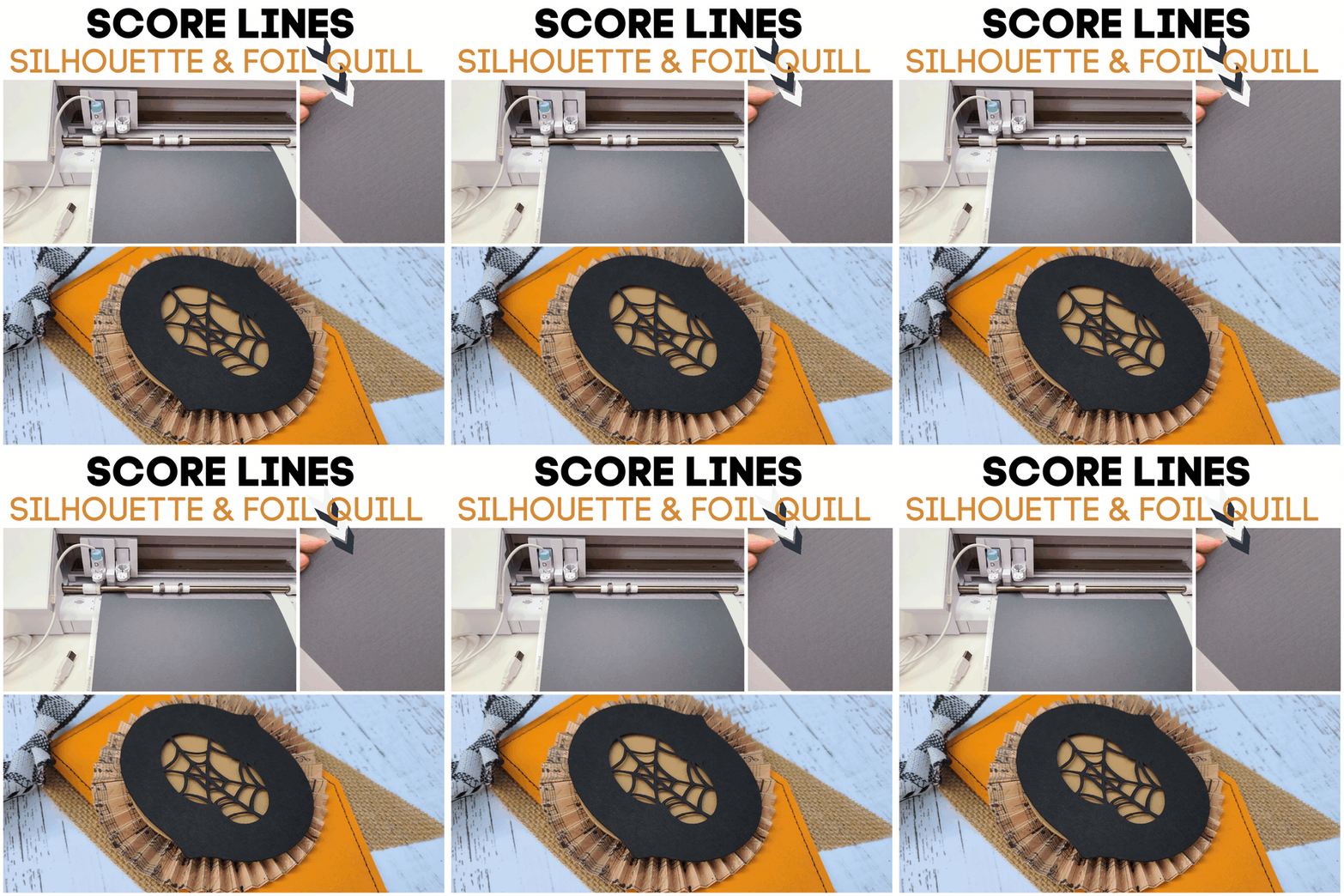
Perfect Silhouette Score Lines with Foil Quill

This hack may become your newest best friend when it comes to making score lines with your Silhouette machine. You may already know how to create a score line using a cutting blade, but now here's a way to use your Silhouette and the Foil Quill to create "soft" score lines that put a gentle bend in the paper instead of a small cut like the cutting blade does.

silhouette 101, silhouette america blog, cameo 4, foil quill, paper crafting

This is especially helpful when you are working with thin, lightweight paper and need to make lots of score lines - like when creating the paper rosettes for this Halloween Banner. (This trick saves you SO much time versus using a bone folder and score board to make all the score marks!) 

Keep reading to learn how you can use the Foil Quill to make score lines. 

Silhouette CAMEO 3 Tools and Machine Compatibility

Not sure which tools will work in your Silhouette CAMEO 3? No worries I've got you covered. 

silhouette 101, silhouette america 101, silhouette blades, cameo 3, auto blade

With the new Silhouette CAMEO 4 having different tools than the CAMEO 3, it can be confusing to know which tools work in which machine. This Silhouette tutorial will explain which Silhouette tools are compatible with the Silhouette CAMEO 3...and in which carriage. 

New Silhouette CAMEO 4 Tools Coming

Three new Silhouette CAMEO 4 tools are coming...along with the introduction of a new Silhouette tool naming and compatibility "system". 

silhouette 101, silhouette america blog, 2mm kraft blade, cameo 4 blades, silhouette smart tools


The new Silhouette tools are expected to be available later this year and will not only fit in the CAMEO 4, but also in the 15" Silhouette CAMEO Plus, CAMEO Pro, and Portrait 3.