Copyright Silhouette School 2016. Powered by Blogger.


21 Silhouette Tutorials, Tips and More! (August 2022 Wrap Up)

Another month in the books here at Silhouette School and whew August flew by! 

silhouette 101, silhouette america blog, silhouette cameo tutorials, silhouette studio v4, silhouette studio tutorials

This month we had a blast at Silhouette School this month. We did lots of fun projects, introduced you to some cool new products you can use with your Silhouette machine and of course had some awesome freebies!

How to Shape Words in Silhouette Studio

If you ever wanted to shape words in Silhouette Studio you've come to the right spot. 

silhouette 101, silhouette america blog, shape words, word art, modify text

In this tutorial we'll walk through how to make words fit in a shape by manipulating the text using edit points in the Silhouette software. 

How to Turn Your Logo into a Sticker: Start to Finish

You can turn your logo into a sticker or vinyl sticker easily using Silhouette Studio and Silhouette CAMEO. 

silhouette 101, silhouette america blog, print and cut, stickers, tracing

Making custom logo stickers is great for branding and packaging. This tutorial will explain how to turn your logo into a custom sticker. 

Free Silhouette Design: Be Yourself and Don't Apologize (Commercial Use Available)

Happy Friday! And with that here at Silhouette School, it's another Freebie Friday!

freebie friday, free silhouette studio file, free studio design, free silhouette design, free silhouette studio design

This week I am sharing one that is good for the littles all the way to all of us adults! Let's all be ourselves and not apologize for it. 

Transfer Properties Tool: Silhouette Studio V4 Tutorial

Want to assign the same properties - font style, fill color, line style, etc - from one design or text box to another?

silhouette tutorial, silhouette cameo tutorial for beginners, how to use silhouette studio, studio, silhouette 101, silhouette America blog
 
The Transfer Properties tool makes it super easy and fast. They moved it with the change to Silhouette Studio V4 so I thought it was worth pointing out again.

Prestige A3+ DTF Printer and Software Setup: Step by Step Guide

If you're the owner of a new Prestige A3+ DTF Printer or are considering adding the desktop DTF printer to your business this tutorial will walk you through how to set it all up! 

silhouette 101, silhouette america blog, Prestige a3+ dtf printer, AA prestige a3+ dtf printer, Desktop dtf printer,

Setting up the Prestige A3+ DTF Printer will take you about an hour or so and honestly the hardest part is getting it out of the crate! Follow along for step by step help on how to setup the Prestige A3+ Printer and included Cadlink software (needed to print!) 

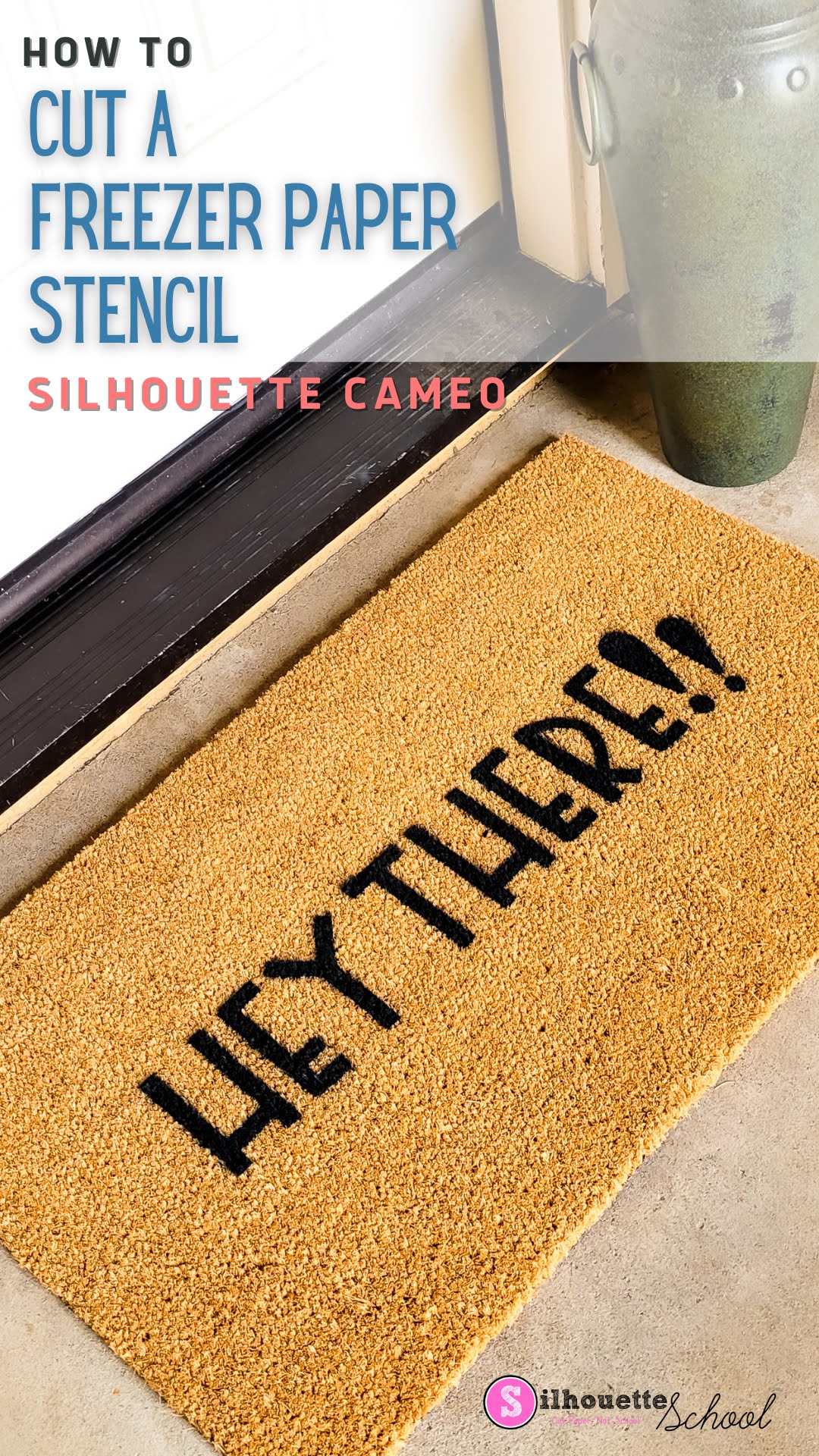
How to Cut a Freezer Paper Stencil with Silhouette Cameo

Believe it or not freezer paper (yes, the same freezer paper you can get at the grocery store!) makes a great stencil material for stenciling designs on all sorts of projects like signs, shirts, doormats, and so much more. 

silhouette 101, silhouette america blog, silhouette stencils, doormat, freezer paper stencils

In this tutorial I'll share how to cut a freezer paper stencil with your Silhouette Cameo to make a custom doormat. 

Free Silhouette Design: Not a Hugger (Commercial Use Available)

Freebie Fridays just roll around here so quickly it seems! Time for another one here at Silhouette School! 

freebie friday, free silhouette studio file, free studio design, free silhouette design, free silhouette studio design

I know there are lots of huggers out there, but where are my cactuses? Those that run from the hugs. If you are not a hugger then this freebie is just for you! 

How to EASILY Connect Edit Points and Close a Shape in Silhouette Studio

If you've ever tried to fill a Silhouette Studio design and it won't fill, it's likely you have a break in the edit points indicated by a red dot in the path (a path is just a line). 

silhouette 101, silhouette america blog, silhouette studio tutorial, edit points, silhouette studio v4 tutorials
The problem is sometimes the edit points A) won't appear 2) just won't connect. Fortunately, there is a really easy fix!

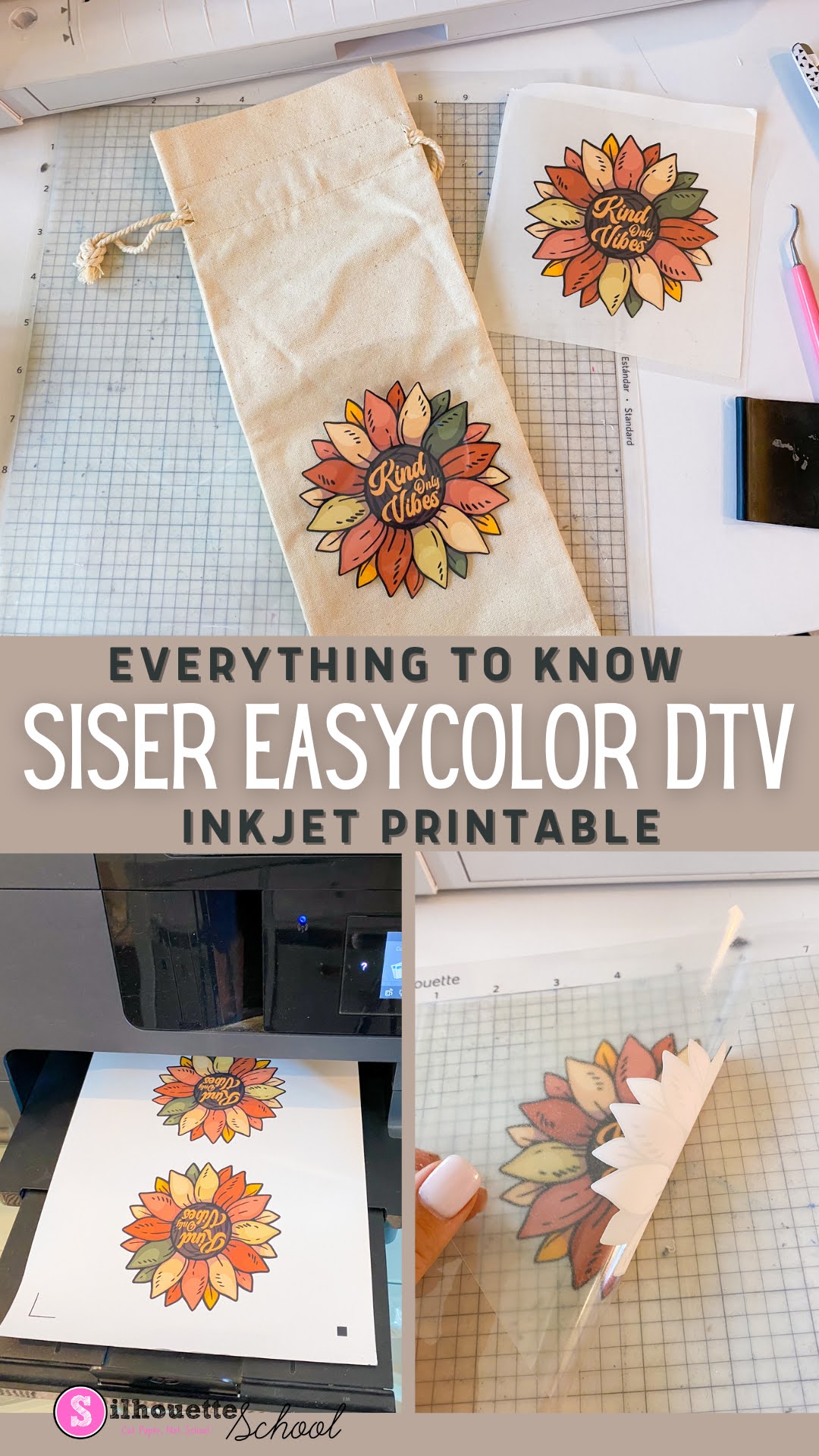
What is Siser EasyColor DTV Exactly? Everything to Know About the Inkjet Printable HTV

The newly released Siser EasyColor DTV is the latest inkjet printable heat transfer to hit the market. 

silhouette 101, silhouette america blog, inkjet printable, Siser DTV, printable heat transfer paper

If you're familiar with Siser EasySubli you can think of EasyColor DTV as its sister product - for inkjet printers rather than sublimation printers.  Read on to learn more about Siser EasyColor DTV including how and when you might want to use it and the differences and similarities between it and other inkjet printable heat transfers on the market.

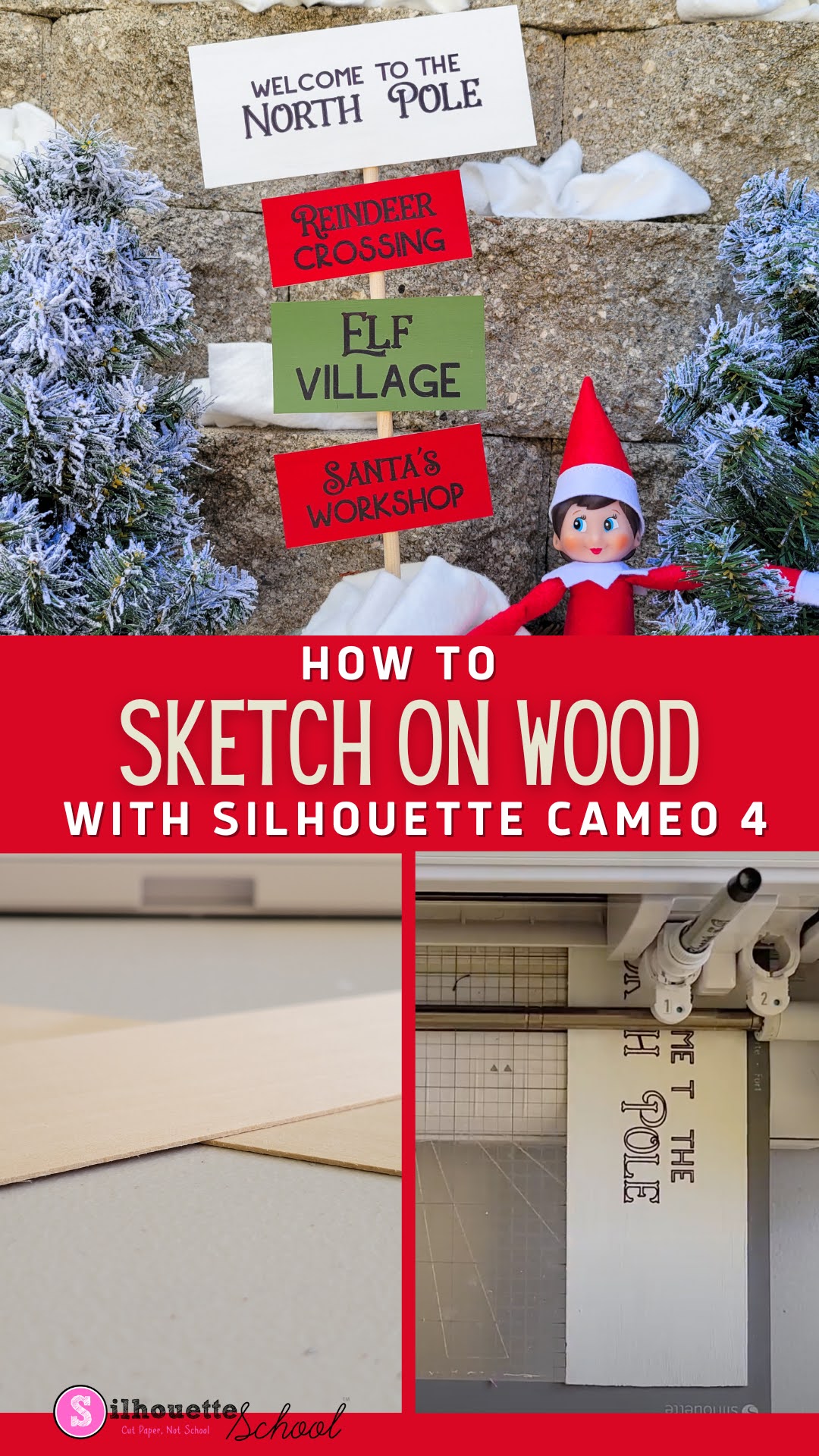
How to Sketch on Wood with Silhouette CAMEO 4

Ever want to sketch on wood with Silhouette CAMEO?

silhouette 101, silhouette america blog, wood signs, sketch pens, cameo 4

It's possible to use your Silhouette CAMEO 4 to draw or sketch on thin wood to make signs! If you've ever sketched on paper or cardstock, this process is almost exactly the same - there's just a few things you want to do a little differently to get the best results when sketching on wood.

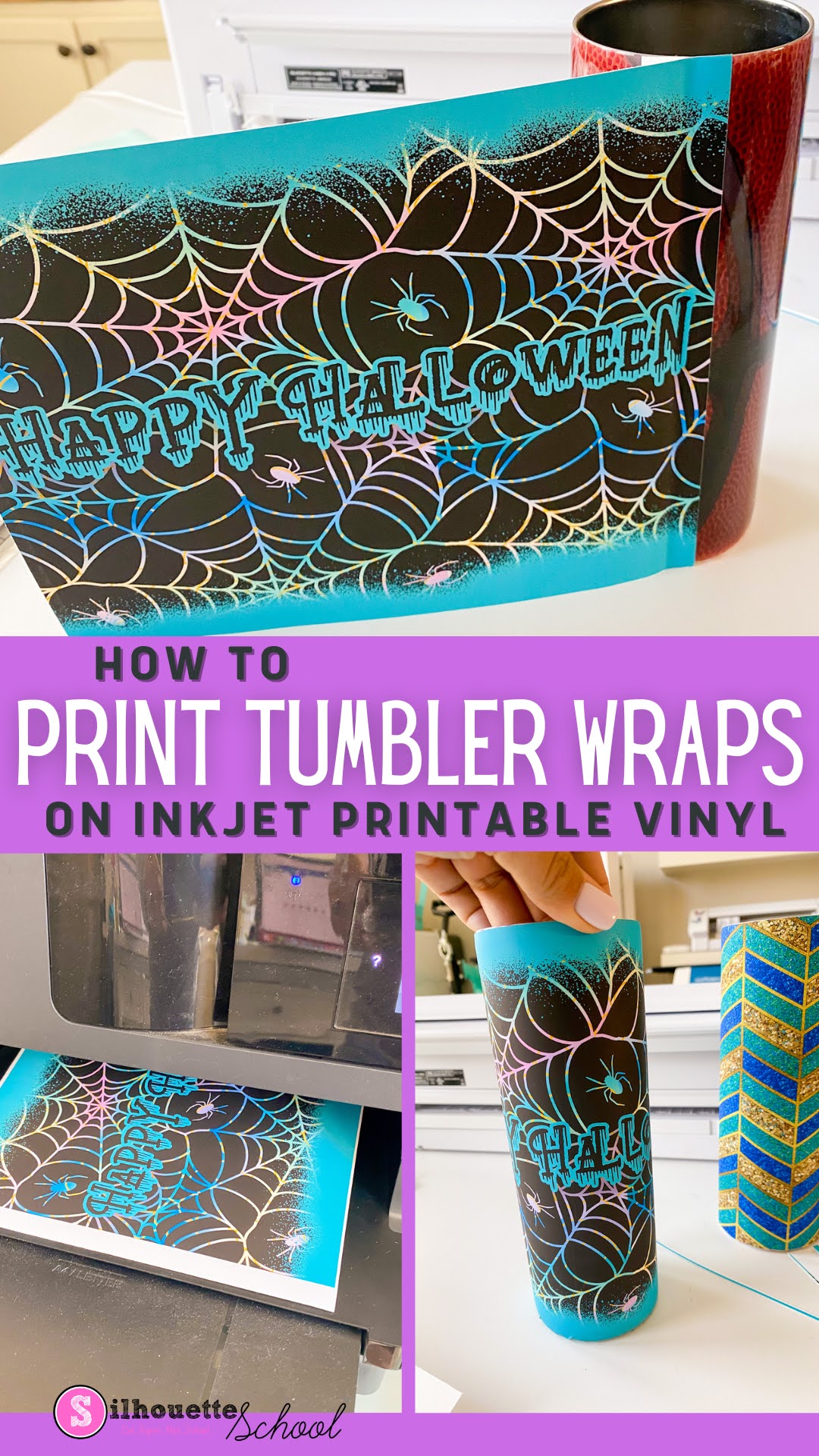
How to Print Vinyl Wraps Using Sublimation Tumbler Templates and Inkjet Printable Vinyl

Sublimation isn't the only way to make tumblers. You can also make vinyl wraps for tumblers using sublimation templates and designs. 

Silhouette 101, silhouette america blog, silhouette and sublimation, roland, inkjet printable

This is a great alternative if you are in one of the following situations: 
  • Wondering how to make skinny tumblers without a sublimation printer 
  • Looking for ideas on how to fix messed up sublimation tumblers
  • Need a way to customize non-sublimation ready tumblers
In this tutorial I'll share how to print vinyl wraps for tumblers using skinny tumbler sublimation templates and inkjet printable vinyl.  

Free Silhouette Design: Cool Pug (Commercial Use Available)

You guys! It's time for another Freebie Friday here at Silhouette School! 
freebie friday, free silhouette studio file, free studio design, free silhouette design, free silhouette studio design

This week I thought I would share this little dapper cool pug with you! 

Putting Vinyl on Wine Glasses: 7 Tips for Success

Putting vinyl on wine glasses and other curved glassware is something that many Silhouette crafters struggle with.

Vinyl wine glass, vinyl decals for wine glasses, vinyl lettering for wine glasses, silhouette 101, silhouette america blog

Today I'm going to share 7 tips for adding vinyl to wine glasses so it's straight.

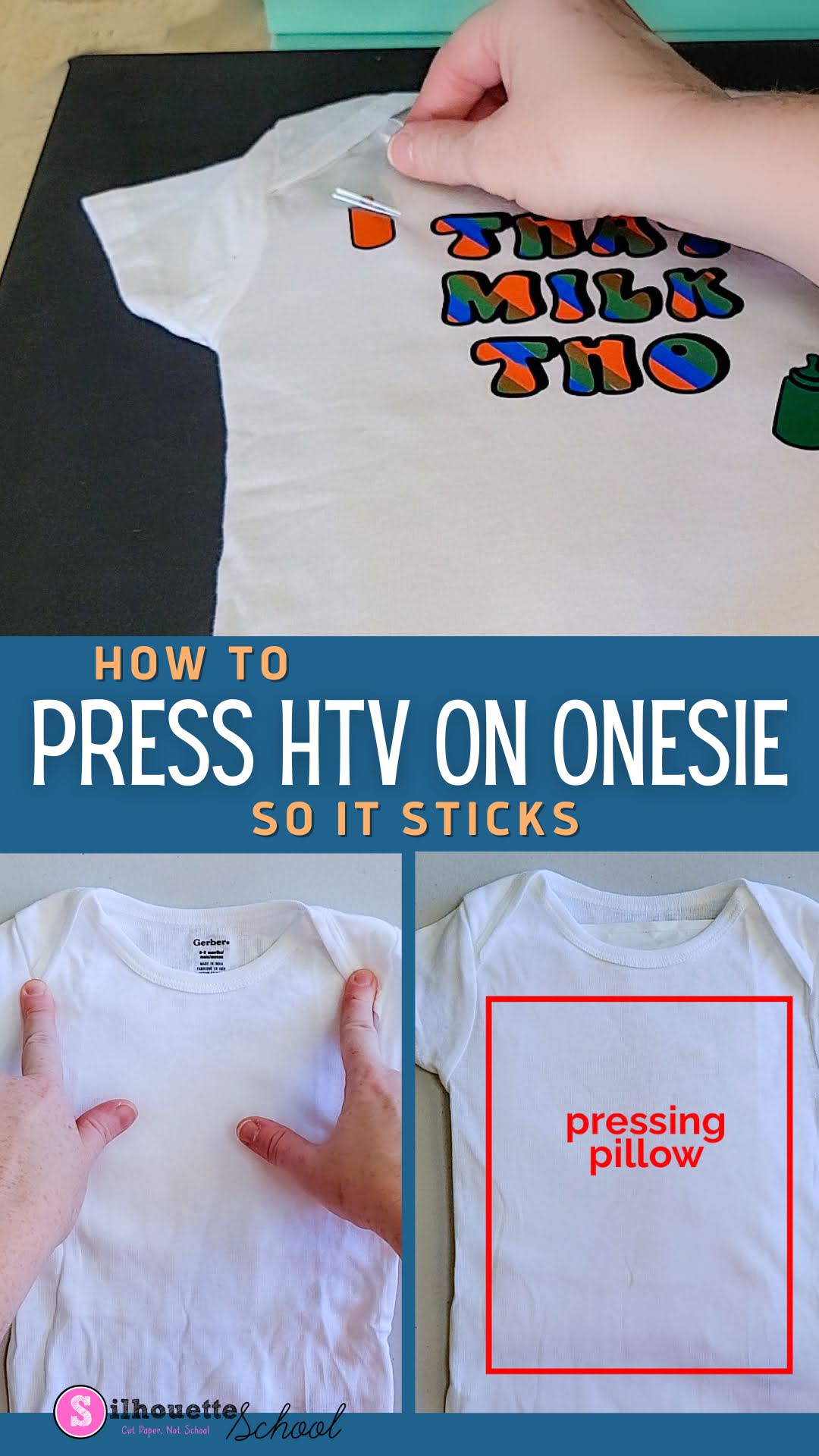
How to Press HTV on a Baby Onesie

Adding HTV to a baby onesie can be challenging at times due to the thick seams, buttons and snaps.  

Silhouette 101, Silhouette America blog, Heat press, HTV, baby onesie

In this post, we'll share how to press HTV onto a baby outfit so you are successful every time!

Silhouette Studio Not Printing Correct Size? How to Match Your Page Size to Your Printer

Silhouette Studio can print to any printer on the same WIFI network or attached by USB which is a big benefit of the software program especially when you have a lot of different printers like me.

silhouette 101, silhouette america blog, epson sublimation, sublimation printing, print and cut

In order to correctly print from Silhouette Studio to your printer, though, you'll want to make sure you match the page size between your print manager and Silhouette Studio.  This tutorial will explain exactly how to match your printer page size to the settings in Silhouette Studio.

Free Silhouette Design: We're That House (Commercial Use Available)

It seems like every time I turn around it's time for Freebie Friday here! Not that anyone is complaining about a Friday!

freebie friday, free silhouette studio file, free studio design, free silhouette design, free silhouette studio design

I have the perfect design if you are 'that house'! You know who you are why not claim it. 

How to Use Silhouette Studio Business Edition (ONLY!) to Create Roland Contour Cut Lines (Video, Too)

If you are a Silhouette Studio Business Edition user and have a Roland BN-20A or BN-20...this is a game changer. 


By combining the power of the one-time paid Silhouette Studio upgrade to Business Edition and the free Roland Versaworks you can create Roland Contour Cut lines without any other software programs including Adobe Illustrator, Affinity Designer, Corel Draw, or Flexi.  

This is hands down the cheapest way to create Roland Versaworks Contour Cut Lines and will significantly cut down the learning curve for those already comfortable in Silhouette Studio...and even if you're not a Silhouette user - listen up because you don't even need a Silhouette machine to use the Silhouette Studio software!

How to Print Chalkboard Signs on Black Paper

If you've been wondering how to print white ink on black paper to print those popular chalkboard signs...I'm going to share the secret today!

silhouette 101, silhouette america blog, white toner printer, chalkboard signs, uninet icolor 560

I love that the Uninet iColor 560 White Toner Printer gives me the ability to print white on black paper. The best part is I do all of my designing in Silhouette Studio then export for the final step before printing.

How to Remove White Border on Sticker Designs in Silhouette Studio

When making stickers there are some times when you want to make them with a white border around them, and then there are other times when you want to make stickers without a white border. 

silhouette 101, silhouette america blog, stickers, silhouette studio v4, Print and cut

In this tutorial, we'll show you how to remove the white border around PNG sticker designs in Silhouette Studio.

21 Silhouette Tutorials, Tips and More! (July 2022 Wrap Up)

Are we really already wrapping up July?  It was such a packed month that it flew by! I blink and the month's over and it's time for another Silhouette tutorial wrap up.

silhouette 101, silhouette america blog, silhouette studio tutorials, silhouette cameo tutorials, silhouette beginner tutorials

In July we had TONS of fun with sublimation and glass tumblers, Amazon Prime Day(s) were some of the best, shared a bunch of free cut files in the Freebie Friday series, celebrated Christmas in July and of course shared a bunch of great tutorials!