Copyright Silhouette School 2016. Powered by Blogger.


Showing posts with label autoblade. Show all posts

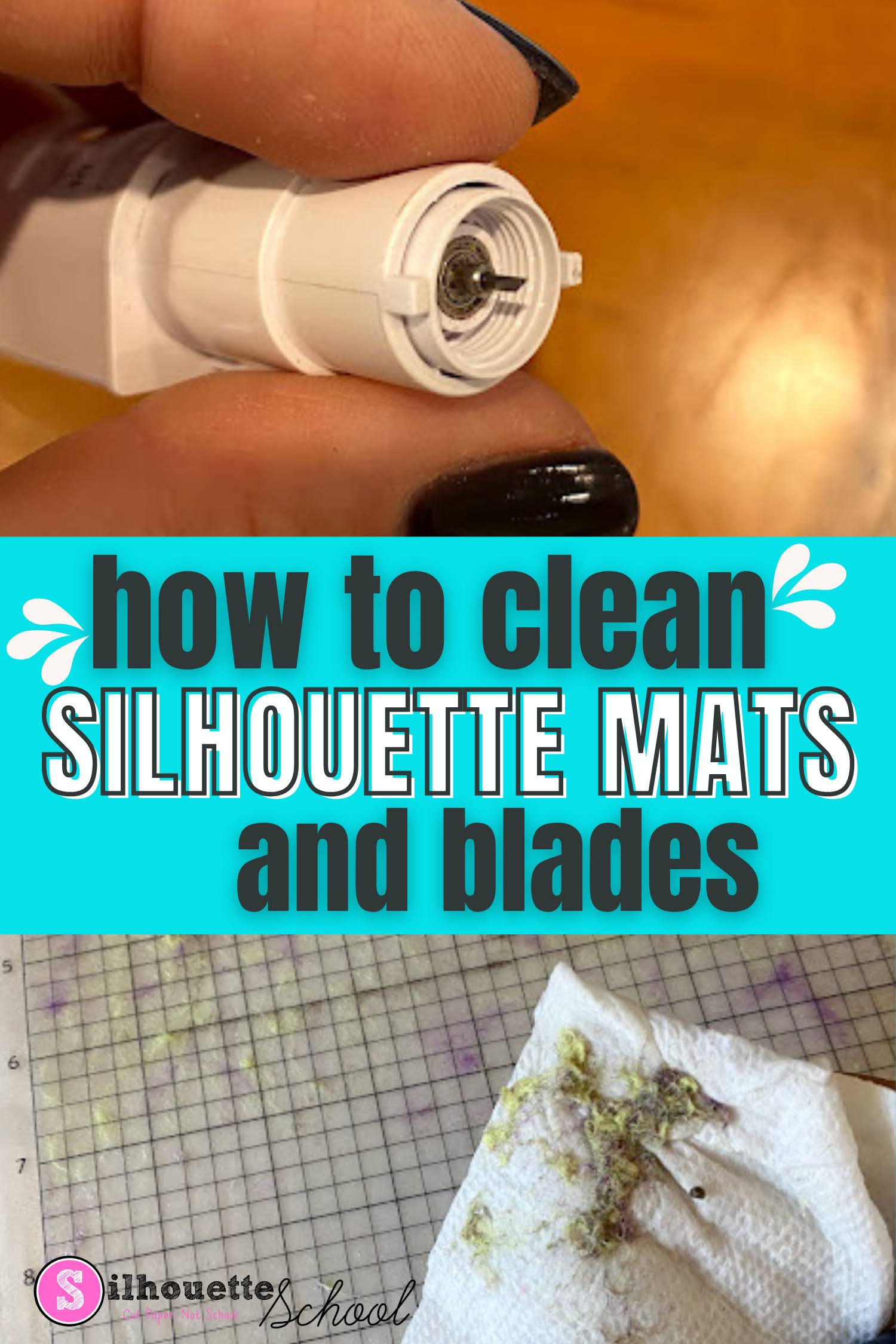
How To Clean Cutting Mats and Silhouette Blades

If your Silhouette cutting mats and blades are in need of a little cleaning you can extend the life of them and get better cuts by cleaning them. 

silhouette 101, silhouette america blog, silhouette blades, silhouette cutting mat, silhouette cleaning

In this tutorial I'll share how to make Silhouette mats sticky again and clean your blades - but with that said just know cleaning is usually a temporary solution and you may still need to replace your mats and blades to get the best cuts. 

Goodbye Autoblade? It Might Be Time to Give Up Your Silhouette Autoblade If...

The Silhouette Autoblade may be ruining your cuts. I said what I said.  

cutting paper,Cutting Problems,1mm manual blade,cameo 5,autoblade,CAMEO 4 help,cutting machines,Auto Blade,


If you've been using your Silhouette machine for a while, chances are you started with the Silhouette AutoBlade that came with your machine...and never knew anything different. But... the truth is, outside of user error (I said that too), the Autoblade is the #1 cause of bad cuts, no cuts, and frustration. 

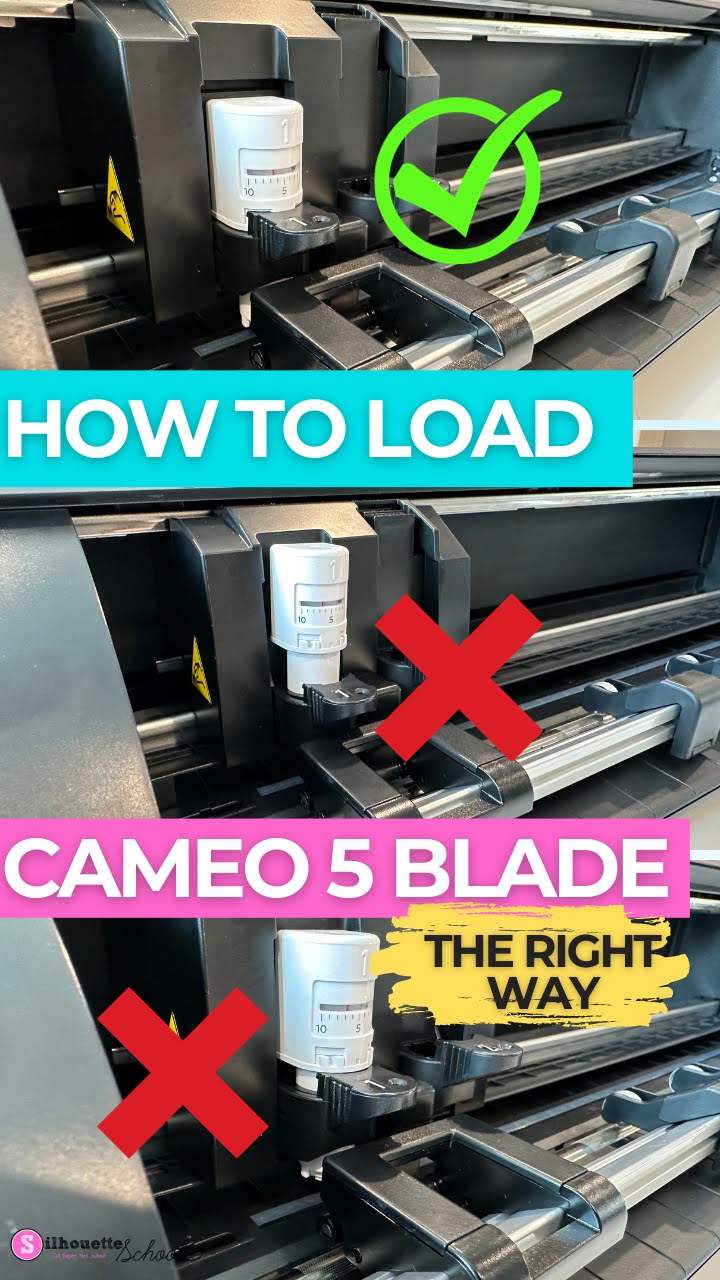
How to Load CAMEO 5 Blade (And Fix It When It's Not Cutting)

It may sound silly, but knowing how to load the Silhouette CAMEO 5 blade is one of the most important things you can learn when you're a beginner! 

cameo 5, autoblade, cameo 5 tools, silhouette cameo 5, silhouette 101

Loading the blade incorrectly can result in bad Silhouette cuts or the CAMEO 5 not cutting at all! If you're experiencing the CAMEO 5 blade moving but not cutting, this tutorial should also fix that issue.

How to Kiss Cut and Die Cut Stickers on Same Sticker Sheet

You can cut your own sticker sheets when you combine the Silhouette CAMEO's ability to do a full die cut and kiss cut on the same sticker sheet!  

silhouette 101, silhouette america blog, silhouette stickers, sticker paper, die cut

In this tutorial, we’ll show you how to make custom sticker sheets this way! 

How to Cut Fabric with Silhouette CAMEO 4 AutoBlade

If you don't have a Silhouette CAMEO 4 Rotary Blade, you can use a Silhouette Autoblade to cut fabric. 

silhouette 101, silhouette america blog, autoblade, fabric, cameo 4

It does require more preparation to cut fabric with an auto blade, since you need to stabilize it, but it is possible in a pinch. This tutorial will walk you through how to cut fabric with a Silhouette CAMEO 4 Autoblade. 

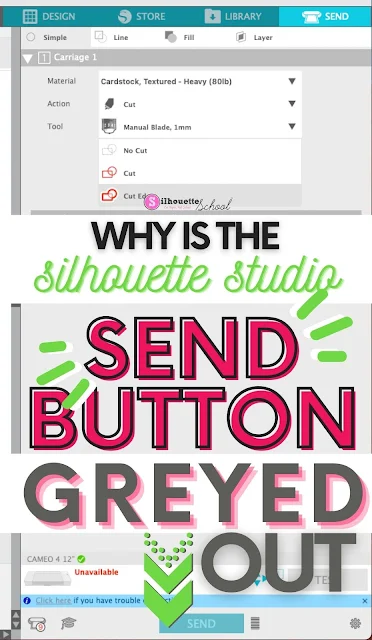
Silhouette Studio Send Button Greyed Out? Here's the Fix

If the Silhouette Studio Send Button is greyed out in the Send panel there is usually one main reason why. 

silhouette america blog, silhouette 101, silhouette studio, silhouette studio v4, troubleshooting


In this tutorial we'll look at why the Send button in Silhouette Studio is greyed and how to fix it so you can cut with your Silhouette machine. 

Silhouette CAMEO 4 Autoblade Not Cutting? 4 Fixes

If you're having Silhouette CAMEO 4 Autoblade issues, it's likely there's one of four reasons why. 

silhouette 101, silhouette america blog, cameo 4, autoblade, cameo 4 help

In this Silhouette tutorial I go in depth on how to fix common issues including when the Silhouette CAMEO 4 Autoblade isn't cutting, isn't cutting deep enough, or when it's cutting too deep. 
 

Silhouette CAMEO 3 Autoblade Replacement: How to Use the Ratchet Blade

Wondering if the Silhouette CAMEO 3 Autoblades are being discontinued? They're not...but they are very hard to find right now.


Cameo 3, Ratchet Blade, Portrait 2, Auto Blade, Silhouette 101, Silhouette America blog


So if you're in need of a Silhouette CAMEO 3 Autoblade replacement, the Silhouette ratchet blade is what you'll want to use. The Silhouette CAMEO 4 Autoblade is not an option as it can not be used in the CAMEO 3.


The manually adjustable ratchet blade can be used in every Silhouette machine including all models of the CAMEO, Portrait, and Curio. Here's how to use the ratchet blade in Silhouette CAMEO 3.


Silhouette CAMEO Autoblade Won't Cut? Use this WorkAround

If you’re having trouble cutting with your Silhouette CAMEO Autoblade - there could be multiple reasons why. 

silhouette 101, silhouette america blog, cameo 4, cameo 3, autoblade

If you have exhausted all of the troubleshooting - including making sure your blade is installed correctly and there is no debris under the cap, you may just have an Autoblade that is acting faulty.  But there's a workaround that should help so you can still use your Autoblade!

How to Change the Blade Depth Setting In Silhouette Studio for a Better Cut

With the popularity of the Silhouette CAMEO AutoBlade, many users have never had to manually adjust their blade depth. 

silhouette 101, silhouette america blog, silhouette studio, cameo 4, 24" silhouette pro

However there are times when you need to adjust the blade depth - most often due to the recommended default cut settings are not working for your material.