Copyright Silhouette School 2016. Powered by Blogger.


Showing posts sorted by date for query sketch pens. Sort by relevance Show all posts

Silhouette Studio V5 Send Panel: Tool 2 Incompatible Error

If you've upgraded to Silhouette Studio V5 and are now struggling with controlling cut lines for Tool 1 vs Tool 2 in the Send panel - you're not alone. 

silhouette studio v5,V5,Silhouette Studio,Silhouette Studio 4,silhouette studio software,Software,

The cut line controls are probably the biggest change in Silhouette Studio from V4 - and for really no good reason. 

So if you're getting an incompatible error - read on for how to easily fix this common issue. 

Cameo 5 Sketch Pen Holder - Video Set Up Tutorial

Ready to try the sketch and cut feature on your Cameo 5? 

silhouette cameo 5, silhouette cameo,sketch and cut,Sketch Pens, pen holder, silhouette tool 2

The Tool 2 Sketch Pen Holder is the key to using a cutting blade in Tool 1 and a pen in Tool 2, to cut and sketch in one pass! 

19 Silhouette School Tutorials You May Have Missed In December 2024

Happy New Year! As we wrap up 2024, let's rewind and revisit all the amazing things we learned at Silhouette School in December..

CAMEO 4 tutorials,Month in Review,Silhouette CAMEO Tutorial,monthly wrapup,Silhouette CAMEO  tutorials,

From dazzling foil accents and perfectly puffed vinyl to the relief of recovering a lost Silhouette library, this month was packed with helpful tips and creative inspiration.

The Secret to Fill In Text With Silhouette CAMEO Sketch Pens (or Heat Pen)

If you want your text to fill in when using the Silhouette sketch pens or the CAMEO 5 heat pen, you can do that!  

sketching,Foil Pen,Sketch Pens,Sketch Pen Series,Heat Pen,


But..you have to make several settings changes to ensure you text fills in rather than just drawing an outline. 

Sketch Pen Fonts: The Best Thin Fonts for Silhouette

Finally! Finally I have found what I consider to be the best thin sketch pen font for Silhouette. 

 Silhouette sketch pens, thin fonts, Silhouette Studio
 
If you've been working Silhouette sketch pens for any length of time you know finding handwriting fonts to use with sketch pens isn't an easy feat.

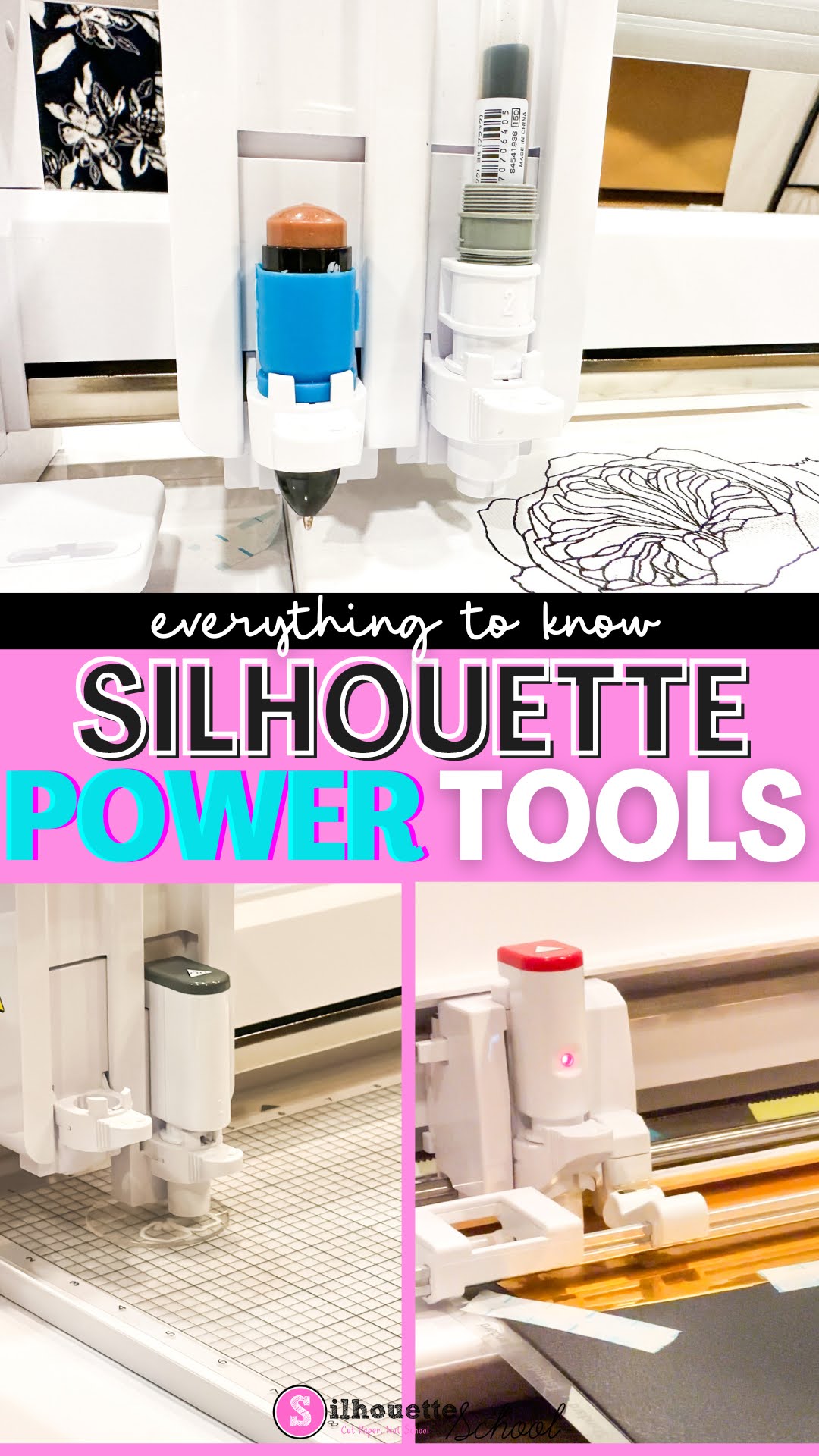
New Silhouette Power Tools Explained and Machine Compatibility (And What’s That Hidden Door)

Along with the launch of four new Silhouette machines, Silhouette also announced the release of five new power tools that an be used with the next generation machines: Silhouette Curio 2, CAMEO 5, and Portrait 4.

silhouette 101, silhouette america blog, cameo 5, new silhouette tools, silhouette power tools

I’ve been getting a lot of questions about the power tools including what are they, what machines can the new Silhouette tools be used with, how do they work…and of course will the Silhouette power tools work in the Silhouette CAMEO 4, original Curio and other older machines? 

Read on for all the details...and check out the accompanying video to get your first look at the Silhouette Power Tools.

12 Silhouette Hacks You Shouldn't Craft Without

If you've been hanging around Silhouette School for any length of time, you know I love to share Silhouette hacks and workarounds with you.  They're the little crafting shortcuts that make crafting more fun, easier, faster, and cheaper.  They're also often times the ones that make you go "Why Didn't I Think of That?!"   

silhouette hacks, silhouette portrait, silhouette cameo tutorials, silhouette 101, silhouette america blog

Today I am sharing 12 of the best Silhouette Hacks that I advise you don't craft without. Hold on to your hats because you're about to have your mind blown.  Click on any of the title links to go to the Silhouette CAMEO Tutorial.

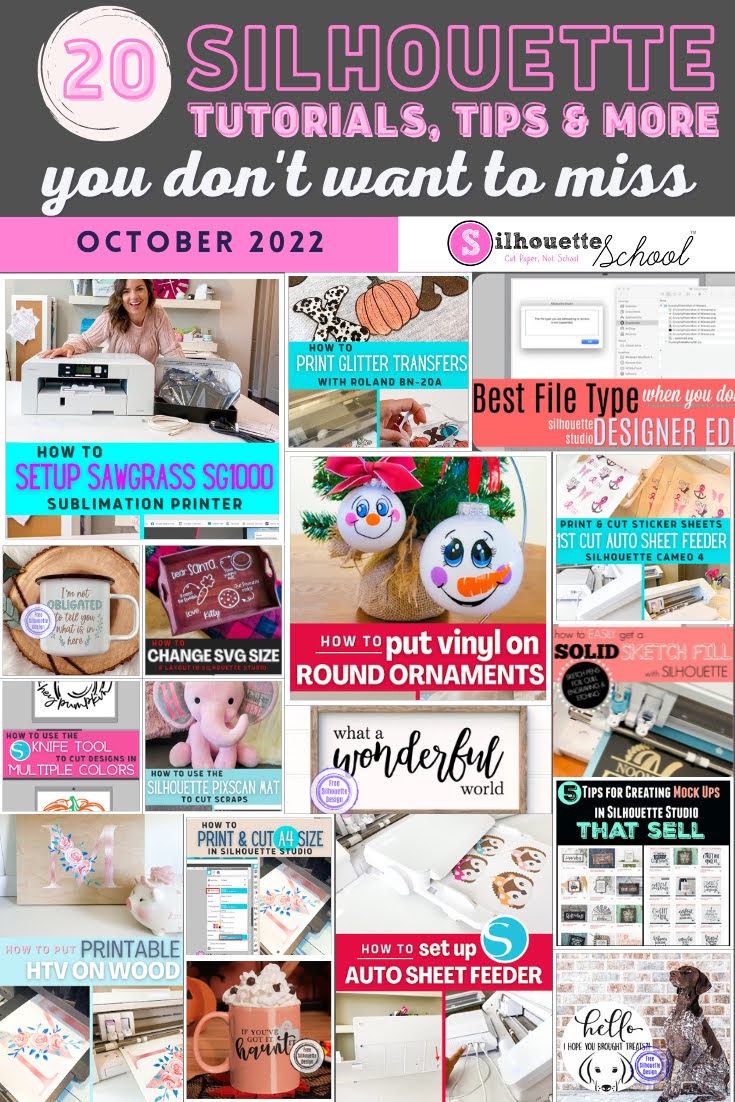
20 Silhouette Tutorials, Tips and More! (October 2022 Wrap Up)

Well that's a wrap on October...and that means another 2o Silhouette tutorials are in the books!

silhouette 101, silhouette america blog, silhouette studio tutorials, silhouette cameo beginner tutorials, silhouette cameo tutorials

Wow that went fast! I guess we've just been busy having fun learning all the new things here at Silhouette School. 

How to Get a Solid Fill with Silhouette Sketch Pens or Foil Quill

Don't want an outline, but want to give your design or font a solid fill when using sketch pens or Foil Quill with your Silhouette machine?

silhouette america blog, silhouette 101, foil quill, sketch pens, etching

It's easier than ever to do in Silhouette Studio.  This beginner Silhouette tutorial will walk you through the few steps to go from the standard cut file to a solid filled sketched or foiled design.

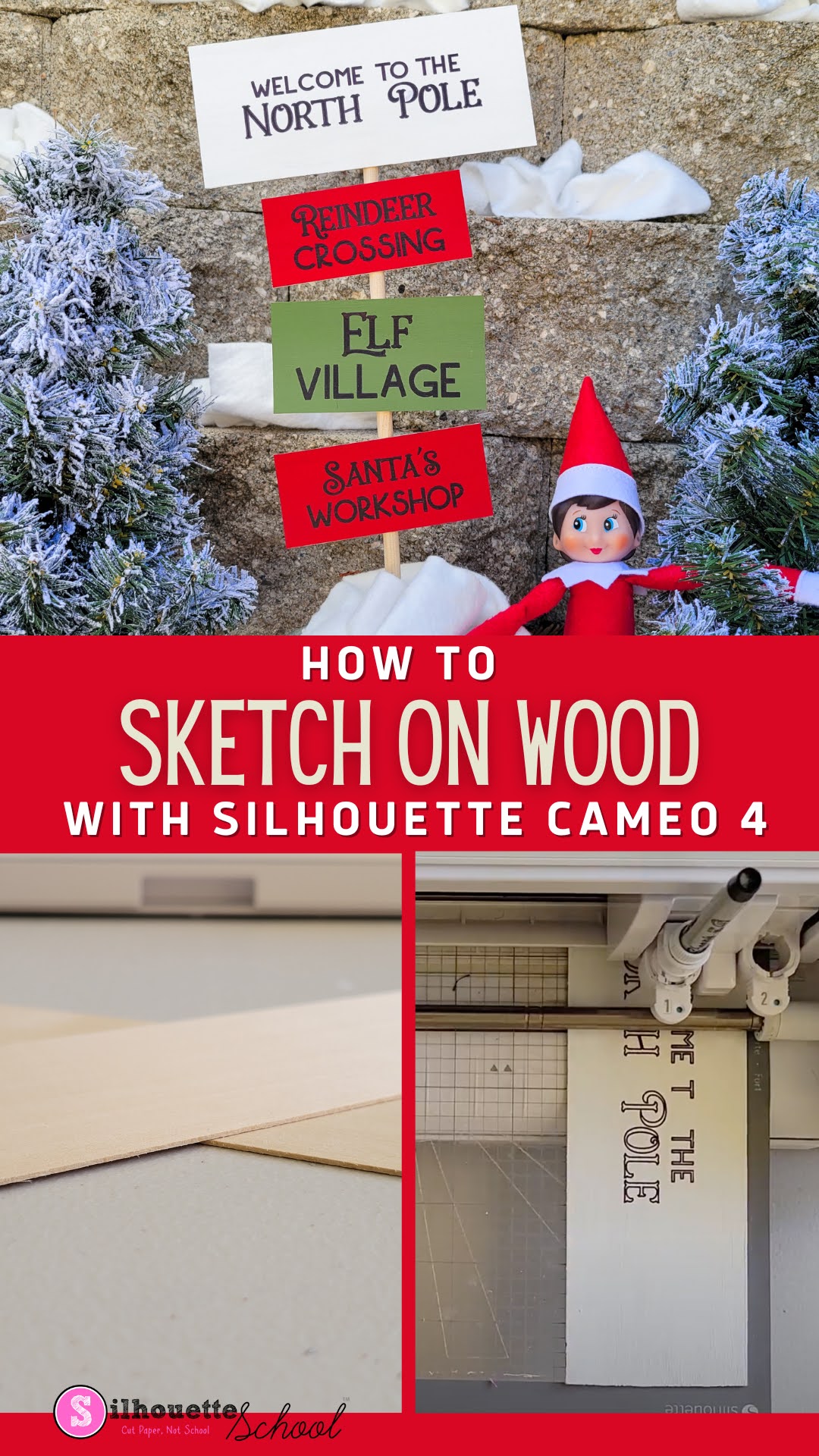
How to Sketch on Wood with Silhouette CAMEO 4

Ever want to sketch on wood with Silhouette CAMEO?

silhouette 101, silhouette america blog, wood signs, sketch pens, cameo 4

It's possible to use your Silhouette CAMEO 4 to draw or sketch on thin wood to make signs! If you've ever sketched on paper or cardstock, this process is almost exactly the same - there's just a few things you want to do a little differently to get the best results when sketching on wood.

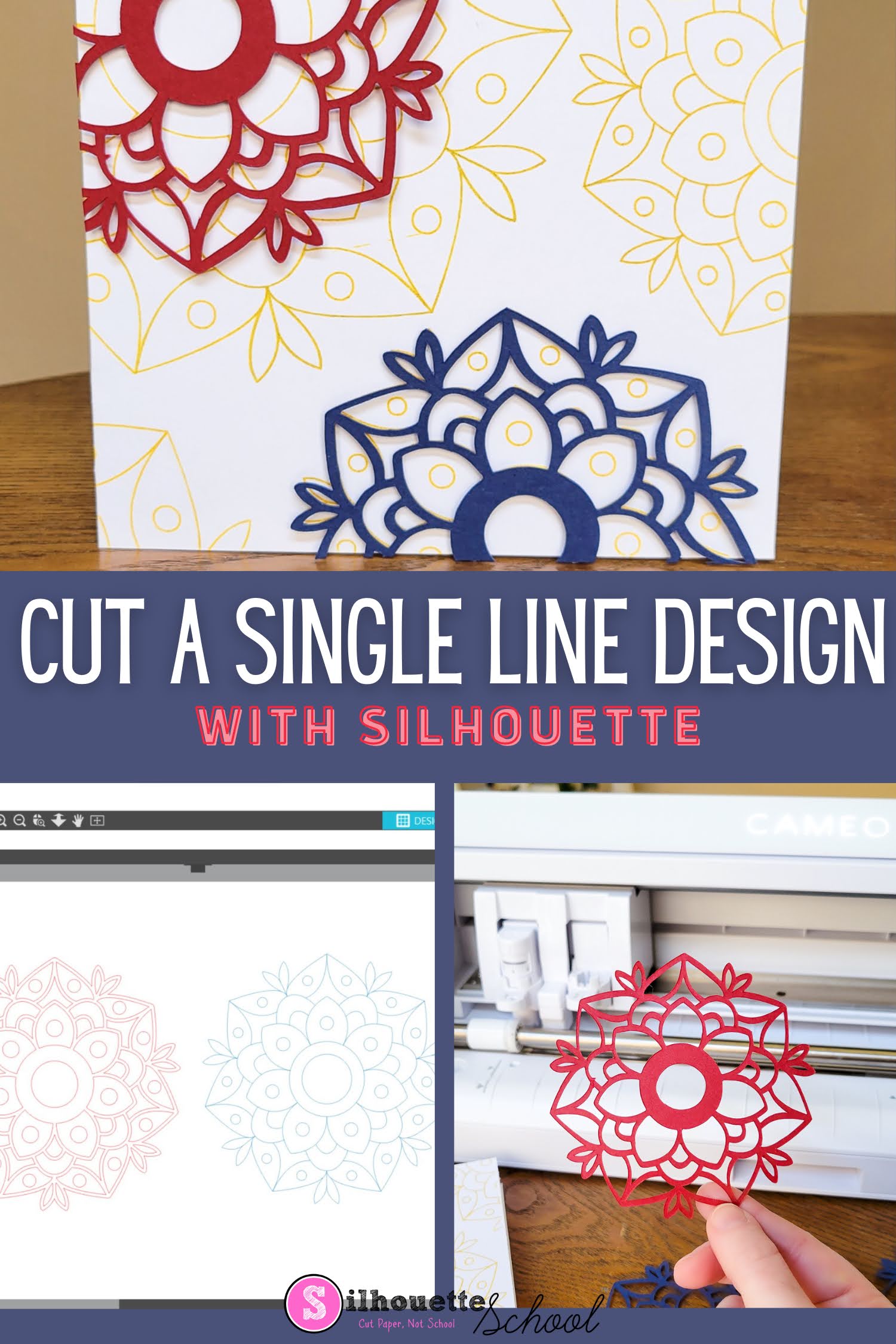
How to Make Single Line SVG Files Cuttable with Silhouette CAMEO

You can make single line SVG files cuttable with your Silhouette CAMEO or Portrait machine. 

silhouette 101, silhouette america blog, sketch pens, silhouette cameo 4, paper crafts

This is an easy process that works for single line fonts and designs that you want to cut instead of sketch or draw. 

Foil Quill Transfer Sheets: Avoid Foil Quill Skips

If your Foil Quill skips while it's foiling with your Silhouette CAMEO - I'm sharing a trick today that will help you avoid skipping! 

silhouette 101, silhouette america blog, foil quill, paper crafts, cameo 4

One of the reasons you may be having skipping issues with Foil Quill is because the foil transfer sheet isn't smooth which can results in areas of missed foil.  In this Silhouette Foil Quill tutorial I'll show you one easy way to get your foil to lay flat! 

How to Use (Game Changing) Silhouette CAMEO 4 Pen Holder

The Silhouette CAMEO 4 pen holder is now available and they're honestly a pretty big deal.

silhouette 101, silhouette america blog, cameo 4, pen holder, silhouette pen holder, cameo 4 tools

The marker and pen holders for the CAMEO 4 open up the possibility to use products - like the Cricut Infusible Ink Markers, these American Craft cutting machine pens, gel pens, and fabric pens -  that otherwise can't be used with the CAMEO 4, but can be used with the older model Silhouette machines.

21 Silhouette Tutorials, Tips and More (December Wrap Up)

You guys! Can you believe that we are wrapping up another month...and end of another year here at Silhouette School? 

silhouette 101, silhouette america blog, silhouette cameo 4, silhouette studio v4, silhouette beginner tutorials

We made it to the end of 2021...crafting through it all! Before we move forward, let's take a look back at all the awesomeness that went down in December!

Silhouette CAMEO Projects and Tutorials for Beginners: My Best Advice for Newbies (Updated Dec 2021)

If you're the new owner of a Silhouette CAMEO or Silhouette Portrait and are wondering where to start...you're in luck. Silhouette School Blog has more than 3,000 Silhouette CAMEO tutorials for beginners and lots of beginner projects for all of the Silhouette machines including the Silhouette CAMEO 4, CAMEO Plus and CAMEO Pro!

silhouette cameo tutorials for beginners, silhouette portrait machine, silhouette portrait 2, silouette cameo, silhoette cameo, silhouette studio v4, silhouette studio 4, new silhouette, silhouette studio, Silhouette CAMEO, Silhouette cameo tutorials, silhouette portrait, silhouette cameo beginners, how to use silhouette cameo, new to silhouette, first silhouette project
But don't do what a lot of new Silhouette users do when they get a Silhouette cutting machine and let it sit in the box (seriously more people than you'd believe do this!!) because they're too intimidated to use it. Instead, follow my best piece of advice for Silhouette CAMEO and Silhouette Portrait beginners.

Multi Color Sketch Pens on Silhouette CAMEO 4

Silhouette CAMEO 4's high pressure carriage offers a ton of benefits (hello rotary and kraft blades!!!), but also sacrificed a couple of techniques a lot of users got used to on the dual carriage CAMEO 3 and Curio.

silhouette 101, silhouette america blog, cameo 4, silhouette cameo 4 tutorials, sketch pen

Just like with the single carriage Silhouette machines, it's not possible to do a multi color sketch (with two different color sketch pens), foil and cut, or a sketch and cut in a single pass with CAMEO 4. This is because Carriage 2 is exclusively for the specialty tools. That means sketch pens and the sketch pen holder won't fit.  But the good news is, it is still possible and just an extra step or two.

How to Sketch and Cut with Silhouette CAMEO 4

If you ever wanted to sketch and cut with your Silhouette CAMEO 4, it's possible although not as easy as it is with a machine with dual carriages.

silhouette 101, silhouette america blog, Cameo 4, sketch pens, paper crafts

The trick to sketch then cut with Silhouette CAMEO 4 is to use cut by line color! Read on for the step by step Silhouette tutorial on sketching then cutting.

What Silhouette CAMEO Do I Have? (And What Tools Can I Use?)

Believe it or not we get asked more than you'd think "What Silhouette CAMEO machine do I have?" 

silhouette 101, silhouette america blog, cameo 2, cameo 1, cameo 3

While the same Silhouette Studio software can run all of the Silhouette machines, there are some differences in machines themselves - especially older machines - that make it important to know which Silhouette CAMEO you have.  

Is it Cost and Time Effective to Switch from Cricut to Silhouette?

Cricut's now-reversed decision to require users to pay $9.99 a month if they want to upload more than 20 designs into Cricut Design Space a month - has caused some Cricut users to eye Silhouette. 

Silhouette Studio, Silhouette 101, Silhouette America blog, Silhouette CAMEO 4, Silhouette vs Cricut, silhouette software

But is the switch to Silhouette worth it now or in the long run?  Let's take a look at what you get with Silhouette vs Cricut and Silhouette Studio vs Cricut Design Space and the time and monetary investment it may require.

Please note this blog post was written prior to Cricut's decision to reverse course and abandon their announced plan to limit uploads to users, however the information and comparison between Cricut Maker vs CAMEO 4 and Cricut Design Space and Silhouette Studio remains relevant. 

21 Silhouette Tutorials That You Can't Craft Without! (January 2021 Wrap Up)

Officially one month into 2021 and we've already been having so much fun here at Silhouette School. 


I blink and it's time for another Silhouette tutorial wrap up.