Copyright Silhouette School 2016. Powered by Blogger.


Showing posts with label Foil Pen. Show all posts

The Secret to Fill In Text With Silhouette CAMEO Sketch Pens (or Heat Pen)

If you want your text to fill in when using the Silhouette sketch pens or the CAMEO 5 heat pen, you can do that!  

sketching,Foil Pen,Sketch Pens,Sketch Pen Series,Heat Pen,


But..you have to make several settings changes to ensure you text fills in rather than just drawing an outline. 

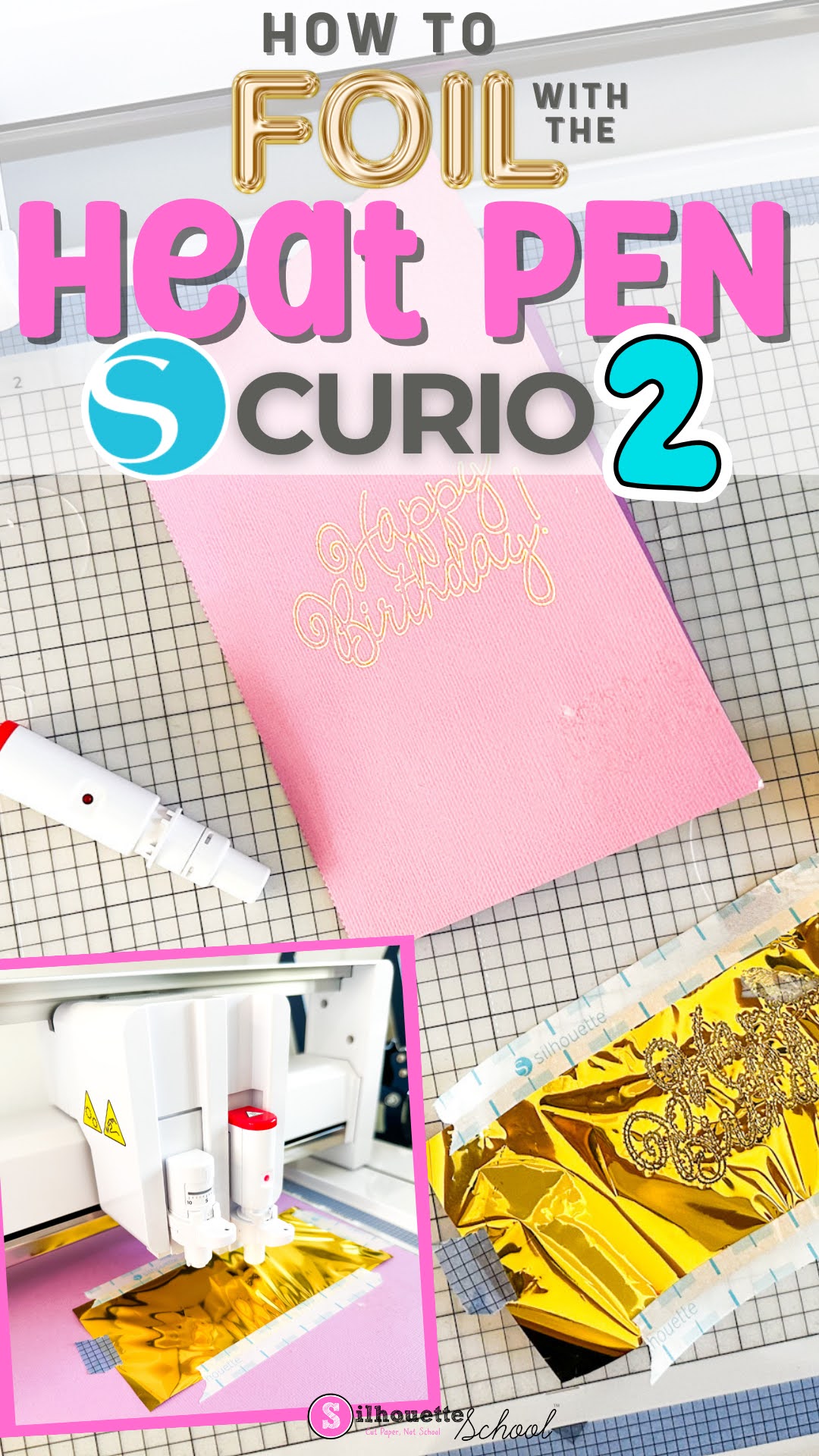
How to Use the Silhouette Heat Pen in Curio 2 for Beginners

If you're new to using the Silhouette Heat Pen in the Curio 2, I'll take you through the process to foil step by step. 

foil pen, silhouette curio, power tools, curio 2, silhouette curio beginners, heat pen

When using the heat pen in the Curio 2, you can add foil to materials and items that are up to 20mm thick thanks to the high clearance. Read on for how to use the Silhouette foil heat pen.

Fix! Silhouette Heat Pen Tool Settings Not Found Error (Works for Other Tools Too)

If you're trying to use the Silhouette heat pen (or other tool) and no matter what default material you select, you're getting the dreaded "Settings Not Found" error.  Fear not. 

cameo 5, foil pen, heat pen, cameo 5 tools, power tools,

You'll need to create your own custom settings to resolve the error and I'm here to walk you through. 

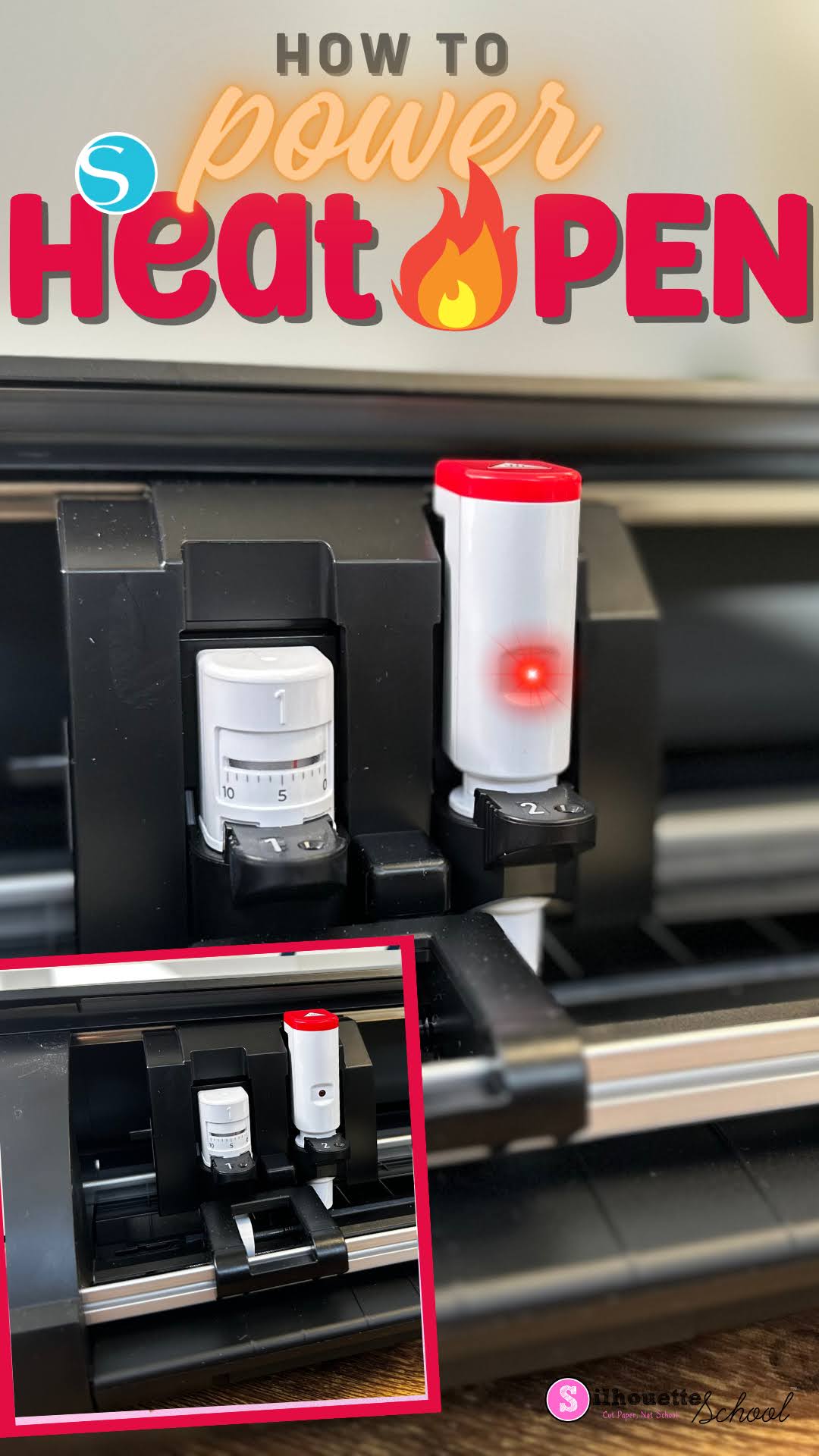
Silhouette Heat Pen Won't Power On? Here's How

If your Silhouette Heat Pen won't power on...don't worry! There's most likely a good reason...and easy fix. 

silhouette heat pen, foil pen, cameo 5 tools, power tools, silhouette cameo 5

Simply placing the powered heat pen into the Silhouette Curio 2, CAMEO 5 or Portrait 4 won't provide power to the foil pen. Read on for how to get power to the heat pen.