You guys! Can you believe another month has flown by? October is officially done!
Silhouette Hack to Save Vinyl When Layering
Wednesday, October 28, 2020
If you're a fan of the registration mark method of layering vinyl (and I would highly suggest it) you know it can come at the cost of vinyl.
To perfectly layer vinyl, the registration marks need to be in the same position for each piece of the design. However that can lead to a lot of wasted vinyl. Today I'm sharing a Silhouette trick that will help you save vinyl when layering!
Best Sawgrass SG500 and SG1000 Printer and Ink Bundle Comparison Chart
Monday, October 26, 2020
Earlier this year Sawgrass released two new models of their popular Sawgrass sublimation printer: the SG1000 and the SG500. These are updated models from the SG400 and SG800.
The differences from the previous model are a faster processor, better quality results, a new ink formulation, and Bluetooth printing. However another option that Sawgrass introduced is the option for a full or starter set of ink...which has ended up causing some confusion and to be honest - frustration.
Once you understand the difference between the inks you can then focus in on the best sublimation printer bundle based on a few other key factors.
Free Silhouette Design: I'd Love to But My Dog Said No
Friday, October 23, 2020
Can you believe that it is time for another Freebie Friday? I feel like time is just flying by!
Trick to Layering Vinyl (Without Registration Marks)
Thursday, October 22, 2020
I'm a big fan of using registration marks when layering vinyl, but sometimes you just gotta live a little and forego the registration marks in the name of saving vinyl.
Silhouette School contributor Kate from Houseful of Handmade is here today to share a little trick that will leave you with perfect layered vinyl without the registration marks!
Silhouette CAMEO 1, CAMEO 2, and Portrait 1: Tools and Machine Compatibility Series
Wednesday, October 21, 2020
Not sure which tools can be used in your older model Silhouette CAMEO or original Portrait 1?
Let's get to the bottom of tool compatibility for the Silhouette CAMEO 1, CAMEO 2, and Portrait.
Silhouette CAMEO 4 Blade: How to Use the Ratchet Blade Instead of Autoblade
Monday, October 19, 2020
Silhouette CAMEO 4 autoblades are becoming increasingly more difficult to find, but that doesn't mean you can't cut with your machine. If the CAMEO 4 Autoblade is sold out, switch over and use the Silhouette ratchet blade instead.
This manually adjustable blade can be used in any and all Silhouette cutting machines - including all Silhouette CAMEO 4 machines.
Free Silhouette Design: Made with Love
Friday, October 16, 2020
It's Freebie Friday around here...I know it's everyone's favorite time of the week!
Inkjet Printable HTV for Darks: Silhouette Studio Trick to Avoid a White Edge
Thursday, October 15, 2020
If you've ever used Inkjet Printable Heat Transfer Vinyl on darks you know that you can get that ugly white edge.
No matter how precise your Silhouette print and cut is, you can still get a very sight white edge around your design...and it's even more obvious against a dark background. This trick in Silhouette Studio will help you avoid the white line every time!
How to Design Rosette or Medallion Cut Files in Silhouette Studio
Wednesday, October 14, 2020
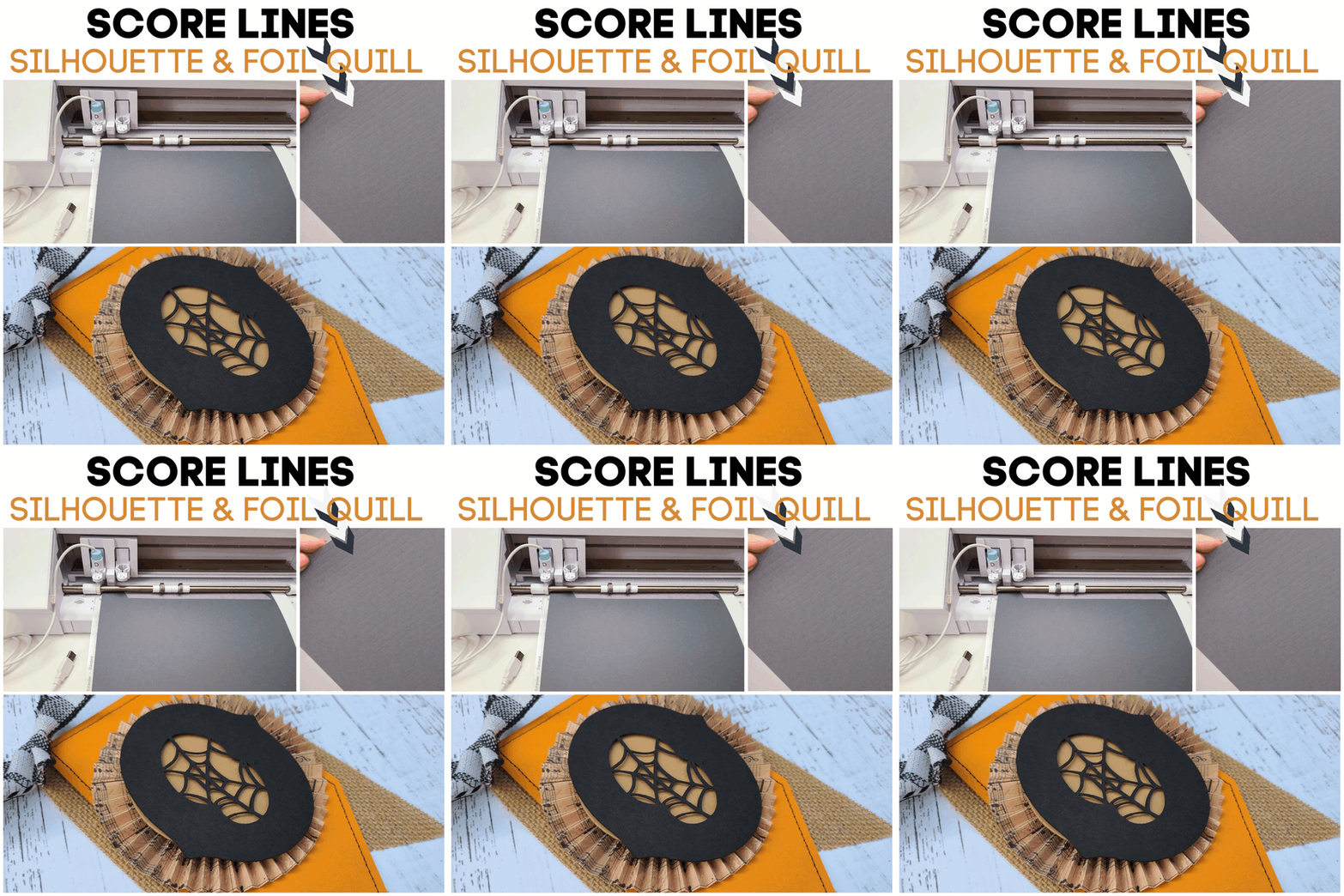
I recently shared a trick on how to use the foil quill to score lines in paper using a Silhouette CAMEO or Portrait. It's a perfect hack when creating paper rosettes or medallions for banners or other paper projects.
Today I thought I'd go one stop further to show you how to design the paper medallion cut files in Silhouette Studio...and a few tips on how to assemble them!
Perfect Silhouette Score Lines with Foil Quill
Tuesday, October 13, 2020
This hack may become your newest best friend when it comes to making score lines with your Silhouette machine. You may already know how to create a score line using a cutting blade, but now here's a way to use your Silhouette and the Foil Quill to create "soft" score lines that put a gentle bend in the paper instead of a small cut like the cutting blade does.
This is especially helpful when you are working with thin, lightweight paper and need to make lots of score lines - like when creating the paper rosettes for this Halloween Banner. (This trick saves you SO much time versus using a bone folder and score board to make all the score marks!)
Keep reading to learn how you can use the Foil Quill to make score lines.
Free Silhouette Design: You Better Beware of Little Goblins (Commercial Use Avaliable)
Friday, October 9, 2020
It is officially time to decorate for Halloween! If you don't have the perfect sign...I have a design for you to make one!
And while I love this sign for anyone, it is even better for someone with little ones!
Sawgrass Sublijet HD Ink vs Siser EasySubli Ink for Sawgrass SG500/SG1000
Thursday, October 8, 2020
Confused by the different types of sublimation inks and not sure which to get for your sublimation printer?
Let's look at a couple of the most popular types of inks that are offered with the Sawgrass Sublimation printers.
First Machine Applique Embroidery Project with Silhouette CAMEO and Brother SE600
Wednesday, October 7, 2020
If you own an embroidery machine and a Silhouette machine you can combine the best of both worlds!
Silhouette Studio Designer Edition Plus or higher will open embroidery files which means you can cut fabric applique with your Silhouette then finish the machine embroidery applique on your embroidery machine!
How to Heat Press Large Images or Oversized HTV Transfers
Tuesday, October 6, 2020
If your heat press is too small for the large HTV design you've cut, no need to worry!
The HTV design for this 24-inch "welcome" sign measures almost 20 inches long - which is obviously larger than the pressing area on the StarCraft 15 x 15-inch mint heat press. This means we definitely won't be able to press this entire HTV design all at one time. What you have to do to heat press oversized heat transfers is press it in sections.
Silhouette CAMEO 3 Tools and Machine Compatibility
Monday, October 5, 2020
Not sure which tools will work in your Silhouette CAMEO 3? No worries I've got you covered.
With the new Silhouette CAMEO 4 having different tools than the CAMEO 3, it can be confusing to know which tools work in which machine. This Silhouette tutorial will explain which Silhouette tools are compatible with the Silhouette CAMEO 3...and in which carriage.
Free Silhouette Design: Maple Leaf Earrings (Commercial Use Available)
Friday, October 2, 2020
Another week has gone by which means that it is time for another Freebie Friday!
22 Silhouette Tutorials, Tips & Tricks (September Wrap Up)
Thursday, October 1, 2020
And just like that Fall is here and September is in the books!
Subscribe to:
Posts (Atom)


.png)