
Copyright Silhouette School 2016. Powered by Blogger.


Showing posts with label send panel. Show all posts

Why You Can't Cut the Edge of Your Silhouette Design: V5 Send Panel

Did you ever go to the Send panel and tell Silhouette Studio to cut the edge of your design and it cuts all the internal areas too?  

compound path,send panel,Silhouette Studio,silhouette studio v5,V5,


Your software is not broken and you did not do anything wrong.  The issue is your design is a compound path.  Not sure what a compound path is - I got over it in detail here. 

Let me show you exactly what is happening and how to fix it so you are able to cut only the edge of your design.

WARNING: Silhouette Studio V5 Send Panel Changes...Why Though?

If you're a long time user of Silhouette Studio that decided to install Silhouette Studio V5 the Send panel may throw you. 

Silhouette Studio,silhouette studio software,silhouette software,silhouette studio 5,send panel,V5,


While most of the changes in Silhouette Studio V5 are cosmetic, the Send panel got an overhaul that I would argue it didn't need.  Read on to learn more about what you need to know about the updated V5 Send panel. 

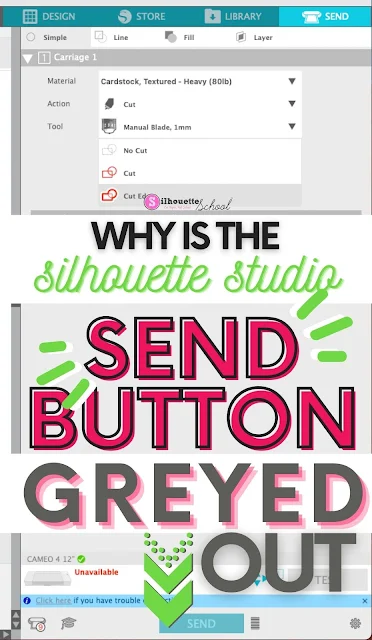
Silhouette Studio Send Button Greyed Out? Here's the Fix

If the Silhouette Studio Send Button is greyed out in the Send panel there is usually one main reason why. 

silhouette america blog, silhouette 101, silhouette studio, silhouette studio v4, troubleshooting


In this tutorial we'll look at why the Send button in Silhouette Studio is greyed and how to fix it so you can cut with your Silhouette machine.