Why the Trace Tool in Silhouette Studio Isn't Working (And How to Fix It)
Silhouette Studio V4 vs V5: What Changed for Print and Cut
Why You Can't Ungroup In Silhouette Studio and How to Fix It - Video Tutorial
Ever run into a frustrating situation where you have extra cut lines on your design and just can't seem to get rid of them?
It's a surprisingly common issue, especially when you have a transparent offset and are literally just clicking on empty space!
The secret to fixing this is so simple! Check out this video, and I'll show you exactly how to do it.
Note: This post may contain affiliate links. By clicking on them and purchasing products through my links, I receive a small commission. That's what helps fund Silhouette School so I can keep buying new Silhouette-related products to show you how to get the most out of your machine!
Silhouette School Newsletter
Thank You for Subscribing. If you wish to set your preferences (recommended) click here: https://www.subscribepage.com/get_to_know_silhouette_school
Print and Cut Registration Errors in Silhouette Studio: 5 Things to Check First
Print and Cut in Silhouette Studio V5 New Changes - Video Tutorial
Even if you're a pro at print and cut in earlier versions, V5 looks and feels completely different, and it can throw you off fast if you're not ready.
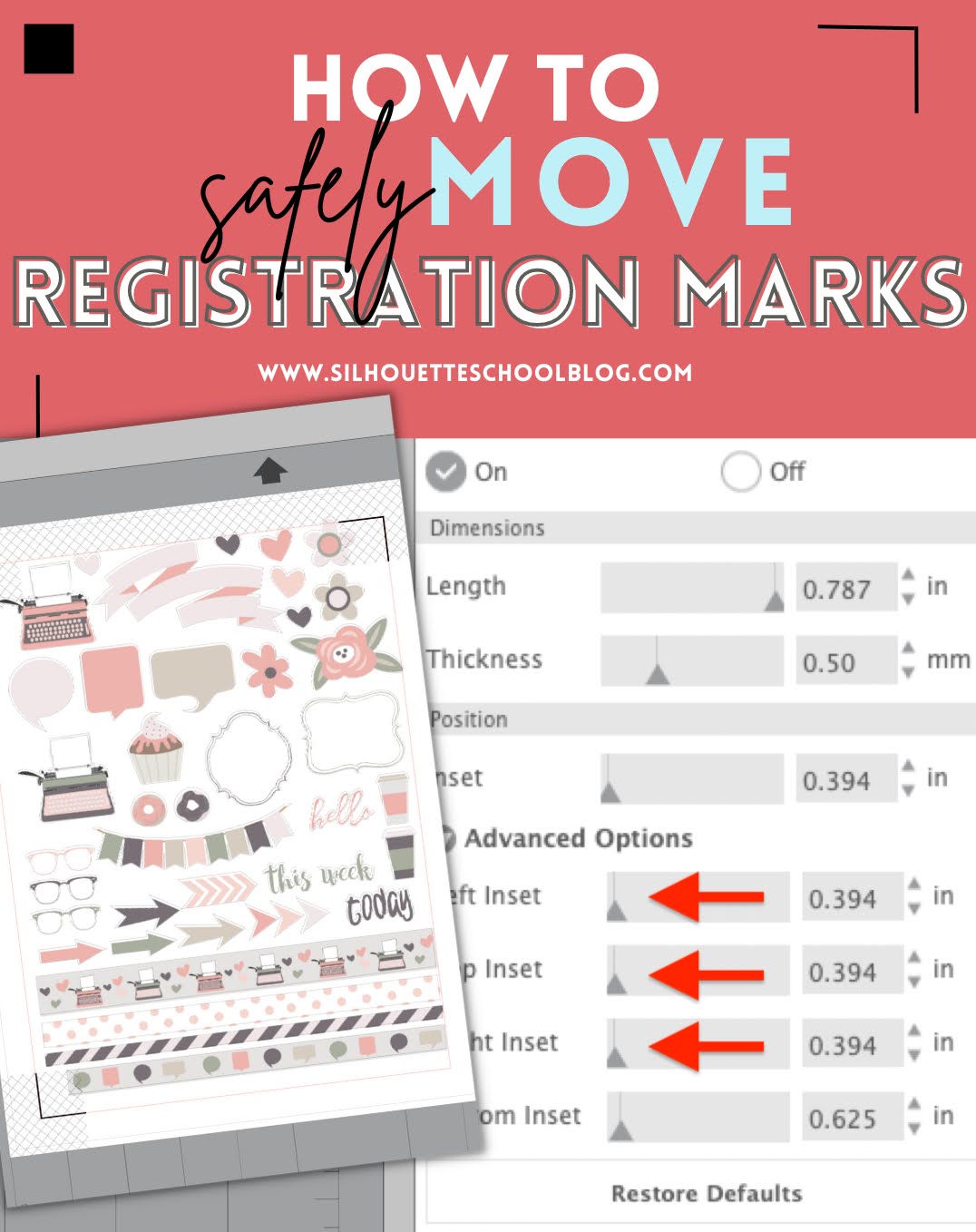
How to Change Position of Registration Marks in Silhouette Studio
How to Make Stickers with Canva and Silhouette CAMEO
Silhouette Print and Cut Registration Marks Vs Vinyl Layering Registration Marks
How to Design Pattern Sticker Sheets with Silhouette Studio
Silhouette Print and Cut CAMEO 4 Page Setup: Beginners Start Here!
Silhouette Registration Mark Failure? How to Thicken or Darken Registration Marks
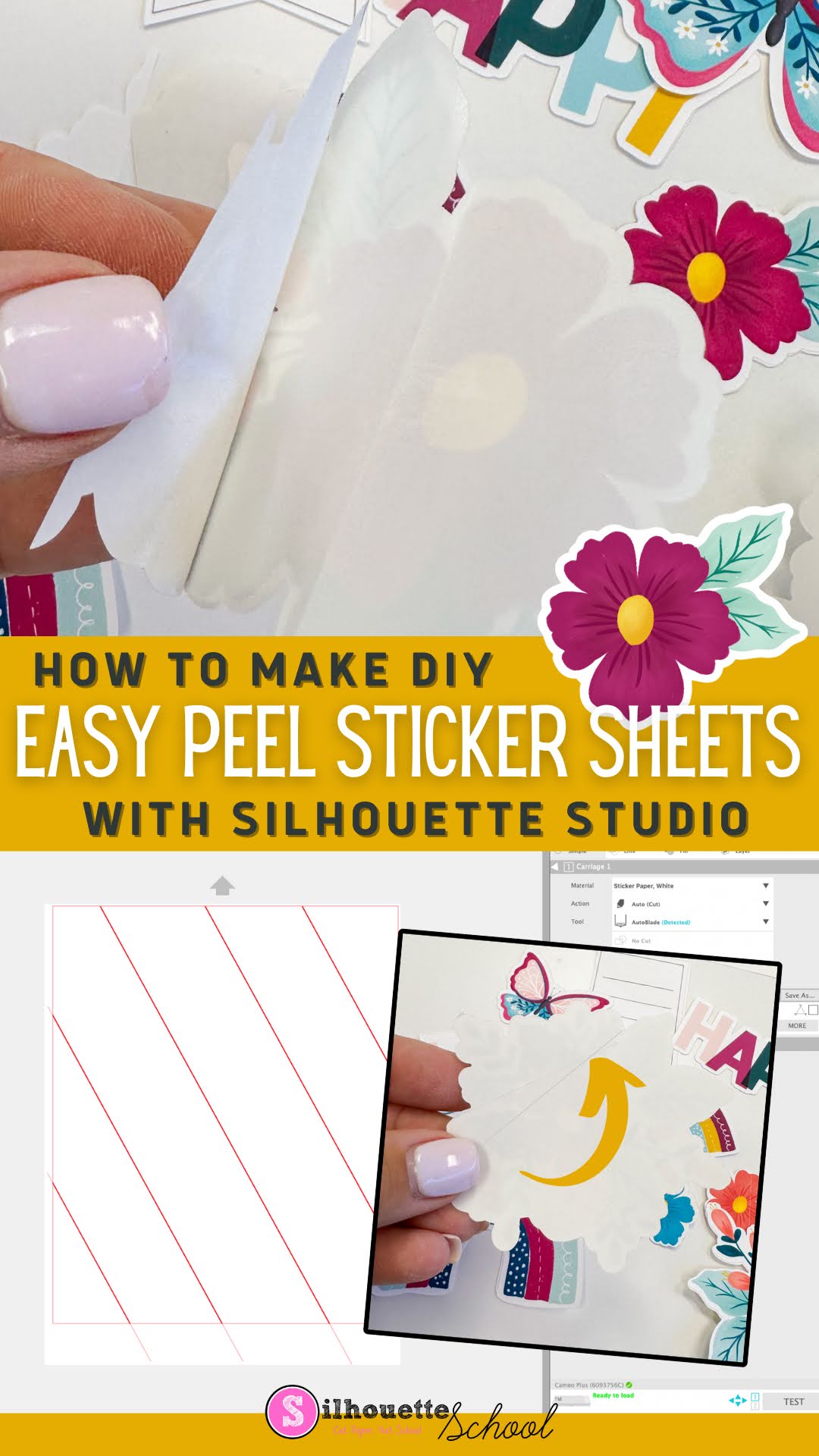
How to Make DIY Sticker Sheets with Easy Peel-Back Liner Using Silhouette CAMEO
5 Ways to Fit More In the Silhouette Print Area
Avoiding and Fixing Registration Errors for Printing Clear Stickers
Silhouette CAMEO 4 Print and Cut Max Size
![]() |
| This is a sponsored post, but all opinions are my own |
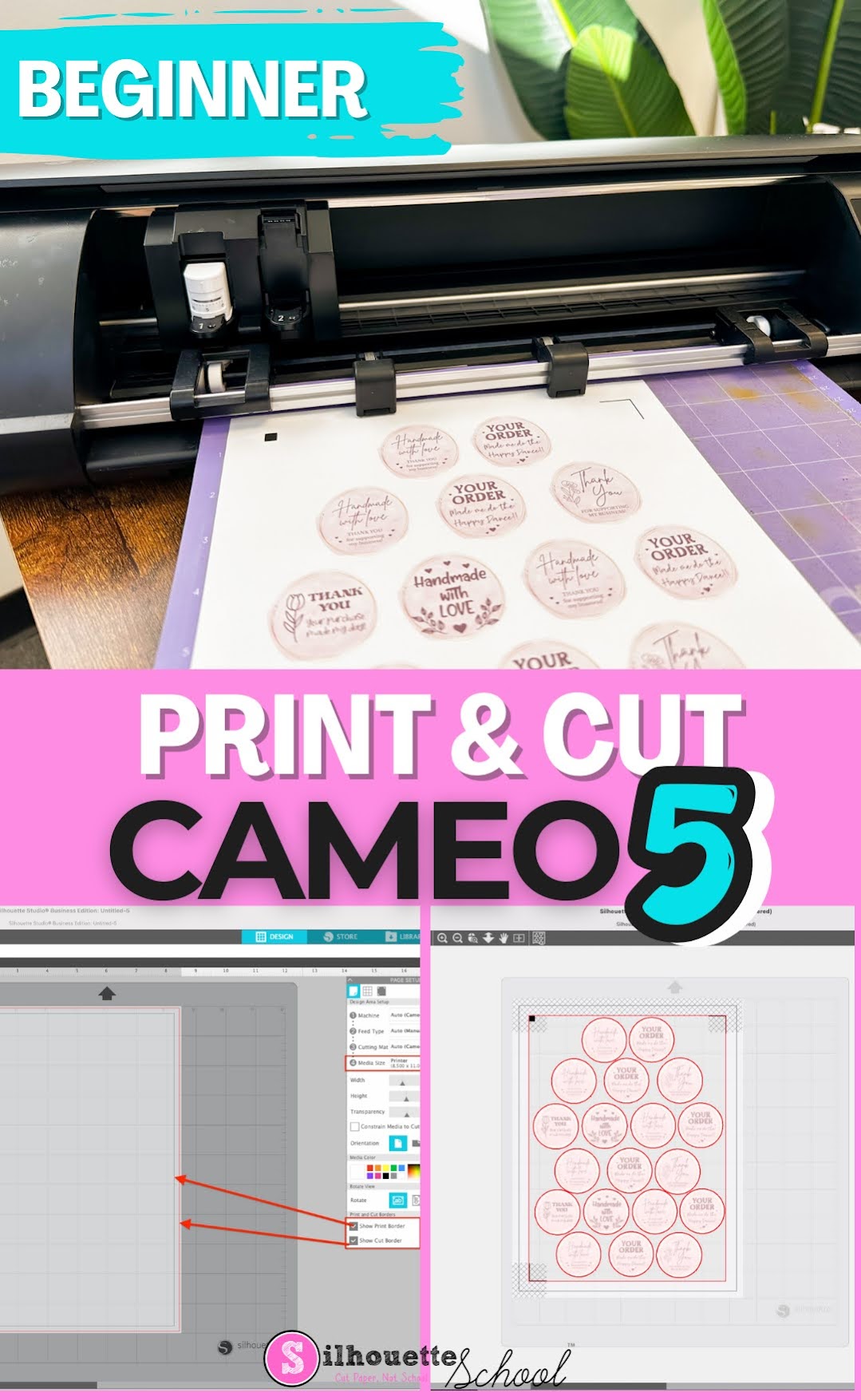
First Print and Cut with Silhouette CAMEO 5 for Beginners
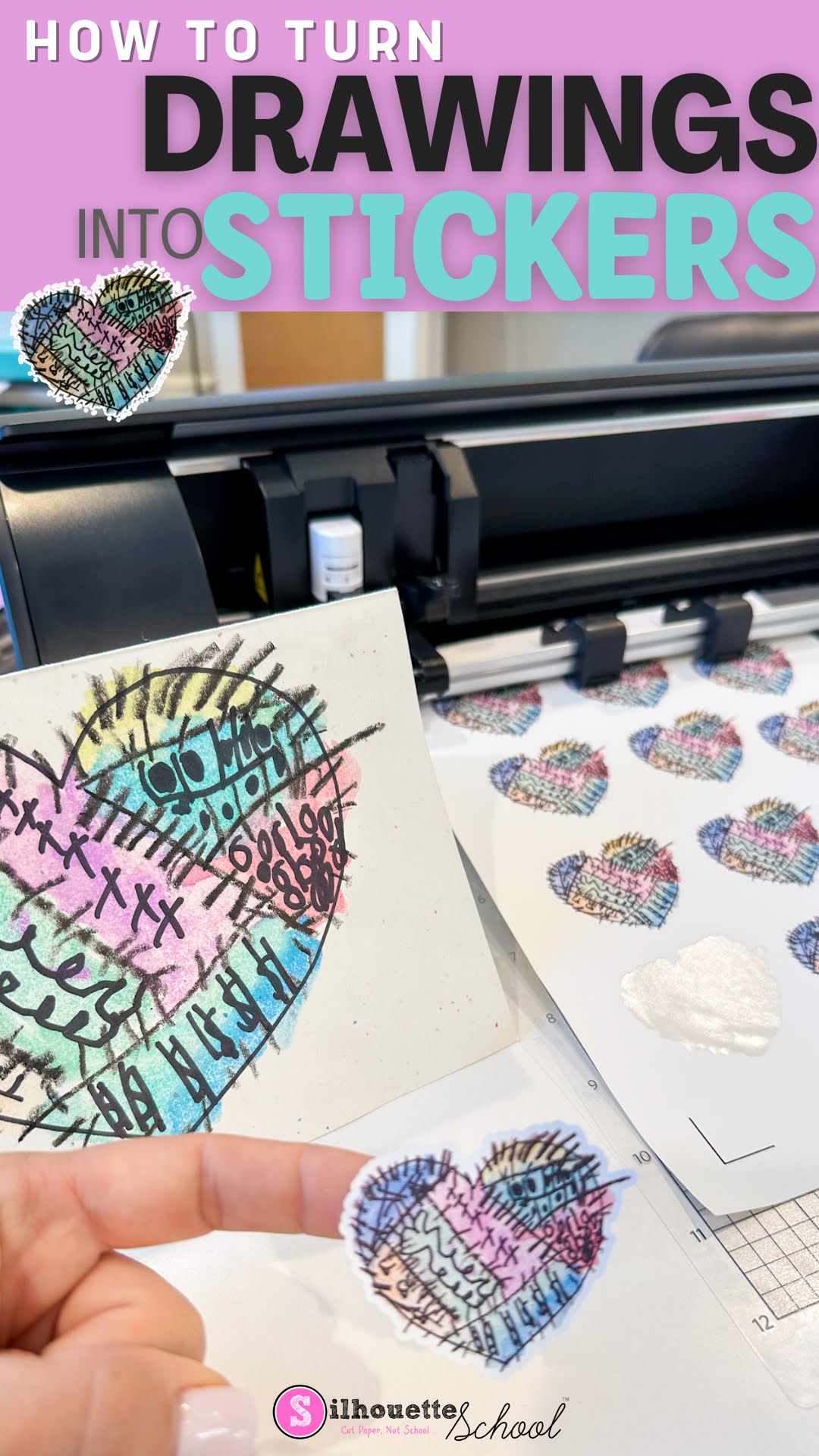
How to Turn Drawings into Stickers
How to Make Sticker Paper Waterproof (3 Ways)
Stickers are a popular way to personalize items such as water bottles, laptops, and phone cases. However, when it comes to using them outdoors or in places where they may get wet, they are often not very durable. Fortunately, there are several ways to make sticker paper waterproof increasing its longevity.
Read on for a few ways you can make sticker paper waterproof.


.png)