Copyright Silhouette School 2016. Powered by Blogger.


Engraving and Torch Paste: What's the Difference?

If you are a crafter who uses either a Silhouette CAMEO or Glowforge, you know there are several ways to make your projects look beautiful. However, if you’ve ever asked yourself “Is Torch Paste Comparable to Engraving?” then this blog post is for you!

silhouette 101, silhouette america blog, torch paste, wood sign, laser engraving

Let’s explore the differences between engraving and using torch paste so we can determine if torch paste is all you need.

Free Silhouette Design: Hello Sunshine (Commercial Use Available)

It's my favorite day of the week here at Silhouette School: Freebie Friday!

freebie friday, free silhouette studio file, free studio design, free silhouette design, free silhouette studio design

This week I am sharing with you this super versatile design that is sure to brighten any day!

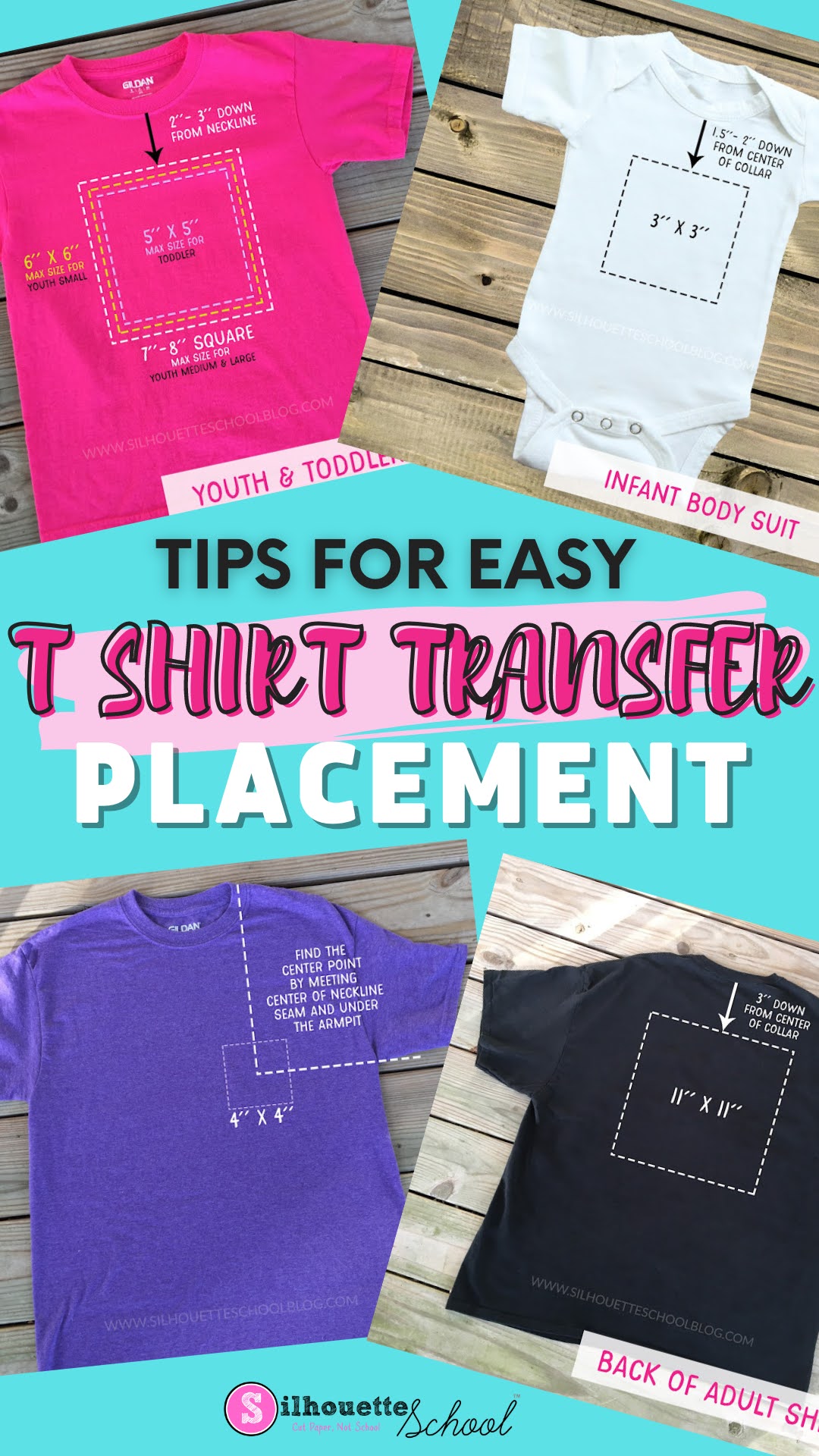
Tips for Heat Transfer Vinyl Shirt Decal Placement

When working with Heat Transfer Vinyl it is important to know where to place the design, as well as, what size to make the design.

silhouette 101, silhouette school blog, HTV, Heat Press, Decal Placement

Here are some great tips to find the perfect placement & correct sizing of your Heat Transfer Vinyl design on adult, youth, toddler, and infant size blank shirts.

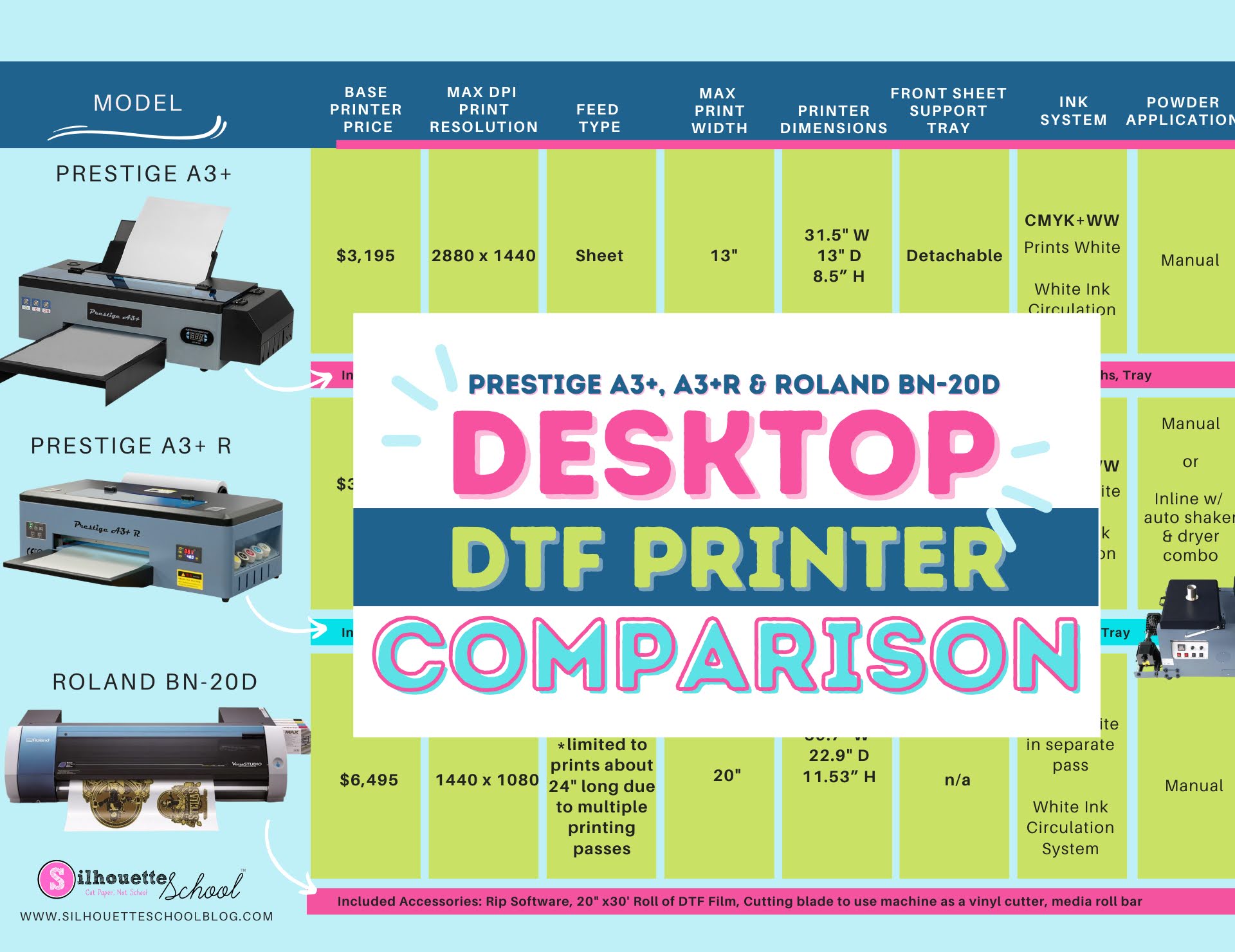
Desktop DTF Printer Comparison: Roland BN-20D vs Prestige A3+

If you're looking for the best desktop DTF printer then you've probably wondered which is better: the Roland BN-20D or the Prestige A3+ or A3+ R? 

silhouette america blog, silhouette 101, roland, prestige a3+, small business

Given that I have both and have used both, this is a question I keep getting and one that I am hoping I can help answer for you. 

I know it's important for you to invest in the best DTF printer and it's not an easy or inexpensive choice! Read on for a comparison between the Roland BN-20D DTF printer vs the Prestige A3+ DTF Printer

Waterslide or Sublimation: What Should I Use?

Have you been seeing the trendy beer glass tumblers and are dying to get your hands on some? We are taking a look at decal printing, and are comparing the options: sublimation and waterslide transfer decals! 

Silhouette America Blog, Silhouette 101, waterslide, sublimation, glass tumbler

Both are great for customizing products and apparel, but which one is better for YOU? Let’s dive in!

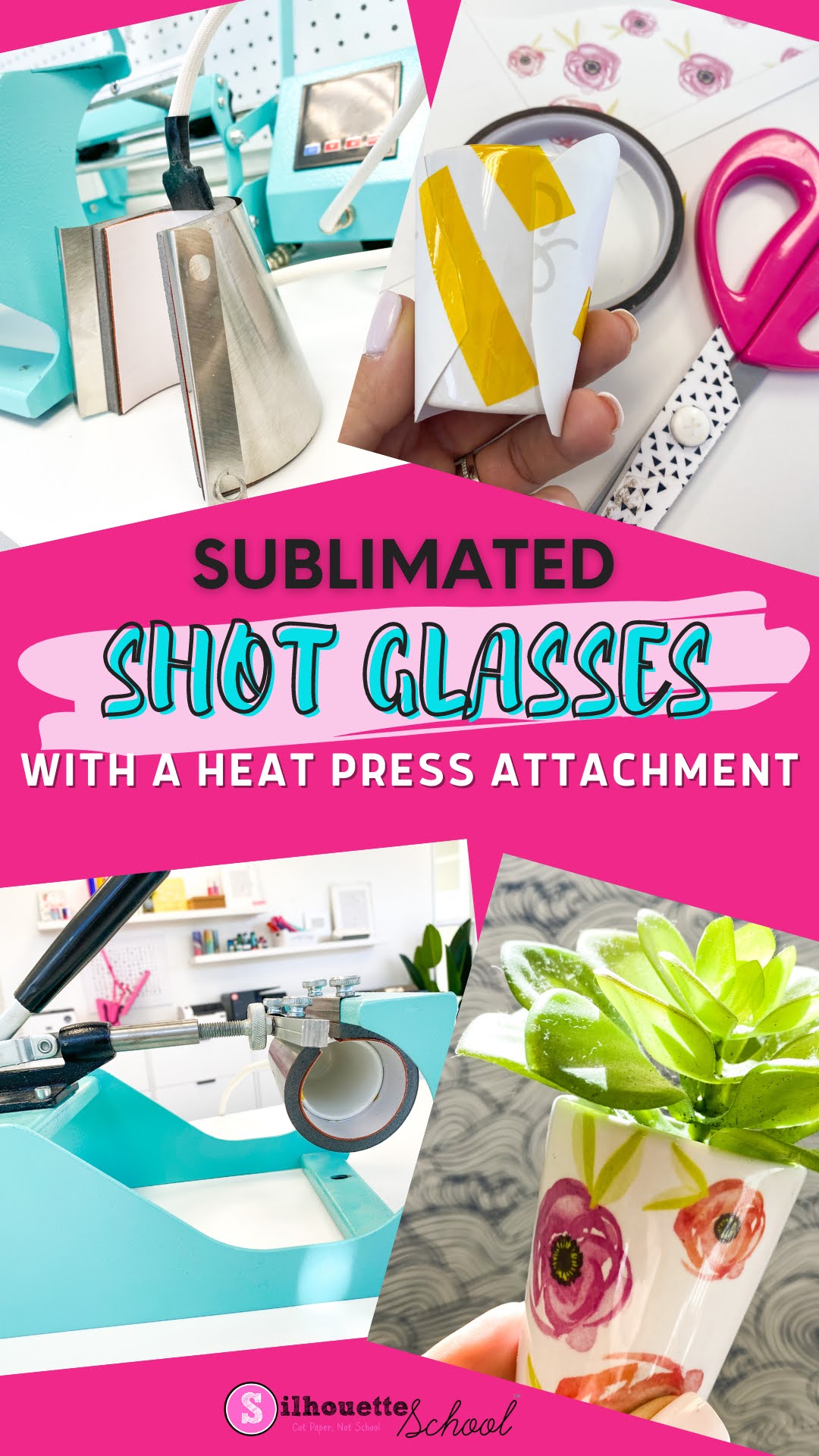
How to Sublimate on Shot Glasses Using a Shot Glass Attachment

A shot glass attachment makes it easy and fast to sublimate on shot glasses. 

silhouette 101, silhouette america blog, silhouette and sublimation, sawgrass sg1000, tumbler press, shot glass sublimation

Sublimating means you can quickly make custom shot glasses with whatever design you want. Read on for the perfect time and temperature to sublimate on shot glasses. 

Free Silhouette Design: Hello I'm New Here (Commercial Use Available)

It's Freebie Friday around here and if there is one thing I know for sure, it is that it's everyone's favorite time of the week! 

freebie friday, free silhouette studio file, free studio design, silhouette 101, silhouette america blog

Looking for the perfect design for a new baby gift? I've got the best one for you this week!

Silhouette Studio Ruler Disappeared! How to Show Ruler in Silhouette Studio V4

Silhouette Studio Designer Edition opens up a bunch of extra features - and among them is a ruler along the top and sides of the work area.  Sometimes that ruler seems to disappear on its own.

silhouette 101, silhouette america blog, silhouette studio, designer edition, rulers

No worries - it's easy to get back.

How to Turn Off Print Preview in Silhouette Studio

If you have ever printed from Silhouette Studio, you know that there are times that a print preview window opens up. 

silhouette 101, silhouette america blog, silhouette studio, silhouette studio v4, print and cut, sublimation printing

I find this print preview window can, at times, cause more printing issues than it's worth and therefore you may actually want to disable this feature.  Read on to learn how to turn off print preview in Silhouette Studio

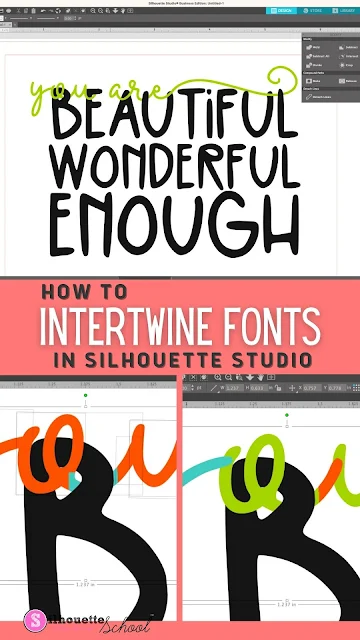
How to Intertwine Fonts in Silhouette Studio

Silhouette Studio is such a feature packed design software! You can easily intertwine fonts and make your designs come to life from signs to cards and invitations, mixing and matching fonts is the perfect way to give your projects a unique look!

silhouette america blog, silhouette 101, silhouette studio v4, silhouette fonts, speciality fonts, script fonts

You may be wondering how to get started – but fear not! I’ll walk you through the basics of combining fonts in Silhouette Studio so that you can create beautiful designs quickly and easily.

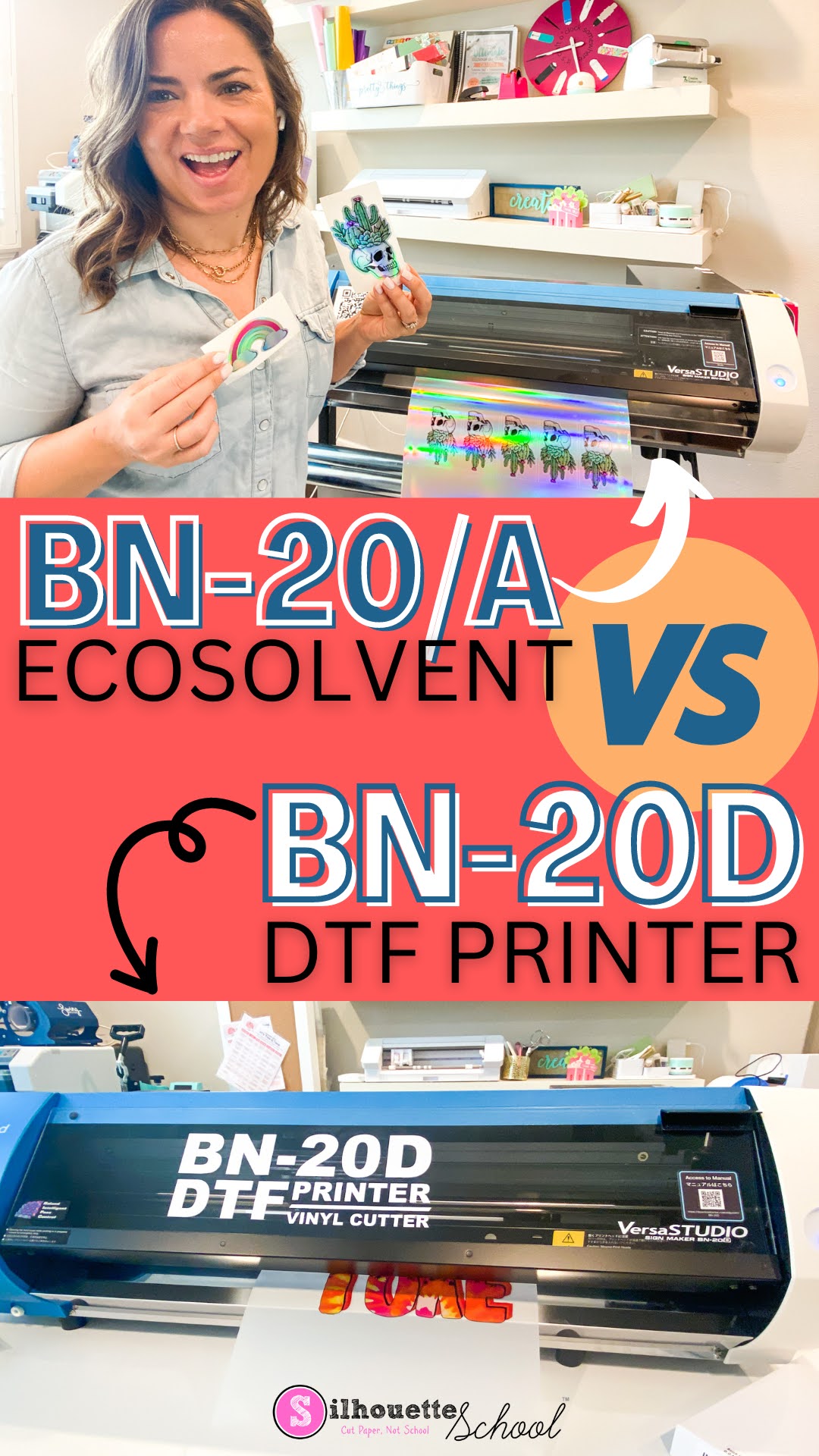
Roland BN-20 vs BN-20D DTF Printer: Side by Side Comparison

Despite the similar look and name, the Roland BN-20 (and BN-20A) and BN-20D are very different printers.  

silhouette america blog, silhouette 101, roland, dtf, transfer printers

One is an ecosolvent print and cut machine that can cut everything from vinyl stickers to photos to heat transfers and the other is a 20" DTF printer that prints weedless, cutless direct to film transfers.  Read on for the difference between the two 20" Roland desktop printers...and don't forget to sign up to get updates on BN-20D pre orders, tutorials and updates

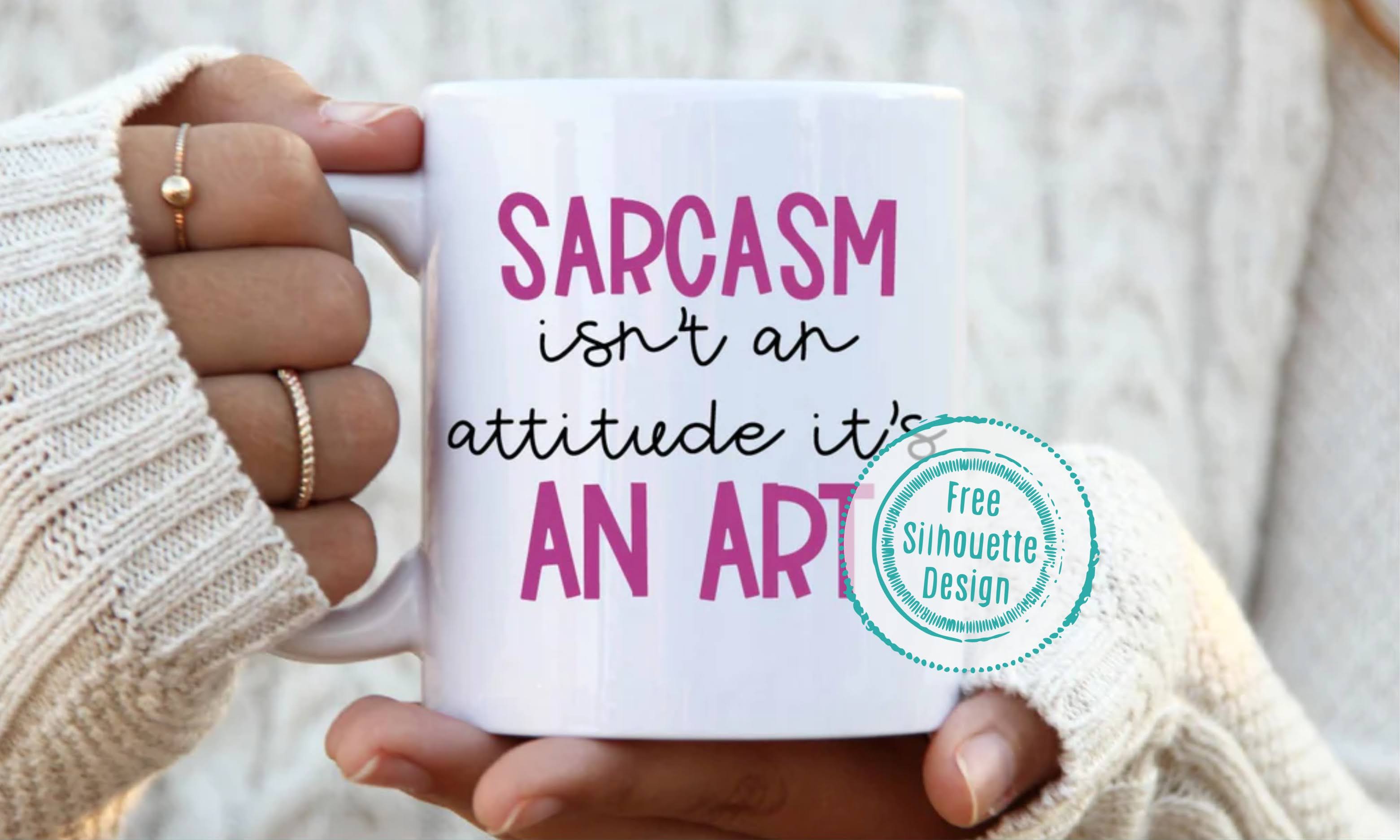
Free Silhouette Design: Sarcasm Isn't an Attitude (Commercial Use Available)

Happy Friday! And with that here at Silhouette School, it's another Freebie Friday!

freebie friday, free studio design, free silhouette design, silhouette 101, silhouette america blog

I wanted to share this Sarcasm design with you this week because I can be a tad sarcastic from time to time.

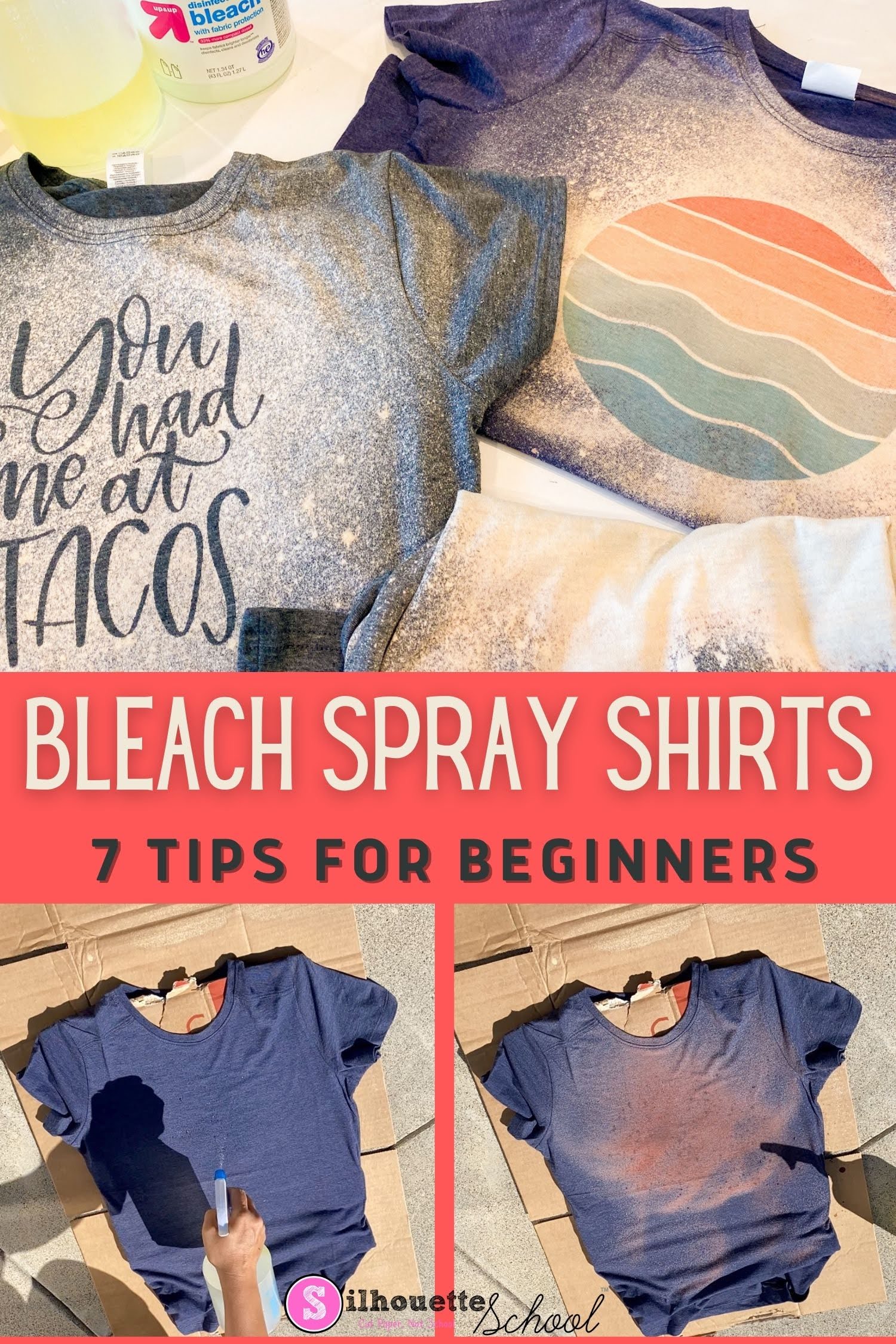
Bleach Spray Shirts: 7 DIY Tips for Beginners

If you are new to making DIY bleach spray shirts - I have some tips for you today to make sure your first bleach shirt is a huge success! 

silhouette 101, silhouette america blog, bleach shirts, sublimation printing, adhesive vinyl

These five tips will help you make an awesome bleach spray shirt at home....and then once you know the basis you can get fancy by making vinyl stencils and sublimation bleach shirts. 

How to Change Size in Silhouette Studio

Not sure how to change size in Silhouette Studio? You came to the right spot. 

silhouette america blog, silhouette 101, silhouette studio, silhouette studio v4, size designs

You can increase or decrease the size of your design in Silhouette Studio so it's exactly the size you want in just a few quick clicks. Read on for this fast and easy step by step tutorial. 

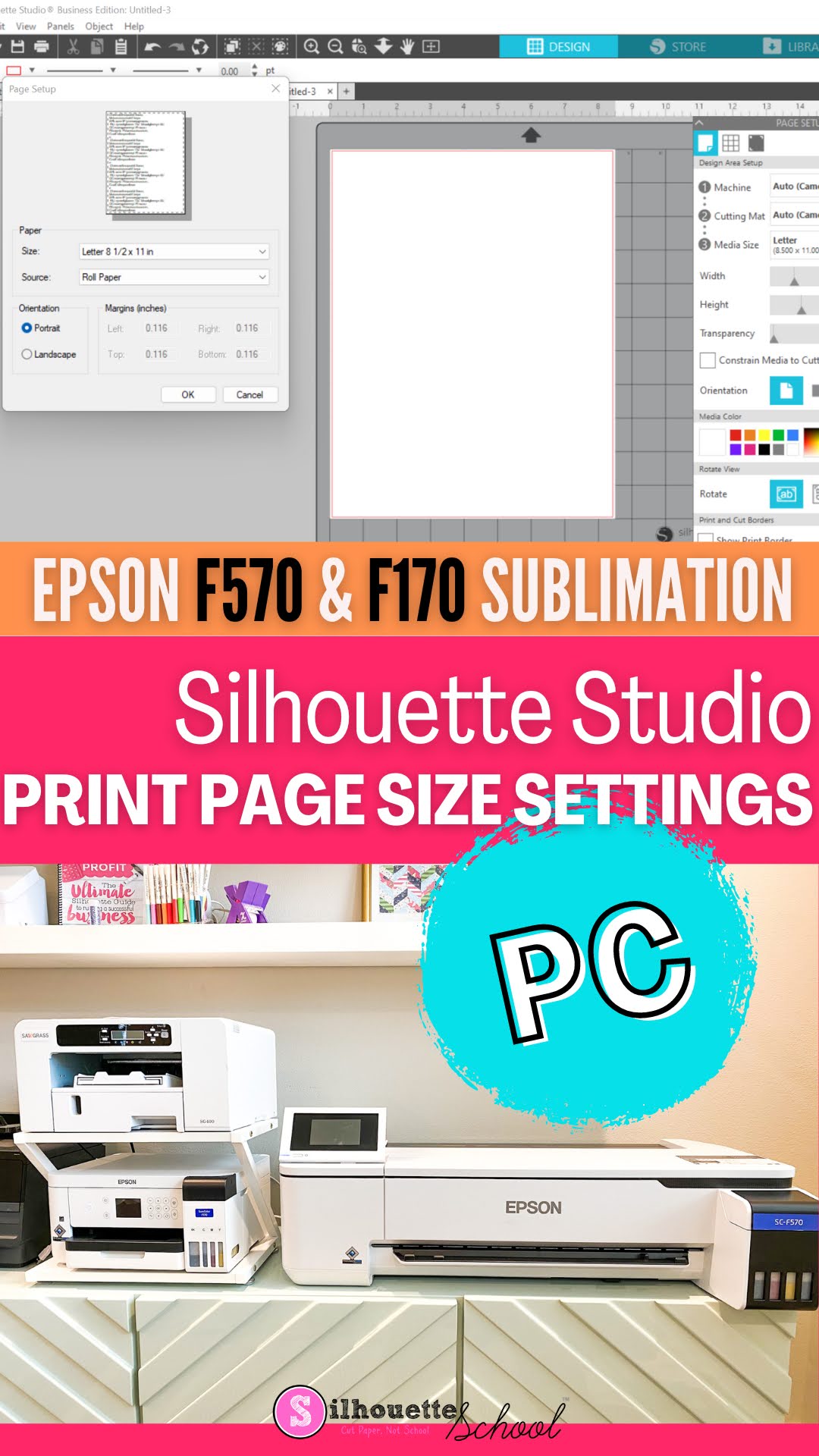
Epson F170 / F570 Sublimation Printer: How to Set Page Size in Silhouette Studio on PC

You can print directly to the Epson F170 or F570 sublimation printers from Silhouette Studio...but don't do so until you know how to set the print settings. 

silhouette america blog, silhouette 101, epson sublimation, silhouette and sublimation, epson f570

Setting print settings on a PC is relatively easy, but it's not always intuitive. If you are using a MAC to print to your Epson F570 or F170, check out this tutorial. Read on for how to set the page size in Silhouette Studio to match your sublimation printer on a PC.

Free Silhouette Studio Design: Mardi Gras Mirrored (Commercial Use Available)

It's Carnival time! Which only means one thing when it's freebie time at Silhouette School...


freebie friday, free silhouette studio file, free studio design, free silhouette design, free silhouette studio design
...it's also time for a Mardi Gras freebie! 

23 Silhouette Tutorials, Tips and More! (January 2023 Wrap Up)

I can't believe that we are already a month into 2023...AND it's time to look back at all the free Silhouette tutorials we shared last month!


We shared lots of tips for new and not so new Silhouette users, had some fun with sublimation and stickers and had some fun with the Foil Quill again! Of course there were also lots of freebies shared!