Copyright Silhouette School 2016. Powered by Blogger.


How to Create Roland Contour Cut Lines FREE Without Any Paid Software (Free Practice File)

Did you know you can add Roland Versaworks contour cut lines for free...in other words without Adobe Illustrator, CorelDraw, Affinity Designer? You can do it right in Roland Versaworks!! 

silhouette 101, silhouette america blog, roland, roland bn20a, contour cut lines,

Roland quietly added a new feature in Roland Versaworks 6.13 (and higher) that allows users to create contour cut lines on an SVG directly in Versaworks and without any paid software program.  There's just one caveat - the PDF has to come into Versaworks with vector data.  Don't worry if you have no idea what that means I'm going to explain...every step and you won't be paying a cent to add Roland Contour Cut Lines to your SVG files! 

How to Combine SVG Files into One File in Silhouette Studio

If you ever wanted to combine SVGs into one file in Silhouette Studio - it's easy to do. 
silhouette 101, silhouette america blog, silhouette studio, customize designs, card making

In this Silhouette Studio tutorial we'll show you how to quickly combine SVG files into one design in Silhouette Studio!

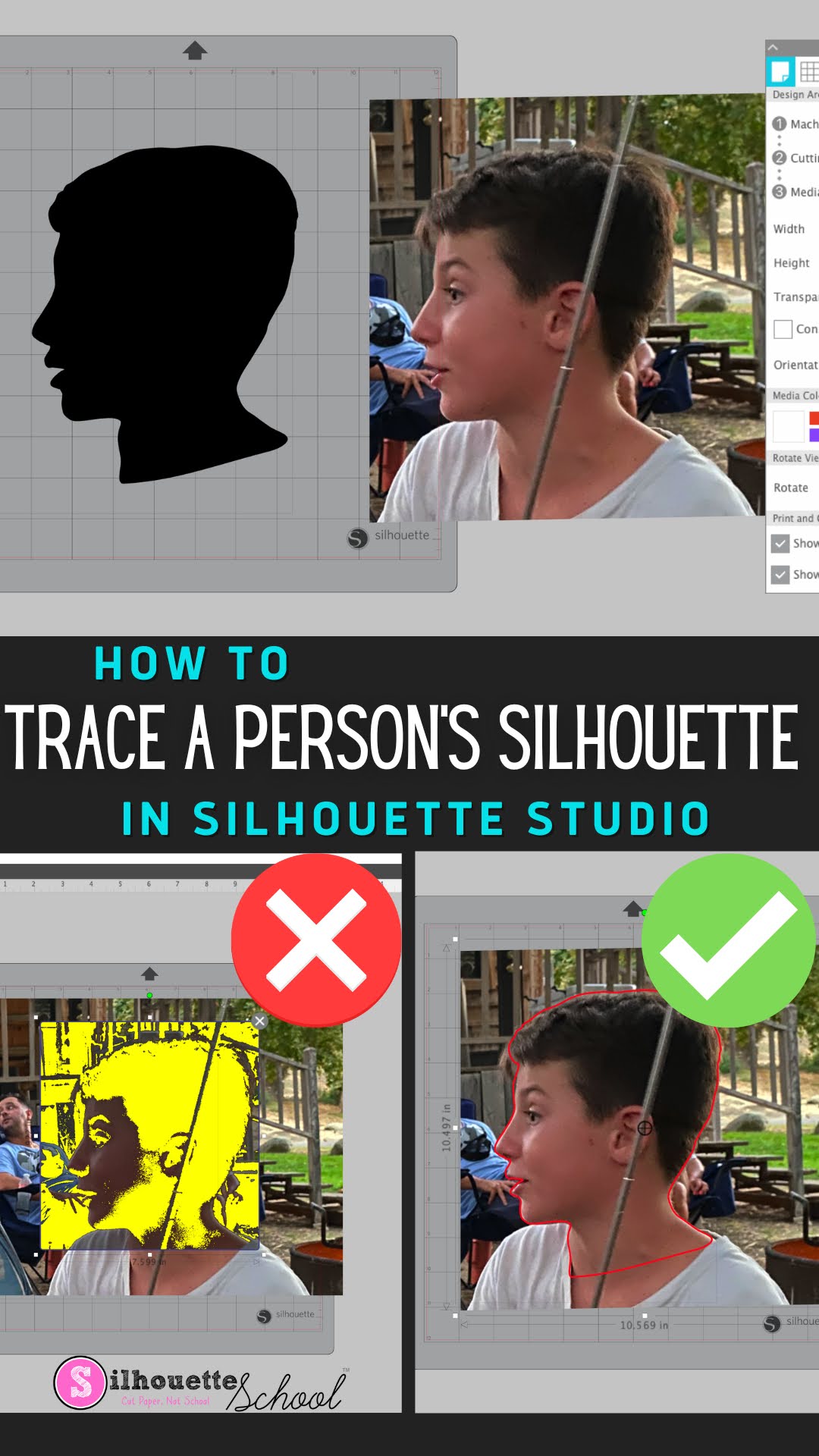
How to Trace a Silhouette of a Person in Silhouette Studio

You can trace a Silhouette of a person in Silhouette Studio to turn it into a cut file to create silhouette art. 

silhouette 101, silhouette america blog, silhouette studio v4, trace silhouette, trace tool

What's even better is this can be done in the free version of Silhouette Studio. Read on for the full tutorial on how to trace a silhouette of a person in Silhouette Studio.

Free Silhouette Design: Fluttering Butterflies (Commercial Use Available)

Time for another Freebie here at Silhouette School! 

freebie friday, free silhouette studio file, free studio design, free silhouette design, free silhouette studio design

This week I am sharing with you this beautiful fluttering butterfly design. 

9 Ways to Replicate in Silhouette Studio (V4 Tutorial)

There are a lot of different ways to accomplish the same thing in Silhouette Studio - and that's especially true when it comes to replicating.

silhouette 101, silhouette america blog, Silhouette Design Studio tutorials, silhouette tutorial, silhouette cameo tutorial for beginners

There are at least nine different ways to replicate or duplicate a design, shape, or text in Silhouette Studio. Check out these nine ways to duplicate in Silhouette Studio and then pick your favorite depending on what you're working on.

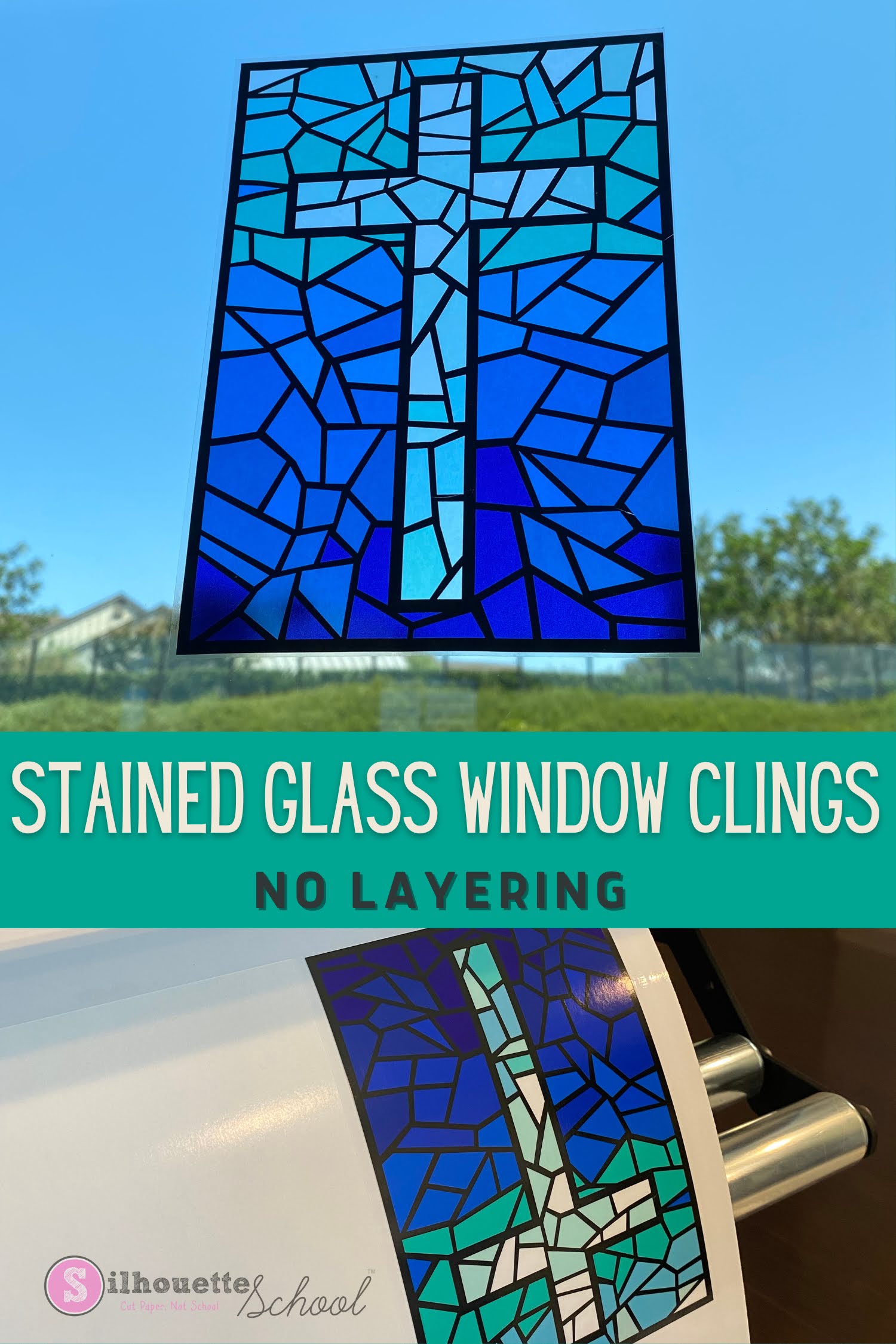
How to Make Custom Stained Glass Window Clings (Without Layering Vinyl)

If you've ever made made a stained glass vinyl window decals with your Silhouette CAMEO or Portrait  you know the results are stunning, but the work required is next level and they're one time use. You can not peel off and put on another surface. 

silhouette 101, silhouette america blog, layering vinyl, roland bn20a, window cling

That's where making custom stained glass window clings with the Roland BN-20A and clear window cling material comes in.  There's no layering involved, cutting is limited, and the colors are amazing. Check out this tutorial on how to make custom stained window clings with Silhouette Studio and BN-20A. 

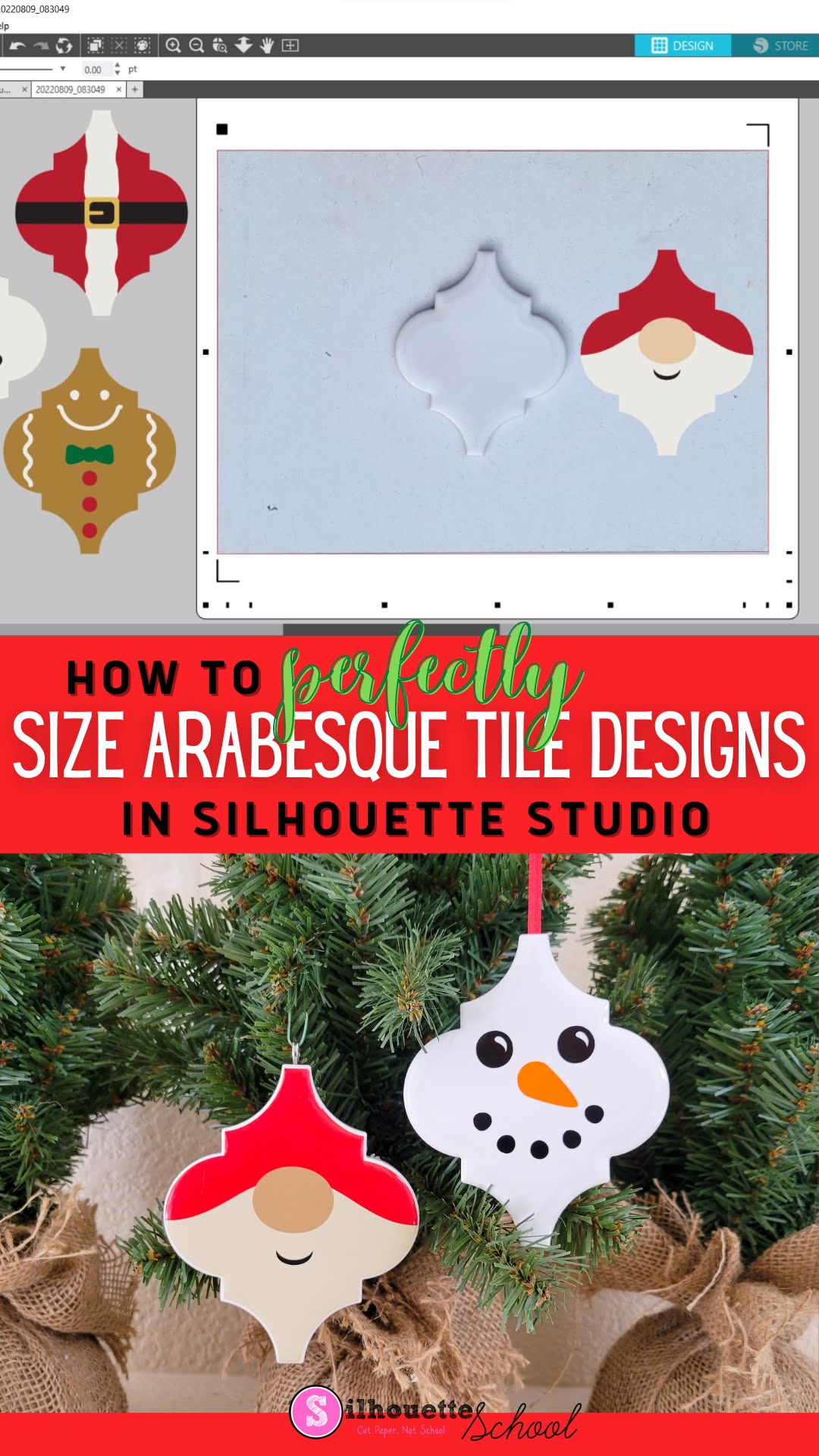
How to Use Silhouette PixScan To Size Your Arabesque Tile Ornaments Perfectly

If you want to make sure that an arabesque tile ornament design is the right shape for the tiles you have, then here's how to make sure they fit perfectly! 

silhouette 101, silhouette america blog, silhouette pixscan, silhouette studio, ornaments

In this tutorial, we'll share how to use the Silhouette PixScan mat with your arabesque tiles and ornament designs to make the perfect ornament templates!

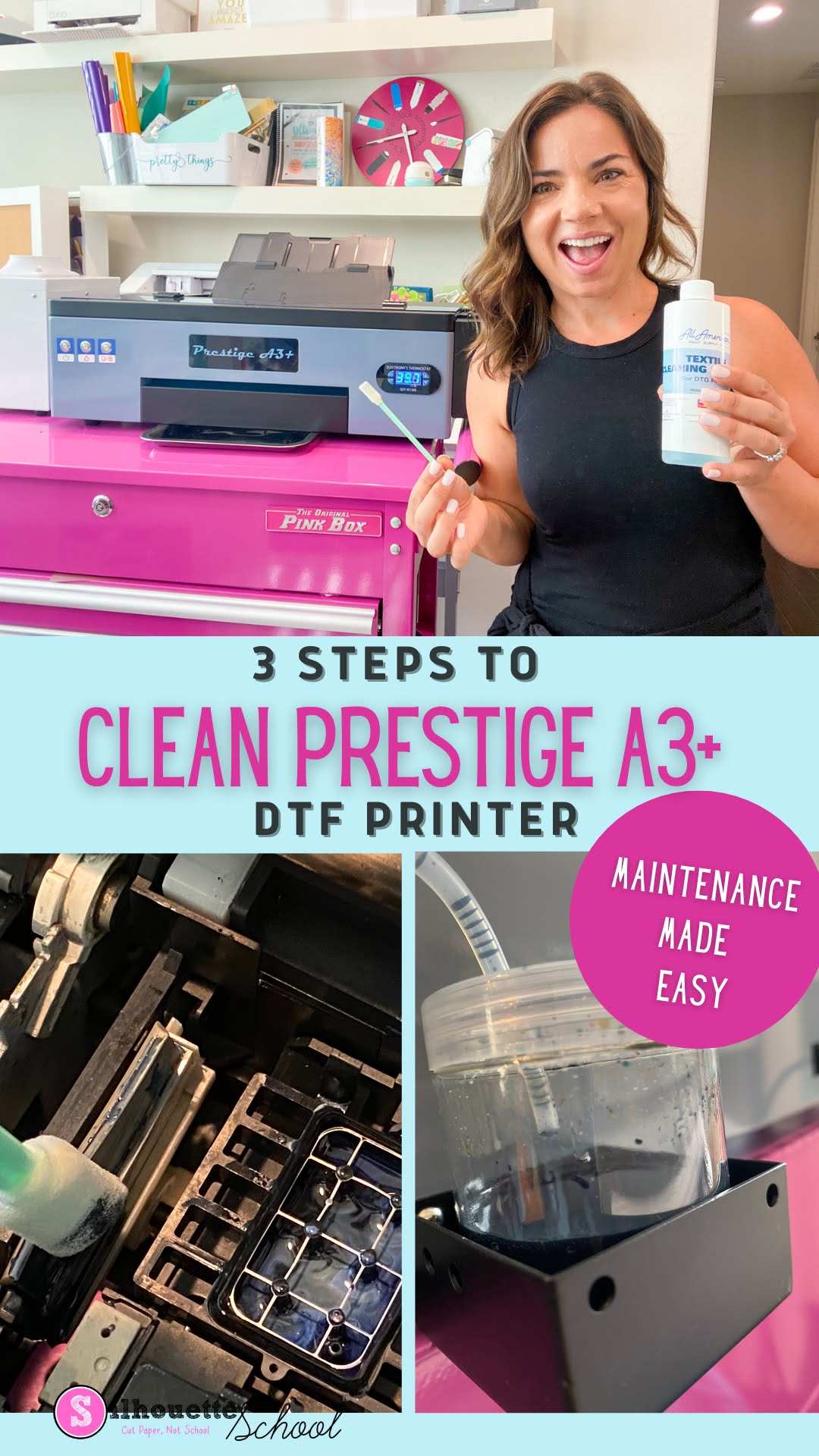
How to Do Daily Cleaning for Prestige A3+ DTF Printer: 3 Steps

There are three main things you need to clean and check after every day that you print with your direct to film printer


I know that the maintenance is a big question when considering any DTF printer.  If you're considering the Prestige A3+ DTF printer, I will say that the daily maintenance should take you no more than about five minutes. 

Keep in mind this is not the only maintenance that will need to be performed on a DTF printer, but these three maintenance steps are important to take after every production day.   

I am also including a cleaning supply list to help you make sure you have everything you need to keep on hand to clean the Prestige A3+ DTF printer

How to Remove Unwanted Cut Lines in Silhouette Studio

If you have unwanted cut lines in Silhouette Studio you can easily remove them. 

silhouette 101, silhouette america blog, silhouette studio, silhouette studio v4, roland

In fact you can actually avoid them to begin with if you're tracing.   Most often people want to get rid of internal cut lines because they only want the outside edge of the design to cut. This tutorial is a bonus in the 5 Part How to Create Contour Cut Lines in Silhouette Studio series and will explain how to get rid of red cut lines in Silhouette Studio. 

Free Silhouette Design: Professional Grandma (Commercial Use Available)

I feel like every time I turn around it's time for Freebie Friday here on Silhouette School. Not that that's a bad thing! 

freebie friday, free silhouette studio file, free studio design, free silhouette design, free silhouette studio design

We are celebrating the professional grandmas! You know you aren't retired when you are a grandma. 

How to Design and Apply Heat Transfer Vinyl on Zipper Shirts

Zipper sweatshirts are not the easiest thing to put heat transfer vinyl on - but it's definitely doable!

Silhouette Heat Transfer Vinyl, Heat Transfer Vinyl Silhouette, heat transfer vinyl, silhouette 101, silhouette America blog

With a few tricks up your sleeve from this Silhouette HTV tutorial, you'll have no problem designing and applying around zippers.