Copyright Silhouette School 2016. Powered by Blogger.


20 Silhouette Tutorials, Tips and More! (February 2024 Wrap Up)

February flew by and now it is time for another Silhouette School wrap up!

silhouette 101, silhouette america blog, silhouette studio tutorials, sublimation tutorials, silhouette cameo tutorials

The variety of things I shared this month covered such a wide variety of topics! I showed some new tips and techniques in Studio, sublimation and DTF techniques, a bunch of free cut files in the Freebie Friday series and much more!

Easy Way to Customize DTF Transfers in a Gang Sheet Builder

Everyone loves custom and there's nothing more personalized than adding a name. 

dtf transfers, dtf printer, tshirt transfers, gang sheets, customize transfers

Just because you're using a gang sheet builder to outsource your DTF Transfers doesn't mean you can't personalize and customize them.  

In this tutorial I'll show you how to quickly add names in the So Fontsy Gang Sheet Builder..where you can also find a whole bunch of free images for transfers!

Free Silhouette Studio Design: Home Fresh Bakery (Commercial Use Available)

It's Friday which means it's time for another Freebie here at Silhouette School!

freebie friday, free silhouette studio file, free studio design, free silhouette design, free silhouette studio design

This is such a great design for all of those bakers! Or someone looking for the perfect gift for a baker. 

5 Ways to Fit More In the Silhouette Print Area

If you are printing from Silhouette Studio and need to fit more in the Silhouette Studio print area there are multiple ways to do so. 

silhouette 101, silhouette america blog, silhouette studio, silhouette print and cut, print and cut

The method - or combination of changes - that you make will depend on the design itself and if you are printing and cutting or just printing.  Read on for five ways to fit more in the Silhouette printable area.

How to Install Sawgrass Print Mate Print Manager for Existing SG500 and SG1000 Users

Sawgrass sublimation printers can now use a new print manager called Sawgrass Print Mate. 

sawgrass print manager, print manager, sublimation, sawgrass, sawgrass sg1000, sawgrass sg500

The older print manager called Sawgrass Print Manager or SPM is still available but needs to be updated and to do that you need to install Print Mate anyway. 

New and existing Sawgrass sublimation printer users will need to download and install the Print Mate to continue printing. Read on for how to install Sawgrass Print Mate if you're an existing SG500 or SG1000 user who was previously using SPM. 

Silhouette CAMEO 5 Noise: Listen While It Cuts

One of the most common questions I get about the Silhouette CAMEO 5 is about the noise level. 

cameo 5, silhouette cameo 5, cameo 5 plus, cameo 5 tutorials, cameo 4 vs cameo 5

Many users of earlier generations of CAMEO 5 complained about how relatively loud the vinyl cutting machine was during cutting. But is the CAMEO 5 noise any quieter? Read on and check out the video of the CAMEO 5 cutting to decide for yourself. 

How to Make a Sublimation Tumbler Wrap for Glass Cans

Sublimation drinkware never seems to be off trend so in this tutorial I'm going to show you how to make a sublimation tumbler wrap for glass cans. 

sawgrass, sublimation printer, sawgrass sg1000, glass tumbler, sublimation

Follow along for the step by step tutorial on sublimating glass cans including tips on getting the most vibrant colors! 

Free Silhouette Studio Design: I am Black History (Commercial Use Avaliable)

It's time for another freebie her at Silhouette School! 

freebie friday, free silhouette studio file, free studio design, free silhouette design, free silhouette studio design

I know we are a little late to the start of Black History Month, but we wanted to still celebrate it with a really fun design! 

How to Use the Knife Tool in Silhouette Studio to Separate a Design

When you've found the perfect SVG design, and want to cut different parts of it into different colors of HTV or vinyl - you may need to separate the design to do so. 

silhouette 101, silhouette america blog, knife tool, silhouette studio v4, silhouette studio design tools

If the design is connected, the Silhouette Studio knife tool will help you separate it.

Secret to Storing Pre-Cut Heat Transfer Vinyl Designs

If you're pre-cutting a lot of heat transfer vinyl - filling orders, making stock, or making an elaborate design with lots of colors - it can get tricky to store the HTV before you apply to the surface. It's not always time efficient to cut and apply immediately.

storing heat transfer vinyl, htv designs, heat transfer vinyl, silhouette cameo tutorials, silhouette 101

Since nobody wants dust bunnies, hair or pet fur stuck to their sticky heat transfer vinyl transfer sheets...it's best not to lay it on the floor or stick it to a place where it's at risk for falling on the floor.

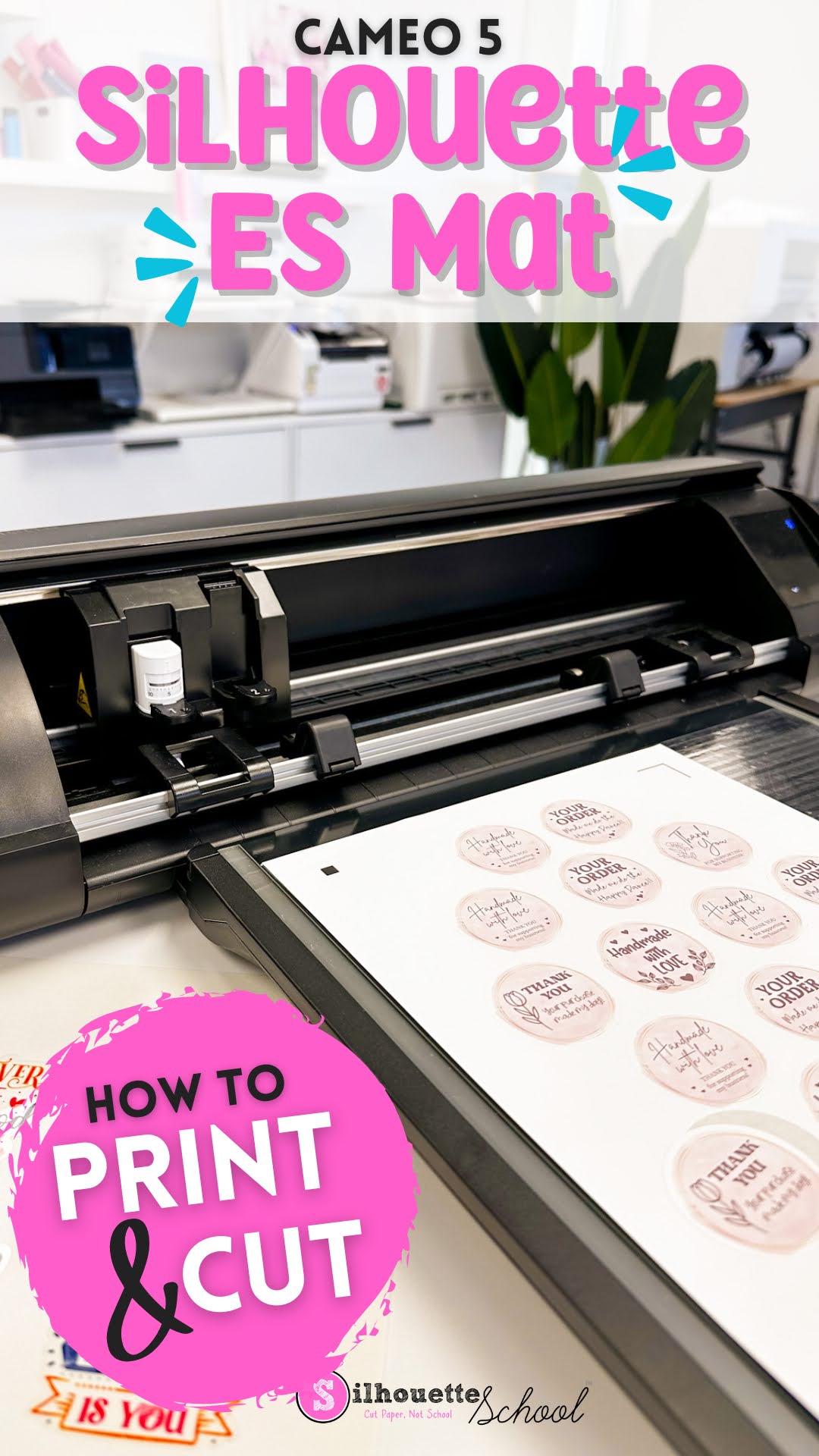
How to Print and Cut with Silhouette CAMEO ES Mat

Printing and cutting on the Silhouette CAMEO 5 ES mat is not much different than printing and cutting with an adhesive mat. 

cameo 5, print and cut, silhouette cameo 5, home printer, print and cut stickers, electrostatic mat,

If this is your first time making stickers with the Electrostatic mat, or doing another print and cut, follow along for tips on how to best print and cut with the ES mat. 

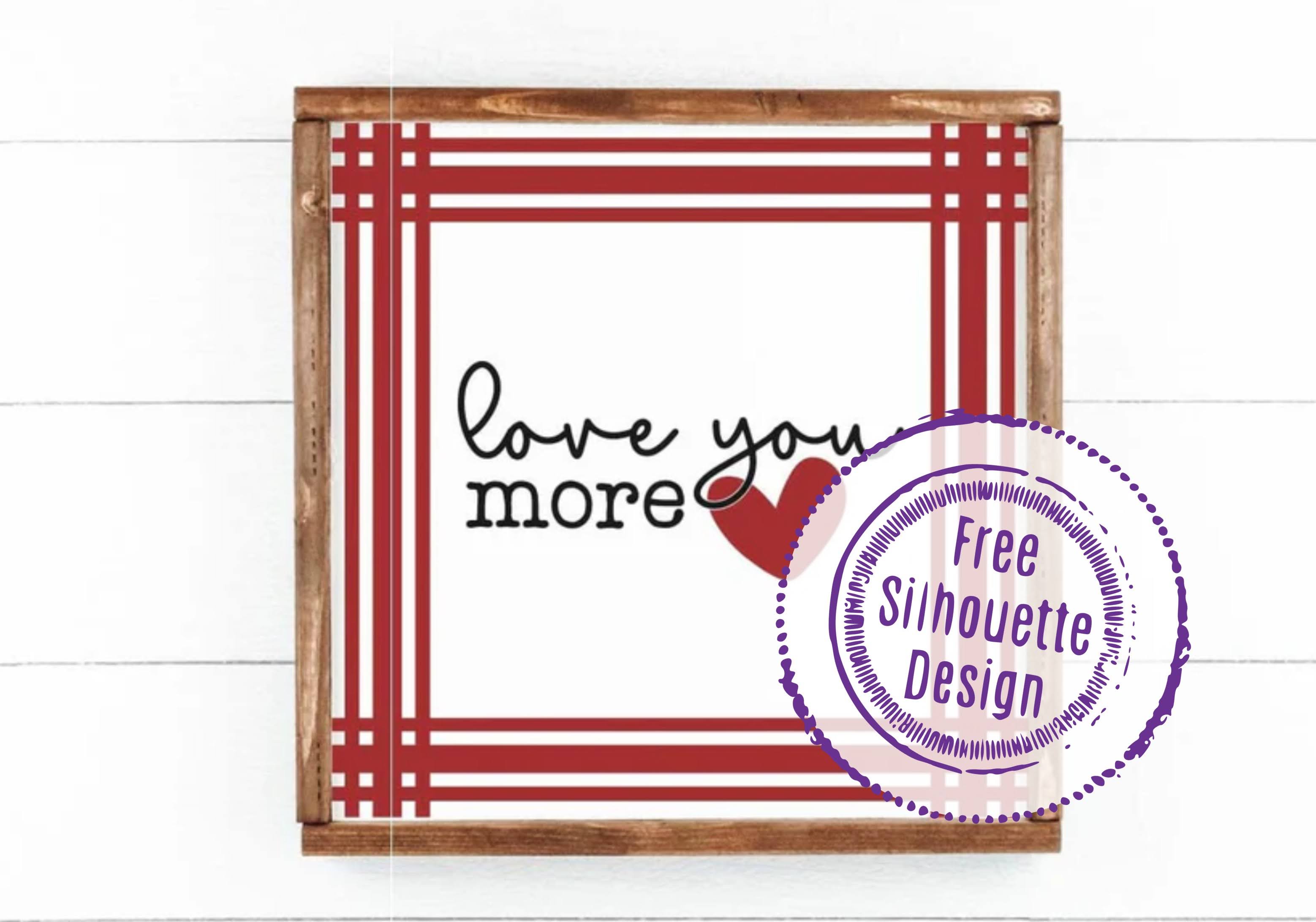
Free Silhouette Studio Design: Love You More (Commercial Use Available)

That time of week has already rolled around again here at Silhouette School! That's right...Freebie Friday! 

freebie friday, free silhouette studio file, free studio design, free silhouette design, free silhouette studio design


And this week, I have a super cute Valentine's Day design for you! 

Silhouette Studio Designer Edition vs. Basic, Business Edition, Designer Edition Plus (Plus a Review)

If you're wondering what the differences are between Silhouette Studio Designer Edition vs. Silhouette Studio Basic vs. Business Edition vs. Designer Edition Plus - look no further.

Silhouette Studio, silhouette studio designer edition, silhouette cameo upgrade, silhouette 101, silhouette america blog

I get asked for an honest Silhouette Studio Designer Edition comparison vs. Studio Basic all the time, so I figured it was time we hash it all out.  A few things before I go into the differences between the basic Silhouette Studio and the upgraded versions.

Tips for Using SVG Files for Iron on DTF Transfers

You can be getting more out of your PNG and SVG files by using them as images for full color DTF transfers. And I don't just mean if you have a DTF printer of your own. 

DTF transfers, dtf printer, transfers, svg files, gang sheets, tshirt transfers

Using SVG files or and PNG images to upload to a DTF uploader or gang sheet builder will allow you avoid layering HTV and get around sublimation limitations.  Read on for how to use PNG and SVG files for iron on transfers. 

How to Sublimate Socks with Time and Temperature

If you have a sublimation printer and you haven't sublimated socks yet, you are missing out. 

epson sublimation, sawgrass, sublimate socks, sublimation, sublimation printer, epson f570,

Along with the best time and temperature to sublimate socks there are also a few other tricks that I'm going to share - including how to avoid a white line down the side and how to sublimate long crew socks!

Silhouette CAMEO 5 vs CAMEO 4: Side by Side Comparison

If you're considering getting a Silhouette CAMEO right now you're probably looking for a comparison between the CAMEO 5 vs CAMEO 4. 

silhouette cameo 5, cameo 5, cameo 4, silhouette cameo comparison, silhouette 101

With both 12" desktop vinyl cutting machines currently available and with a very different price, I'm getting a lot of questions about what the actual differences are and if the features of the CAMEO 5 make it worth the higher price. Read on for a side by side comparison of CAMEO 4 vs CAMEO 5. 

Free Silhouette Studio Design: Mardi Gras Stacked (Commercial Use Avaliable)

It's Carnival time! It's also freebie time at Silhouette School which can only mean one thing!

freebie friday, free silhouette studio file, free studio design, free silhouette design, free silhouette studio design

...it's also time for a Mardi Gras freebie!

Silhouette Studio File Types: Avoiding the Silhouette Studio File Not Supported Error

There are at least a dozen different file types you can import into Silhouette Studio - but not all files types are supported in all versions of Silhouette Studio.   If you've ever gotten the error "Silhouette Studio File Not Supported" it's because you are attempting to import a file that the version of Silhouette Studio you are using can't open. 

Silhouette Studio, Silhouette Studio file types, silhouette studio designer edition, silhouette studio tutorial, silhouette cameo beginner tutorial, silhouette 101, silhouette america blog

This Silhouette Studio tutorial provides an easy break down and list of file types Silhouette Studio supports...and therefore which can be cut with your Silhouette CAMEO, Portrait, and Curio.