Copyright Silhouette School 2016. Powered by Blogger.


Free Silhouette Design: Self Care is Not Selfish (Commercial Use Available)

You guys! It's the last Friday of the year, but that's not going to stop from sharing the last Freebie of the year! 

freebie friday, free silhouette studio file, free studio design, free silhouette design, free silhouette studio design

I want everyone to go into the new year realizing that self care is not selfish! To take care of themselves - in whatever way that means for you. 

20 Silhouette Tutorials, Tips and More! (December 2022 Wrap Up)

Here we are wrapping up another month and year here at Silhouette School! Can you believe it? 

silhouette 101, silhouette america blog, silhouette cameo tutorials, silhouette beginner tutorials, silhouette studio v4

I hope the holidays were good to all of you. I can't believe that nine years ago I got my first Silhouette machine which started this all! We've officially made it to the end of 2022...crafting through all of it. 

Perf Cut Stickers with Silhouette CAMEO 4 Tutorial

Perf cut stickers are stickers that cut through both the sticker material and the backing, but also remain as part of the larger sheet until after the cutting is complete. 

silhouette 101, silhouette america blog, stickers, print and cut, online labels

Since the Silhouette CAMEO 4 can perform a "perf cut", where small areas around the edge go uncut, the stickers are held into the larger sheet by small tabs until they are later popped out. Read on for how to make perf cut stickers with Silhouette CAMEO 4.

How to Find the Best Font for your Project: Silhouette Font Tutorial

Once you find the best font for your project, the rest of the project seems to come together so easily. In this blog post, we'll show you a fast and easy way to compare fonts in Silhouette Studio so you can quickly find the best one for your project!

silhouette 101, silhouette america blog, silhouette studio v4, fonts, font selection, silhouette studio fonts

How to Change the Colors of a PNG in Silhouette Studio

Wondering how to change the colors of a PNG in Silhouette Studio? 

silhouette 101, silhouette america blog, silhouette studio v4, png file, tracing

There are actually two ways to do it. One is a single click and other requires a bit of manual work. Read on for how to change the colors of a PNG in Silhouette Studio. 

Free Silhouette Design: Happy New Year (Commercial Use Available)

Merry (almost) Christmas to all our readers near and far! For this Freebie Friday, I have a gift for you!

freebie friday, free silhouette studio file, free studio design, silhouette 101, silhouette america blog

A freebie for the next holiday! A new year...is around the corner and this will hopefully help you celebrate and decorate for it.

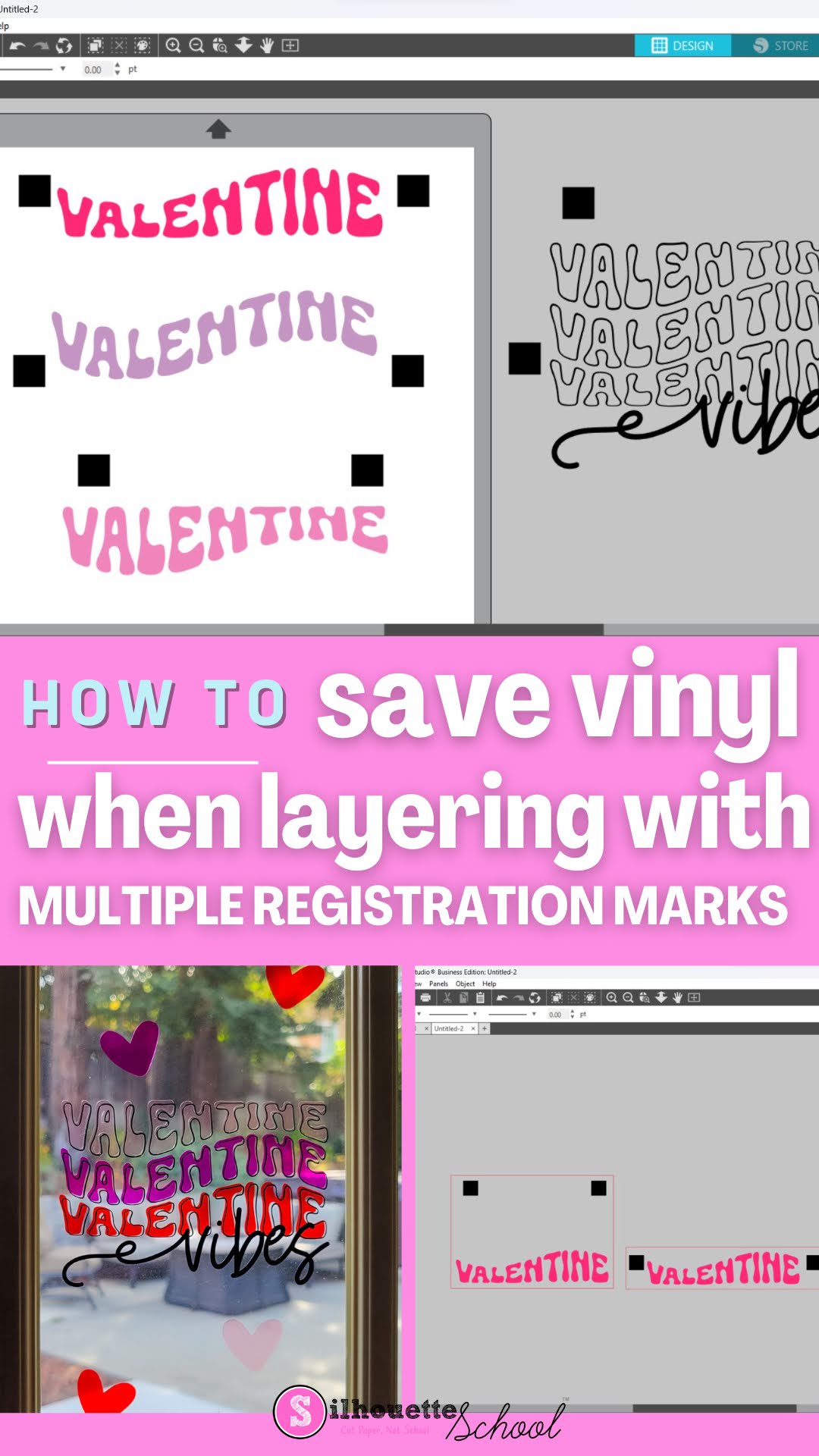
How to Save Vinyl When Layering with Multiple Registration Marks

Registration marks make layering vinyl easy but may seem like it can waste a lot of vinyl. Level up your registration mark game by adding multiple registration marks to help save vinyl when layering decals!

silhouette 101, silhouette america blog, layering vinyl, registration marks, silhouette tutorials

How to Setup Sawgrass Bypass Tray with SG1000 Sublimation Printer

In just a few easy steps you can set up the Sawgrass Bypass Tray to use with the Sawgrass SG1000.


The Sawgrass bypass tray can also be used with the Sawgrass SG800 to print both wider and longer than the tray. There is a different bypass tray for the smaller SG500 and SG400 sublimation printer models. Read on for the complete steps on how to setup the Sawgrass sublimation printer bypass tray.

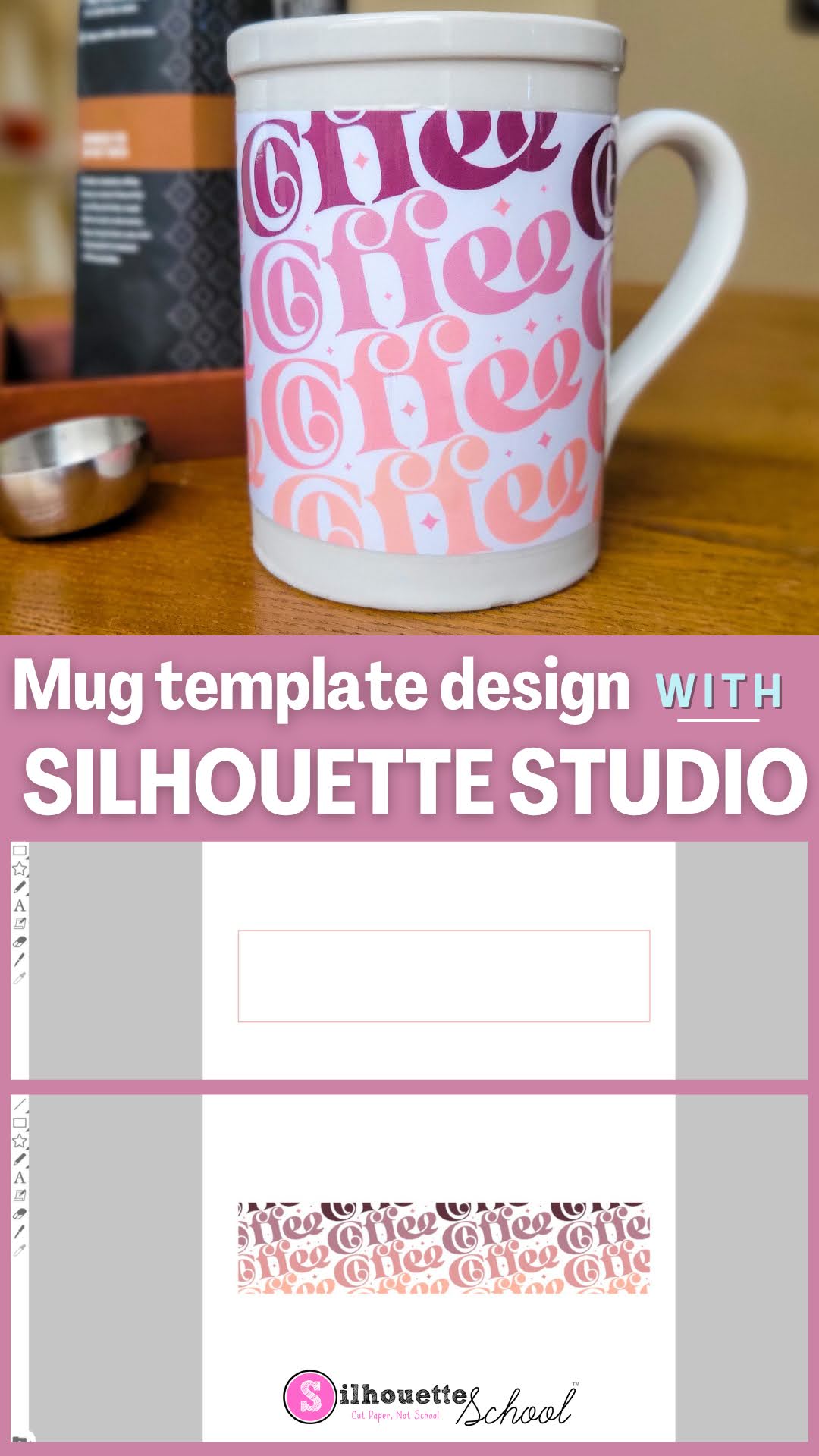
Mug Template Design With Silhouette Studio

It's easy to make custom mugs with your Silhouette CAMEO by creating a mug template design in Silhouette Studio.

silhouette school blog, silhouette 101, mug template, printable vinyl, silhouette studio v4

In this tutorial we'll go over how to set up a template in Silhouette Studio

SVG Designs: Why They're the Best Cut File Type for Crafters

SVG designs are extremely versatile as far as how they can be used and in which software programs and  machines they can be used with.  The same SVG design can be used to make everything from stencils to stickers to laser cut projects to sublimation transfers and vinyl decals

silhouette 101, silhouette america blog, svg files, print and cut, DTG

For this reason Scalable Vector Graphics, or SVGs, are my favorite cut file type. It also means when you add new equipment to your craft room or invest in your small business you don't need to start all over with your designs.  Check out all these different ways you can use the same SVG designs

How to Adjust Sawgrass SG1000 Sublimation Printer Tray for Different Paper Sizes

The Sawgrass SG1000 sublimation printer can print on sublimation sheets up to 11x17" without the need for the bypass tray. 

silhouette 101, silhouette america blog, sawgrass, silhouette and sublimation, sawgrass sg1000, sawgrass print manager

However, you'll need to adjust the tray to fit various size sublimation paper sheets between 8.5" x 11 and 11" x 17.  Read on to learn how to change the SG1000 tray to fit different size sublimation paper. 

Silhouette Studio Text Tutorial: How to Create a Stacked Text Design

Creating stunning stacked text designs is right at your fingertips using Silhouette Studio. In this tutorial, you'll learn more about editing fonts in Silhouette Studio to create this really popular text effect.

silhouette 101, silhouette america blog, stacked text, silhouette studio text, stacked fonts

Silhouette Studio and Affinity Designer Cut Lines for Roland Versaworks: Why Is My Entire Design Filling with Pink?

If you're using Silhouette Studio and Affinity Designer to create cut lines for Roland Versaworks, you have probably run into this common issue where the entire SVG turns pink in Affinity Designer. 

silhouette america blog, silhouette 101, roland, contour cut lines, affinity designer

This happens in Affinity Designer after the Silhouette Studio created SVG is imported. The reason can be hard to recognize if you're still new to Affinity, but the fix is very easy. Read on for how to fix designs that are filling with solid pink in Affinity Designer.

Free Silhouette Design: Love and Light Hanukkah (Commercial Use Available)

Time is flying by you guys! It's time for another freebie here at Silhouette School. 

freebie friday, free silhouette studio file, free studio design, free silhouette design, free silhouette studio design

We are sharing a design this week for all those who celebrate Hanukkah! Or even for those that want to gift something to their friends who celebrate.

HTV Hack: How to Cover a Stain on a Shirt

Here's another useful way how to use heat transfer vinyl - cover stains on clothes! Let's face it, we all have a pile of 'to-donate' clothes. Recycle some of yours (or your kids) old favorites with handy this HTV hack for how to cover a stain on a t shirt.

silhouette 101, silhouette america blog, heat press, htv, heat press hack

Free Silhouette Design: 'Tis The Season (Commercial Use Available)

It's that time of the week yet again - time for Freebie Friday on Silhouette School!

freebie friday, free silhouette studio file, free studio design, free silhouette design, free silhouette studio design

I know not everywhere may be cold, but 'tis the season for it! 

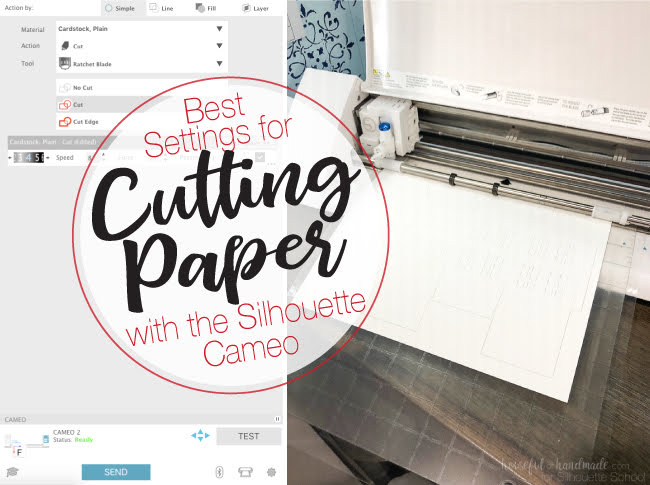
Best Silhouette Cut Settings for Paper

Well you guys seemed to like all my tips for cutting paper with Silhouette so today we're going to take a closer look the best cut Silhouette settings for paper!

Silhouette paper cuts, Paper cutting machine, paper cut, silhouette 101, silhouette america blog

Of course there are all different kinds and weights and textures of paper which means the cut settings will vary. Kati from Houseful of Handmade is here today to share the perfect paper cut settings!