There are actually two ways to do it. One is a single click and other requires a bit of manual work. Read on for how to change the colors of a PNG in Silhouette Studio.
Showing posts with label image effects. Show all posts
How to Change the Colors of a PNG in Silhouette Studio
Thursday, April 16, 2026
Wondering how to change the colors of a PNG in Silhouette Studio?
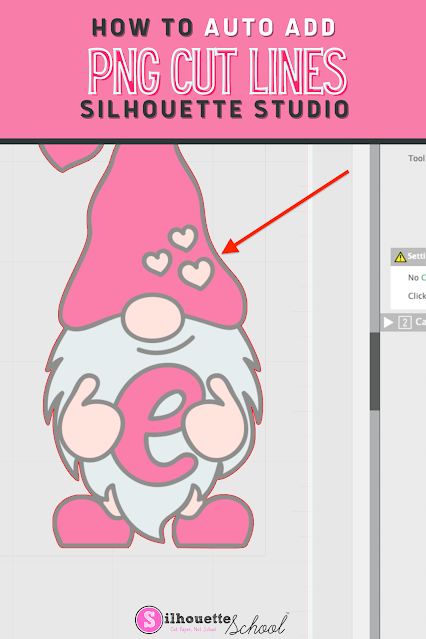
How to Automatically Add Cut Lines to a PNG Image in Silhouette Studio
Wednesday, February 2, 2022
You can cut PNG images with the Silhouette cutting machines, but first you need to make sure they have cut lines.
Cut lines can be automatically added to transparent PNG images import into Silhouette Studio - and this tutorial will explain how!
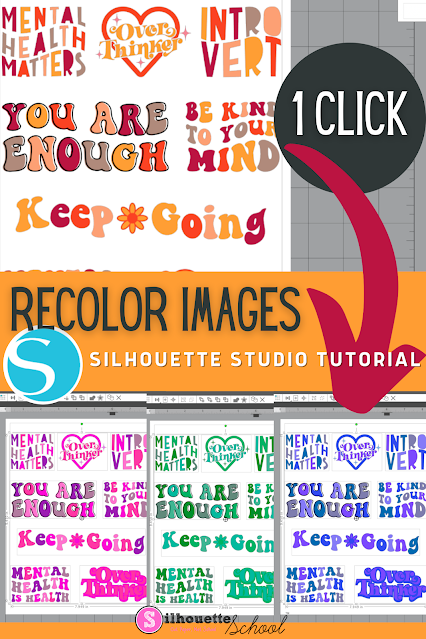
How to ReColor Images in Silhouette Studio with Image Effects Tool
Wednesday, January 5, 2022
Recoloring images in Silhouette Studio couldn't get any faster or easier.
In this tutorial, we'll show you how to use the Image Effects tool to edit multiple images at one to achieve new color schemes quickly. This tip is especially useful for making stickers, but has many other applications as well.
Subscribe to:
Posts (Atom)


.png)