Copyright Silhouette School 2016. Powered by Blogger.


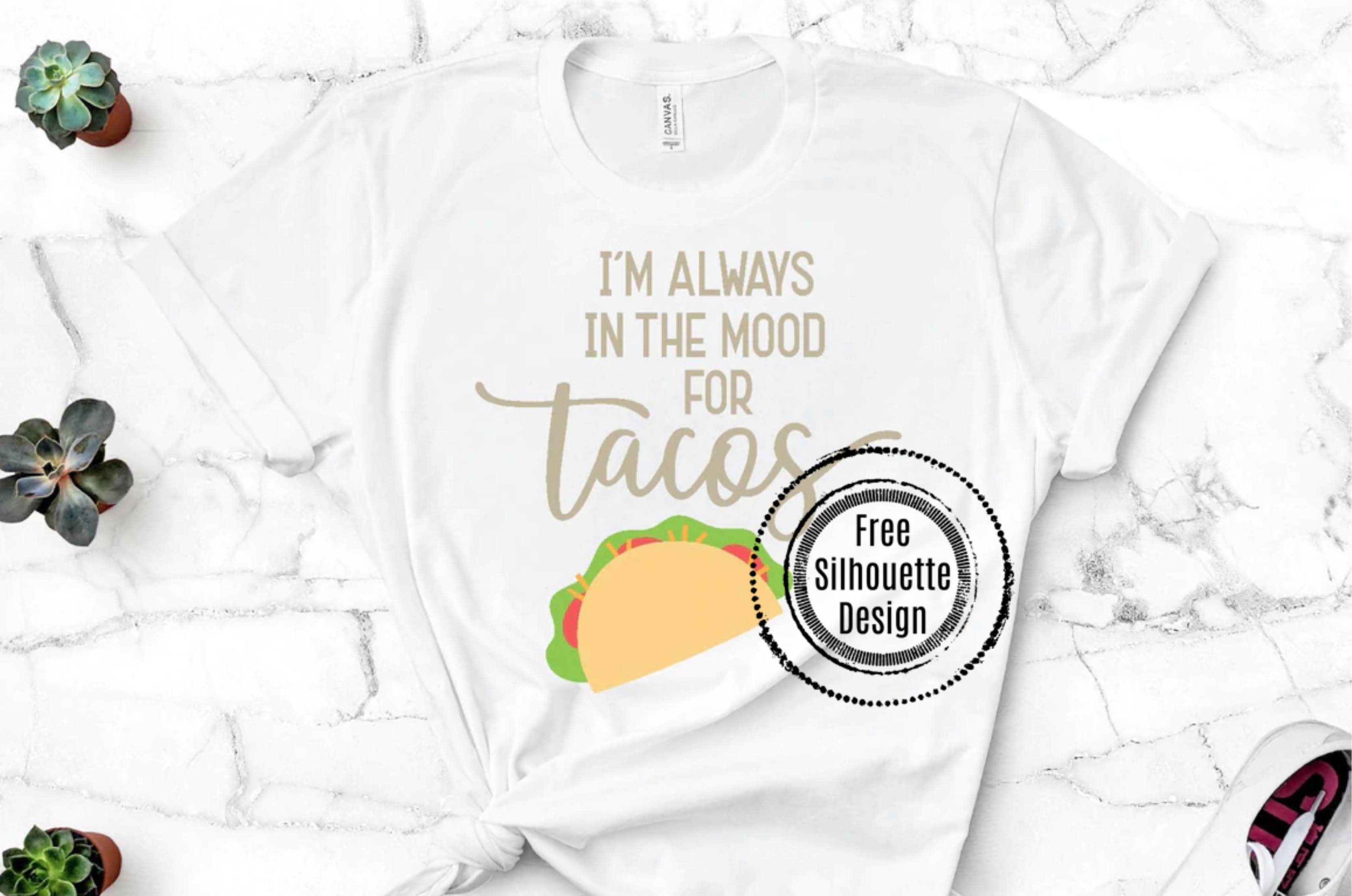
Free Silhouette Design: Always in the Mood for Tacos (Commercial Use Available)

It's everyone's favorite time of the week again and Silhouette School readers especially...Freebie Friday!
freebie friday, free silhouette studio file, free studio design, free silhouette design, free silhouette studio design

And we are sharing a freebie that will get everyone ready for Cinco de Mayo!

Silhouette Cutting Mat Cleaning: Easiest Way to Remove Lint, Dust & Paper

All Silhouette cutting mats need a good cleaning once in a while.  Dust, fibers and tiny pieces of paper get stuck to the mat's sticking area, which can make the mat lose its stickiness.  As we all know that can result in poor cutting.
Cutting mat, Silhouette cutting mat, cleaning mat, remove lint, silhouette cleaning, silhouette 101
Sometimes even the Silhouette spatula and can't remove all the tiny fibers and paper bits on the mat.  I have to admit, I'm a little embarrassed and ashamed to show you my 'before' mat....but it's all for the good of the blog, right?

Best Adhesive for 3D Paper Layered Shadow Box

After cutting out all the cardstock layers of a 3d paper layered shadow box, you are going to definitely want all those layers to stand out. 

silhouette 101, silhouette america blog, craft foam, double sided adhesive, paper crafts

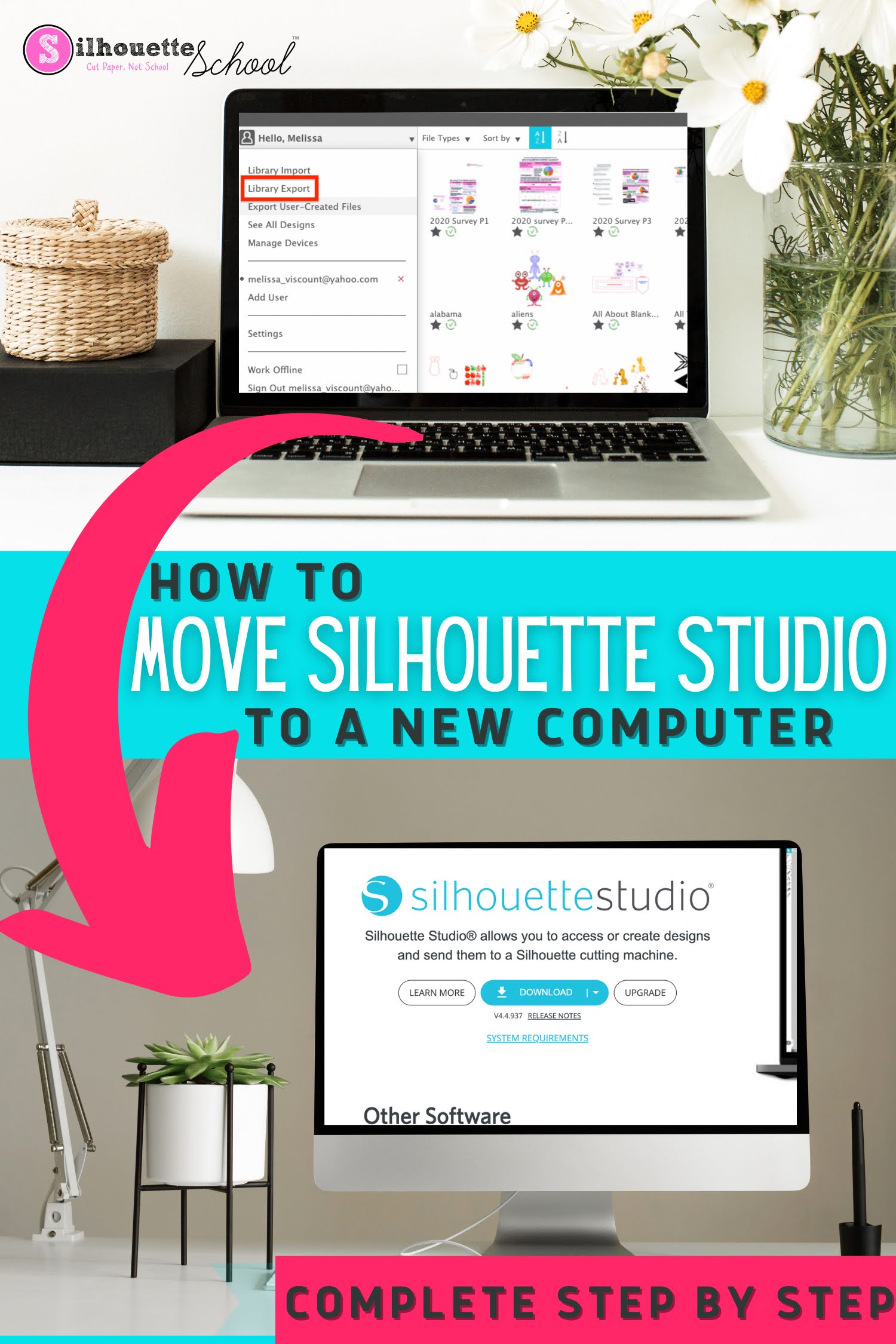
How to Install Silhouette Studio on Another Computer

If you're wondering how to install Silhouette Studio on another computer - you've come to the right spot. 

silhouette 101, silhouette america blog, silhouette studio v4, silhouette library, silhouette studio library export

There are several different reasons why you might need to install Silhouette Studio on a second computer. There are also several steps to fully moving your Silhouette Studio software, library, and any software upgrades.  

Follow this tutorial for how to install Silhouette Studio on another computer. 

Free Silhouette Design: Bad Moms Club (Commercial Use Available)

It's time for another Freebie Friday here at Silhouette School!

freebie friday, free silhouette studio file, free studio design, free silhouette design, free silhouette studio design

This week is for the mom's out there. Specifically the mom's with some humor and are apart of the bad mom's club! 

How to Use a 3D Layered SVG In a Shadow Box | Silhouette Studio Tutorial

3D layered SVG designs are really popular right now for all different types of 3D paper crafts. Not all 3D layered paper designs are ready to be used in a shadow box. That means if you want to use it that way you'll need to make a few minor design changes in Silhouette Studio.

silhouette 101, silhouette america blog, 3D paper crafts, paper crafts, craft ideas

This tutorial will explain how to modify 3D paper designs to use in any size shadow box.

Silhouette U Giveaway! Enter to Win a Year Membership (6 Months or 1 Month)

We don't do this often, but we're doing it now, we're giving away THREE membership to Silhouette U! 

silhouette u, silhouette school, silhouette u giveaway, silhouette 101, silhouette america blog

If you're looking for 1:1 Silhouette help, straight to the point and up to date Silhouette vides on everything from Silhouette Studio, print and cut, sublimation, different techniques, designing, troubleshooting..and pretty much anything else you can think of...Silhouette U is for you!  

silhouette u, silhouette school, silhouette u giveaway, silhouette videos, silhouette video tutorials

Click here to Enter to Win a Silhouette U Membership!

Note: This post may contain affiliate links. By clicking on them and purchasing products through my links, I receive a small commission. That's what helps fund Silhouette School so I can keep buying new Silhouette-related products to show you how to get the most out of your machine!


Get Silhouette School lessons delivered to your email inbox! Select Once Daily or Weekly.


www.silhouetteu.com

Free Silhouette Design: Stay Awhile (Commercial Use Available)

It's Friday! And Fridays around Silhouette School mean one thing...free Silhouette designs. 
freebie friday, free silhouette studio file, free studio design, free silhouette design, free silhouette studio design

I am sharing with you guys a design perfect for your home or even to gift someone with a new home!

How to Use Silhouette Fonts with Glyphs in 3 Easy Steps

If you have Silhouette fonts with glyphs or swirls it's easy to access them in Silhouette Studio. 

silhouette 101, silhouette america blog , silhouette studio v4, silhouette studio, glyphs

This tutorial will walk you through the three simple steps to accessing font glyphs in Silhouette Studio so you can create beautiful text designs with fonts. 

How to Remove Silhouette Studio Library Duplicates in Bulk

If you have a bunch of duplicates in your Silhouette Library you can quickly and easily remove them.

silhouette america blog, silhouette 101, remove duplicates, silhouette studio library, silhouette library designs

In Silhouette Studio there is now an option to quickly delete duplicates from the Silhouette Studio library.  This three step Silhouette tutorial will walk you through.

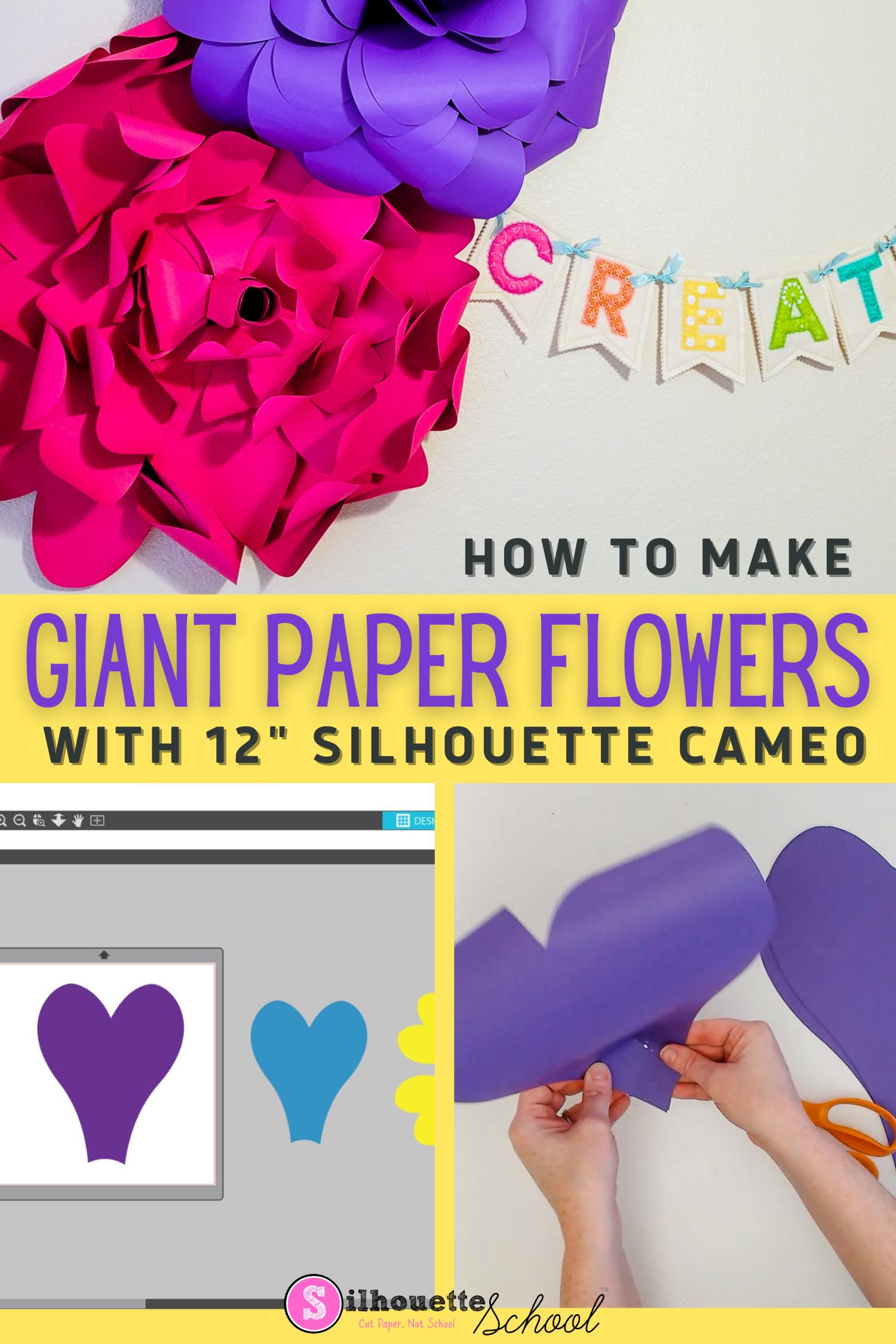
How to Cut Giant Paper Wall Flowers with Silhouette CAMEO

It's possible to make giant paper wall flowers with Silhouette CAMEO - even a 12" Silhouette CAMEO!

silhouette 101, silhouette america blog, cameo 4, paper crafting, paper flowers

The trick is knowing how to enlarge the paper flower template and taking advantage of a 12" piece of cardstock! 

How to Curve Text on Bottom of a Circle in Silhouette Studio

Once you know how to curve text around a circle in Silhouette Studio you may be wondering how to curve text along the bottom of a circle. 

silhouette 101, silhouette america blog, silhouette studio v4, text to path, silhouette studio designing

Getting text to curve on the bottom of a circle seems to give Silhouette users more trouble with the text wanting to flip upside down or backwards. This tutorial will explain exactly how to do it! 

Free Silhouette Design: Beach Please (Commercial Use Available)

It's time for another round of Freebie Friday here at Silhouette School! 

freebie friday, free silhouette studio file, free studio design, free silhouette design, free silhouette studio design

Anyone ready for the beach? I know I am, that's why I am sharing this perfect design with all of you.

Trick for Weeding Vinyl: Use the Silhouette Studio Fill Tool

Have you ever cut a piece of vinyl or heat transfer vinyl and then weeded out the wrong area?

vinyl decals, vinyl decal, vinyl window decals , custom vinyl decals, vinyl stickers, car decals, Silhouette Studio V4, Silhouette CAMEO 3

There's pretty much no way to fix it other than to re-cut. BUT there is a way to avoid weeding the wrong area.

How to Curve Text in Silhouette Studio: Easy Beginner Tutorial

To curve text in Silhouette Studio it's as easy as three quick steps. 

silhouette 101, silhouette america blog, silhouette studio v4, silhouette studio, curve text

Curving text around a shape in the Silhouette software is called Text to Path. The process to arch text can be done in all versions of Silhouette Studio and can be done with any font. Follow this tutorial for how to curve text. 

How to Cut with Multiple Silhouette Machines at One Time

When you have a big project ahead of you you can save a lot of time by running multiple Silhouette cutting machines at the same time. 

silhouette 101, silhouette america blog, silhouette studio business edition, silhouette software, silhouette cameo 4

This tutorial will explain how to use multiple Silhouette cutting machines simultaneously to cut different cut files.

Free Silhouette Design: Easter Crew (Commercial Use Available)

It's Freebie Friday and today I am super excited for our design this week!  

freebie friday, free silhouette studio file, free studio design, free silhouette design, free silhouette studio design

Who is ready to get their Easter Crew ready for all the egg hunts and Easter get togethers? If it's you, this is the perfect design!