Copyright Silhouette School 2016. Powered by Blogger.


Showing posts with label xtool M1. Show all posts

xTool Creative Space Tutorial | 5 Tips for Laser Beginners

The xTool laser software is pretty user friendly - even for beginners. While it's definitely not a full fledge design software by any means, there are some pretty cool hidden features that make the laser cutting software that much better. 

laser, xtool laser, xtool m1, xtool p2, creative space, laser engraving

In this xTool Creative Space tutorial I'll be sharing five little known tips for using XCS that will make your xTool M1, P2, F1, S1 or D1 that much better!  

Add Any Font in xTool Creative Space - Video Tutorial

If you're new to xTool Creative Space, this is a game-changer: you can use any font that is installed on your computer right inside the software! 

xtool,xtool creative space,xtool F1,xtool M1,xtool P2,xtool S1,xtool laser,

This opens up tons of design freedom for your laser engraving and cutting projects.

Why Your Laser is Smoking (And How to Fix It!)

Having trouble with your laser smoking? This one fix may solve all of your smoke issues.

xtool,xtool P2,xtool cleaning,xtool air purifier,xtool F1,xtool M1,xtool S1,

If your xTool P2 (or any laser) is producing more smoke or odor than usual while cutting or engraving wood or acrylic, the culprit might not be your air filter

Unboxing and Set Up For the xTool AP2 Air Purifier - Video Tutorial

Fume-free crafting is here! I'm so excited to show you the new xTool AP2 Air Purifier.


If you're anything like me, you love getting creative with your laser cutters and engravers. But with that amazing creativity can come fumes and particles that you definitely don't want lingering in your workspace. 

Which xTool Laser Cutter Can Cut Acrylic?

If you're looking for a laser cutter that can cut acrylic, you'll likely find a wide range of answers.

xtool, xtool m1, xtool p2, laser engraver, acrylic blanks, laser engraving

It's important to understand that not all acrylic is the same, just like not all lasers are the same.  You can technically cut SOME acrylic with all xTool lasers...but if you're serious about cutting all acrylic there's only one option. 

How to Quickly Make an xTool Test Grid Pattern Free

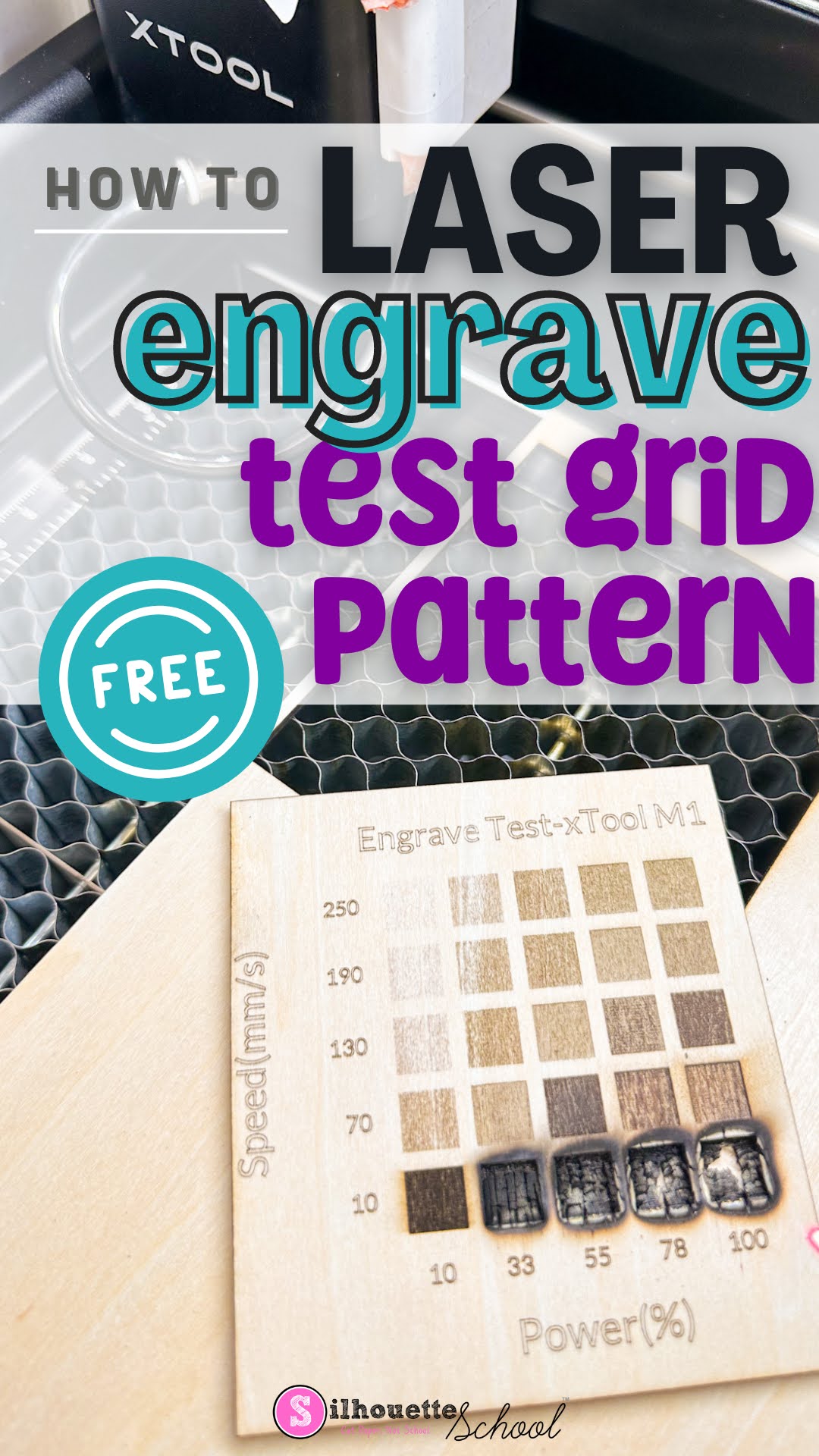
Making an xTool test grid is the easiest and best way to find the perfect laser settings for the material and laser you're using. 

xtool, xtool m1, xtool p2, laser engraver, laser engraving, test grid pattern

When you have a new material you're working with, rather than guessing the laser power and speed, use the free xTool test grid pattern found in xTool Creative Space. Follow along to learn how and where to find a free test grid pattern for xTool lasers! 

Tips to Reduce Charring When Laser Cutting Wood

If you're getting charring when laser cutting wood, there are ways to reduce the charring and clean up your wood cuts. 

xtool laser, xtool laser tutorials, wood charring, laser cutting, laser engraving wood, laser cutting wood

Wood charring is often caused when there's not enough air during the laser cutting process. Here I'm sharing my best advice on getting cleaner wood laser cuts and a dramatic side by side! 

10 Things to Make With a Craft Laser Engraver (That You Can't with a Vinyl Cutter)

Laser engravers are not only coming down in price, they're getting a smaller footprint making them more attractive to hobby crafters. 

xtool,Engraving,xtool M1,Popular,xtool P2,laser engraver,laser engraving,glowforge,glowforge alternative,

A laser engraver, like the XTool M1 10W craft laser engraver and cutter or larger and more powerful XTool P2 55W CO2 laser, will expand your crafting and small business by opening up the possibilities of materials you can engrave and cut that a Silhouette CAMEO or other vinyl cutters can't.  Everything from silicone to stainless steel to wood and even acrylic.

Check out 10 things to make with a laser engraver that a Silhouette CAMEO or Cricut simply can't do.

7 xTool Rotary Tips for Beginners: Read this Before Laser Engraving Your First Tumbler

If you're new to laser engraving tumbler, I have a bunch of tips today to make your first laser engraved tumbler go as successful as possible. 

xtool,xtool M1,xtool P2,diode lasers,laser engraver,xtool S1,tumbler,xtool F1,Co2 lasers,laser cutter,laser engraving,


You can engrave stainless steel tumblers with all of the xTool lasers, but I prefer to use my xTool P2 CO2 laser since it just engraves so fast! Read on for my best tips. 

How to Clean Laser Engraved Stainless Steel Tumblers So It Shines

When you laser engrave stainless steel tumblers it can be a scary moment when you first take the tumbler out of the engraver. 
xtool, xtool M1, xtool P2, stainless steel, laser engraver, tumbler

There's this layer of black soot all over what's supposed to be a shiny, sparkly silver. Don't worry though...it's easy to clean laser engraved stainless steel tumblers. Today I'm sharing my secret for the easiest way to clean up engraved tumblers.

Which xTool Lasers Can Cut Sublimation Blanks?

If you want to cut you're own sublimation blanks, you maybe wondering which laser is up for the job.  From earrings to magnets to ornaments, coasters, signs, keychains, frames, and tumbler lid toppers, sublimation hardboard is extremely versatile for making your own sublimation blanks.

epson sublimation,Blanks,xtool,xtool M1,xtool P2,xtool S1,Sublimation Printing,sublimation,

I've done a ton of testing and found not only the best cut settings, but good news about laser cutting sublimation hardboard sheets at home!  Read on to learn which lasers can cut sublimation blanks and the best laser cut settings. 

How to Make Tumbler Lid Tag Toppers (Free SVG File)

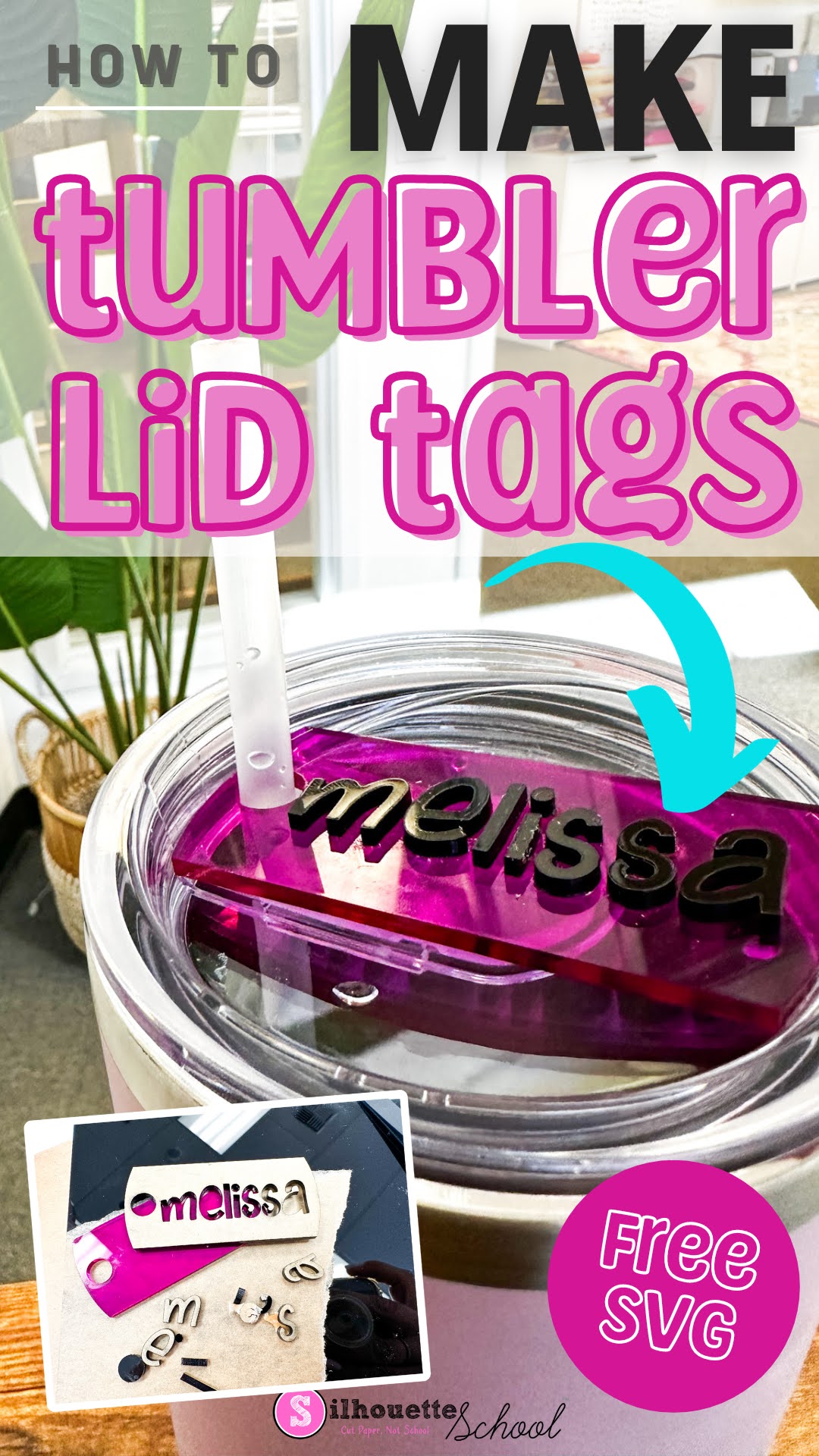
Tumbler lid tag toppers are all the rage right now...because why not, right?

laser business, xtool m1, xtool p2, xtool s1, acrylic blanks, laser cutter

According to my teenage kids EVERYONE has a Stanley and my 40 oz charger from Save a Cup is sub par...which I could not disagree more with...but I digress.  Regardless, if you're looking for how to make tumbler lid tags I'll walk you through and give you the free design file. 

How to Cut Vinyl with XTool M1 Craft Laser

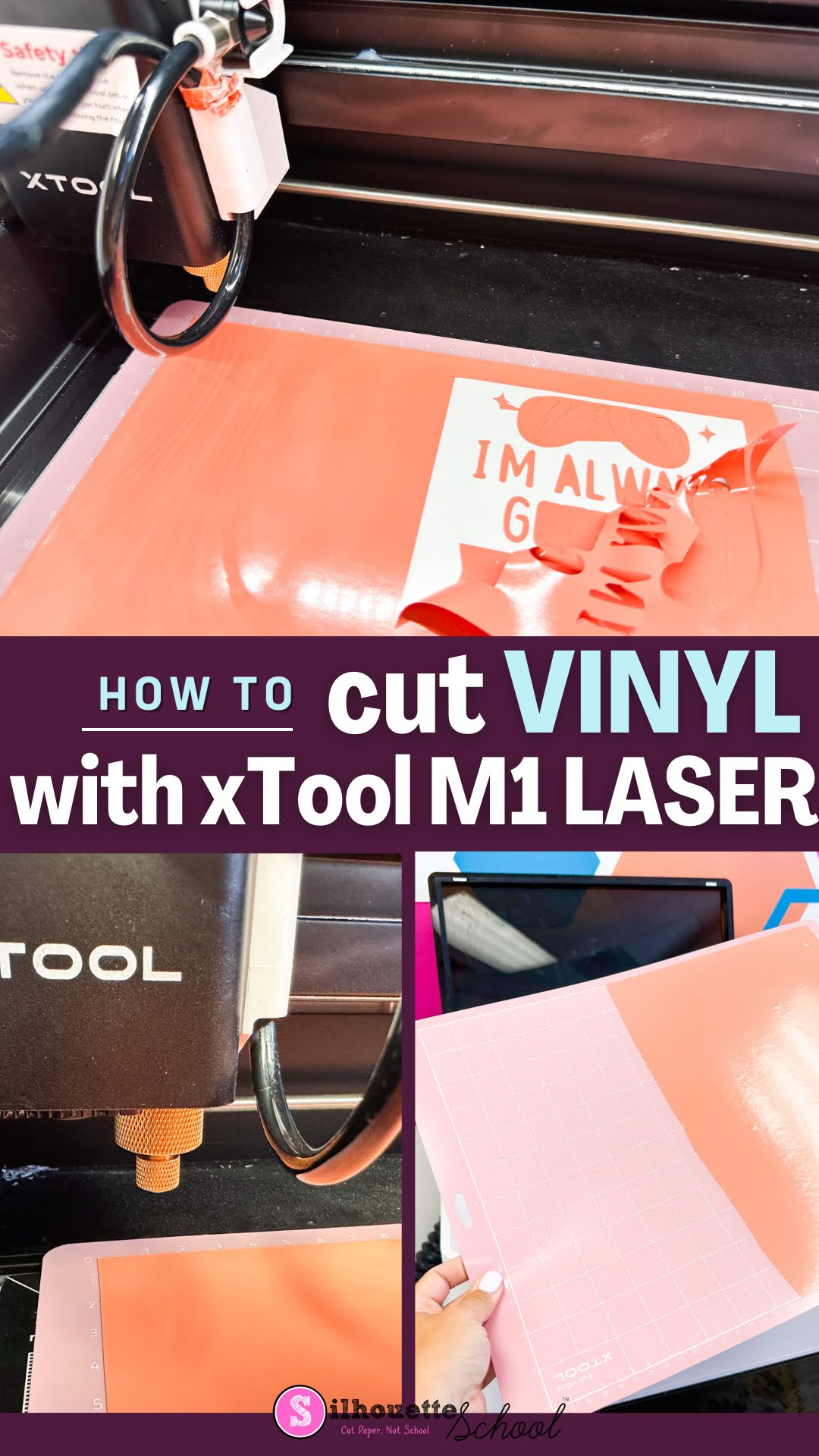
The xTool M1 craft laser is not only a laser engraver and cutter, it is also a vinyl cutter. The versatility of the 12x15" machine makes it an all one craft machine! 

xtool m1, diode lasers, cutting vinyl, adhesive vinyl, xtool

If you're a crafter that likes to dabble in a lot of different material and mediums...the hybrid xTool M1 is a great option. Read on to learn how to cut vinyl with the M1. 

Laser Engraver Comparison for Crafters, Small Business and Pros (Speed and Power Test)

If you're trying to find the best laser cutter and engraver it can all seem a bit overwhelming. 

laser engraver, xtool, xtool m1, xtool p2, diode lasers, laser engraver

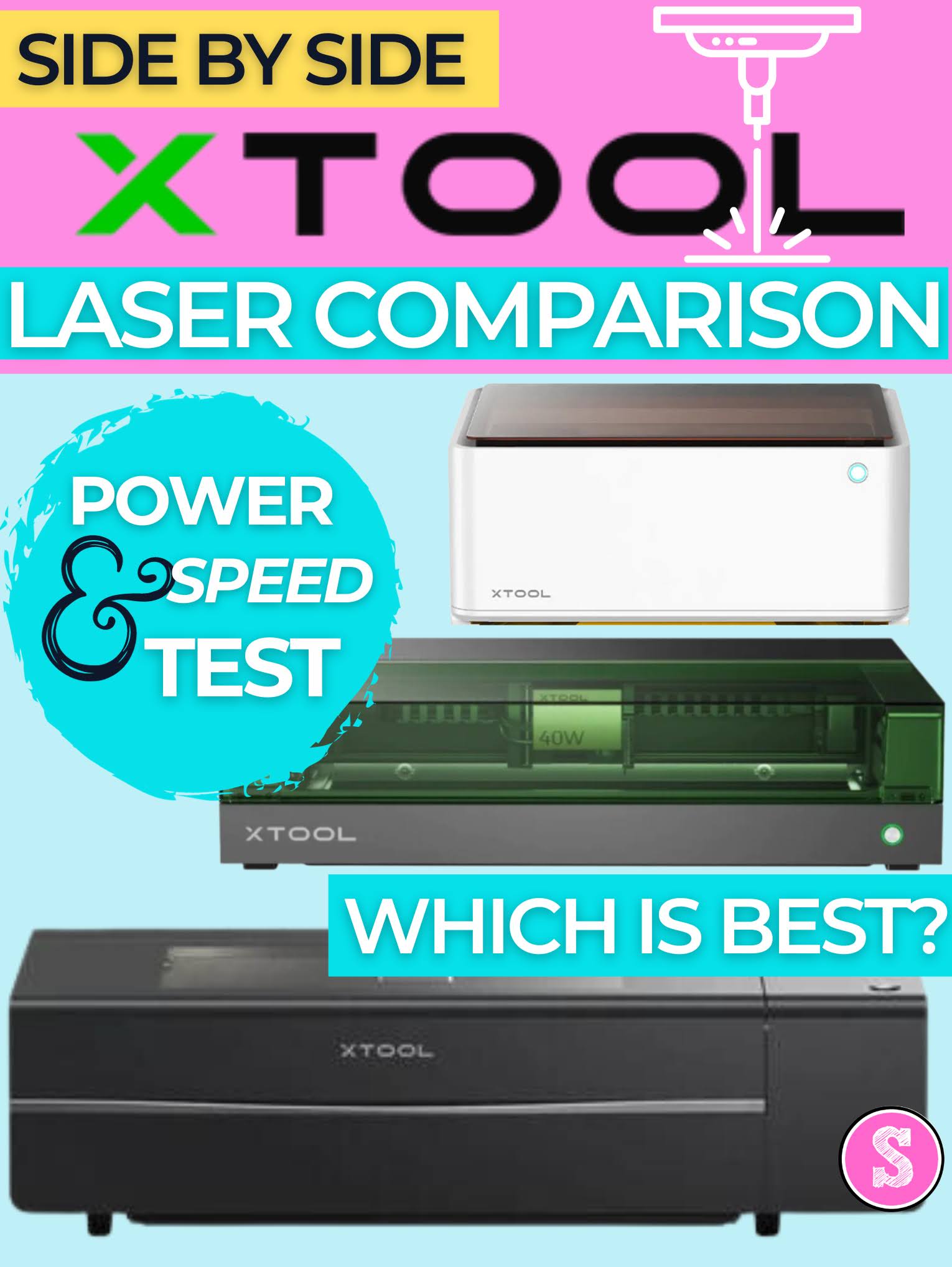
I have three xTool laser engravers and cutters. I would consider one for crafters, one for small, side businesses and one for shops and pros.  In the laser world, a higher power laser means faster cutting and engraving. But it also usually means a higher price.  

The good news is there's a laser out there for everyone and as the prices drop and safety with enclosed lasers become more common, the biggest challenge is deciding which is best. 

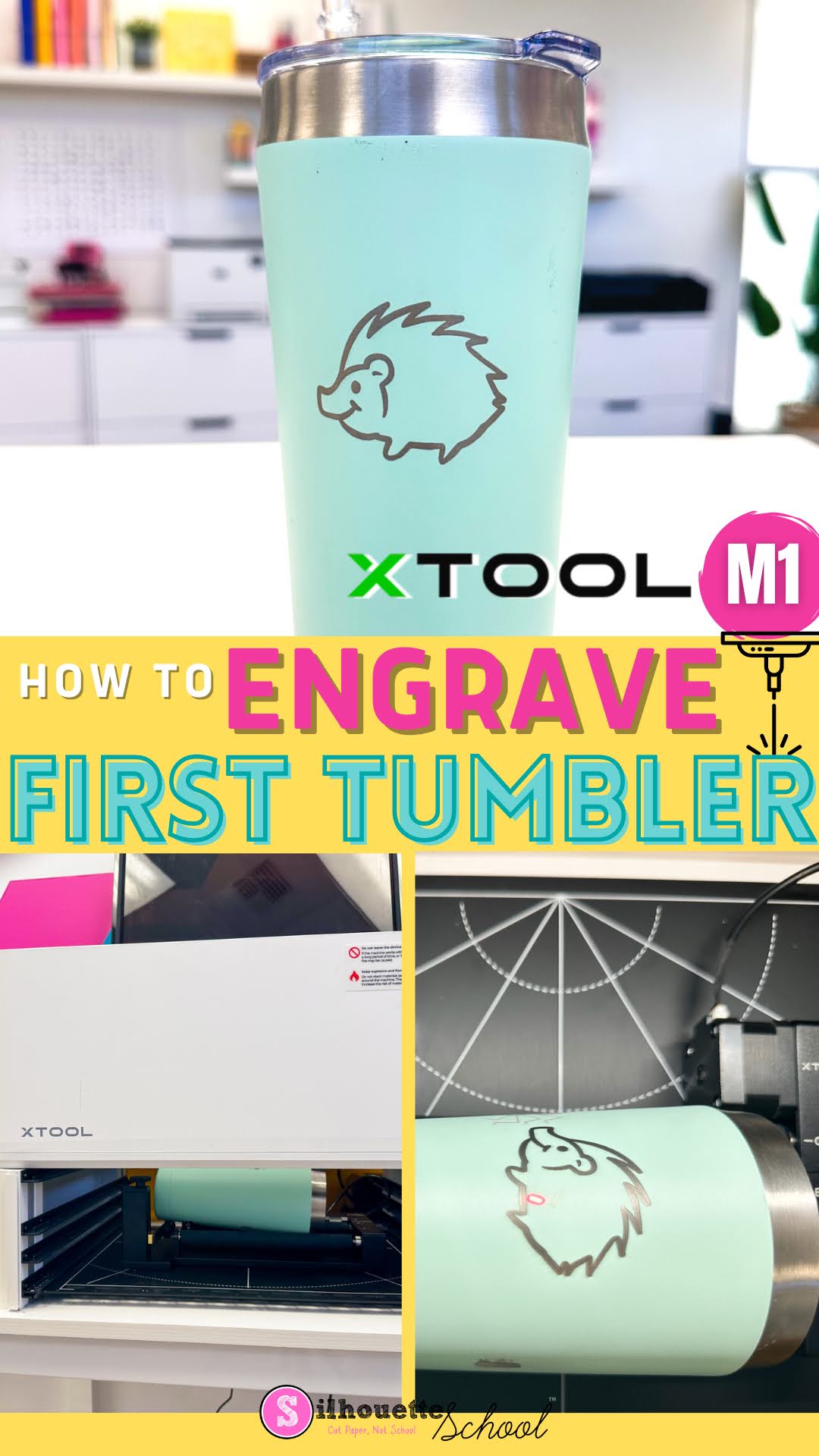
First Engraved Tumbler with XTool M1 Craft Laser Engraver

Engraving tumblers with the XTool M1 Craft Laser Engraver is NOT a good first laser project. 

xtool, engraving, xtool m1, engraving tumblers, laser engraving, tumbler,

However, once you get comfortable using the XTool M1 laser, making your first engraved tumbler is not something to avoid.  In this tutorial I'll take you step by step on how to engrave a stainless steel tumbler with a laser engraver. 

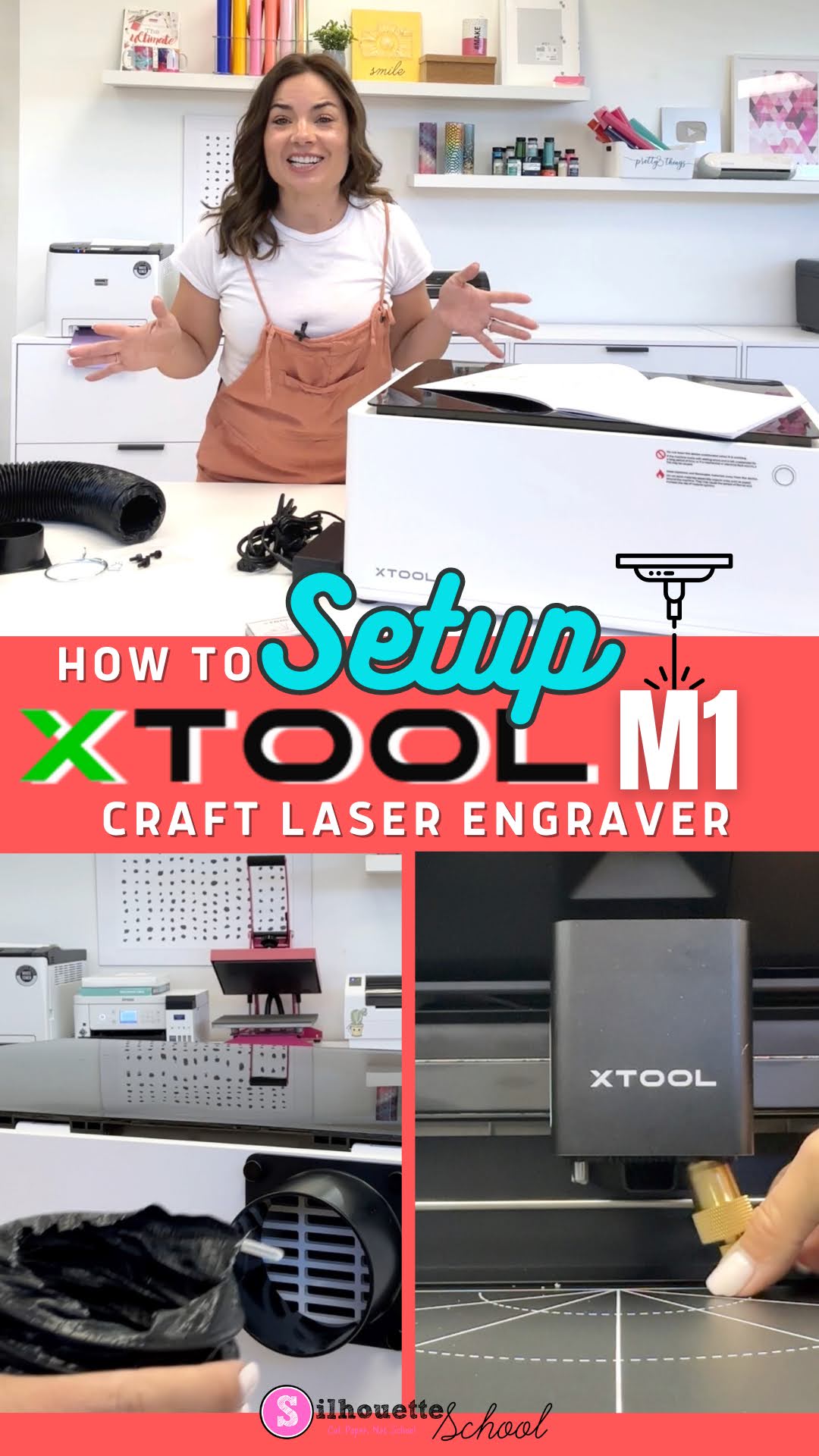
How to Setup xTool M1 in 3 Quick Steps

The XTool M1 craft laser engraver set up really doesn’t take more than a few minutes although it looks a bit intimidating.

xtool, xtool M1, laser engraver, glowforge, glowforge alternative, laser printer, laser engraving

After unboxing the desktop craft laser engraver and cutter you’ll need to assemble the exhaust tube, the cutting blade, and install the software. In this tutorial I’ll walk you through all of those steps so you can get ready to do your first laser engraving.

XTool M1 vs P2: Which Laser Engraver is Best for Me? Side by Side Comparison Chart

If you're considering getting a laser engraver and are looking for the differences between the XTool M1 and P2 I've got you covered. 

The two XTool desktop laser engravers share some similarities, but also many differences including size, price, laser type and power and materials they can cut and engrave. 

xtool, Engraving, xtool M1, xtool P2, laser engraver, glowforge, glowforge alternative, laser engraving, xtool comparison

So which is the best laser engraver for you: the XTool M1 Craft Laser Engraver and Cutter or the brand new XTool P2 55W CO2 Laser?  Read on for a side by side comparison of cuttable materials and features. 

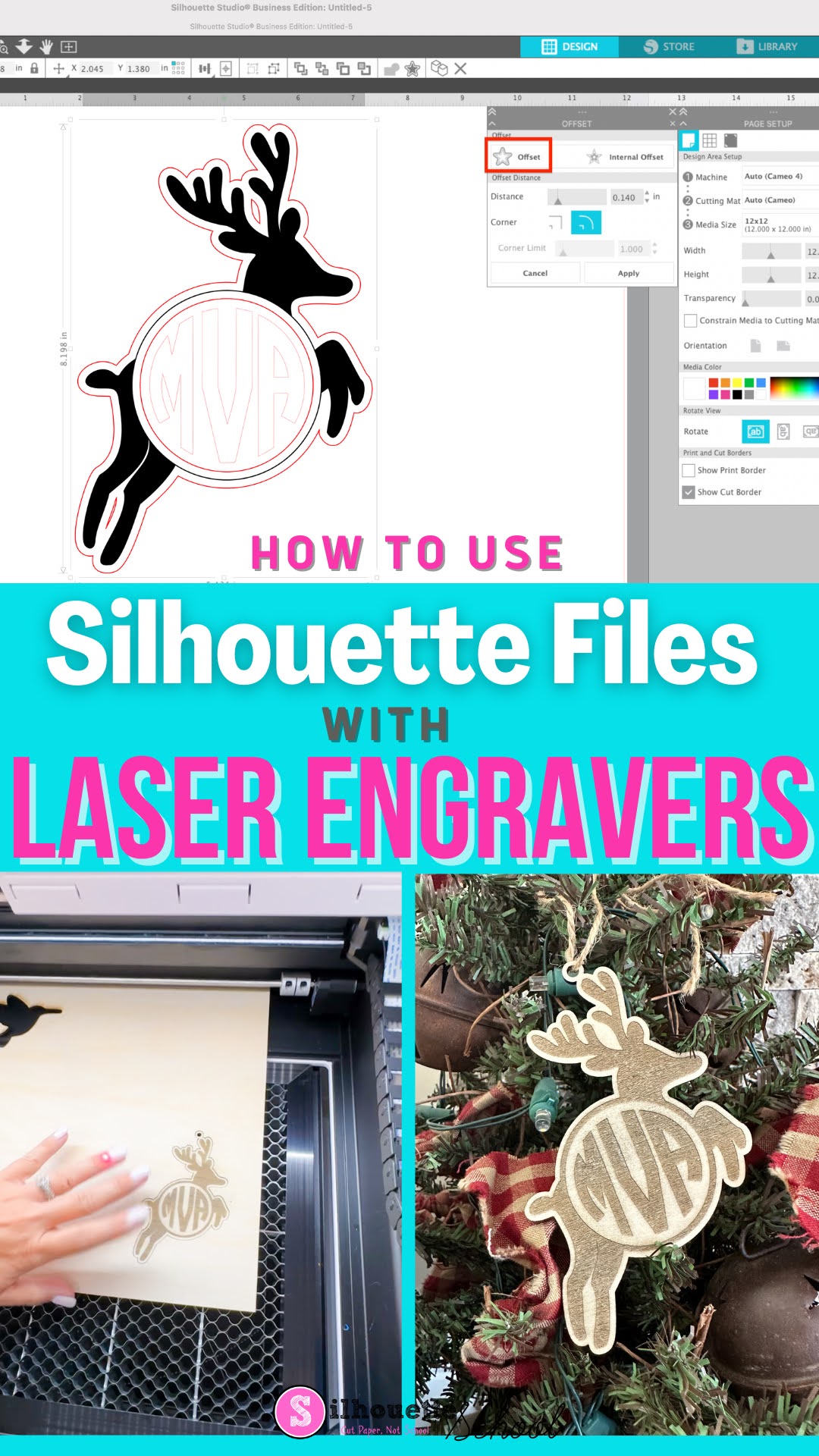
How to Use Silhouette Studio Files with Craft Laser Engraver (Glowforge or xTool)

Did you know you can use Silhouette Studio files with craft laser engravers and cutters?! 


If you're proficient and comfortable in Silhouette Studio there's no reason you can't design in the Silhouette software and then cut or engraver on a Glowforge or xTool laser.  Read on to learn how to use Silhouette Studio files with a laser.