Showing posts with label xtool S1. Show all posts
Add Any Font in xTool Creative Space - Video Tutorial
Tuesday, November 11, 2025
Labels:
xtool,
xtool creative space,
xtool F1,
xtool laser,
xtool M1,
xtool P2,
xtool S1
xTool Creative Space Tutorial | 5 Tips for Laser Beginners
Thursday, September 18, 2025
The xTool laser software is pretty user friendly - even for beginners. While it's definitely not a full fledge design software by any means, there are some pretty cool hidden features that make the laser cutting software that much better.
In this xTool Creative Space tutorial I'll be sharing five little known tips for using XCS that will make your xTool M1, P2, F1, S1 or D1 that much better!
How to Make Your Own Sublimation Blanks (and Save Money)
Thursday, August 14, 2025
You can make your own sublimation blanks which will not only save you money, but also give you creative freedom.
Cutting full sheets of MDF sublimation hardboard into custom shapes means you can match your sublimation blanks to your designs. Read on for how to make your own sublimation blanks.
Why Your Laser is Smoking (And How to Fix It!)
Tuesday, August 12, 2025
Labels:
xtool,
xtool air purifier,
xtool cleaning,
xtool F1,
xtool M1,
xtool P2,
xtool S1
Unboxing and Set Up For the xTool AP2 Air Purifier - Video Tutorial
Tuesday, May 27, 2025
Fume-free crafting is here! I'm so excited to show you the new xTool AP2 Air Purifier.
If you're anything like me, you love getting creative with your laser cutters and engravers. But with that amazing creativity can come fumes and particles that you definitely don't want lingering in your workspace.
Tips to Reduce Charring When Laser Cutting Wood
Thursday, December 12, 2024
If you're getting charring when laser cutting wood, there are ways to reduce the charring and clean up your wood cuts.
Wood charring is often caused when there's not enough air during the laser cutting process. Here I'm sharing my best advice on getting cleaner wood laser cuts and a dramatic side by side!
7 xTool Rotary Tips for Beginners: Read this Before Laser Engraving Your First Tumbler
Wednesday, September 11, 2024
If you're new to laser engraving tumbler, I have a bunch of tips today to make your first laser engraved tumbler go as successful as possible.
You can engrave stainless steel tumblers with all of the xTool lasers, but I prefer to use my xTool P2 CO2 laser since it just engraves so fast! Read on for my best tips.
Which xTool Lasers Can Cut Sublimation Blanks?
Wednesday, May 29, 2024
If you want to cut you're own sublimation blanks, you maybe wondering which laser is up for the job. From earrings to magnets to ornaments, coasters, signs, keychains, frames, and tumbler lid toppers, sublimation hardboard is extremely versatile for making your own sublimation blanks.
I've done a ton of testing and found not only the best cut settings, but good news about laser cutting sublimation hardboard sheets at home! Read on to learn which lasers can cut sublimation blanks and the best laser cut settings.
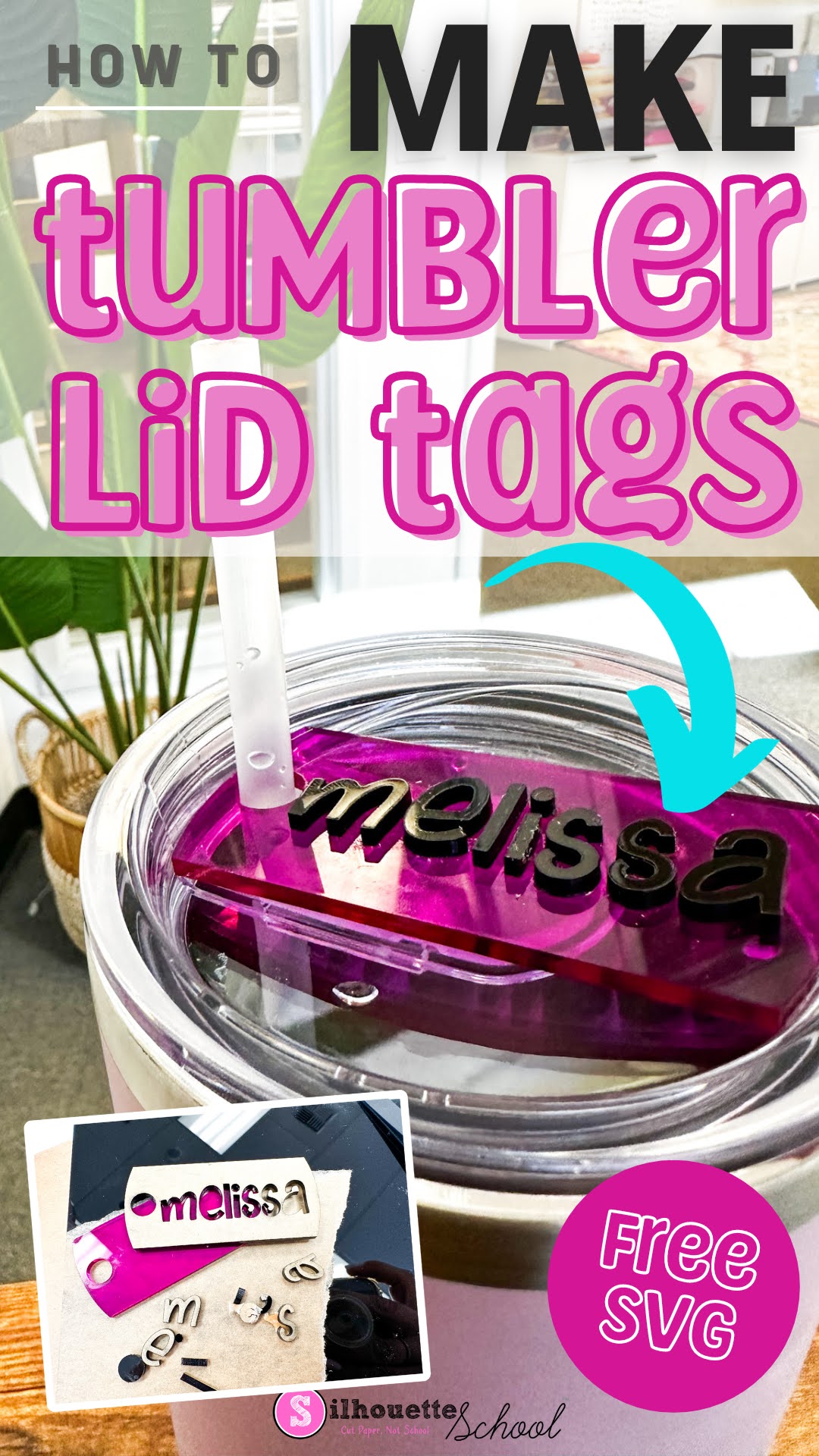
How to Make Tumbler Lid Tag Toppers (Free SVG File)
Wednesday, December 20, 2023
Tumbler lid tag toppers are all the rage right now...because why not, right?
According to my teenage kids EVERYONE has a Stanley and my 40 oz charger from Save a Cup is sub par...which I could not disagree more with...but I digress. Regardless, if you're looking for how to make tumbler lid tags I'll walk you through and give you the free design file.
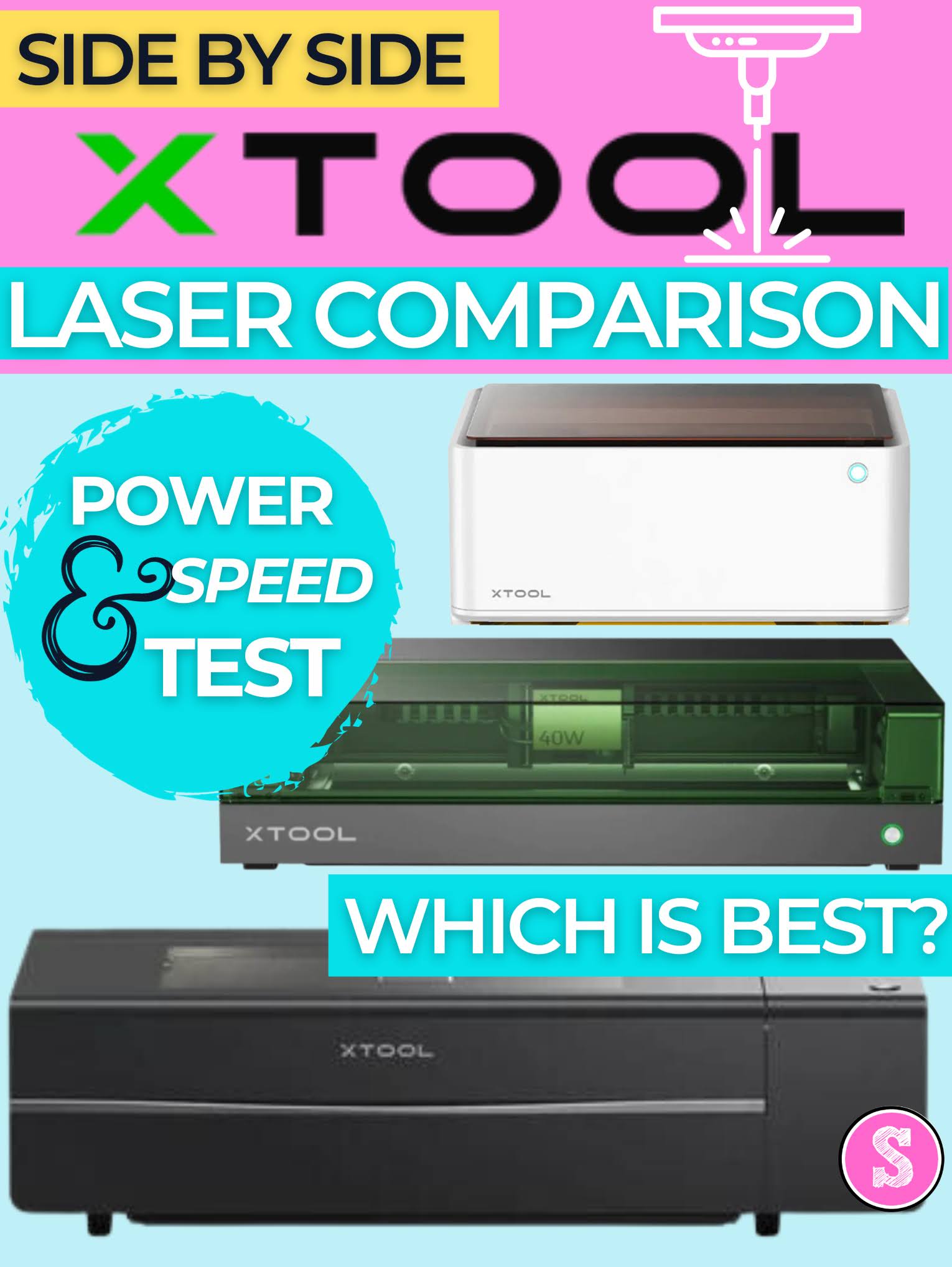
Laser Engraver Comparison for Crafters, Small Business and Pros (Speed and Power Test)
Tuesday, November 21, 2023
If you're trying to find the best laser cutter and engraver it can all seem a bit overwhelming.
I have three xTool laser engravers and cutters. I would consider one for crafters, one for small, side businesses and one for shops and pros. In the laser world, a higher power laser means faster cutting and engraving. But it also usually means a higher price.
The good news is there's a laser out there for everyone and as the prices drop and safety with enclosed lasers become more common, the biggest challenge is deciding which is best.
Subscribe to:
Posts (Atom)


.png)