
Copyright Silhouette School 2016. Powered by Blogger.


Showing posts with label glowforge aura. Show all posts

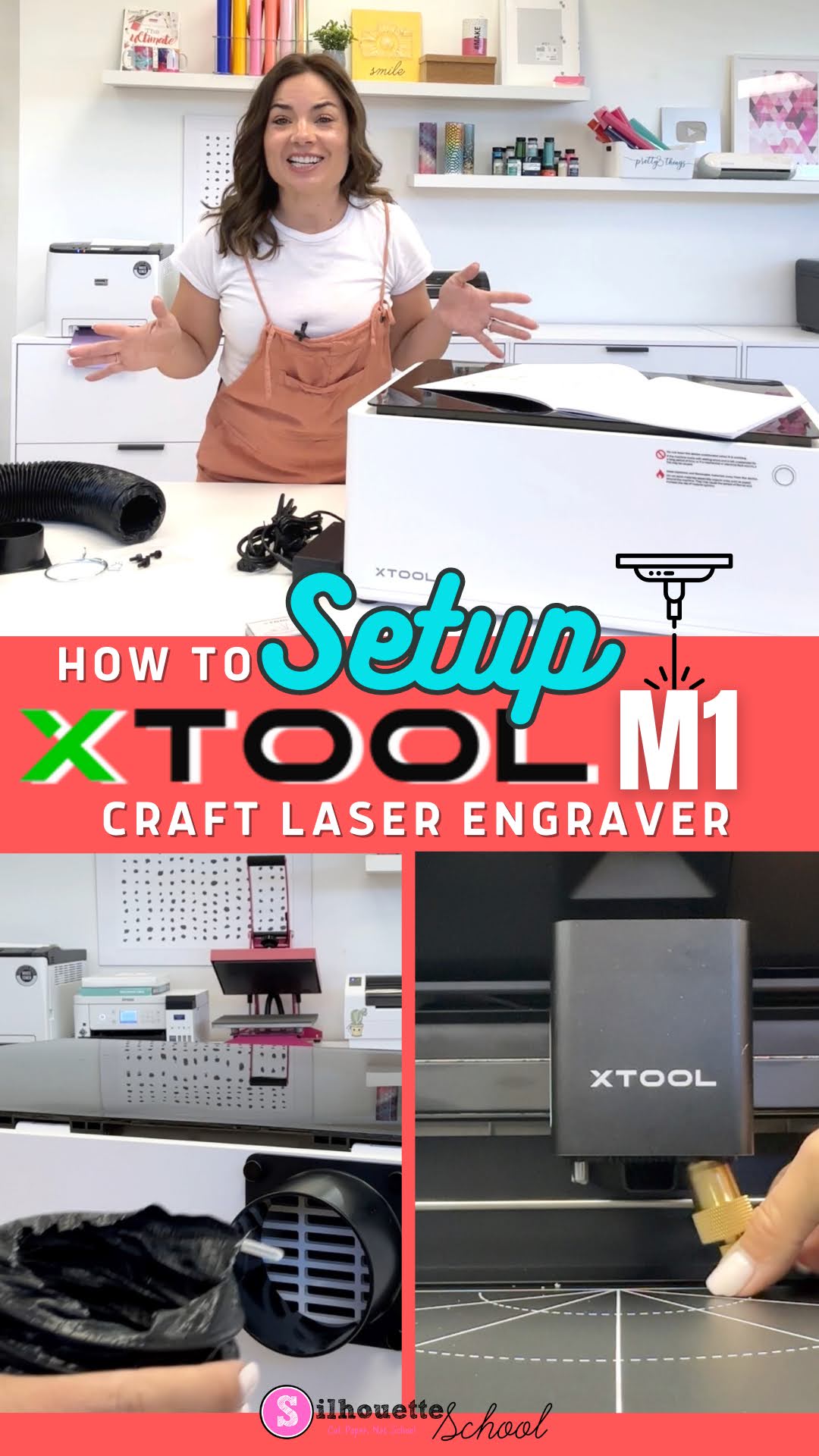
How to Setup xTool M1 in 3 Quick Steps

The XTool M1 craft laser engraver set up really doesn’t take more than a few minutes although it looks a bit intimidating.

xtool, xtool M1, laser engraver, glowforge, glowforge alternative, laser printer, laser engraving

After unboxing the desktop craft laser engraver and cutter you’ll need to assemble the exhaust tube, the cutting blade, and install the software. In this tutorial I’ll walk you through all of those steps so you can get ready to do your first laser engraving.

XTool M1 vs P2: Which Laser Engraver is Best for Me? Side by Side Comparison Chart

If you're considering getting a laser engraver and are looking for the differences between the XTool M1 and P2 I've got you covered. 

The two XTool desktop laser engravers share some similarities, but also many differences including size, price, laser type and power and materials they can cut and engrave. 

xtool, Engraving, xtool M1, xtool P2, laser engraver, glowforge, glowforge alternative, laser engraving, xtool comparison

So which is the best laser engraver for you: the XTool M1 Craft Laser Engraver and Cutter or the brand new XTool P2 55W CO2 Laser?  Read on for a side by side comparison of cuttable materials and features. 

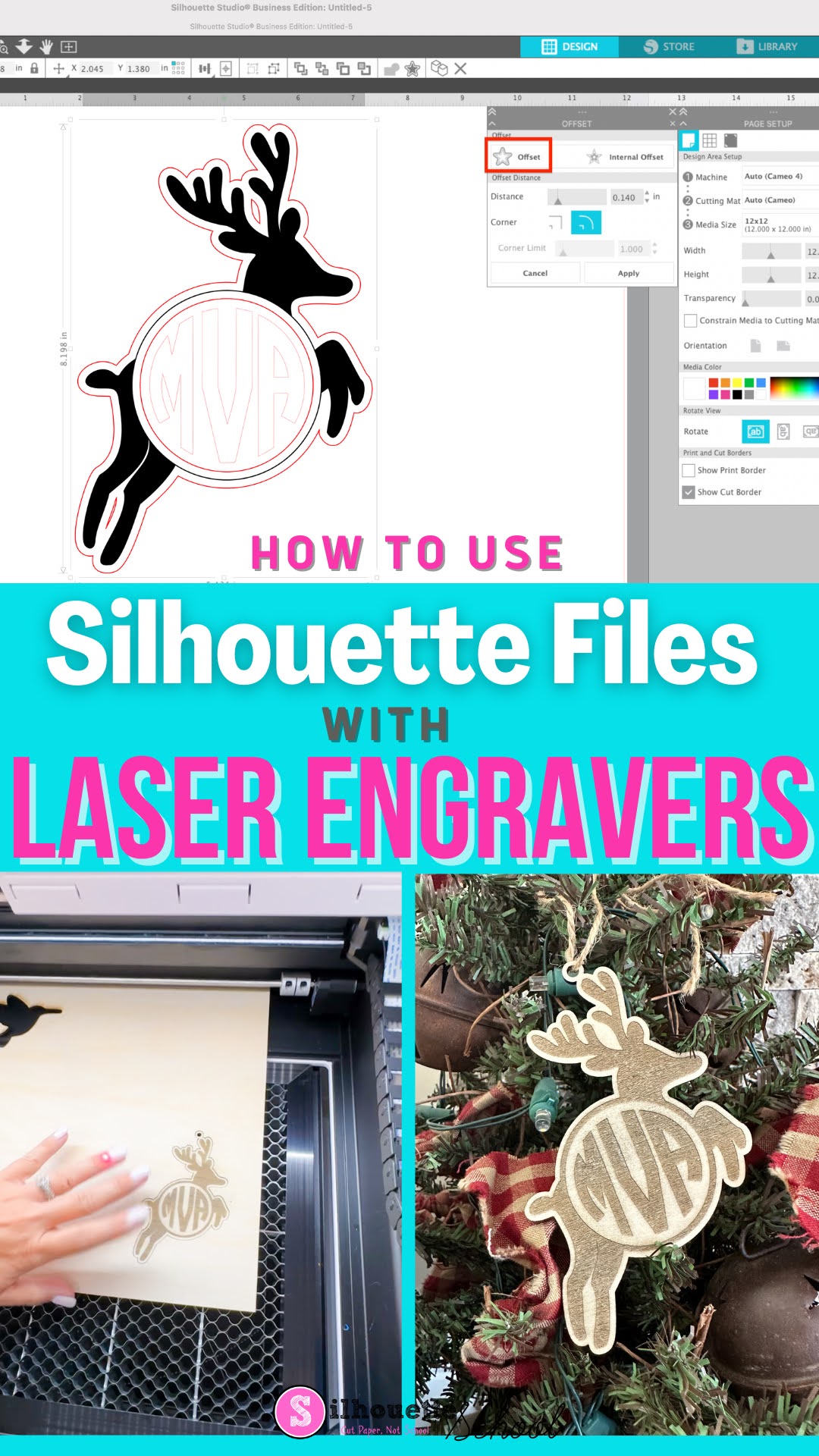
How to Use Silhouette Studio Files with Craft Laser Engraver (Glowforge or xTool)

Did you know you can use Silhouette Studio files with craft laser engravers and cutters?! 


If you're proficient and comfortable in Silhouette Studio there's no reason you can't design in the Silhouette software and then cut or engraver on a Glowforge or xTool laser.  Read on to learn how to use Silhouette Studio files with a laser.
