Copyright Silhouette School 2016. Powered by Blogger.


20 Silhouette Tutorials, Tips and More! (October 2022 Wrap Up)

Well that's a wrap on October...and that means another 2o Silhouette tutorials are in the books!

silhouette 101, silhouette america blog, silhouette studio tutorials, silhouette cameo beginner tutorials, silhouette cameo tutorials

Wow that went fast! I guess we've just been busy having fun learning all the new things here at Silhouette School. 

Free Silhouette Design: What a Wonderful World (Commercial Use Available)

Another Friday has rolled around here at Silhouette School which can only mean one thing...it's time for another freebie! 
freebie friday, free silhouette studio file, free studio design, free silhouette design, free silhouette studio design


Does this make you start immediately singing the song about all of the wonderful things that surround us? I know I do. 

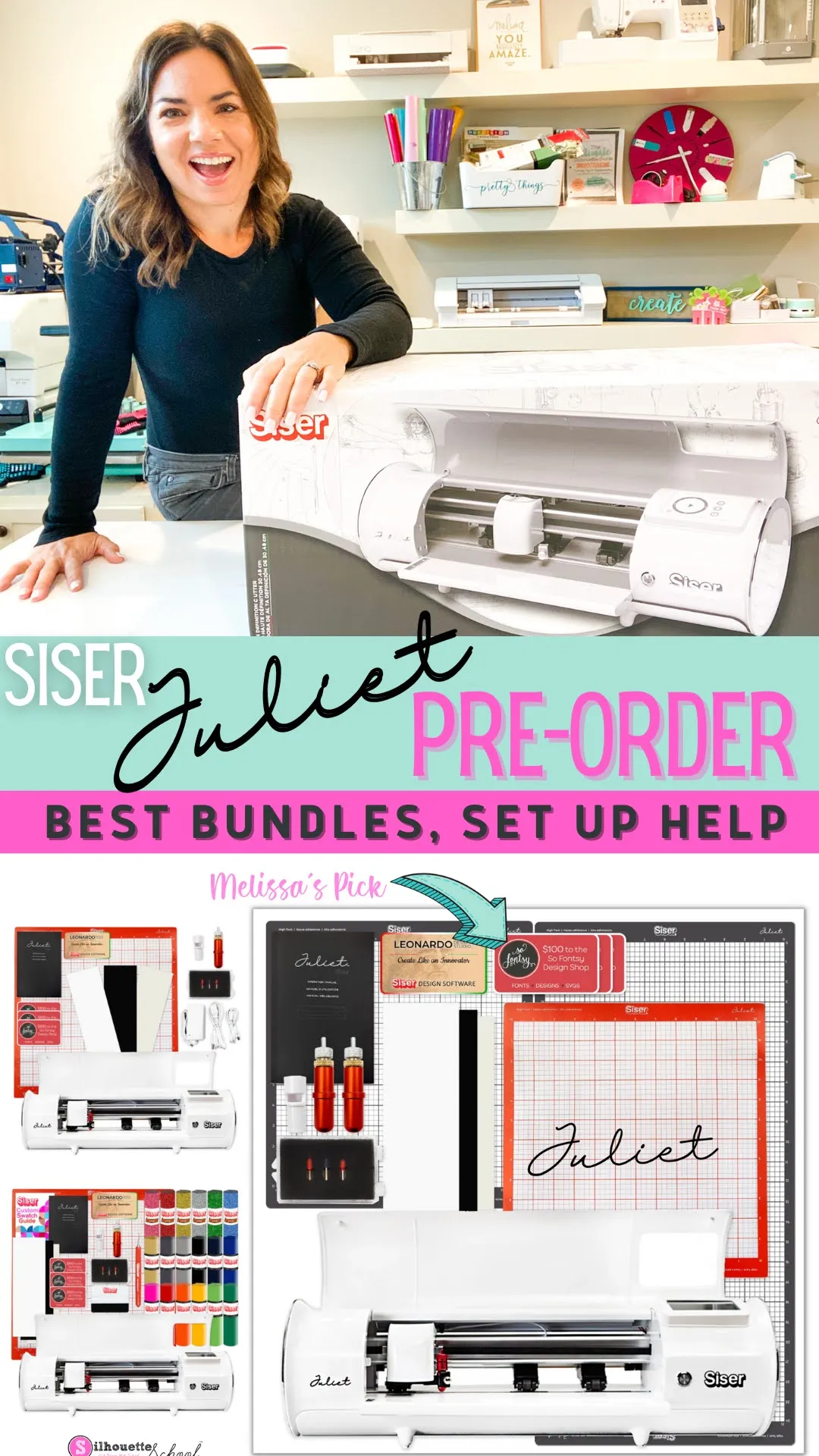
Pre Order Siser Juliet Cutting Machine Price, Best Bundles, Set Up

The Siser Juliet Cutting Machine is now available for pre order


I got my hands on one of the first 12" cutting machines and have been busy not only hunting down the best Juliet Cutting Machine bundles for you, but also creating some beginner Juliet tutorials and videos to help you get started. 

How to Print and Cut A4: Silhouette CAMEO Tutorial

Let's talk about how to print and cut A4 size with Silhouette CAMEO. 

silhouette america blog, silhouette 101, silhouette print and cut, print and cut, A4 print and cut

A4 size paper or material is slightly more narrow and longer than the standard US 8.5" x 11" which you may be used to using in your printer.  However...most 8.5 x 11" printers can take A4 size by a slight adjustment to the tray. That means you can also print and cut A4 with Silhouette CAMEO. Follow along for the steps on how to set up Silhouette Studio print and cut for A4.

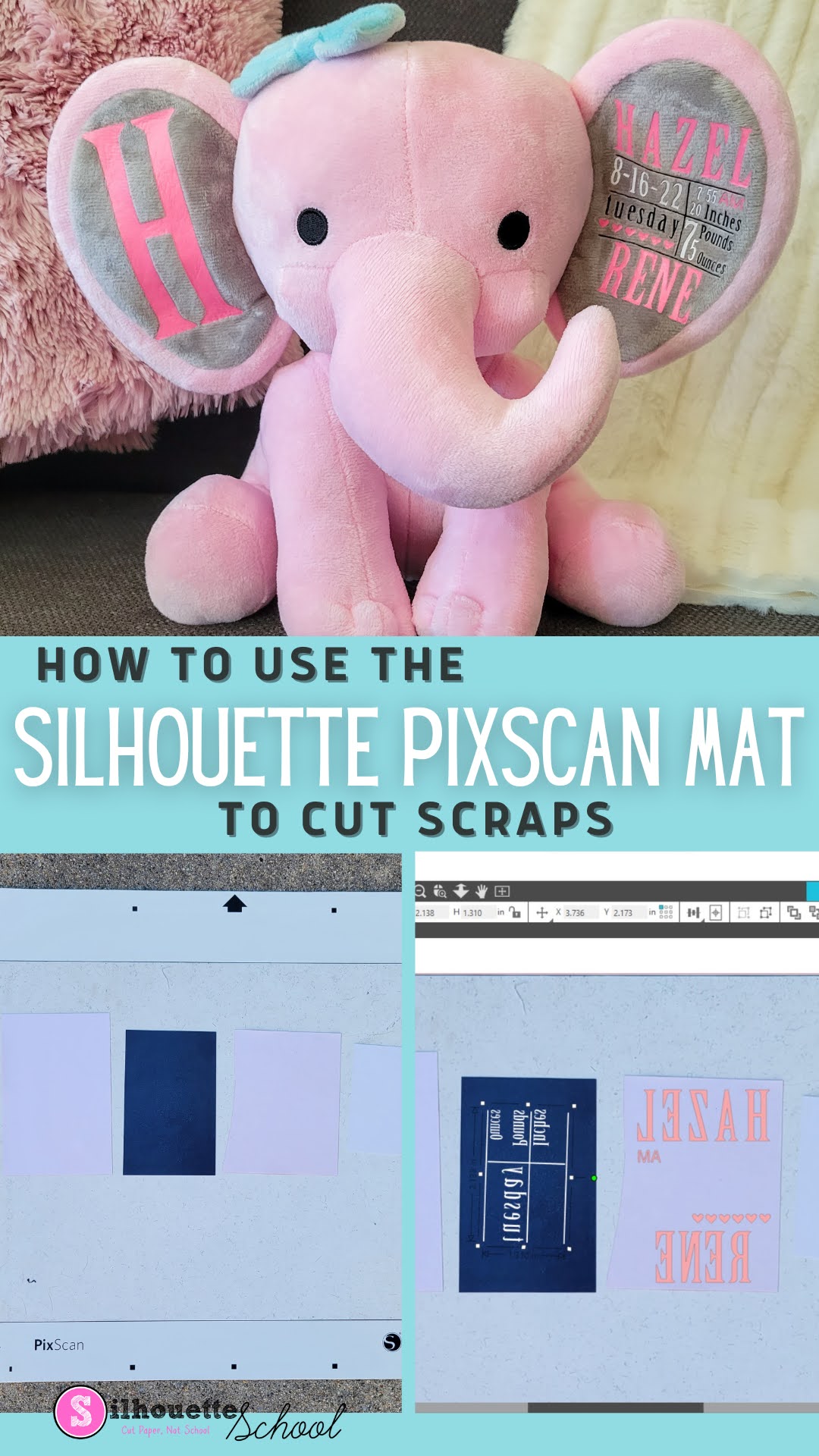
Cutting Heat Transfer Vinyl Scraps with Silhouette Pixscan

Wondering what to do with HTV scraps? Don't throw them away! 

silhouette 101, silhouette america blog, silhouette pixscan, heat transfer vinyl, htv scraps

In this Silhouette Pixscan tutorial, learn how to use the Silhouette Pixscan mat to cut even the smallest heat transfer vinyl scraps.

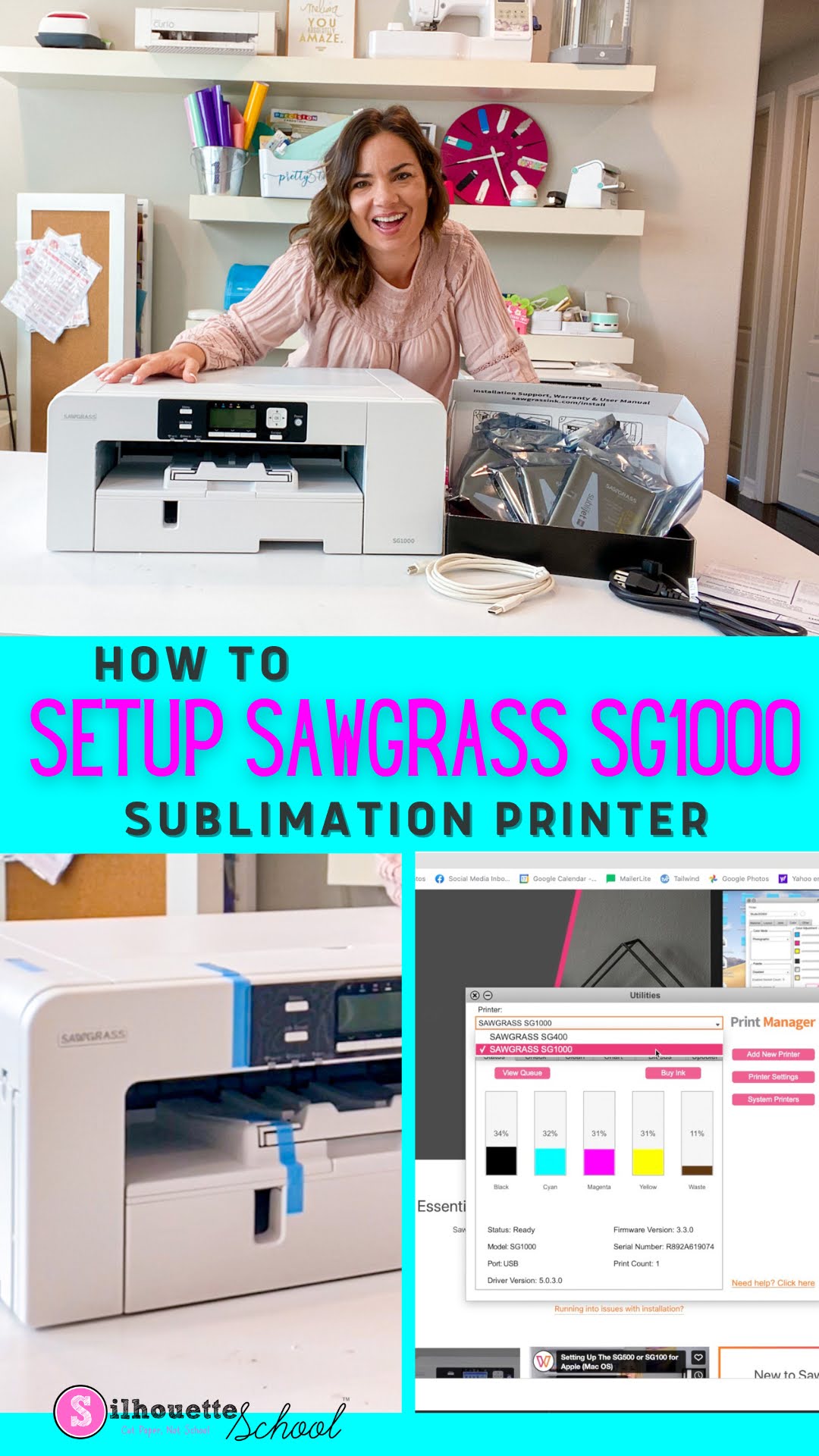
How to Set Up Sawgrass SG1000 Sublimation Printer

Setting up your Sawgrass SG1000 sublimation printer is pretty quick and easy.  

silhouette 101, silhouette america blog, sawgrass, silhouette and sublimation, sawgrass sg1000

In this tutorial I'll show you how to set up Sawgrass SG1000 from start to finish. 

Free Silhouette Design: Hello Treats (Commercial Use Available)

Can you believe that it is time for another Freebie Friday? I feel like time is just flying by!

freebie friday, free silhouette studio file, free studio design, silhouette 101, silhouette america blog

Who are my dog moms and dads? Do you have the dog that just waits at the door when someone comes over? 

How to Get a Solid Fill with Silhouette Sketch Pens or Foil Quill

Don't want an outline, but want to give your design or font a solid fill when using sketch pens or Foil Quill with your Silhouette machine?

silhouette america blog, silhouette 101, foil quill, sketch pens, etching

It's easier than ever to do in Silhouette Studio.  This beginner Silhouette tutorial will walk you through the few steps to go from the standard cut file to a solid filled sketched or foiled design.

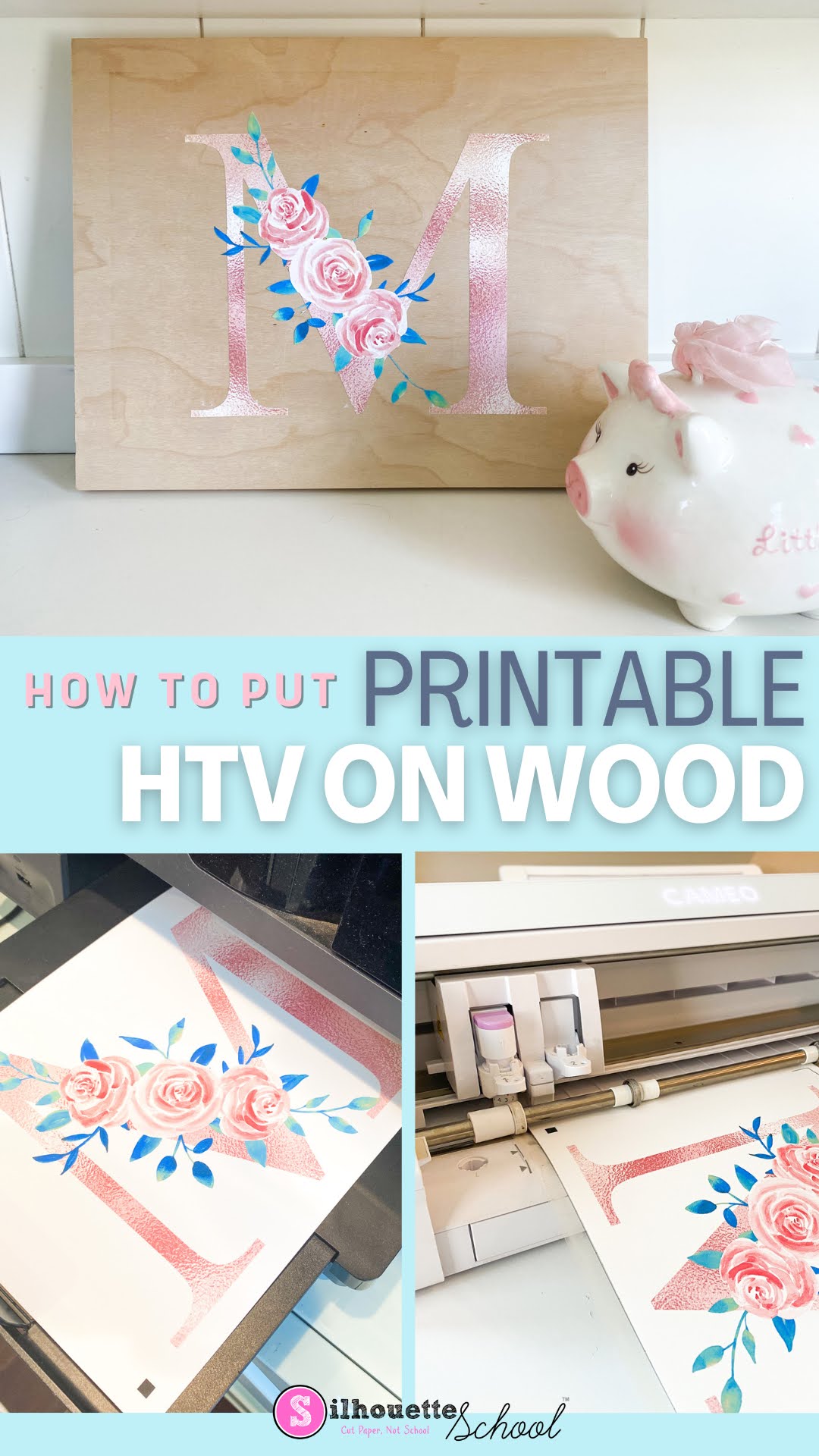
How to Use Printable Heat Transfer Vinyl on Wood

Heat transfer vinyl on wood is a game changer for so many reasons!! 

silhouette 101, silhouette america blog, printable heat transfer, wood signs, heat transfer paper

In this tutorial I'll show you how to put heat transfer vinyl on wood...and why this thicker inkjet printable HTV is my go to for signs! 

How to Change SVG Size in Silhouette Studio to Fit Project

When you've found the perfect SVG design for your project, but you need to change the SVG size, it's easy to do in Silhouette Studio. 

modify svg, modify svg file, modify svg color, silhouette 101, silhouette america blog

You might need to modify an SVG file for any number of reasons including changing the SVG color or it's layout.  This tutorial will show you how to change SVG size and layout so the design perfectly fits. 
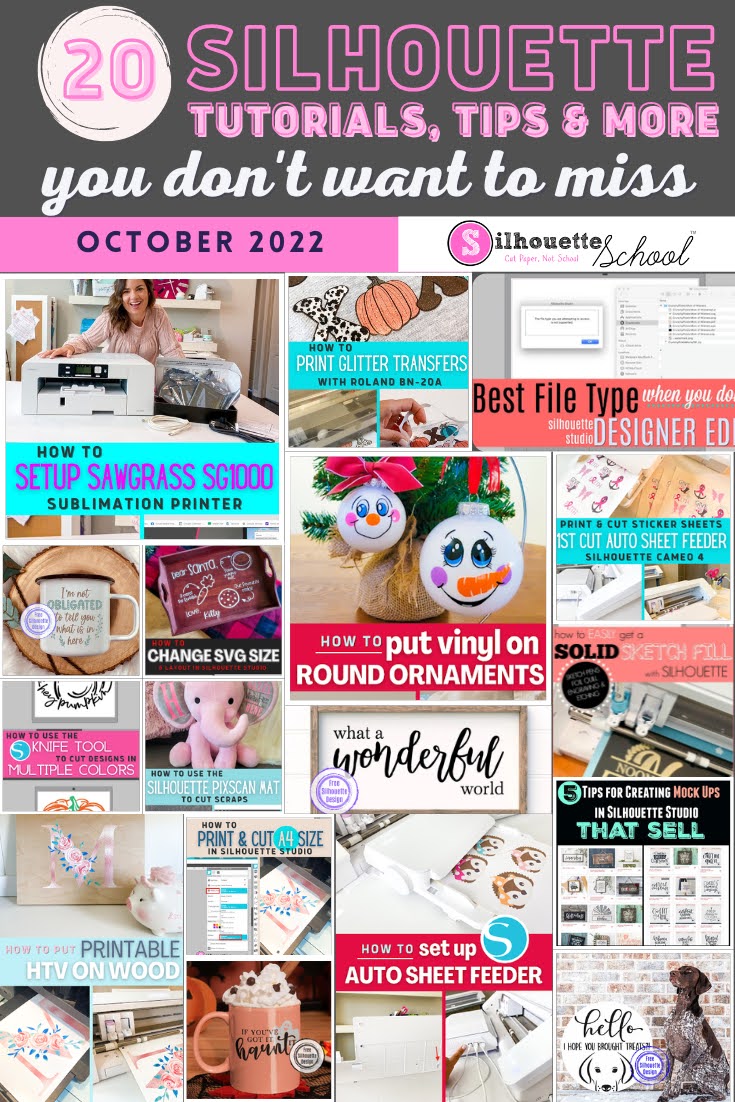
How to Print and Cut Glitter Heat Transfers with Roland BN-20A

You can print custom glitter heat transfers at home without having to layer glitter HTV by either sublimating on glitter HTV or by printing and cutting glitter transfers on a Roland BN-20A or BN-20.

silhouette 101, silhouette america blog, roland, silhouette cameo business, glitter htv

Both of these methods avoid the issue of added bulk when layering solid color glitter HTV. I prefer the Roland BN-20 method because it avoids the common issue of trying to line up the sublimation print with the cut vinyl and the transfer isn't as thick. 

Read on for how to make glitter heat transfers with Roland BN-20A