Copyright Silhouette School 2016. Powered by Blogger.


How to Make a Circle Monogram with an Alphabet Set in Silhouette Studio

Love the look of a circle monogram font, but don't know how to make a monogram in Silhouette Studio? 

silhouette 101, silhouette america blog, silhouette studio, monograms, monogram formatting

You're in luck because this tutorial will walk you through how to use alphabet sets to make a circle monogram in Silhouette Studio.

How to Use Silhouette Studio Without a Machine (And Why You'd Want To!)

If you're wondering "Can I Use Silhouette Studio without a Silhouette Machine"..the answer is YES! 

There are a lot of reasons why you might want to use the Silhouette software even if you don't have a machine..beginning with the inexpensive one-time price, large number of design features, ability to vectorize, option to print to any printer on the network, and file export options.   

Silhouette 101, silhouette america blog, silhouette studio, cricut, roland

Whether you use a Cricut, a sublimation printer, a wide format ecosolvent printer like a Roland BN-20 or even a white toner printer you should consider the PC and Mac-friendly Silhouette Studio! 

Read on for how to use Silhouette Studio without a machine including how to set up the software and unlock the extra features.

Free Silhouette Design: Your Life is a Story (Commercial Use Available)

It's Friday and that means it's Freebie Friday here at Silhouette School!

freebie friday, free silhouette studio file, free studio design, free silhouette design, free silhouette studio design

I thought this was a great design to share this week. To remind us all to make those memories to make sure your story is the best one! 

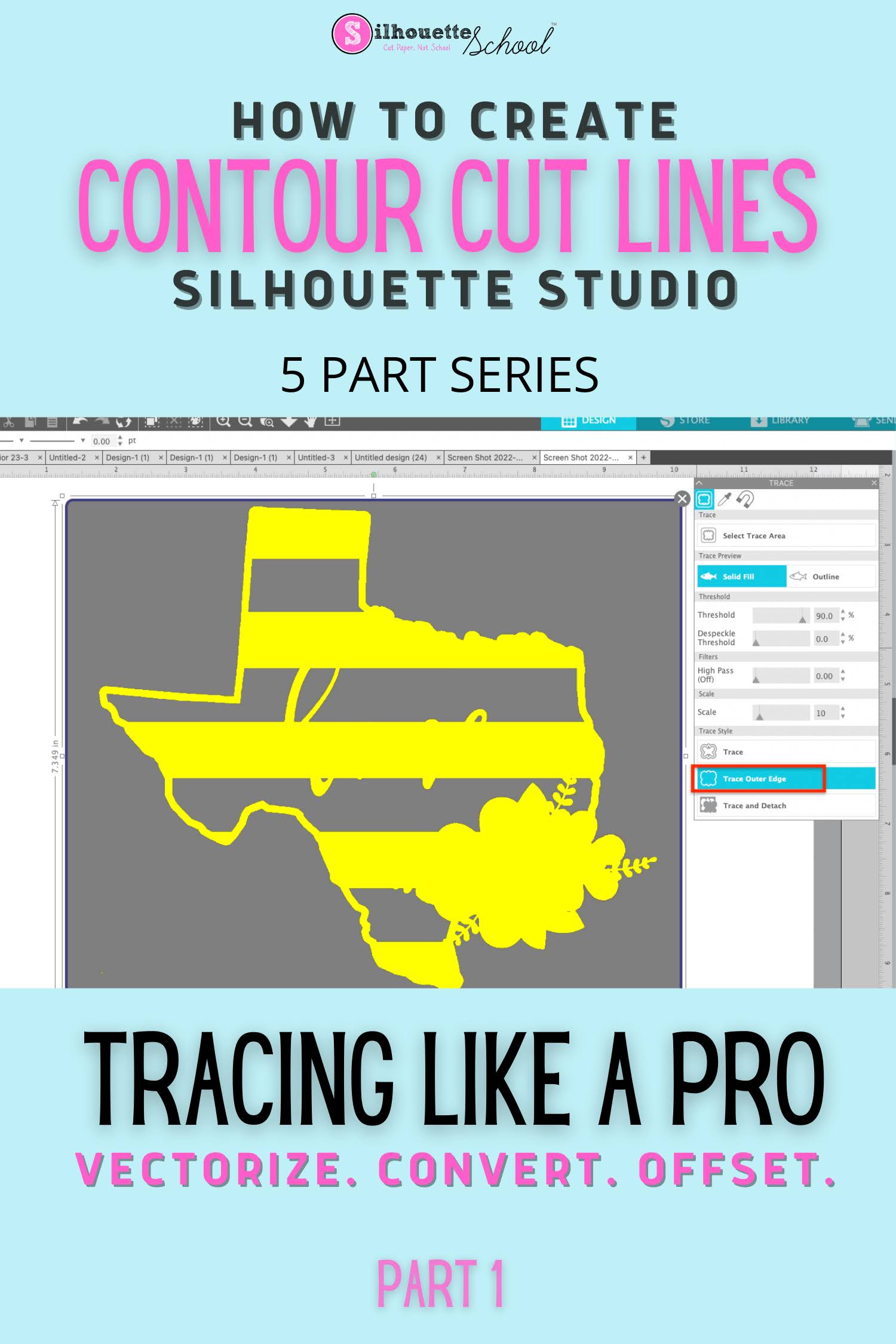
How to Create a Contour Cut Line in Silhouette Studio by Tracing (and Convert JPEG or PNG to SVG)

The Silhouette Studio trace tool is one of the best features of the software and definitely a step above the tracing tools in even some of the more "elite" (and expensive) graphic design software programs.  

Silhouette studio tracing lines, make contour cut lines silhouette, make contour cut lines for roland bn20,how to trace in silhouette studio, tracing in silhouette studio


You can use Silhouette Studio to create contour cut lines around images quickly and easily.  This is also how you can vectorize JPEG and PNG files before exporting as SVG from Silhouette Studio. 

Learning to trace to create cut lines in Silhouette Studio is hugely important because it is a fundamental skill that is necessary for other design functions including adding a bleed, an offset, a border and vectorizing or converting PNG and JPEG.  It's also hugely helpful for creating cut lines that other programs - including Adobe Illustrator and Affinity Designer - can also recognize. If you have added a Roland BN-20 print and cut machine, for example, creating the contour cut lines in Silhouette Studio is a breeze.

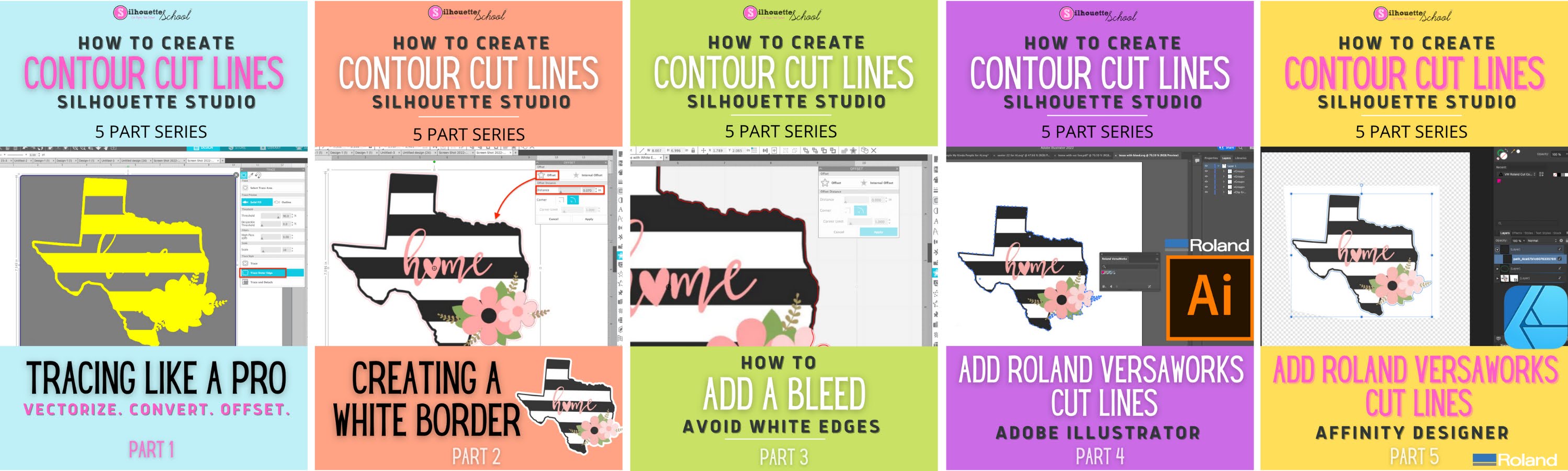
I have designed this Silhouette Studio beginner tracing tutorial as just the first in a five part series on creating contour cut lines in Silhouette Studio. Each part builds on the previous tutorials in the series so I highly suggest you go through them in order.  

convert png to svg, convert jpeg to svg, cutting a jpeg silhouette cameo

Even if you don't have a Silhouette cutting machine or aren't using it for your current job, the trace tool is extremely helpful. It's one of the many reason why I suggest that even if you don't have a Silhouette cutting machine, you consider using Silhouette Studio

Creating Contour Cut Lines in Silhouette Studio: Five Part Series 

How to Cut Fabric with Silhouette CAMEO 4 AutoBlade

If you don't have a Silhouette CAMEO 4 Rotary Blade, you can use a Silhouette Autoblade to cut fabric. 

silhouette 101, silhouette america blog, autoblade, fabric, cameo 4

It does require more preparation to cut fabric with an auto blade, since you need to stabilize it, but it is possible in a pinch. This tutorial will walk you through how to cut fabric with a Silhouette CAMEO 4 Autoblade

Roland BN-20 Software: Why Silhouette Studio and Affinity Designer Are the Best (And Cheapest)

If you're considering investing in a Roland BN-20A you're probably also thinking about what the best graphic design software is to use with the 20" Ecosolvent Print and Cut machine.

Roland BN-20, Roland BN-20A, Roland Bn-20 software, Roland BN-20 Contour Cut Lines

The Roland BN-20 and BN-20A come with Roland VersaWorks software, but the free Roland software lacks in its ability to easily create contour cut lines.  Therefore another software program is used to prep art.  

There are three or four main options to create contour lines for the Roland BN-20A ... and here we'll explore why Silhouette Studio and Affinity Designer are the best...even if you don't have a Silhouette machine (and especially if you do!) 

Free Silhouette Design: Life is Better at the Beach (Commercial Use Available)

It's my favorite day of the week here at Silhouette School: Freebie Friday!

freebie friday, free silhouette studio file, free studio design, free silhouette design, free silhouette studio design

I don't know about you, but isn't life just better at the beach? 

3 Reasons Fonts Aren't In Silhouette Studio Font List

It's not uncommon to download and install a font, and yet still not be able to find it in your Silhouette Studio Text Style list - where all fonts are listed.

silhouette 101, silhouette america blog, silhouette fonts, silhouette cameo fonts, silhouette font

There are a few reasons why a font would not appear in your Silhouette font list. This Silhouette tutorial will focus on the three big reasons why...and how to troubleshoot when fonts aren't appearing in Silhouette Studio.

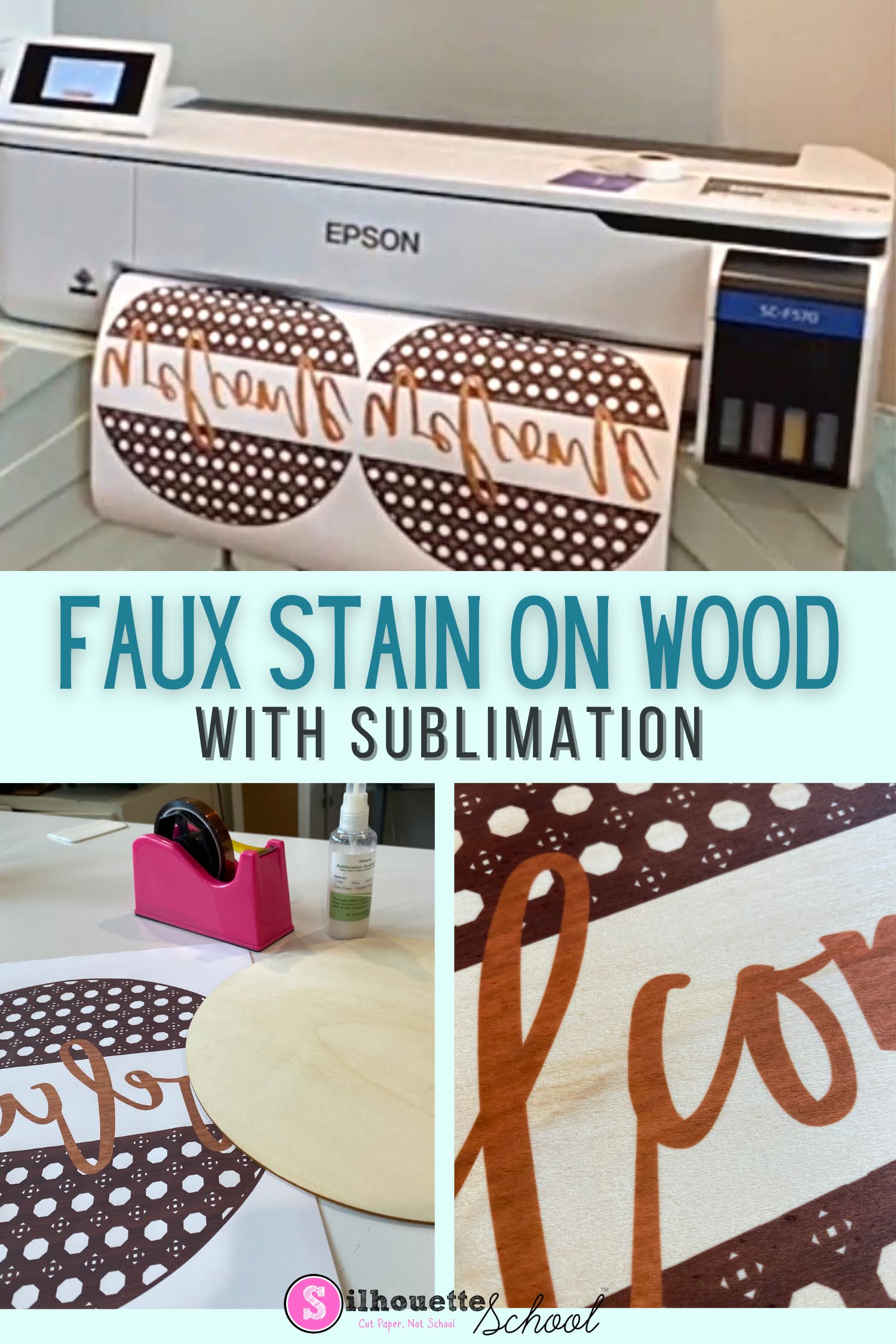
How to Faux Stain Wood with Sublimation

You can give wood a stained look without staining at all.  The trick is sublimation. Yes! You can sublimate on wood. 

silhouette 101, silhouette america blog, sublimation, wood signs, faux stain

It's not only easy to do it's far faster and less messy than actual stain. 

Silhouette Library Thumbnail Trick for Previewing in Design Area

Sometimes when you’re working in Silhouette Studio it’s helpful to see the thumbnail preview of the design in Silhouette Studio.

silhouette 101, silhouette america blog, silhouette library, silhouette studio v4, silhouette designing

This is especially helpful if the design opens in the work area not filled with color or has a lot pieces.

Free Silhouette Design: Not a Control Freak (Commercial Use Available)

It's Friday and time for another Freebie here at Silhouette School!! 

freebie friday, free silhouette studio file, free studio design, free silhouette design, free silhouette studio design

Where are my control freaks? It's okay if you don't want to admit it. 

Putting Shapes on a Path in Silhouette Studio

So we've talked - rather extensively about how to make words curve and flip and go on the inside and outside of a shape in Silhouette Studio.  The official terminology is putting 'text on a path' (the circle or larger shape being the 'path'.  Apparently though you all are wanting more because I've been asked more than once about how to put shapes or designs on a path so I thought it was worth a quick tutorial.

Silhouette Studio, shapes on a path, Silhouette Studio tutorial, silhouette 101, silhouette america blog

The good news is it is possible to more than just letters and numbers on a path, the bad news is not every shape or design is going to work.  The key is using dingbat fonts.  Dingbat fonts are fonts made up of shapes rather than characters.   There are thousands of dingbat fonts available for free download so you likely won't have much trouble finding what you're looking for, but you can also find tons on So Fontsy that come with free commercial use licenses! 

How Quickly Add Silhouette Library Designs to the Same Work Area

If you want to put multiple designs from your library into the same work area - there’s a really quick way you can do it.

silhouette 101, silhouette america blog, silhouette studio, silhouette studio library, silhouette studio v4

You can actually drag and drop the designs directly from the library into a work area when using split screen.

Epson F570 Sublimation Printer Setup: From Unboxing to Ready to Print

Let's get the Epson F570 sublimation printer set up! The Epson Surecolor F570 is a wide format, true dye sublimation printer for home or small business use. 
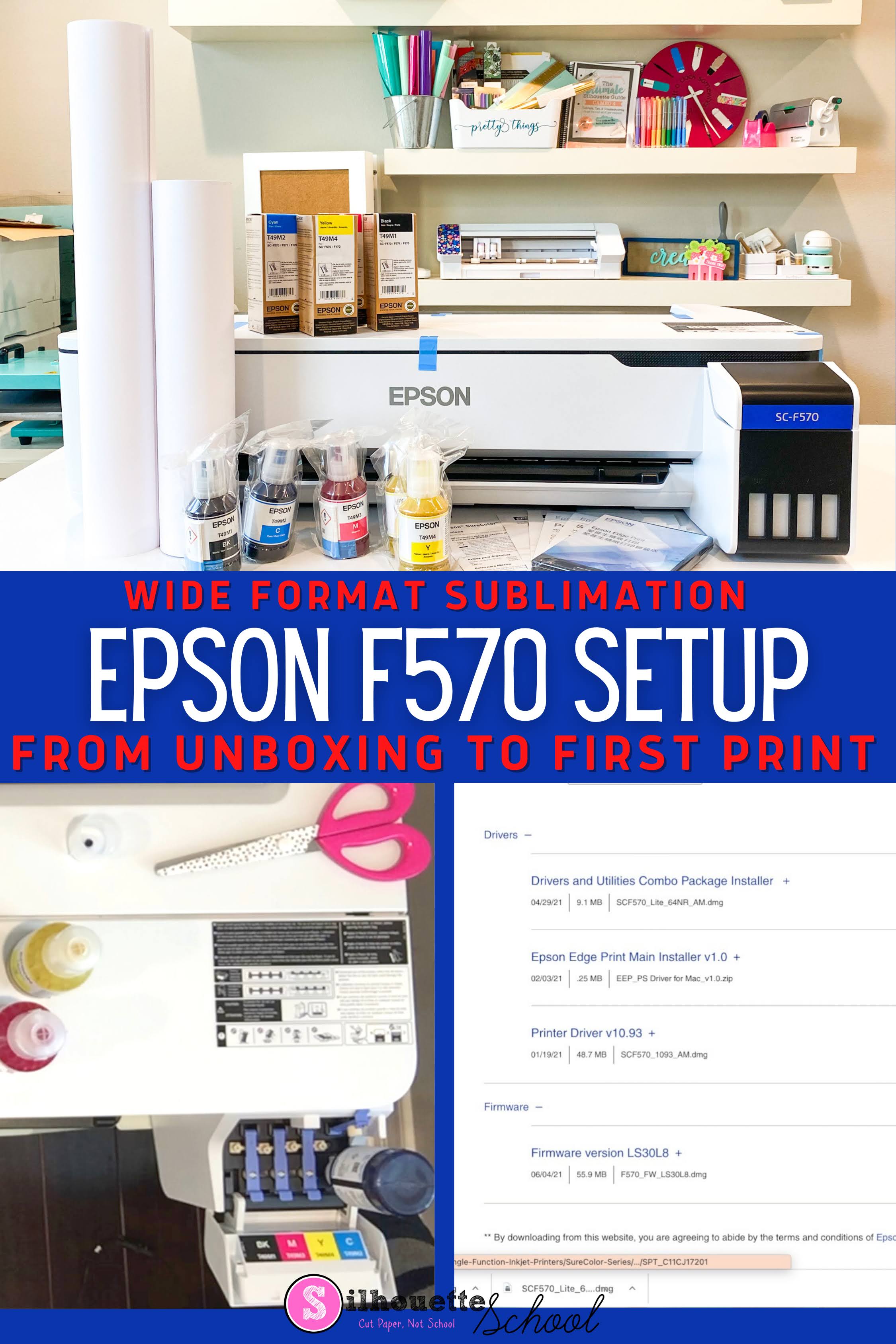
silhouette 101, silhouette america blog, silhouette and sublimation, epson f570, epson sublimation

Setting up the 24" sublimation printer is pretty easy and straightforward - but give yourself a little time because there is at least one step that will take about an hour.  Follow this tutorial for how to setup the Epson Pro F570 sublimation printer. 

Free Silhouette Design: Bless This Mess (Commercial Use Available)

It's Friday which means it's time for a free Silhouette cut file on Silhouette School!

freebie friday, free silhouette studio file, free studio design, free silhouette design, free silhouette studio design

Who doesn't love these round...and farmhouse designs?! This one's for all you!

Silhouette Studio Tool: Pre-Created Flexishapes (V4.2 Release)

In Silhouette Studio versions 4.2 and higher comes a long requested feature for more drawing shapes -  beyond circle, rectangle, and polygon!

Silhouette Studio Software tutorials, Silhouette Design Studio tutorials, silhouette tutorial, silhouette 101, silhouette america blog

The FlexiShapes tool has finally been unveiled in Designer Edition Plus and Business Edition. The tool gives users access to more than 60 new pre-created shapes called FlexiShapes.

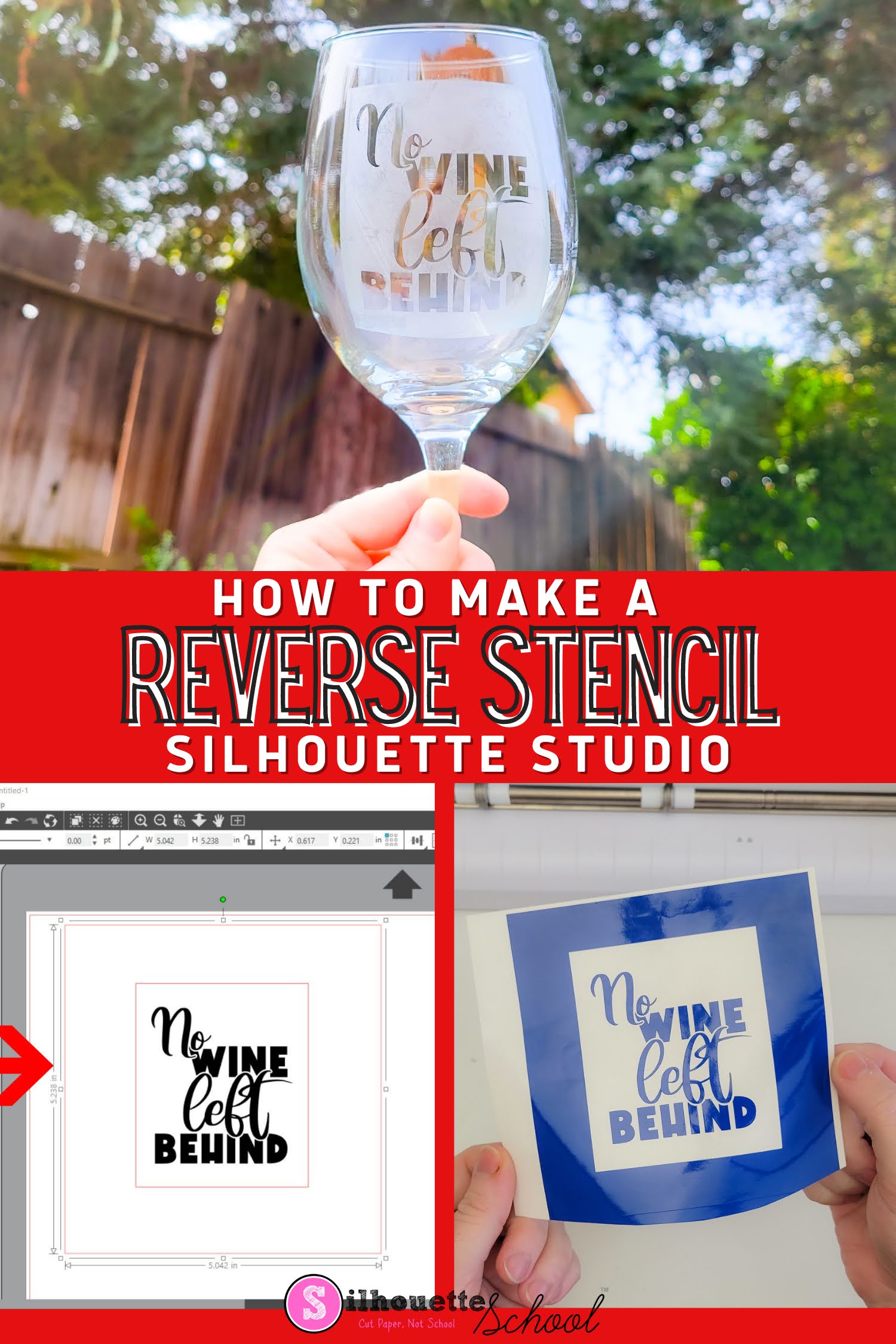
How to Make a Reverse Stencil in Silhouette Studio

You can turn pretty much any SVG into a stencil by creating a reverse stencil. 

silhouette 101, silhouette america blog, silhouette studio, stencils, etching

What is a reverse stencil? A reverse stencil is where you change the part of your design that will be painted or etched. 

With a reverse stencil, also called a mask, you are creating a stencil where you are painting/etching the area outside and around the SVG design - not the design itself.  This tutorial will explain how to create a reverse stencil in Silhouette Studio.

21 Silhouette Tutorials, Tips and More! (April 2022 Month in Review)

Another month is in the books here at Silhouette School. I know I say this every month but I can't believe it's the end of (fill in the blank month) - in this case, April.  

silhouette 101, silhouette america blog, silhouette studio v4, silhouette studio tutorials, silhouette cameo tutorials

April's lesson plan included everything from learning how to cut and make giant paper flowers to cutting with multiple machines to some brush ups on curving text...and much more! We even worked in a giveaway this month!