Copyright Silhouette School 2016. Powered by Blogger.


Showing posts with label PNG. Show all posts

How to Change the Colors of a PNG in Silhouette Studio

Wondering how to change the colors of a PNG in Silhouette Studio? 

silhouette 101, silhouette america blog, silhouette studio v4, png file, tracing

There are actually two ways to do it. One is a single click and other requires a bit of manual work. Read on for how to change the colors of a PNG in Silhouette Studio. 

SVG or PNG - Which One Is Best for Silhouette - Video Tutorial

SVG vs PNG wondering which one you should use for your project?

SVG,PNG,sihouette studio,sublimation,

The answer depends on what exactly you are making!
Silhouette Cutting Wrong Size? Here's the Fix

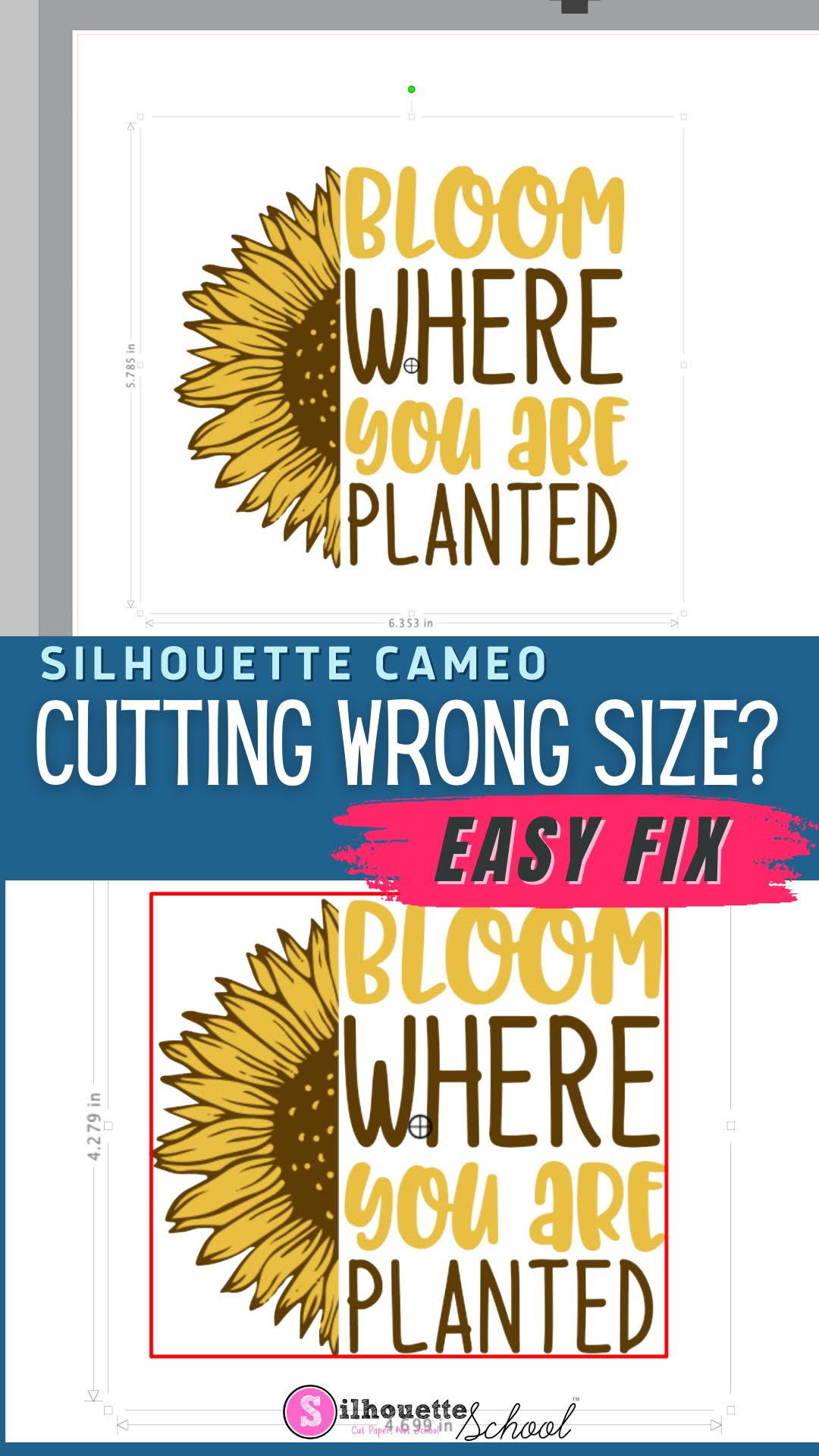
If your Silhouette CAMEO is cutting the wrong size, it can be extremely frustrating. 

silhouette america blog, silhouette 101, silhouette studio, silhouette studio 4, silhouette studio troubleshooting, silhouette cutting issue

Fortunately, there's an easy fix to make sure your Silhouette cuts the same size as the dimensions in Silhouette Studio. 

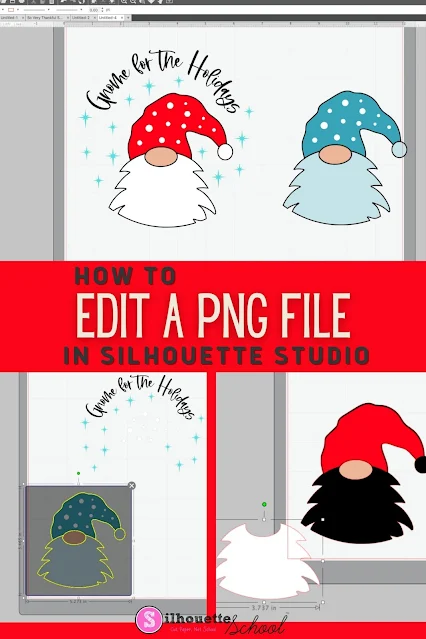
How to Edit a PNG File in Silhouette Studio

If you know the right tools to use, you can edit a PNG file in Silhouette Studio...but there a few things to know! 

Silhouette 101, Silhouette America blog, Silhouette Studio v4, Silhouette Studio, Trace by Color

The easiest file type to open and edit in Silhouette Studio is an SVG, but if you don't have that option you can edit PNG files in Silhouette software as well. This tutorial will explain the best way to go about editing PNGs in Silhouette Studio. 

SVG Vs PNG: Which File Type Should You Use for Cutting?

One question I get on repeat is: "Should I use SVG or PNG files with my Silhouette?"

SVG,svg files,PNG,Cut Files,best file type,import files,

Honestly, the answer is not completely straightforward. If you have the choice between the two, selecting the ideal file type usually comes down to the technique or process you're going to use. 

In this tutorial I'm going to share some really big benefits of SVG files when you're going to be cutting, especially with designs you want to customize. 

Can't Select or Move PNG Images in Silhouette Studio? Here's the Fix

Have you ever pulled a PNG file into Silhouette Studio and then you literally can't do ANYTHING with it?

PNG,Silhouette Studio,Designer Edition,silhouette software,Software,Silhouette Studio 4,silhouette studio 5,


You can't click it. You can't move it. You can't select it. Nothing! It is SO frustrating, and it only happens with PNG files. Read on to learn how to fix this frustrating problem when importing PNG files into Silhouette Studio.  

How To Save PNG Files With A Transparent Background In Silhouette Studio

Have you ever wanted to use your Silhouette Studio designs in another program, but struggled to export them correctly? 

Silhouette studio, silhouette cameo, silhouette tips


Fear no more! Silhouette Studio Business Edition makes it incredibly easy to save your designs as PNG files with transparent backgrounds.

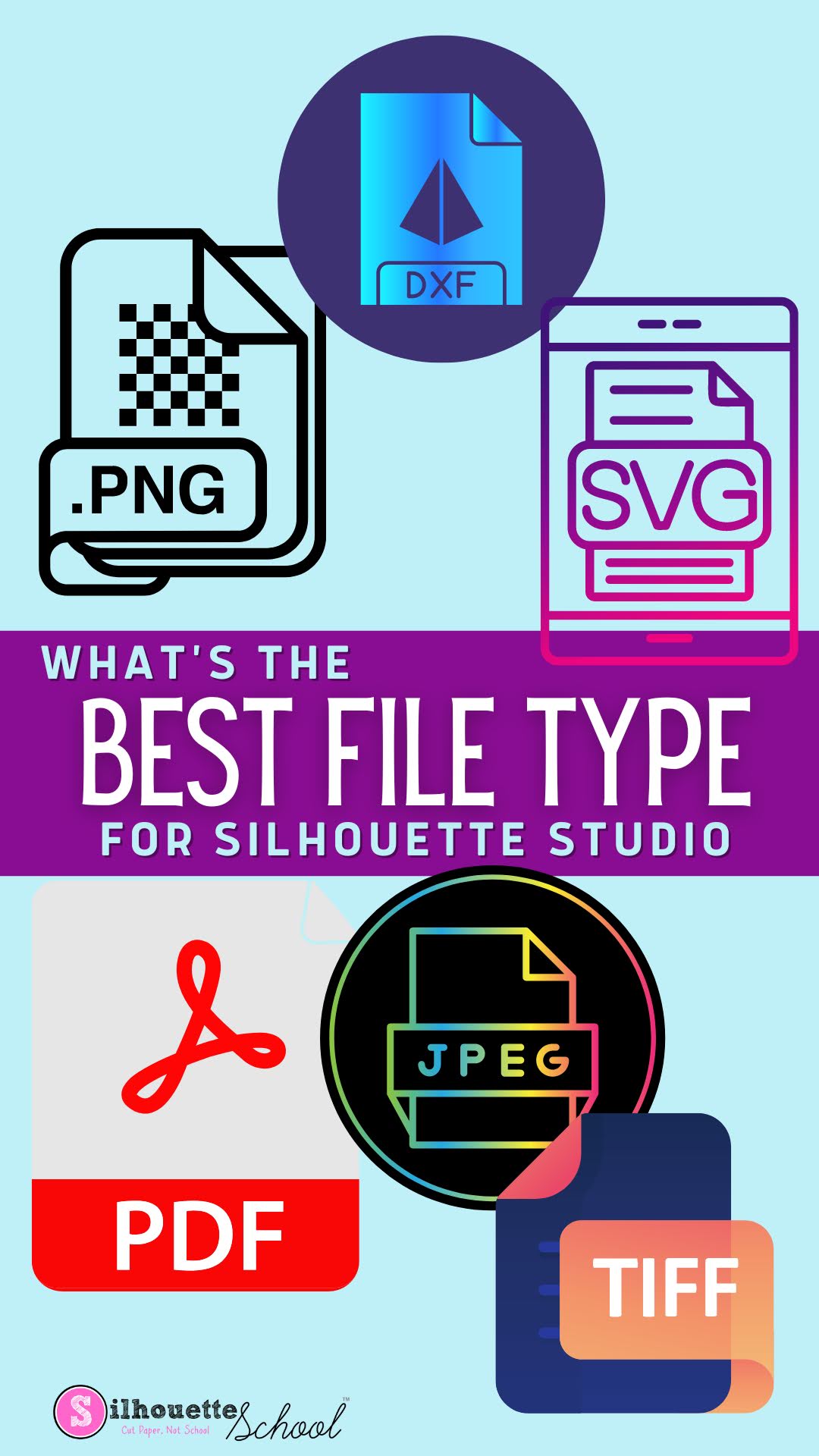
What Is the Best File Type for Silhouette Studio?

Silhouette Studio support a wide range of file formats and picking the best one can have a significant impact on design process and saving and exporting the designs.

silhouette 101, silhouette america blog, silhouette studio file types, silhouette studio, svg files

Read on to learn how to pick the best file type for your next Silhouette project. 

How to Improve Print Colors from Silhouette Studio

If the color prints from Silhouette Studio are dull and not as bright and vibrant as you'd like when you're exporting them, there is a little trick to fixing that. 

silhouette 101, silhouette america blog, silhouette studio, sublimation printing, print and cut

Silhouette Studio users often complain the colors of their exported PNG and JPEG files, specifically, are "off".  In this tutorial I'll show you how to improve your print colors so you get bright, beautiful, and vibrant colors when exporting from Silhouette Studio. 

Silhouette Studio File Types: Avoiding the Silhouette Studio File Not Supported Error

There are at least a dozen different file types you can import into Silhouette Studio - but not all files types are supported in all versions of Silhouette Studio.   If you've ever gotten the error "Silhouette Studio File Not Supported" it's because you are attempting to import a file that the version of Silhouette Studio you are using can't open. 

Silhouette Studio, Silhouette Studio file types, silhouette studio designer edition, silhouette studio tutorial, silhouette cameo beginner tutorial, silhouette 101, silhouette america blog

This Silhouette Studio tutorial provides an easy break down and list of file types Silhouette Studio supports...and therefore which can be cut with your Silhouette CAMEO, Portrait, and Curio.

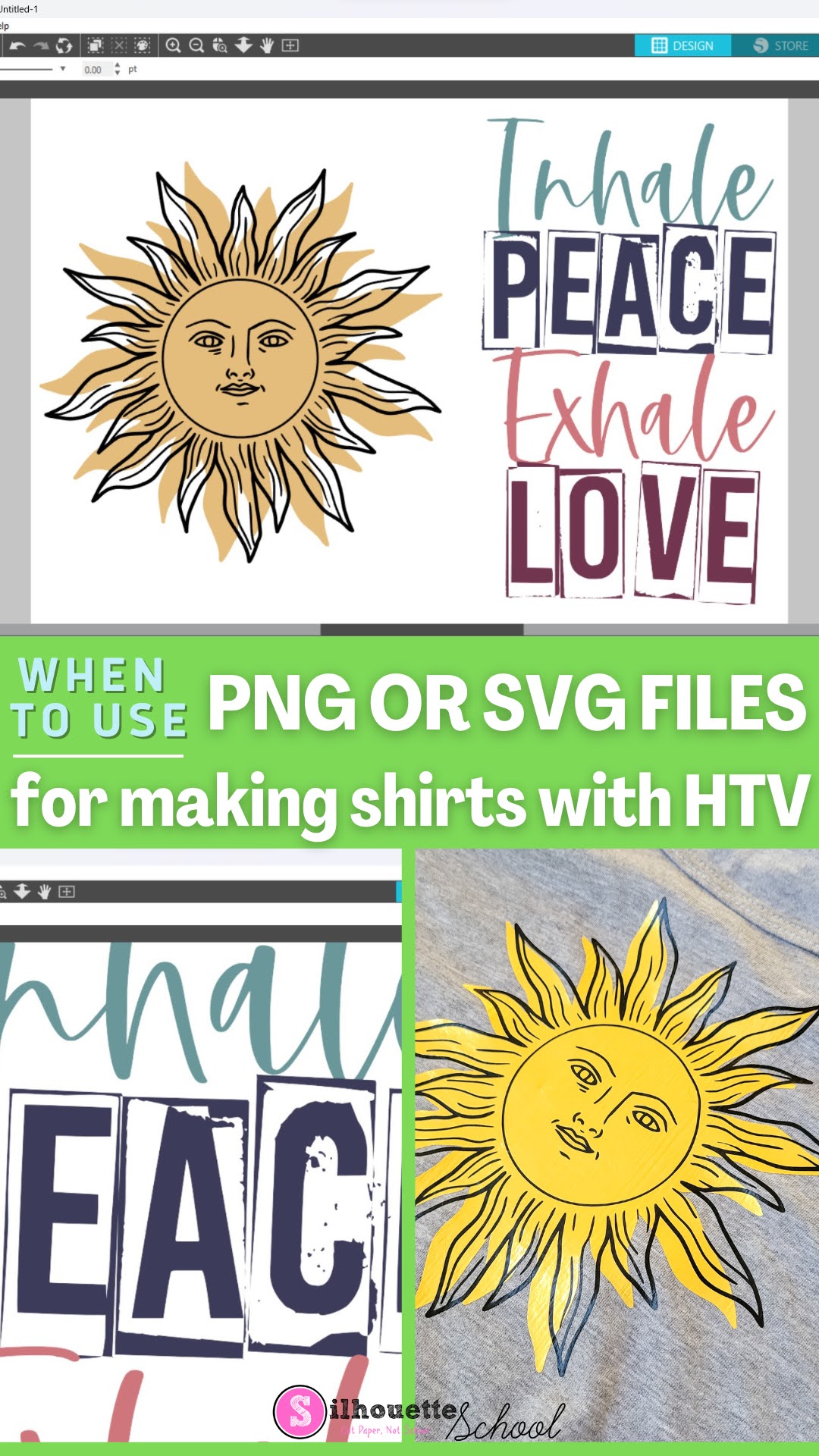
When to Use SVG or PNG files for Making Shirts with HTV

Have you ever opened a file in Silhouette Studio and it didn't have the cut lines you were expecting - or have you downloaded a big design bundle that has both PNG and SVG files? Keep reading for the difference between PNG and SVG files so you know which is going to be best for your HTV project!
silhouette 101, silhouette america blog, silhouette studio file types, svg files, png files, silhouette studio designer edition

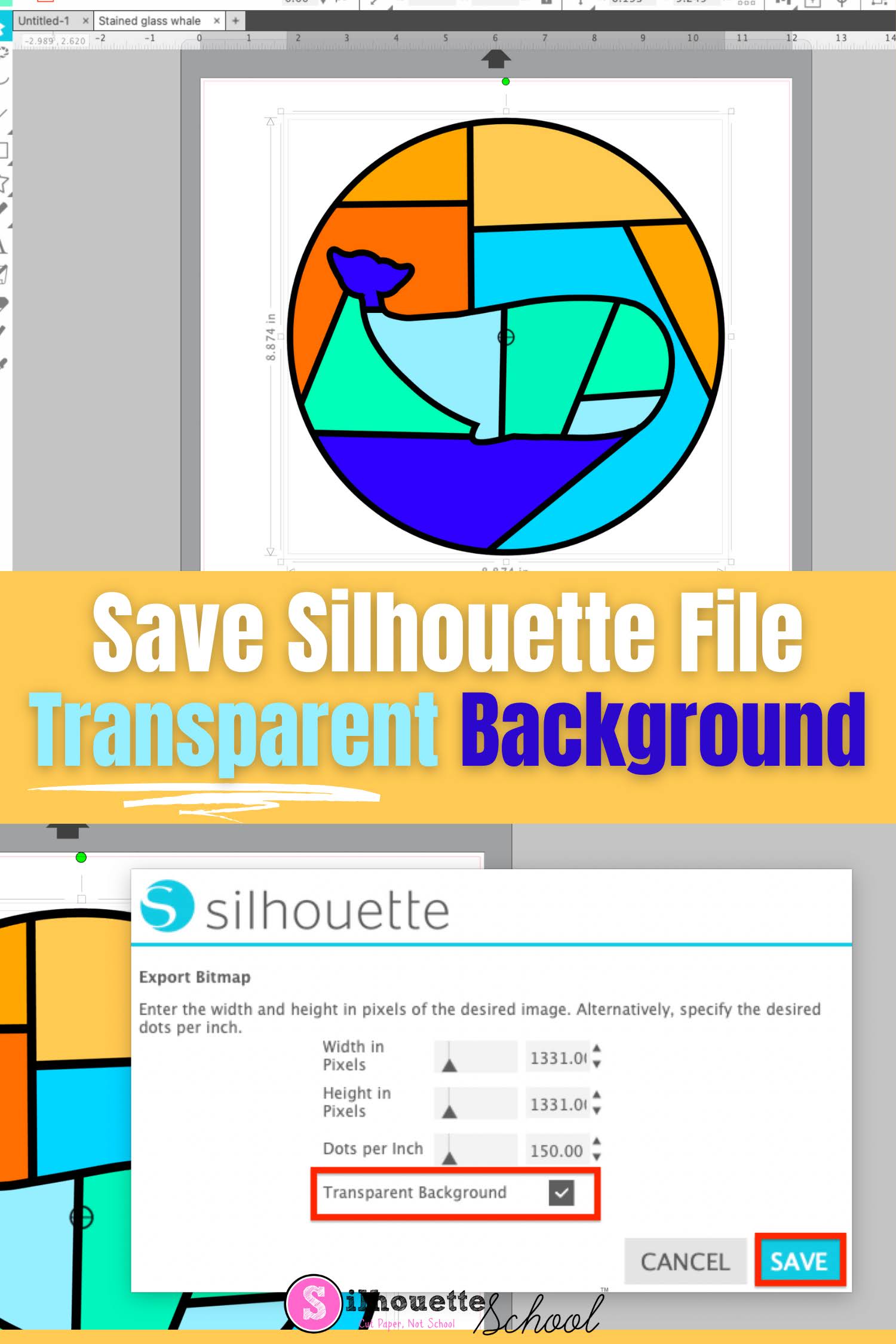
How to Save a Silhouette File with Transparent Background

It's easy to save a Silhouette file with a transparent background. 

silhouette 101, silhouette america blog, silhouette studio, silhouette studio v4, silhouette studio business edition

Silhouette Studio allows transparent PNG files to be exported which means you can design and create in Studio and export a Silhouette file with a transparent background.

Best File Type for Silhouette When You Don't Have Designer Edition

If you're using the basic free version of Silhouette Studio you are somewhat limited in the file types you can use - specifically from outside sources.

silhouette studio file types, silhouette studio v4, silhouette studio, silhouette america blog, silhouette 101

That leaves a lot of users wondering what the best file type is to import when the .Studio3 file is not an option.

How to Use Silhouette Studio Business Edition (ONLY!) to Create Roland Contour Cut Lines (Video, Too)

If you are a Silhouette Studio Business Edition user and have a Roland BN-20A or BN-20...this is a game changer. 


By combining the power of the one-time paid Silhouette Studio upgrade to Business Edition and the free Roland Versaworks you can create Roland Contour Cut lines without any other software programs including Adobe Illustrator, Affinity Designer, Corel Draw, or Flexi.  

This is hands down the cheapest way to create Roland Versaworks Contour Cut Lines and will significantly cut down the learning curve for those already comfortable in Silhouette Studio...and even if you're not a Silhouette user - listen up because you don't even need a Silhouette machine to use the Silhouette Studio software!

How to Remove White Border on Sticker Designs in Silhouette Studio

When making stickers there are some times when you want to make them with a white border around them, and then there are other times when you want to make stickers without a white border. 

silhouette 101, silhouette america blog, stickers, silhouette studio v4, Print and cut

In this tutorial, we'll show you how to remove the white border around PNG sticker designs in Silhouette Studio.

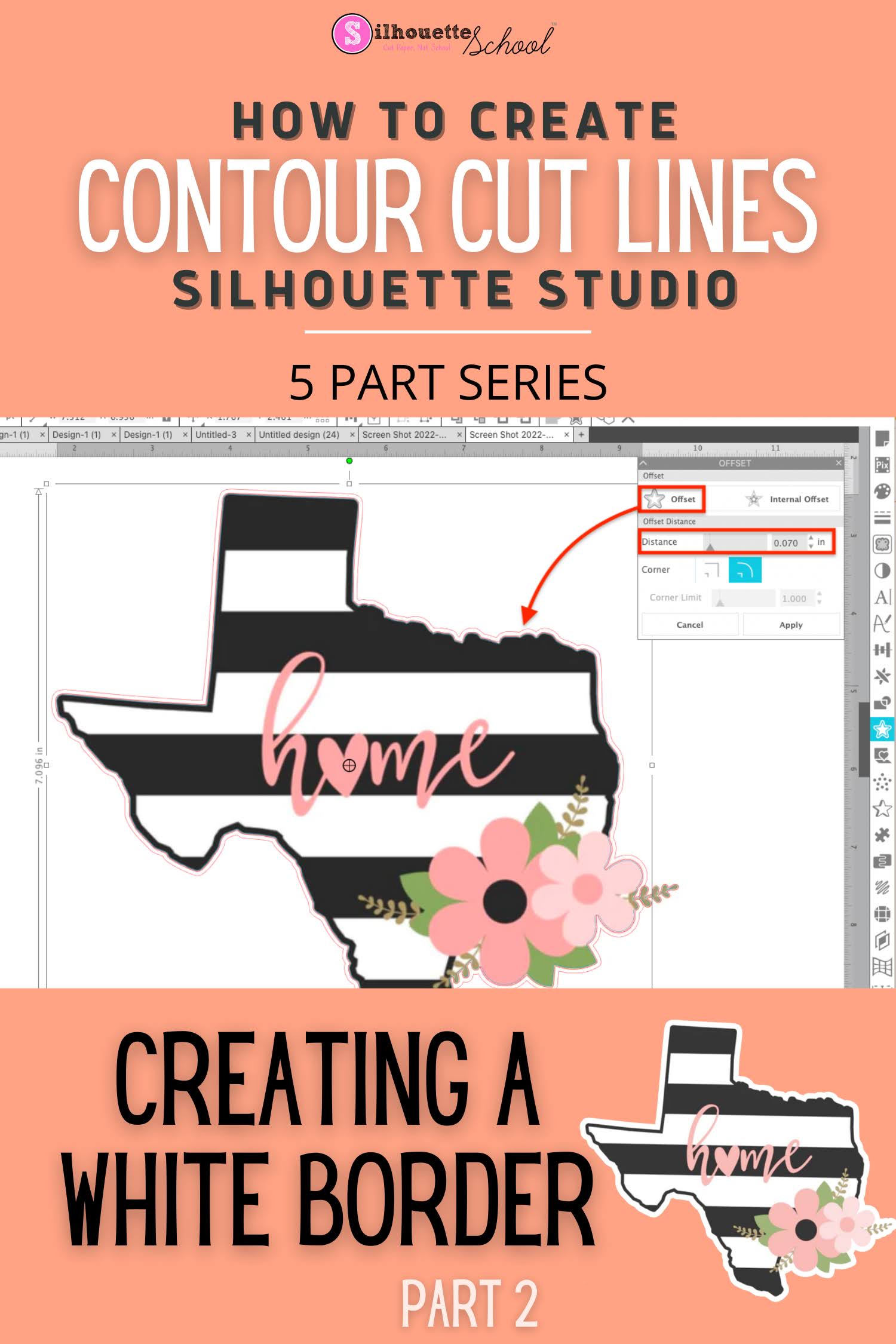
How to Create a Contour Cut with White Edge in Silhouette Studio

There are many reasons you may want to put a solid white edge around a design in Silhouette Studio. 

silhouette 101, silhouette america blog, contour cut, white edge, stickers

A white border on stickers gives a clean, polished, and professional look.  Adding a white edge around your design in Silhouette Studio is fast and easy using the offset tool.  

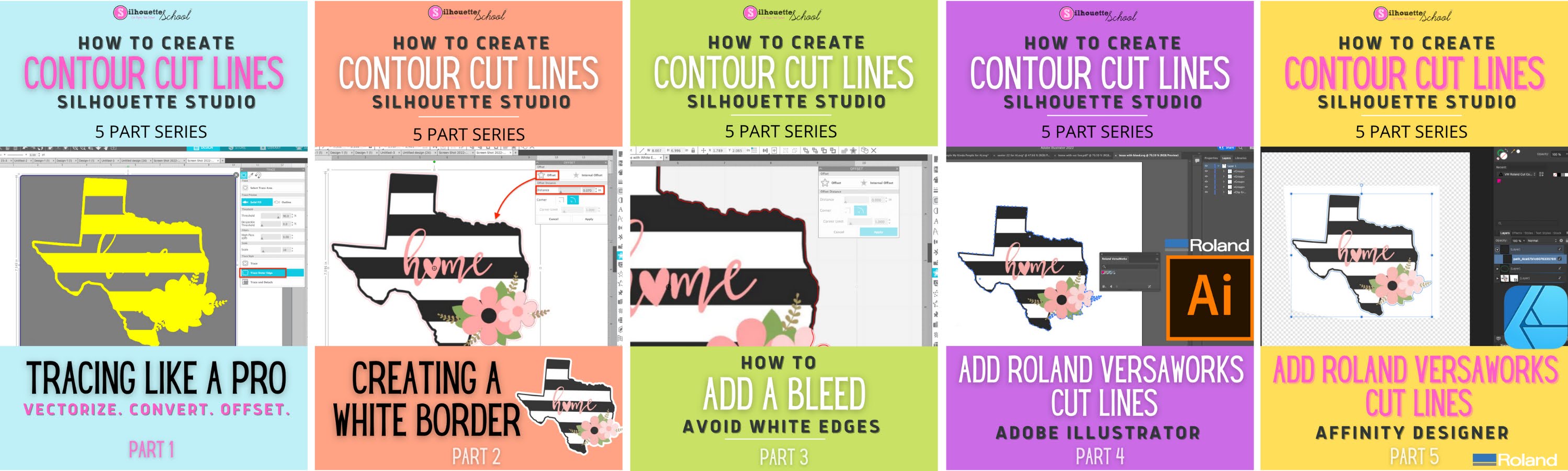
This post is part 2 of my Five Part Series on Creating and Working with Contour Cut Lines in Silhouette Studio. If you haven't followed Part 1: How to Create Cut Lines around your JPEG or PNG by Tracing you'll want to do that before you go any further.  

contour cut, white edge, stickers, PNG, roland bn20

If you'd rather NOT have a white edge on you design, but would instead like to create a full color bleed, check out Part 3 of this series

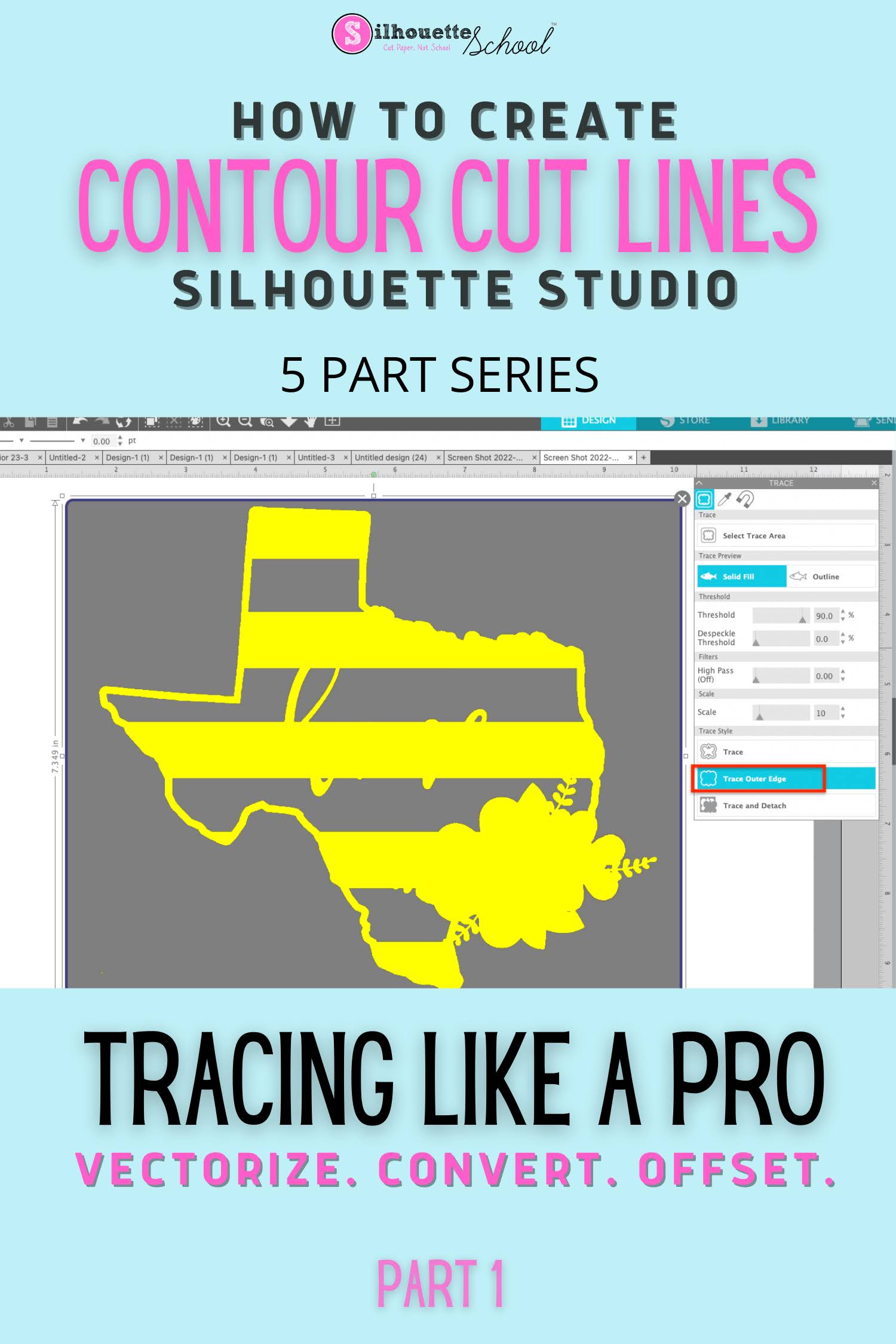
How to Create a Contour Cut Line in Silhouette Studio by Tracing (and Convert JPEG or PNG to SVG)

The Silhouette Studio trace tool is one of the best features of the software and definitely a step above the tracing tools in even some of the more "elite" (and expensive) graphic design software programs.  

Silhouette studio tracing lines, make contour cut lines silhouette, make contour cut lines for roland bn20,how to trace in silhouette studio, tracing in silhouette studio


You can use Silhouette Studio to create contour cut lines around images quickly and easily.  This is also how you can vectorize JPEG and PNG files before exporting as SVG from Silhouette Studio. 

Learning to trace to create cut lines in Silhouette Studio is hugely important because it is a fundamental skill that is necessary for other design functions including adding a bleed, an offset, a border and vectorizing or converting PNG and JPEG.  It's also hugely helpful for creating cut lines that other programs - including Adobe Illustrator and Affinity Designer - can also recognize. If you have added a Roland BN-20 print and cut machine, for example, creating the contour cut lines in Silhouette Studio is a breeze.

I have designed this Silhouette Studio beginner tracing tutorial as just the first in a five part series on creating contour cut lines in Silhouette Studio. Each part builds on the previous tutorials in the series so I highly suggest you go through them in order.  

convert png to svg, convert jpeg to svg, cutting a jpeg silhouette cameo

Even if you don't have a Silhouette cutting machine or aren't using it for your current job, the trace tool is extremely helpful. It's one of the many reason why I suggest that even if you don't have a Silhouette cutting machine, you consider using Silhouette Studio

Creating Contour Cut Lines in Silhouette Studio: Five Part Series 

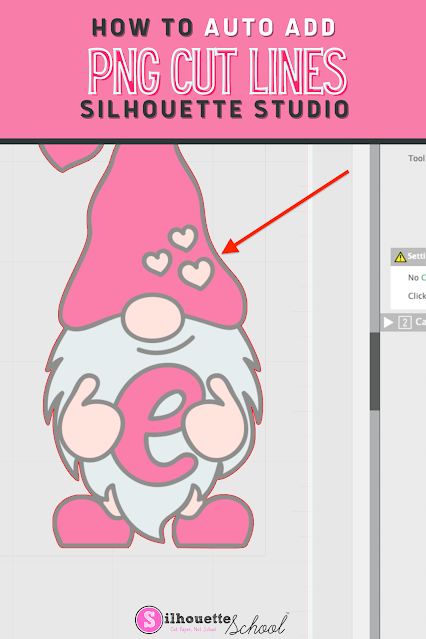
How to Automatically Add Cut Lines to a PNG Image in Silhouette Studio

You can cut PNG images with the Silhouette cutting machines, but first you need to make sure they have cut lines. 

silhouette america, silhouette school blog, silhouette studio v4, print and cut, PNG

Cut lines can be automatically added to transparent PNG images import into Silhouette Studio - and this tutorial will explain how!

How to Auto Trace a PNG Image in Silhouette Studio

No more tracing PNG images in Silhouette Studio...you can use auto trace option! 

silhouette 101, silhouette america blog, PNG files, trace by color, cut files


Using the AutoTrace feature in Silhouette Studio for PNG is also the answer for how to eliminate that red square box in Silhouette Studio! 

Free Silhouette Sewing Design Set (Commercial Use Available)

It's the best time of the week here at Silhouette School...Freebie Friday!!


This week we are sharing an adorably cute sewing design set that you can use for so many thing. And we even have an extra large sewing design set for you with the commercial use license..if you're feeling extra crafty!