Copyright Silhouette School 2016. Powered by Blogger.


Showing posts with label export silhouette studio library. Show all posts

Can't Find Your designs in the Silhouette Studio Library? Here's Why

You know you own the file. You bought it, or you made it yourself, and now you need it. You type what you are pretty sure it was called into the search bar, and you get zero search results. 

Cut Files,export silhouette studio library,library missing,silhouette library,Silhouette Studio Library,


Here's the issue - and it's not that you have too many files or that the search is broken. It's that files you created or imported, specifically, are simply missing the information that would let a search find them. 

Is Silhouette Studio Business Edition Worth it Without a Silhouette Machine?

If you own a Roland, an xTool laser, DTF or UV DTF printer, a sublimation printer or any machine that isn't a Silhouette cutter, you may not have given Silhouette Studio a second thought. 

Silhouette Business,Silhouette Studio Business Edition,Silhouette Studio,Roland,export files,export silhouette studio library,

As someone who has used a lot of different printing, design and rip software for a lot of years - I can tell you with certainty - even the free version of Silhouette Studio is actually one of the most underrated design tools for non-Silhouette machine owners.

If you don't have a Silhouette machine - that makes Silhouette Studio Business Edition even more worth it for you specifically for the file formats it can export.

How to Export Files From Silhouette Studio to Your Hard Drive In a Format You Can Use (Game Changer!)

You can now bulk export files from Silhouette Studio AND access them individually to open in other programs, transfer them, or store them in another location. 

silhouette 101, silhouette america blog, silhouette studio library, silhouette studio v4, export silhouette studio library

This is one of the biggest - and impactful - changes to Silhouette Studio in a long time. Anyone who has ever wanted to transfer Silhouette Studio files to another program or hard drive  knows how big of a game changer this is. 

How to Prepare to Move Silhouette Studio to a New Computer (Free Step by Step Printable Checklist)

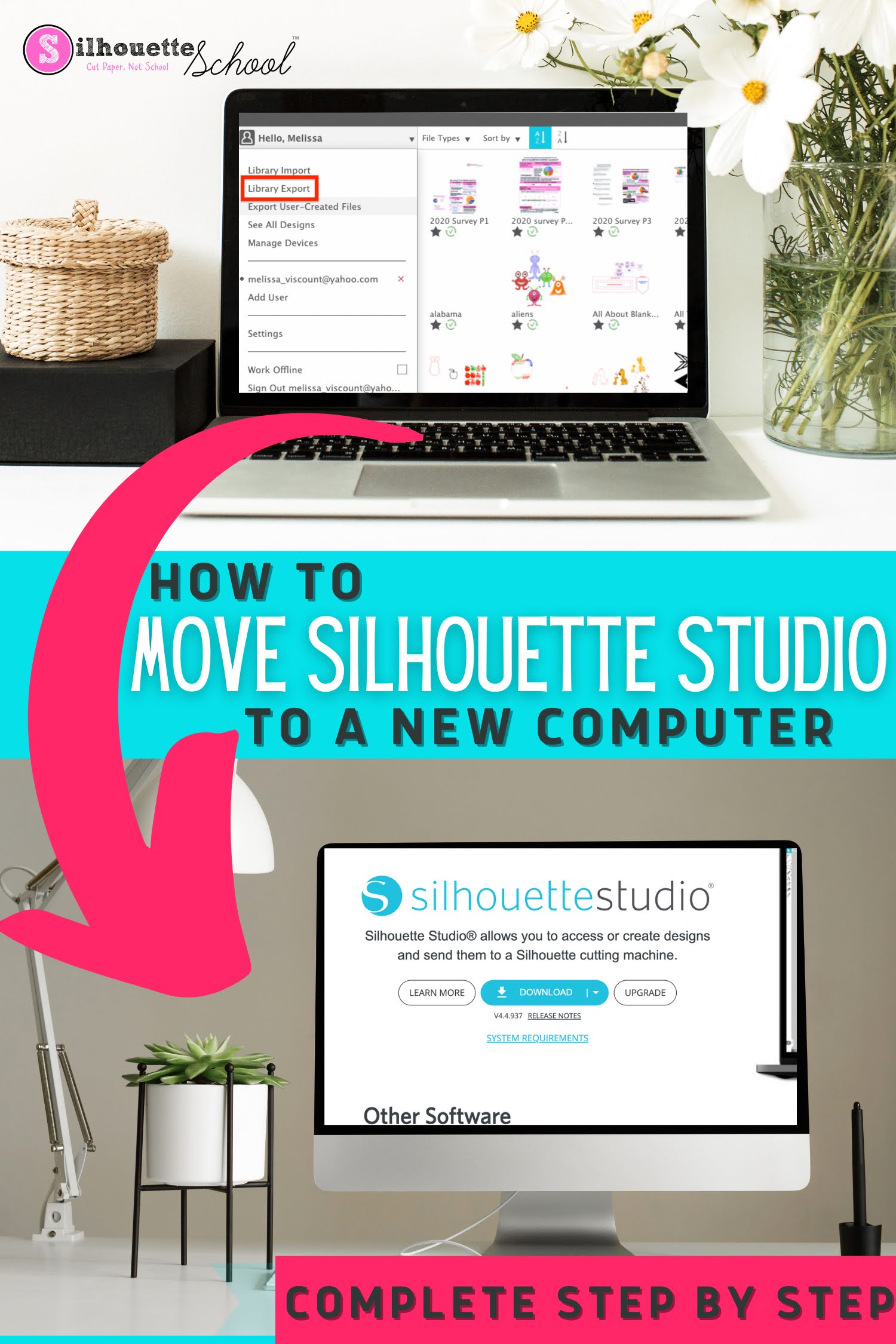
If you need to move Silhouette Studio to a new computer there are some important steps you'll need to take before you actually install the Silhouette software on your new computer. 

Silhouette Studio,software setup,silhouette software,export silhouette studio library,


As long as you follow these steps you should have no problem as you prepare to move your Silhouette software, Silhouette library, and custom cut settings to a new computer. 

How (And Why) to Import Your Silhouette Library to Google Drive

If you're looking for the best place to store your Silhouette files, I will continue to recommend Google Drive. 

file storage,Silhouette Studio Library,Designs,Cut Files,export silhouette studio library,silhouette library,storage,Silhouette Studio Organization,


In this tutorial, which is part of my Safely Storing Your Silhouette Files series, I am sharing details on how to import your Silhouette library into Google Drive. 

Easiest Way to Open and Use Silhouette Files NOT Stored in Silhouette Library

With all the recent changes to the Silhouette Cloud storage limits, I'm getting a lot of questions about how to use Silhouette files once you've moved them out of Silhouette Studio.  

export files,Silhouette Studio,library missing,Free Studio Files,Cut Files,silhouette library,export silhouette studio library,Files,


It's actually very easy. In this tutorial, I'll show you exactly how to access and use your Silhouette files when they're stored somewhere else on your computer or on an external drive. 

Silhouette Design Store Warning on Reduced Storage Limits (And What to Do NOW!)

If you got the recent email that your Silhouette library cloud storage would be reduced at the end of April 2025 and now you're panicking or confused - you're not alone and you're in the right spot.  

Designs,Silhouette Studio Library,Silhouette Cloud,Silhouette Store,export silhouette studio library,Silhouette Store Subscriptions,


Not only are we going to clear up the confusing email - but I have a step by step guide on what you need to do to save, access, and continue using your Silhouette designs.

And should you even be worried at all? Read on...

Protect Your Silhouette Studio Library - Video Tutorial

Silhouette Studio users, this is important!!

silhouette, silhouette library,export silhouette studio library,Silhouette Studio,Backup,

There's a crucial step you can take right now to safeguard your valuable library and avoid potential disaster.

I Lost 4000 Files in My Silhouette Library - And Got Them Back With 4 Clicks

If you've lost your Silhouette library - or a good portion of it - I completely understand how you feel. 

Silhouette Studio Library,library missing,Silhouette Design Store,silhouette library,export silhouette studio library,


But..I don't want you to panic...yet.  I lost more than 4,000 design files in my Silhouette library and got them all back quickly.  Read on and then save this post for when you re-start Silhouette Studio and realize: poof my Silhouette library is empty!  

How to Improve Print Colors from Silhouette Studio

If the color prints from Silhouette Studio are dull and not as bright and vibrant as you'd like when you're exporting them, there is a little trick to fixing that. 

silhouette 101, silhouette america blog, silhouette studio, sublimation printing, print and cut

Silhouette Studio users often complain the colors of their exported PNG and JPEG files, specifically, are "off".  In this tutorial I'll show you how to improve your print colors so you get bright, beautiful, and vibrant colors when exporting from Silhouette Studio. 

How to Install Silhouette Studio on Another Computer

If you're wondering how to install Silhouette Studio on another computer - you've come to the right spot. 

silhouette 101, silhouette america blog, silhouette studio v4, silhouette library, silhouette studio library export

There are several different reasons why you might need to install Silhouette Studio on a second computer. There are also several steps to fully moving your Silhouette Studio software, library, and any software upgrades.  

Follow this tutorial for how to install Silhouette Studio on another computer. 

5 Places to Keep and Organize Silhouette Designs

Ever wonder where the best place to store and organize your Silhouette designs is? I'm sure you have.

silhouette cameo library, silhouette studio library, silhouette library designs, silhouette 101, silhouette america blog

With the inconsistency of the Silhouette cloud library and the fear of losing the library, it's becoming a question I see in my inbox almost daily.  In this Silhouette tutorial I'll share five places you can  store and backup your Silhouette library - plus the one I recommend the most.

How to Export Silhouette Studio Library (V4.3 or V4.4)

If you need to move your Silhouette Studio Library to a new computer you'll need to export your entire library.

silhouette 101, silhouette america blog, export silhouette studio library, silhouette studio, silhouette studio v4.3

The process for how to export your Silhouette Studio library has changed slightly in Silhouette Studio V4.3 and V4.4 from earlier versions of the software.  This tutorial will walk you through how to move your entire Silhouette Studio library to a new computer.

How to Back Up or Export Library in Silhouette Studio V4.2 (in 3 Steps)

To back up your library in Silhouette Studio V4.2, there's a slight change from previous versions of the software.

silhouette cameo library, silhouette studio library, silhouette library designs, silhouette america blog, silhouette 101


Now that there's no Local User library folder, right clicking on that folder to export the library isn't possible. This free Silhouette Studio tutorial will walk you through the three quick steps it takes to export your entire Silhouette Studio library.

How to Back Up Silhouette Studio Library in V4.2

With Silhouette Studio V4.2 change to the library structure, the steps to back up or export your entire Silhouette Studio library changed.

silhouette cameo library, silhouette studio library, silhouette library designs, silhouette design library, silhouette america blog

The process to back up the Silhouette Studio library in V4.2 is still very easy - and even with automatic library backups, it's still necessary.   If you want to move your entire Silhouette Studio library to a new computer, this Silhouette tutorial will walk you through.

Automatic Library Back Ups in Silhouette Studio V4.2 (Snapshots Tutorial)

Silhouette Studio V4.2 was released last week and it includes a hidden feature that quickly went to the top of my favorite software feature list.

silhouette cameo library, silhouette studio library, silhouette library designs, silhouette america blog, silhouette 101

Silhouette Studio V4.2 has an automatic and built in library backup which means even if you're not consistent about manually backing up your library - there's a safety net.

How to Back Up or Export Your Silhouette Studio Library in V4

If you're working in Silhouette Studio V4 and need to export or back up your entire library, it's easy to do.

silhouette cameo library, silhouette studio library, silhouette library designs, silhouette design library, silhouette design store
In just a few steps you'll be able to export your entire Silhouette Studio to save it to your computer's hard drive, a flash drive, or move it to a new computer.

Silhouette Studio Library Missing: How to Get It Back

I have been getting more and more frantic emails recently from Silhouette School readers who have lost their Silhouette Studio library.  First - don't panic. Unless your computer crashed and you never backed up your library, it's likely you can recover the majority - if not all - of your designs.

recover silhouette studio library, find missing files, silhouette studio crash, silhouette studio designs missing, silhouette cameo tutorial

No matter how you lost your library, you can get your Silhouette America designs back - as they are linked to your account. Silhouette America can re-sync your library and you will get those designs back - no worries.