



Showing posts with label images. Show all posts
How to Remove a Background in Silhouette Studio (Two Methods)
Tuesday, April 28, 2026
One of the most common questions I get is how to remove a photo background in Silhouette Studio. And the good news is there are two ways to do it right inside the software - no Photoshop, no Canva, no extra apps needed.

Here's the thing. The method you use depends on your photo. I'm going to show you both so you can pick the right one for whatever you're working on.
I'm using these techniques to make DIY big head cutouts - but this works for any project where you need a cut-to-shape image, like photo booth props or custom stickers.
How to Change the Colors of a PNG in Silhouette Studio
Thursday, April 16, 2026
Wondering how to change the colors of a PNG in Silhouette Studio?
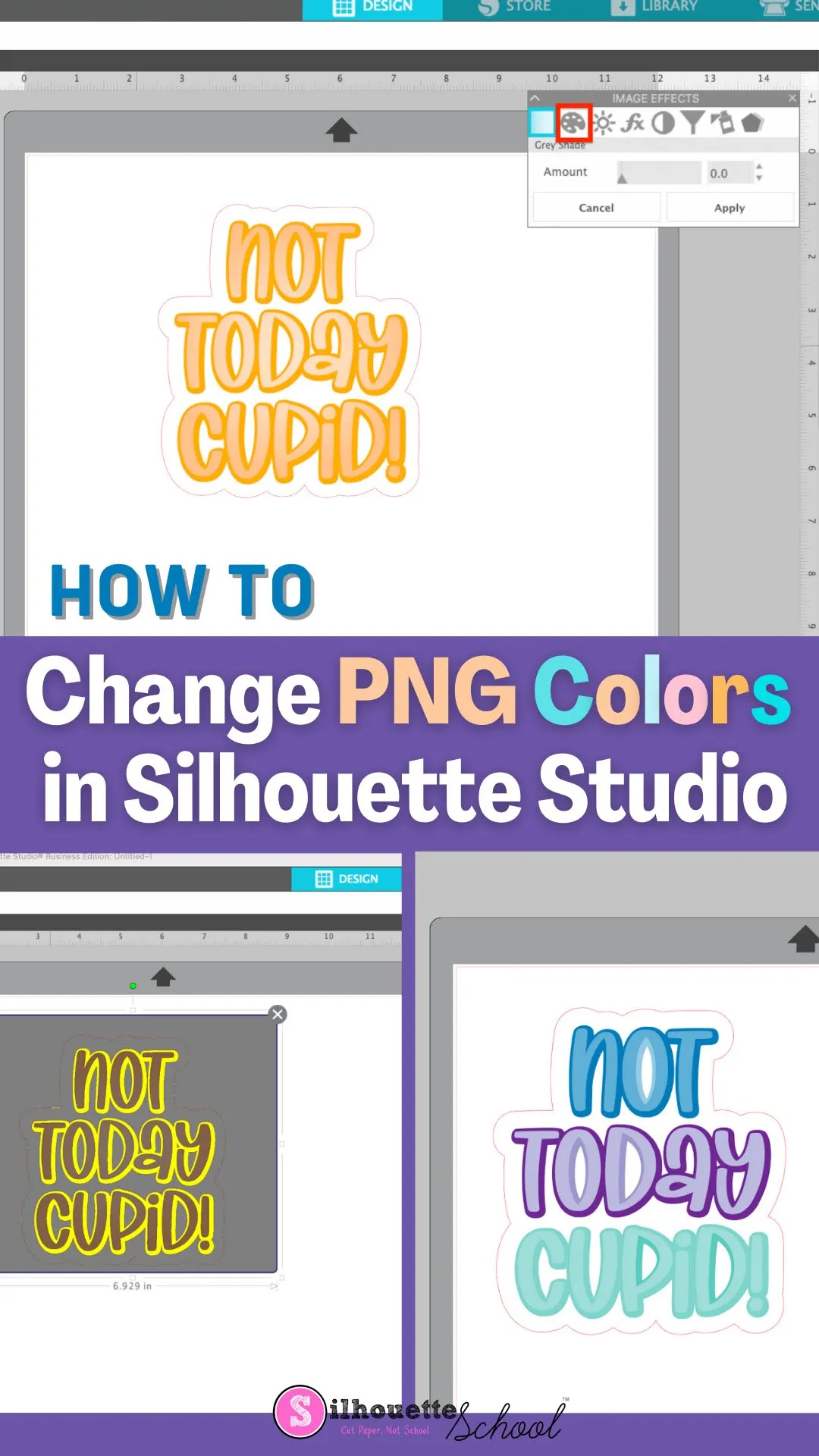

There are actually two ways to do it. One is a single click and other requires a bit of manual work. Read on for how to change the colors of a PNG in Silhouette Studio.
How to Trace a Silhouette of a Person in Silhouette Studio
Monday, September 12, 2022
You can trace a Silhouette of a person in Silhouette Studio to turn it into a cut file to create silhouette art.

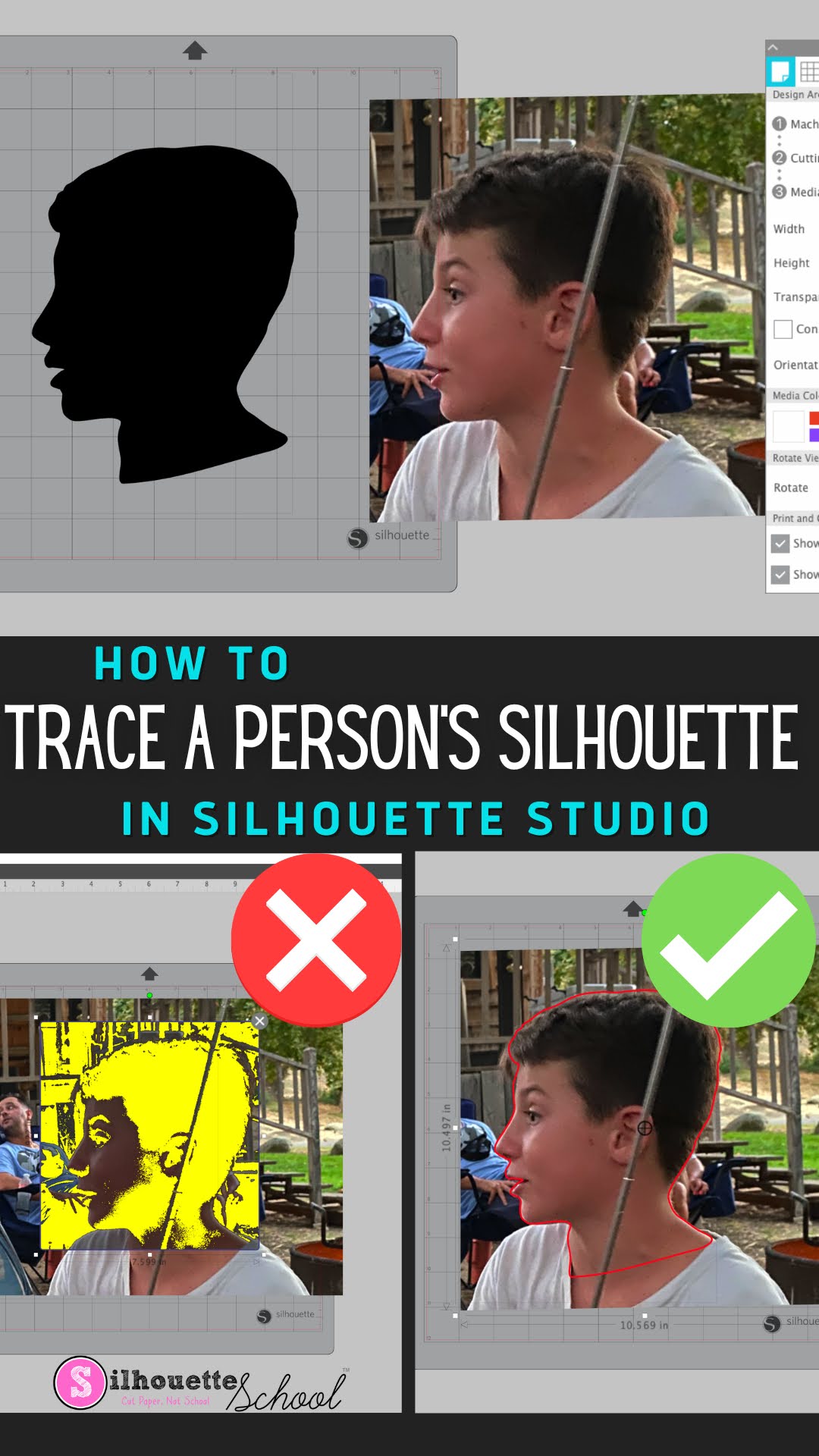
What's even better is this can be done in the free version of Silhouette Studio. Read on for the full tutorial on how to trace a silhouette of a person in Silhouette Studio.
Subscribe to:
Posts (Atom)


.png)


