
Copyright Silhouette School 2016. Powered by Blogger.


Showing posts with label silhouette studio designer edition. Show all posts

Silhouette Studio Running Slow? Check This!

If Silhouette Studio is running slow and you've already confirmed your computer meets the minimum requirements to run the software, it could be how you're designing or editing that's contributing to the slow processing. 

Silhouette Studio,Silhouette Studio Business Edition,Silhouette Studio V4,silhouette software,Designing,Silhouette Studio V3,Troubleshooting,silhouette studio designer edition,

There are various ways to try to speed up the Silhouette software, including making sure you're not overloading the software. Read on to learn how to increase the processing speed. 
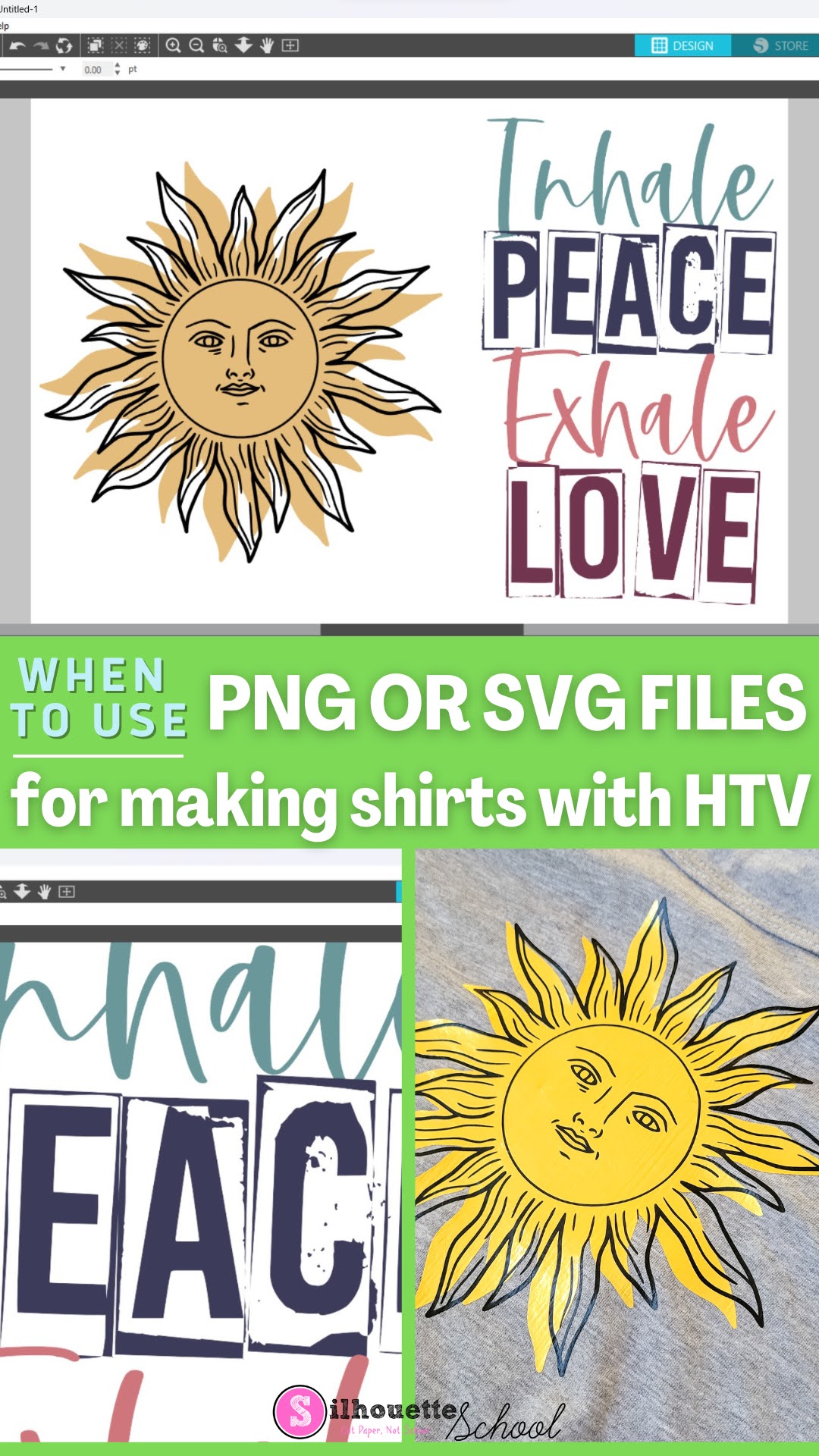
When to Use SVG or PNG files for Making Shirts with HTV

Have you ever opened a file in Silhouette Studio and it didn't have the cut lines you were expecting - or have you downloaded a big design bundle that has both PNG and SVG files? Keep reading for the difference between PNG and SVG files so you know which is going to be best for your HTV project!

silhouette 101, silhouette america blog, silhouette studio file types, svg files, png files, silhouette studio designer edition
