Copyright Silhouette School 2016. Powered by Blogger.


Showing posts with label contour cut lines. Show all posts

iColor 250 Creating Sticker Cut Lines - Video Tutorial

Professional looking stickers is easier than you think!

contour cut lines,icolor 250,print and cut sticker machine,sticker,sticker printer,


 If you've been wondering how to easily create cut lines and add that popular white border to your stickers, I'm going to show you how I do it using the free iColor Custom Cut software.

Easily Remove Unwanted Cut Lines in Silhouette Studio

Frustrated with extra cut lines? This Silhouette Studio trick will save you time!

remove cut lines,offset,sticker,contour cut lines,Silhouette Studio,Silhouette Print and Cut,


Clean up your designs in seconds with this simple technique for removing unwanted cut lines.

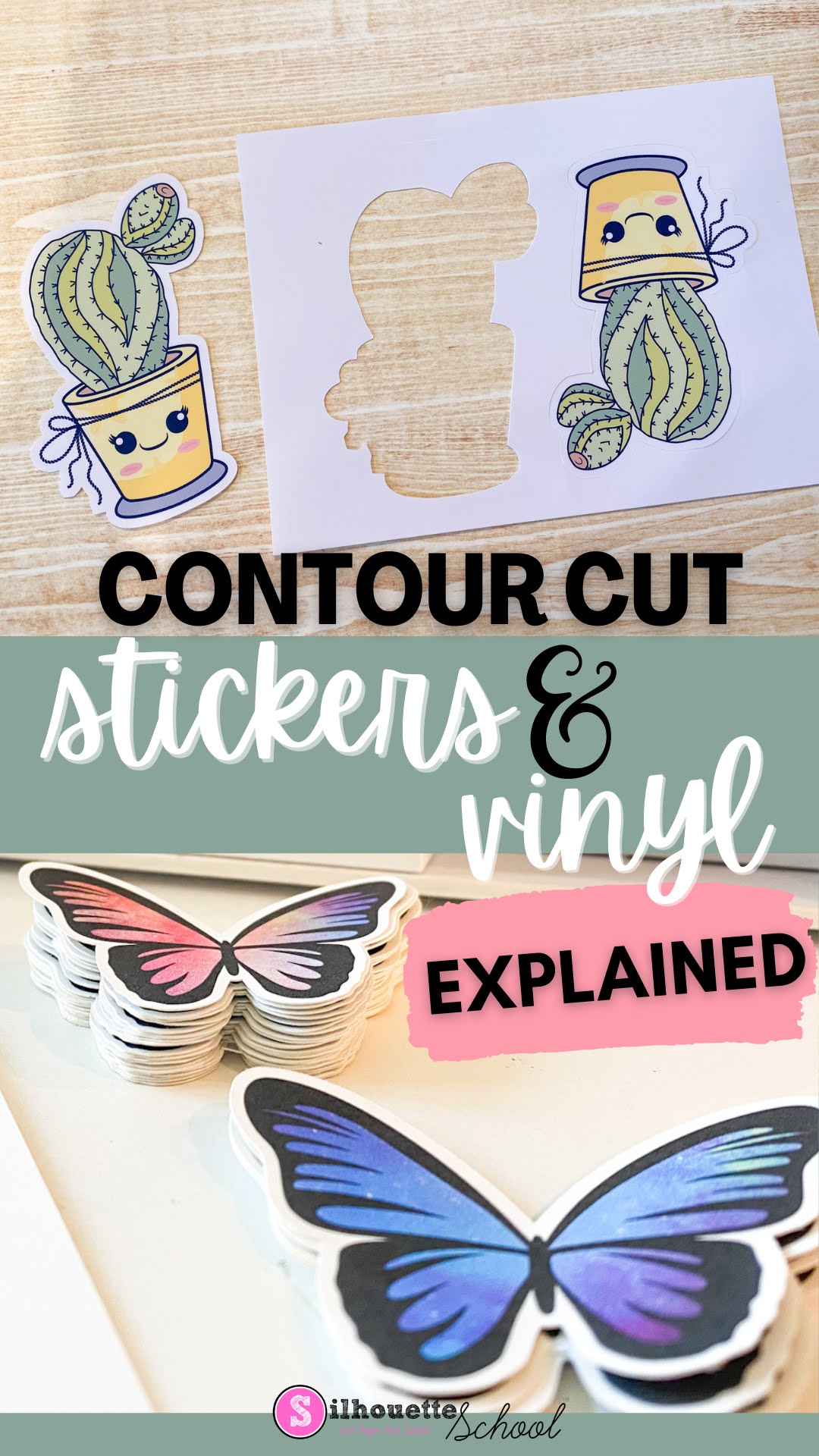
Contour Cut Stickers and Vinyl Stickers Explained: What is the Contour Cut Meaning Anyway?

If you have a Silhouette CAMEO, or any vinyl cutter or print and cut machine including a Roland BN-20A, you've no doubt heard the term "Contour Cut". But what is the meaning of contour cut? 

silhouette 101, silhouette america blog, print and cut, contour cut lines, stickers

Contour cut describes how a sticker or vinyl sticker is cut around the edge of the image or shape. Read on get a better understanding of contour cutting and how to accomplish it with a Silhouette CAMEO. 

Silhouette Studio and Affinity Designer Cut Lines for Roland Versaworks: Why Is My Entire Design Filling with Pink?

If you're using Silhouette Studio and Affinity Designer to create cut lines for Roland Versaworks, you have probably run into this common issue where the entire SVG turns pink in Affinity Designer. 

silhouette america blog, silhouette 101, roland, contour cut lines, affinity designer

This happens in Affinity Designer after the Silhouette Studio created SVG is imported. The reason can be hard to recognize if you're still new to Affinity, but the fix is very easy. Read on for how to fix designs that are filling with solid pink in Affinity Designer.

How to Create Roland Contour Cut Lines FREE Without Any Paid Software (Free Practice File)

Did you know you can add Roland Versaworks contour cut lines for free...in other words without Adobe Illustrator, CorelDraw, Affinity Designer? You can do it right in Roland Versaworks!! 

silhouette 101, silhouette america blog, roland, roland bn20a, contour cut lines,

Roland quietly added a new feature in Roland Versaworks 6.13 (and higher) that allows users to create contour cut lines on an SVG directly in Versaworks and without any paid software program.  There's just one caveat - the PDF has to come into Versaworks with vector data.  Don't worry if you have no idea what that means I'm going to explain...every step and you won't be paying a cent to add Roland Contour Cut Lines to your SVG files! 

How to Remove Unwanted Cut Lines in Silhouette Studio

If you have unwanted cut lines in Silhouette Studio you can easily remove them. 

silhouette 101, silhouette america blog, silhouette studio, silhouette studio v4, roland

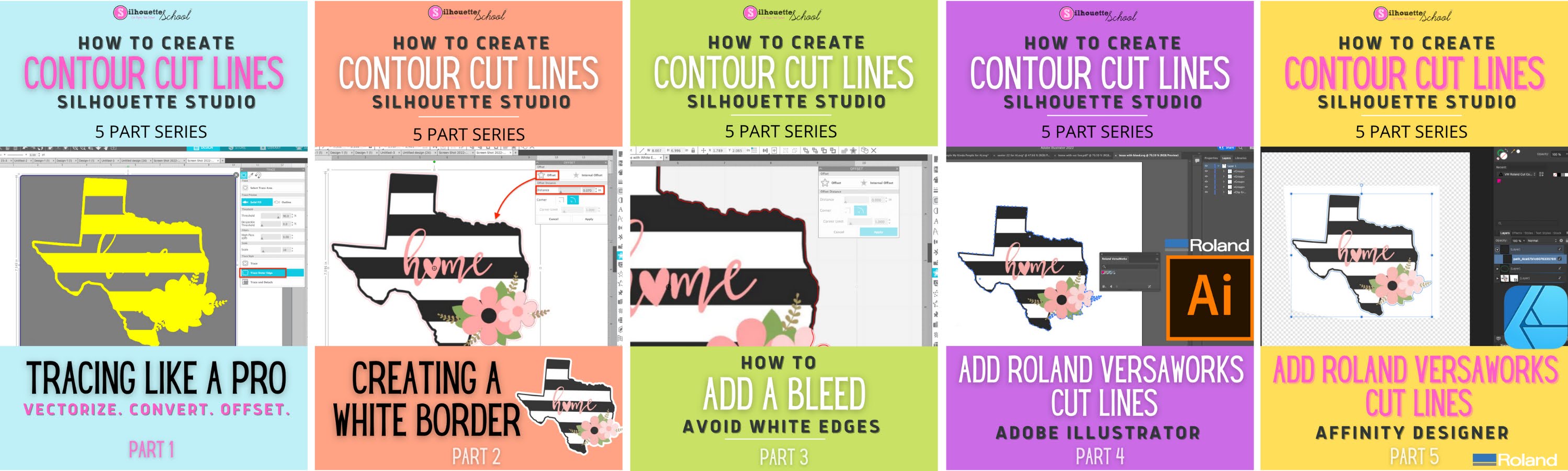
In fact you can actually avoid them to begin with if you're tracing.   Most often people want to get rid of internal cut lines because they only want the outside edge of the design to cut. This tutorial is a bonus in the 5 Part How to Create Contour Cut Lines in Silhouette Studio series and will explain how to get rid of red cut lines in Silhouette Studio. 

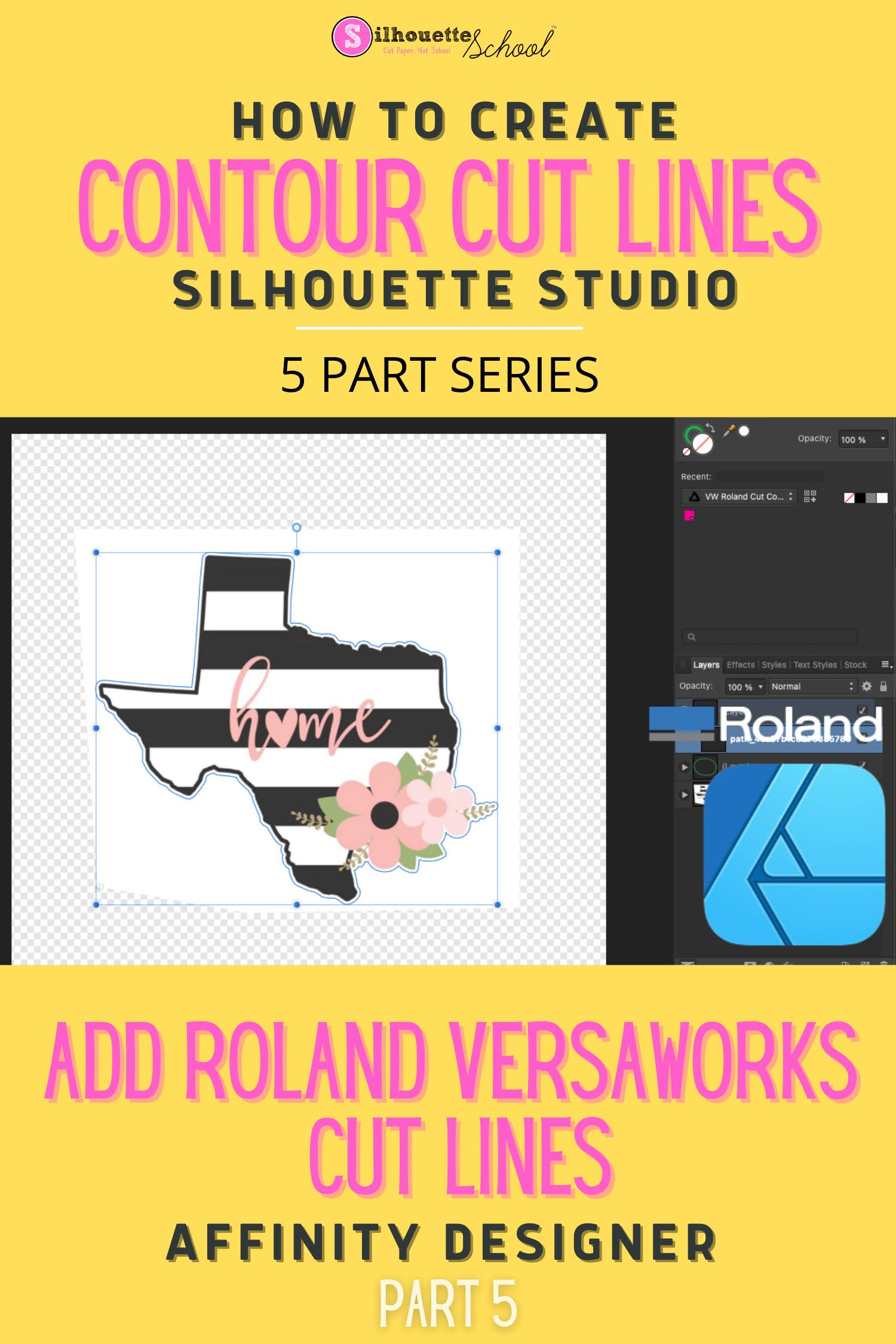
How to Create a Roland BN-20 Contour Cut Line Using Silhouette Studio and Affinity Designer

If you're new to Roland BN-20 or BN-20A one of the most intimidating parts can be creating contour cut lines. Fortunately it's easy to add a VersaWorks contour cut lines in Affinity Designer using a cut line and SVG created in Silhouette Studio. 

versaworks, roland, contour cut lines, silhouette 101, silhouette america blog


versaworks, roland, contour cut lines, roland bn20, affinity designer, silhouette business

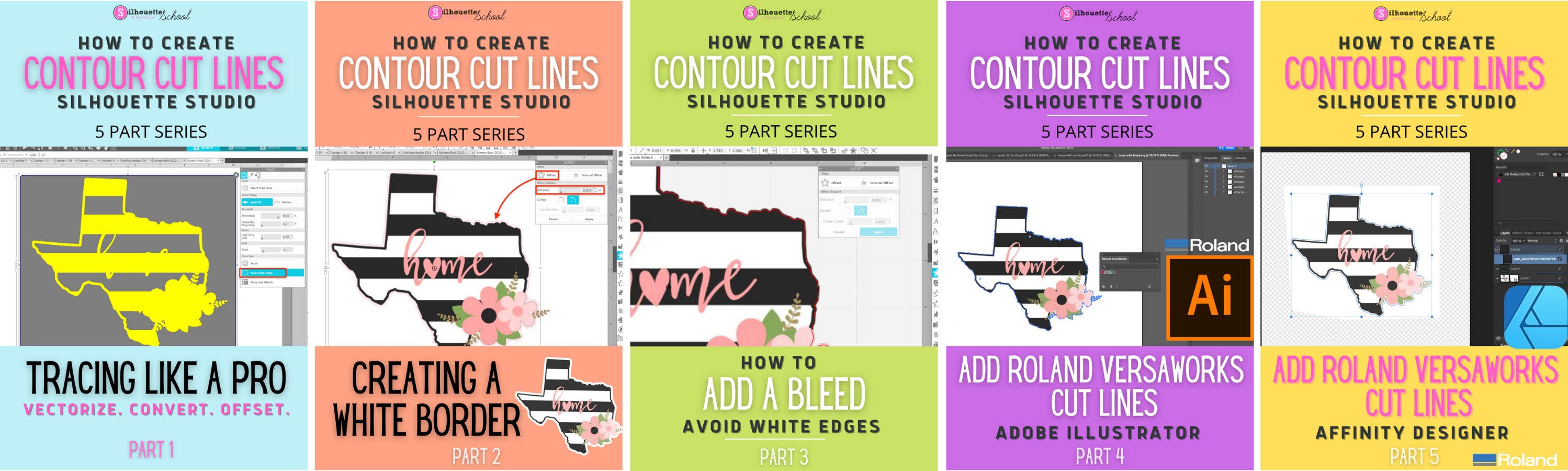
This tutorial is part of a five part series on using Silhouette Studio to create contour cut lines including bleed lines and white borders. If you haven't started from the beginning of the series, I would highly suggest you do that to learn: 
This tutorial assumes you have a firm understanding of the three critical steps before advancing...and that you have Silhouette Studio Business Edition and Affinity Designer

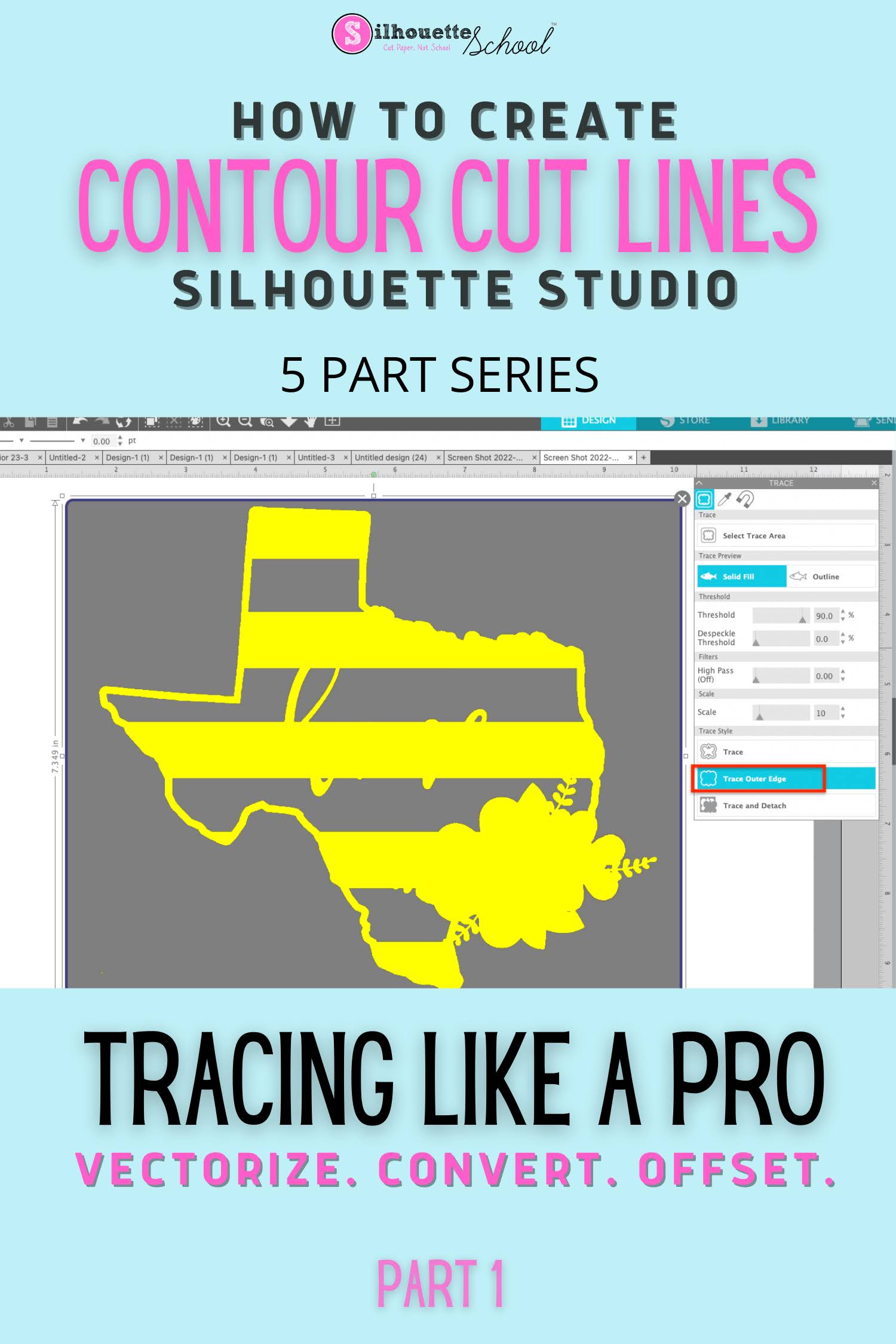
How to Create a Contour Cut Line in Silhouette Studio by Tracing (and Convert JPEG or PNG to SVG)

The Silhouette Studio trace tool is one of the best features of the software and definitely a step above the tracing tools in even some of the more "elite" (and expensive) graphic design software programs.  

Silhouette studio tracing lines, make contour cut lines silhouette, make contour cut lines for roland bn20,how to trace in silhouette studio, tracing in silhouette studio


You can use Silhouette Studio to create contour cut lines around images quickly and easily.  This is also how you can vectorize JPEG and PNG files before exporting as SVG from Silhouette Studio. 

Learning to trace to create cut lines in Silhouette Studio is hugely important because it is a fundamental skill that is necessary for other design functions including adding a bleed, an offset, a border and vectorizing or converting PNG and JPEG.  It's also hugely helpful for creating cut lines that other programs - including Adobe Illustrator and Affinity Designer - can also recognize. If you have added a Roland BN-20 print and cut machine, for example, creating the contour cut lines in Silhouette Studio is a breeze.

I have designed this Silhouette Studio beginner tracing tutorial as just the first in a five part series on creating contour cut lines in Silhouette Studio. Each part builds on the previous tutorials in the series so I highly suggest you go through them in order.  

convert png to svg, convert jpeg to svg, cutting a jpeg silhouette cameo

Even if you don't have a Silhouette cutting machine or aren't using it for your current job, the trace tool is extremely helpful. It's one of the many reason why I suggest that even if you don't have a Silhouette cutting machine, you consider using Silhouette Studio

Creating Contour Cut Lines in Silhouette Studio: Five Part Series