Showing posts with label Silhouette Studio File Types. Show all posts
What Is the Best File Type for Silhouette Studio?
Thursday, August 15, 2024
Silhouette Studio support a wide range of file formats and picking the best one can have a significant impact on design process and saving and exporting the designs.
Silhouette Studio File Types: Avoiding the Silhouette Studio File Not Supported Error
Thursday, February 1, 2024
There are at least a dozen different file types you can import into Silhouette Studio - but not all files types are supported in all versions of Silhouette Studio. If you've ever gotten the error "Silhouette Studio File Not Supported" it's because you are attempting to import a file that the version of Silhouette Studio you are using can't open.
This Silhouette Studio tutorial provides an easy break down and list of file types Silhouette Studio supports...and therefore which can be cut with your Silhouette CAMEO, Portrait, and Curio.
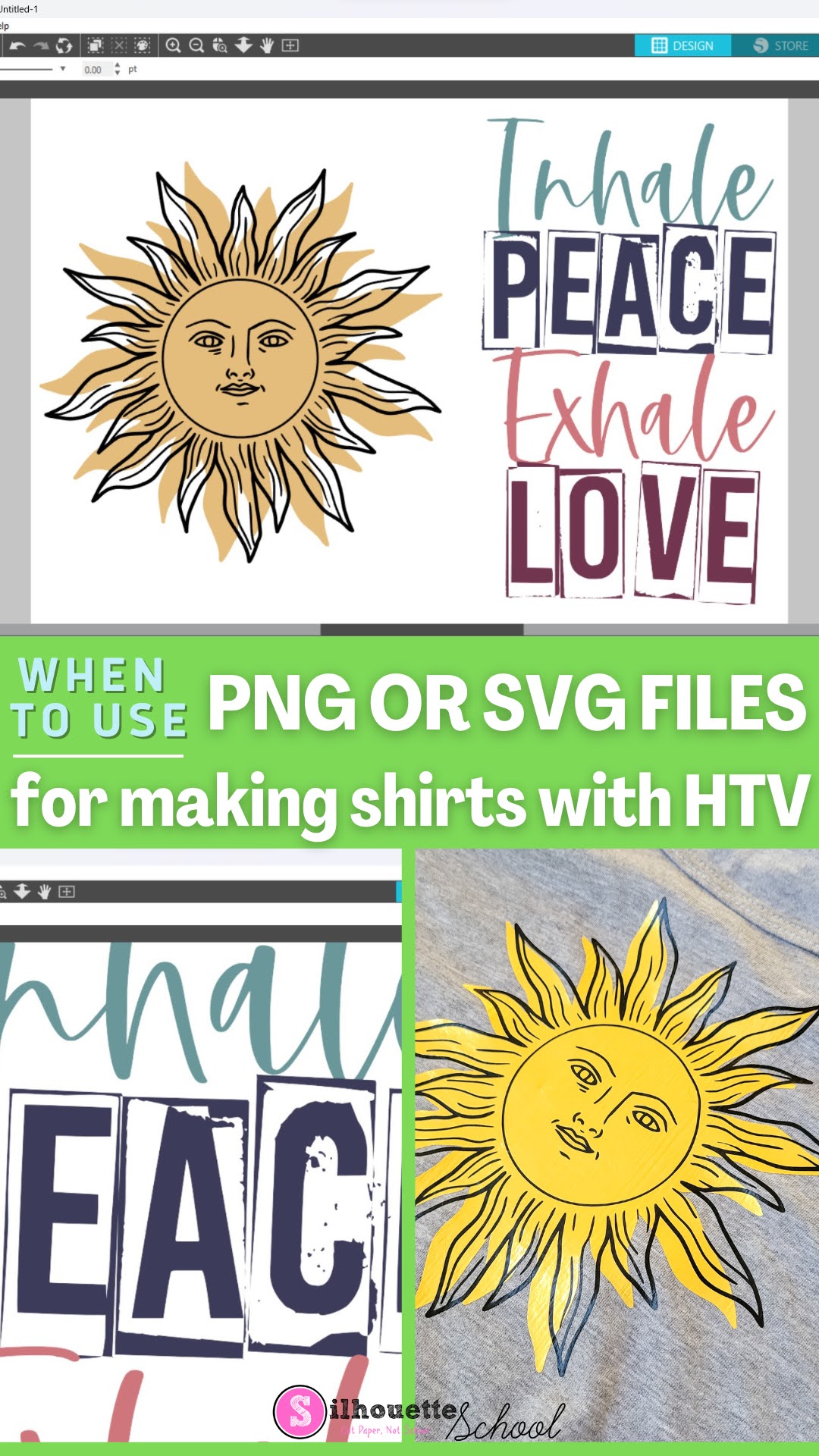
When to Use SVG or PNG files for Making Shirts with HTV
Thursday, September 28, 2023
Have you ever opened a file in Silhouette Studio and it didn't have the cut lines you were expecting - or have you downloaded a big design bundle that has both PNG and SVG files? Keep reading for the difference between PNG and SVG files so you know which is going to be best for your HTV project!
Best File Type for Silhouette When You Don't Have Designer Edition
Thursday, October 6, 2022
If you're using the basic free version of Silhouette Studio you are somewhat limited in the file types you can use - specifically from outside sources.
That leaves a lot of users wondering what the best file type is to import when the .Studio3 file is not an option.
Design Bundles for Silhouette: File Types to Keep
Tuesday, February 25, 2020
Often when downloading design bundles for Silhouette CAMEO, the zip file will contain multiple file types.
Each of them are useful in their own way but aren't always necessary to store on your computer. So should you keep of the Silhouette file types or delete them?
Using DXF Files in Silhouette Studio
Thursday, January 25, 2018
You may have seen DXF files and never realized that you can use uses them with Silhouette - in fact they're ideal in many cases.
DXF files open in standard Silhouette Studio with cut lines, which means they don't need to be traced - like JPEG and PNG files. Silhouette School contributor Kati from Houseful of Handmade is here today to share the details!
DXF files open in standard Silhouette Studio with cut lines, which means they don't need to be traced - like JPEG and PNG files. Silhouette School contributor Kati from Houseful of Handmade is here today to share the details!Silhouette Studio V4 File Type: Why it's Still .Studio3
Wednesday, October 11, 2017
Subscribe to:
Posts (Atom)


.png)



