It is my favorite day of the week, Freebie Friday!! Here is another Silhouette Free Download!
Free Hoppy Easter Cut File
Friday, March 15, 2024
Double Sided Print and Cut Silhouette CAMEO Designs
Thursday, March 14, 2024
Did you know it's possible to make double-sided print and cut designs with your Silhouette CAMEO?! Yes!!!
It's a more advanced technique - but one that I suggest you master because it comes in really handy. I've used it to make everything from greeting cards to little printables for my kids with this front/back print and cut technique.
How to Press Multiple Colors of HTV | Silhouette CAMEO Tutorial
Wednesday, March 13, 2024
Have you ever wanted to use multiple colors of HTV on a Silhouette project, but were unsure about what one you should press first?
In this tutorial I have chosen a beautiful metallic red HTV and a regular smooth white HTV and will show you how to cut and press both on the the same blank - in this case a tote bag.
Epson Sublimation Printers Comparison: F570 vs F170 vs Converting an Inkjet
Tuesday, March 12, 2024
Epson officially jumped into the desktop sublimation printer game in 2020 by launching two dye sublimation printers: the Epson SureColor F570 and the Epson SureColor F170. They come after many crafters and at-home small business have long been converting Epson inkjet printers into sublimation printers by replacing the ink.
But what's the best Epson sublimation printer to go with...the 8.5" wide F170, the 24" wide F570 or a converted Ecotank or Workforce? I'll compare the three options here looking at a number of important factors to help you decide which Epson sublimation printer is best.
Free Silhouette St. Patrick's Cut File
Friday, March 8, 2024
It's Freebie Friday which means it's time for another Silhouette Free Download!
St Patricks Day is just around the corner so this week I am sharing this free Lucky Vibes silhouette cut file.
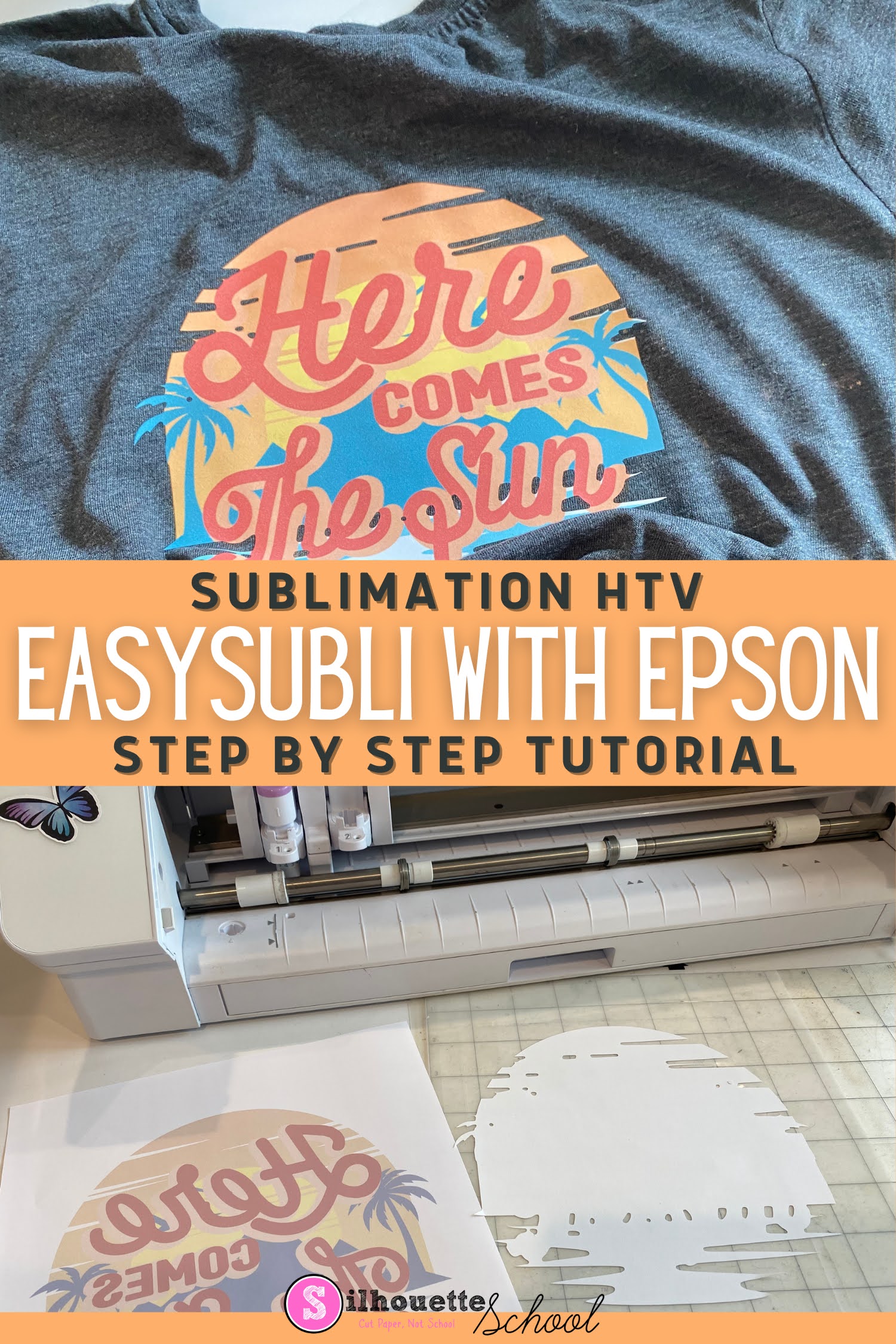
How (and Why) to Use Siser EasySubli for Sublimation on Darks and Cotton
Thursday, March 7, 2024
It's not possible to sublimate onto dark surfaces or cotton fabrics directly which is why Siser EasySubli has become a popular choice for those who don't want to be limited.
With a Sawgrass sublimation printer you can print directly onto EasySubli and then cut around the image, but Siser EasySubli - which is basically sublimation HTV - can't be fed into an Epson printer and printed on directly which means you have to take several extra steps.
I'm going to say right up front I don't recommend this method. It's time consuming and cumbersome and if you are doing this on the regular, there are far better processes and printers available that will increase your production and give you a better quality.
With that said, follow this advanced Silhouette tutorial for details on how to use EasySubli with an Epson sublimation printer.
Can You Cut HTV with Silhouette CAMEO 5 ElectroStatic Mat?
Wednesday, March 6, 2024
If you've become a fan of the Silhouette CAMEO Electrostatic mat like I have, you are probably wondering: what can be cut on the ES mat?
I have tried lots of different material from paper to fabric. But what about HTV? Read on to find out why you can cut some HTV, but not all with the CAMEO 5 ES Mat.
8 Ways to Import or Open Designs into Silhouette Studio
Tuesday, March 5, 2024
Knowing how to open designs in Silhouette Studio is one of the first things you need to know when using the Silhouette software.
There are actually at least eight different ways to open and import designs in Silhouette Studio.
How to Do Applique with HTV for Beginners | Brother SE2000 Tutorial
Monday, March 4, 2024
You can do applique with HTV to give a different look than fabric!
There are two different ways to do applique with HTV. There's the tear away method and then the more traditional method that's similar to how you would do fabric applique where the fabric is cut first.
In this tutorial I'll show you how to do applique with HTV where the vinyl is pre cut with a Silhouette CAMEO.
Subscribe to:
Posts (Atom)


.png)