Copyright Silhouette School 2016. Powered by Blogger.


Showing posts with label print and cut sticker machine. Show all posts

How to Print from Silhouette Studio to Any Printer

You can print from Silhouette Studio to any printer that's connected to your computer by USB or on the same network. 

silhouette 101, silhouette america blog, print and cut, inkjet printer, laser printer

There are various reason why you might want to print from Silhouette Studio and they may not all include printing and cutting. For example, you can print to your sublimation printer directly from Silhouette Studio and never use your CAMEO at all for the project. 

Read on for how to print from Silhouette Studio.

Laminated Vinyl Stickers Without Registration Marks

If you're looking to make laminated vinyl stickers without registration marks - there is an entry-level print and cut sticker machine that is often overlooked. 
icolor 250,Uninet iColor,vinyl stickers,adhesive vinyl,cutting vinyl,sticker,print and cut sticker machine,Sticker Paper,sticker shop,

The iColor 250 is usually dubbed as a label printer, but this MAC and PC compatible printer and cutter can easily be used as a vinyl sticker printer. When it is, it comes in as the lowest priced sticker printer on the market. 

Sticker Printer Comparison: Roland BN2-20A vs iColor 250

If you're considering getting a sticker printer you maybe deciding between two of my favorite printers: the iColor 250 and the Roland BN2-20A

Roland,roland bn 2,roland bn2-20,roland bn2-20a,icolor 250,sticker,print and cut sticker machine,Sticker Paper,sticker shop,sticker printer,

I have a lot of printers...but I can honestly say these are both incredible print and cut machines and it's a tough choice.  While there is some overlap there are different some differences as well. One thing that is the same about each of these is I love them both equally - so this is going to come down to YOUR needs and budget!

First Print and Cut in Silhouette Studio V5 (Important Changes)

If you're using Silhouette Studio V5 for print and cut, there are some important changes you'll want to be aware of. 

Stickers,registration marks,Silhouette Studio,Print and Cut,silhouette studio tutorial,print and cut sticker machine,V5,

Even if you're not a beginner, I would highly suggest going through this step by step tutorial the first time you are printing and cutting in V5. 

How to Turn Any Image into a Sticker with White Border in Silhouette Studio

If you're a sticker maker, but exclusively looking for "sticker designs" you're really limiting yourself. 

Stickers,Designing,How to,Silhouette Studio 4,silhouette studio v5,print and cut sticker machine,sticker,

Any design or image can be turned into a sticker by adding a border in Silhouette Studio. So whether or not your design is "sticker ready" is really irrelevant - because you can make it sticker ready! 

Read on for the step by step on how to turn any image into a print and cut sticker. 

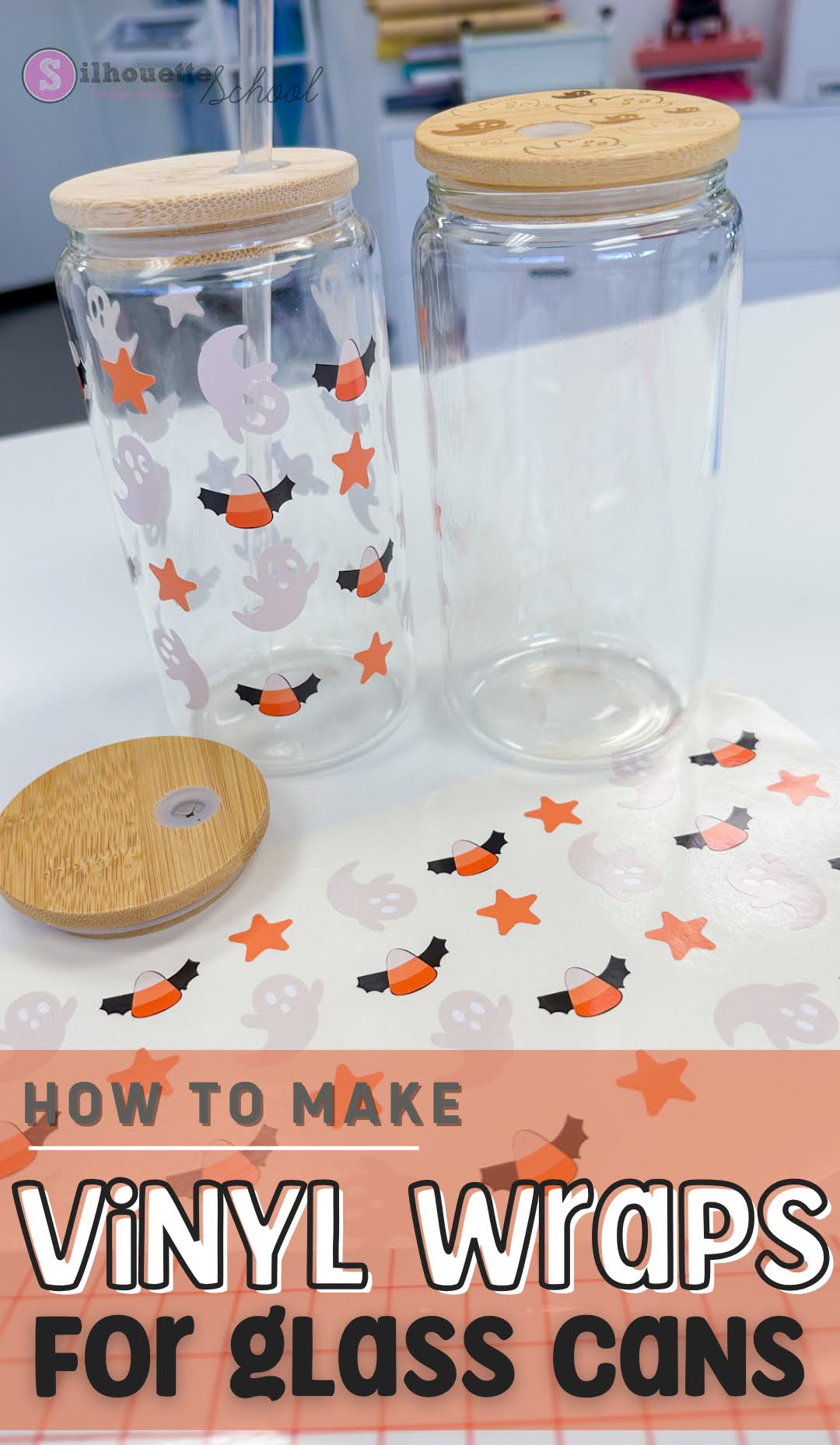
DIY Vinyl Glass Can Wraps (Without Layering Vinyl): Step by Step Tutorial

Vinyl wraps have become a popular way to decorate libbey glass can tumblers. 

roland, print and cut, silhouette cameo 4, roland bn20, roland bn2-20, roland2-20a, printable vinyl

Using printable vinyl is a great alternative to sublimation and UV DTF wraps - both of which have certain limitations.  In this tutorial we'll walk through the steps to learn how to make DIY vinyl glass can wraps without layering. 

The All-in 1-Amazon Print and Cut Sticker Machine for Under $200

Turns out there is a print and cut sticker machine on Amazon for under $200. 

sticker,sticker printer,print and cut sticker machine,Stickers,sticker shop,

I currently have two print and cut machines - a Roland BN2-20A and an iColor 250 - both cost thousands. So when Liene reached out to see if I'd be interested in trying their new sticker printer, I jumped at the chance. 

Print Continuous Sticker Rolls with iColor 250 Sticker Printer - Video Tutorial

If you’ve been looking for a way to print professional-quality stickers on a roll without needing a massive, industrial machine, I have found the ultimate solution. 

icolor 250,Uninet iColor,print and cut sticker machine,sticker,

While the iColor 250 looks like a standard label printer, it’s actually a "magic" sticker machine that can produce continuous rolls of perfectly cut stickers.

iColor 250 Creating Sticker Cut Lines - Video Tutorial

Professional looking stickers is easier than you think!

contour cut lines,icolor 250,print and cut sticker machine,sticker,sticker printer,


 If you've been wondering how to easily create cut lines and add that popular white border to your stickers, I'm going to show you how I do it using the free iColor Custom Cut software.

Sticker Shop Game Changer | Print Rolls of Contour Cut Stickers at Home!

If you're looking to print rolls of contour cut stickers at home or for your sticker shop - do not sleep on the iColor 250. 

icolor 250,print and cut sticker machine,sticker,sticker printer,sticker shop,Stickers,vinyl stickers,

It may disguise itself as a "label printer," but the iColor 250 is a what I call a magic sticker printer because of what this little machine can do!

You can print and cut continuous rolls of stickers - either the same stickers or sets of stickers. Read on for how to do this. 

How to Remove White Border From Stickers (To Use them for Sublimation or Transfers!)

Want to get more out of your sticker designs so you can them for heat transfers and sublimation, too? 

Stickers,sticker,transfer printer,print and cut sticker machine,Print and Cut,Silhouette Print and Cut,


Even though many sticker designs come with white borders that look great for stickers - they're not ideal for transfers or sublimation.  In this quick tutorial, I'm going to show you exactly how to remove those white borders using Silhouette Studio's trace by color tool. 

Free Vinyl Sticker Pricing Calculator: Stop Underpricing Your Work

If you're wondering how much to sell vinyl stickers for, you're not alone! One of the biggest challenges for sticker businesses is knowing exactly what to charge.

Stickers,sticker shop,pricing calculator,vinyl stickers,Roland,print and cut sticker machine,roland bn 20,sticker calculator,roland bn20a,vinyl pricing,roland bn2-20a,


Too often, small sticker businesses and Etsy sticker shops end up underpricing their stickers, not accounting for all their costs, and actually losing money on orders! Read on to learn more about my free pricing calculator and how to use it!

Print and Cut Sticker Printer: Introducing the iColor 250 Sticker Machine (MAC and PC)

If you run a sticker shop or custom sticker business, I just found what hopefully will end up being one of the best printers to print stickers!!

silhouette 101, silhouette america blog, stickers, print and cut, sticker printer

The Uninet iColor 250 is a super compact, super fast print and cut sticker machine that can print on 5" wide sticker and label material as well as speciality materials like magnet, BOPP (a polypropylene material with permanent adhesive), and metallics. 

There is a lot to like about the iColor 250 including that this print and cut sticker printer works on both a PC and a MAC as well as its small size and fast, high resolution printing. Did I mention the small learning curve?

Yes, the price tag is high, but so are the margins on stickers especially for a machine that both prints and cuts leaving you hands off rather than fussing with registration marks and multiple machines. 

Read on to learn if the iColor 250 print and cut sticker machine is right for your small business. 

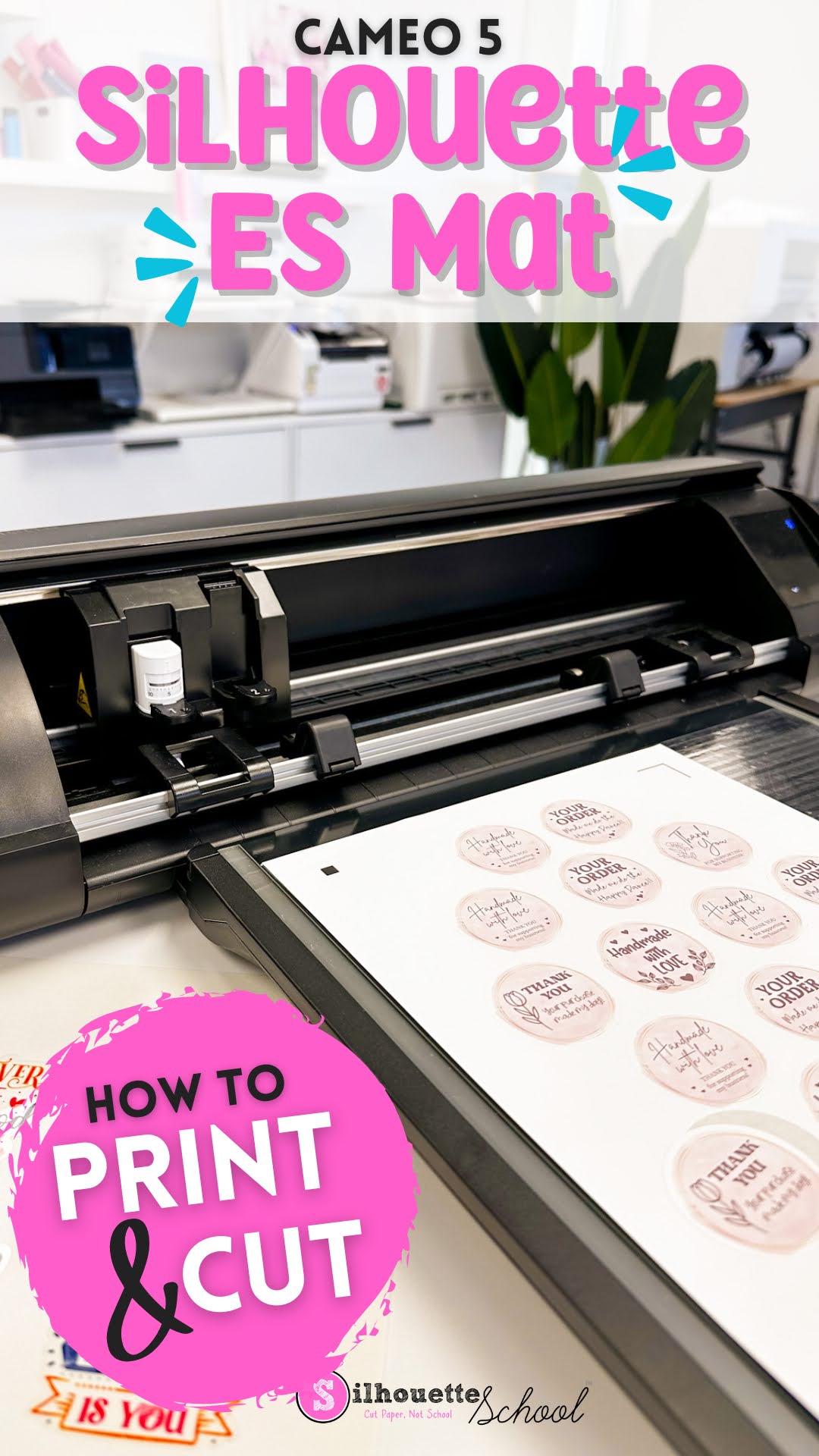
How to Print and Cut with Silhouette CAMEO ES Mat

Printing and cutting on the Silhouette CAMEO 5 ES mat is not much different than printing and cutting with an adhesive mat. 

cameo 5, print and cut, silhouette cameo 5, home printer, print and cut stickers, electrostatic mat,

If this is your first time making stickers with the Electrostatic mat, or doing another print and cut, follow along for tips on how to best print and cut with the ES mat. 

How to Make Die Cut Stickers with Roland BN2-20A (with Automatic Perf Cut Lines)

You can easily make die cut stickers with Roland BN2-20A or BN2-20...and adding the perf cut lines has never been easier with the 20" print and cut machine

die cutters, vinyl stickers, print and cut, roland bn-20, roland bn2-20a, roland bn2-20

Perf cut lines allows you to cut through both the material and the liner but keep the sticker attached to the raw material roll until you're ready to pop them out. Read on for how to automatically add perf cut lines for Roland! 

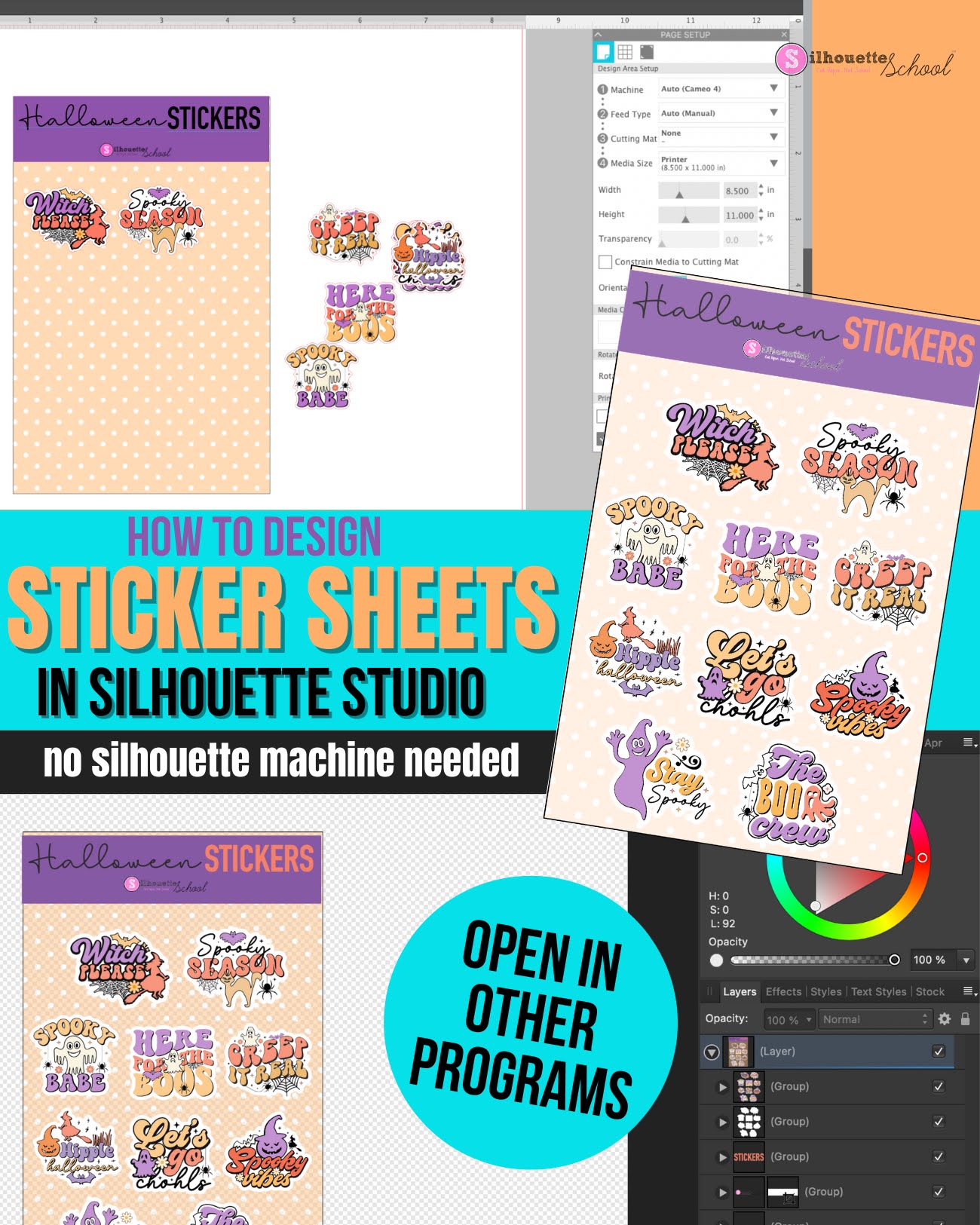
How to Use Silhouette Studio as Sticker Sheet Design Software (Even Without a Silhouette Machine)

If you're looking for an inexpensive and robust sticker sheet design software, look no further than Silhouette Studio.

stickers, sticker shop, online labels, silhouette studio, sticker printer, sticker paper

Even if you don't have a Silhouette machine you can use the software for designing sticker sheets. If you do have a Silhouette you can of course also print and cut. 

Read on for how to use the Silhouette software to design sticker sheets.  I have a separate tutorial on how to print and cut sticker sheets with a Silhouette machine.

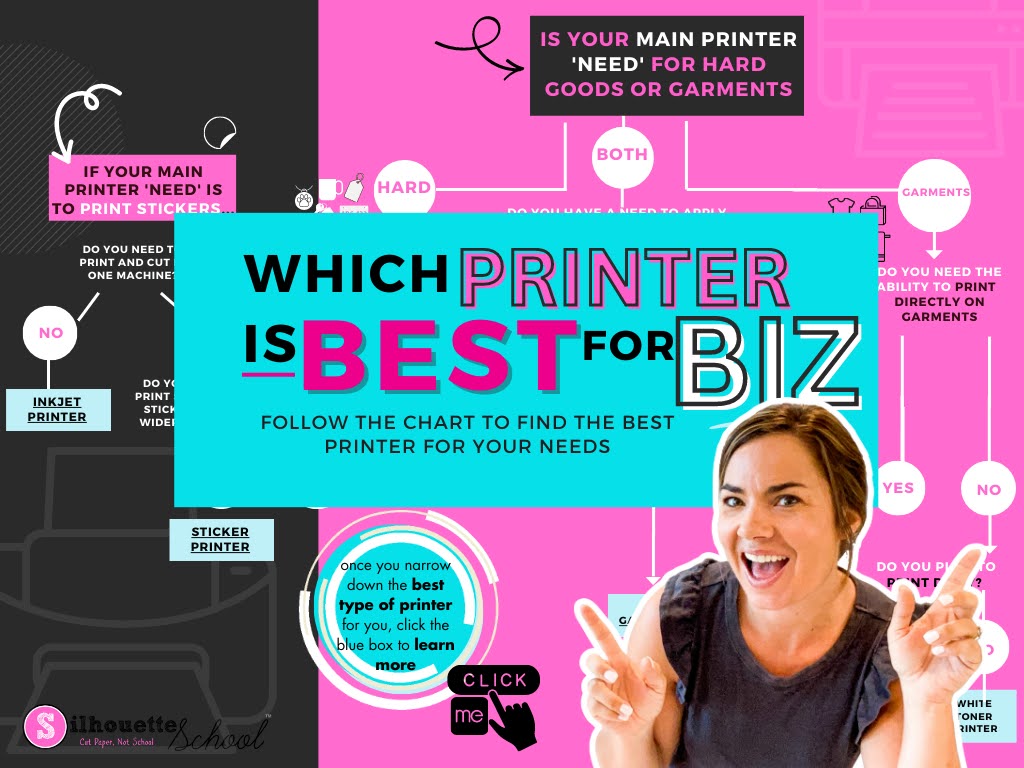
Best Printer for Small Business 2023: Is Inkjet, Sublimation, Ecosolvent, Print and Cut, DTF, DTG Best for You?

Whether you're a home crafter looking for a basic inkjet printer to do print and cut with Silhouette, want a low cost sublimation printer or are looking to expand a small business by investing in some type of sticker printer or transfer printer - I'm going to help you finally decide which is BEST for you. 

silhouette 101, silhouette america blog, small business, printers, print and cut

Unfortunately there's not one printer that will do it all. Especially if you're on a budget and have space restrictions. However, there are a wide variety of printers for both hobby crafters and small businesses. 

Printing Sticker Rolls with iColor 250: Small Sticker Business Must Have

If you have a sticker shop and are looking to print sticker rolls, the Uninet iColor 250 is what I would consider a must have.

stickers, vinyl stickers, print and cut sticker machine, icolor 250, sticker paper, silhouette 101

Not only is the iColor 250 a print and cut sticker machine - no registration marks required - but you can print sticker rolls as long as you want!

Check out this step by step video for how to print rolls of stickers!


Note: This post may contain affiliate links. By clicking on them and purchasing products through my links, I receive a small commission. That's what helps fund Silhouette School so I can keep buying new Silhouette-related products to show you how to get the most out of your machine!


Get Silhouette School lessons delivered to your email inbox! Select Once Daily or Weekly.


www.silhouetteu.com

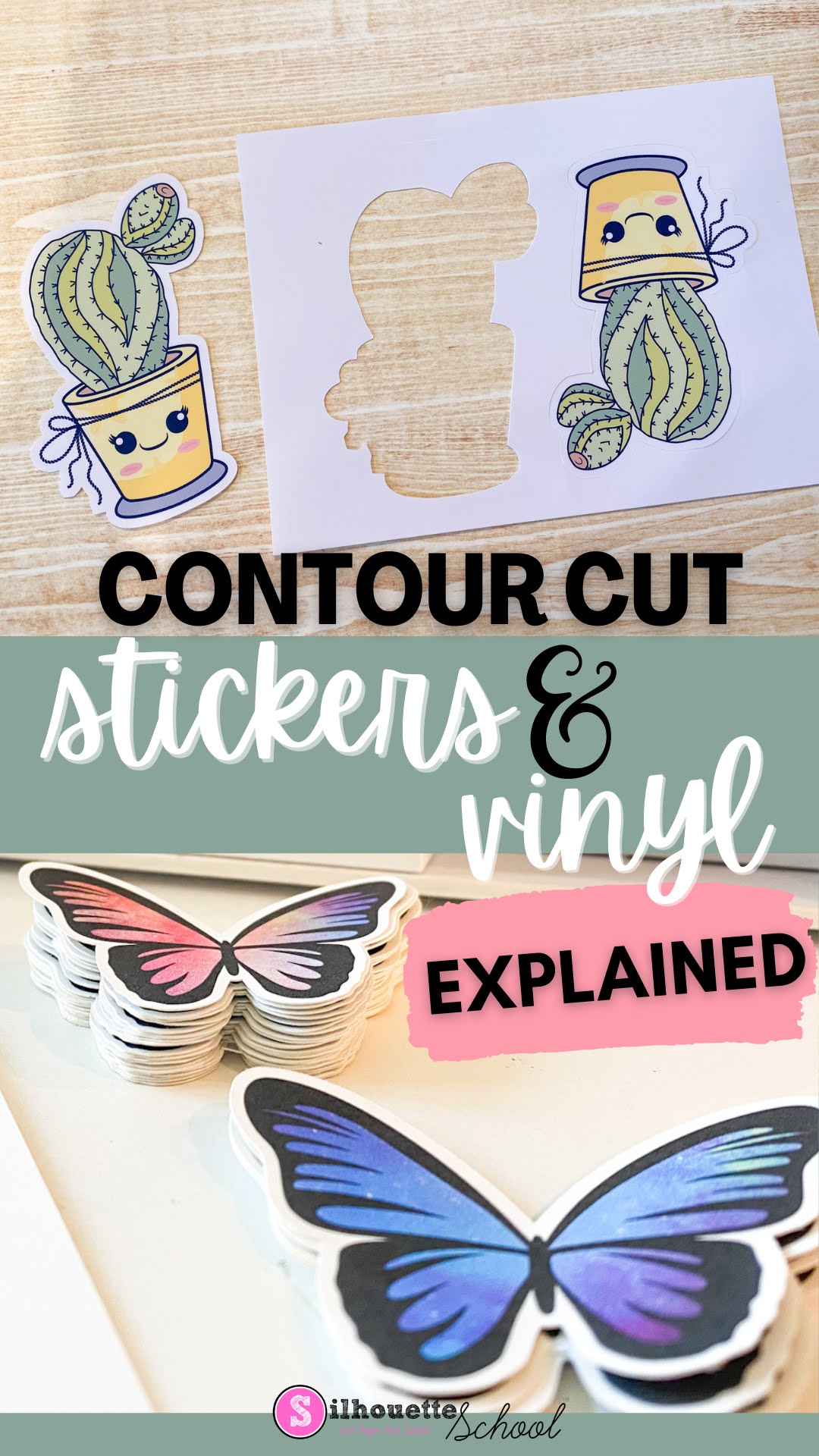
Contour Cut Stickers and Vinyl Stickers Explained: What is the Contour Cut Meaning Anyway?

If you have a Silhouette CAMEO, or any vinyl cutter or print and cut machine including a Roland BN-20A, you've no doubt heard the term "Contour Cut". But what is the meaning of contour cut? 

silhouette 101, silhouette america blog, print and cut, contour cut lines, stickers

Contour cut describes how a sticker or vinyl sticker is cut around the edge of the image or shape. Read on get a better understanding of contour cutting and how to accomplish it with a Silhouette CAMEO. 

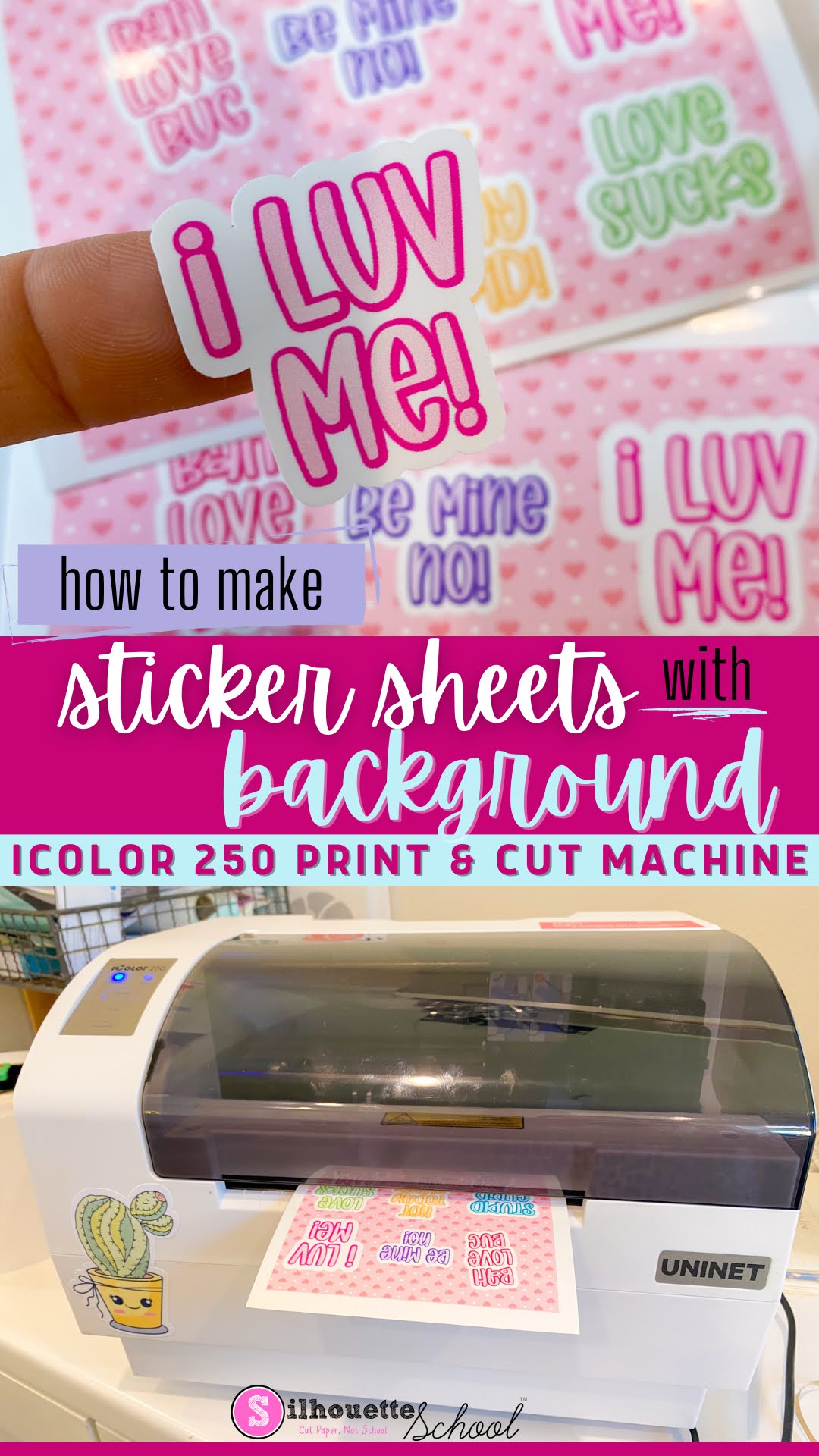
How to Make Sticker Sheet with Background (iColor 250 Print and Cut Sticker Machine)

You can make sticker sheets with a background using the iColor 250 print and cut sticker machine. 

silhouette 101, silhouette america blog, stickers, print and cut, icolor 250

This step by step tutorial explains how so read on for yet another fun way to create custom stickers and labels with the iColor 250.  If you are looking for a Silhouette print and cut tutorial to make sticker sheets with a background, check it out here.