Copyright Silhouette School 2016. Powered by Blogger.


Showing posts with label laser printer. Show all posts

How to Print from Silhouette Studio to Any Printer

You can print from Silhouette Studio to any printer that's connected to your computer by USB or on the same network. 

silhouette 101, silhouette america blog, print and cut, inkjet printer, laser printer

There are various reason why you might want to print from Silhouette Studio and they may not all include printing and cutting. For example, you can print to your sublimation printer directly from Silhouette Studio and never use your CAMEO at all for the project. 

Read on for how to print from Silhouette Studio.

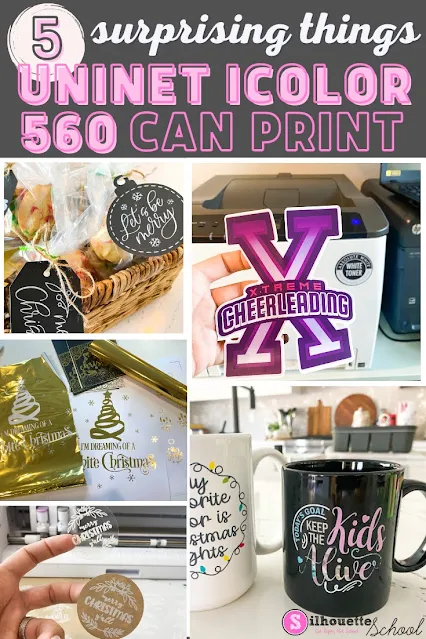
White Toner Printer: 5 Surprising Things You Can Make (And Sell) with a Uninet iColor 560

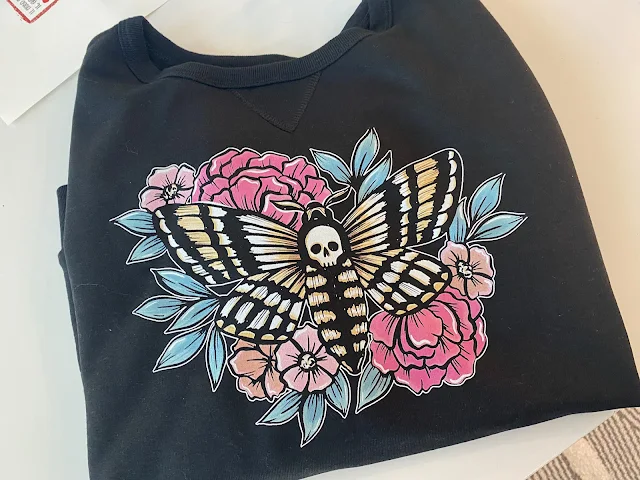
A white toner printer makes creating ready to press full color transfers fast and easy to make.  There's no cutting or weeding and you can put the decals on any color and type of garment. It's one of the reason I love my Uninet iColor 560.  But if that's all you're printing...you're missing out and undervaluing the printer! 

silhouette 101, silhouette america blog, white toner printer, print and cut, uninet icolor 560

What I've found, in the six months since I've added it to my office, is that cut-free, weed-free transfers are only the tip of the iceberg for the Uninet iColor 560 White Toner printer.  

white toner printer, print and cut, uninet icolor 560, laser printer, decals

With the price point close to $3600, the more you can do with this printer - the more the price is worth it for small businesses. Let's look at five surprising things you can make with the iColor that you will expand what you can make and sell! 

How to Make Your Own Sublimation Blanks (and Save Money)

You can make your own sublimation blanks which will not only save you money, but also give you creative freedom. 

laser business,Blanks,xtool,xtool P2,xtool S1,Sublimation Printing,laser printer,laser cutter,sublimation,

Cutting full sheets of MDF sublimation hardboard into custom shapes means you can match your sublimation blanks to your designs. Read on for how to make your own sublimation blanks. 

How to Put Foil on Paper with a Heat Press and Laser Printer (VIDEO)

If you have a heat press and a laser printer you can add foil to paper for stunning accents. 

silhouette 101, silhouette america blog, gold foil, heat press, laser printer

This is yet another way I use my iColor 560 White Toner printer although this could be done with any laser printer....as the key to this foil is it likes to stick to toner. 

How to Use Sublimation Sheets

If you know how to use sublimation sheets, you'll really expand what you can sublimate because you'll be able to make your own custom sublimation blanks.

laser business,Silhouette and Sublimation,diode lasers

The key is pairing a sublimation printer with a laser cutter that can cut any shape out of the sublimation hardboard sheet. Read on to see how easy it is to use sublimation sheets.

How to Print to Laser Printer from Silhouette Studio (MAC)

You can print to any printer from Silhouette Studio which means you can print to a laser printer from Silhouette Studio. 

print and cut, white toner printer, laser printer, silhouette studio, home printer

Laser printers open up even more options for creating custom items due to the toner cartridges which have easy maintenance, play well with things like foil, and no cut, no weed laser printer transfer paper. Read on for how to print to a laser printer from Silhouette Studio. 

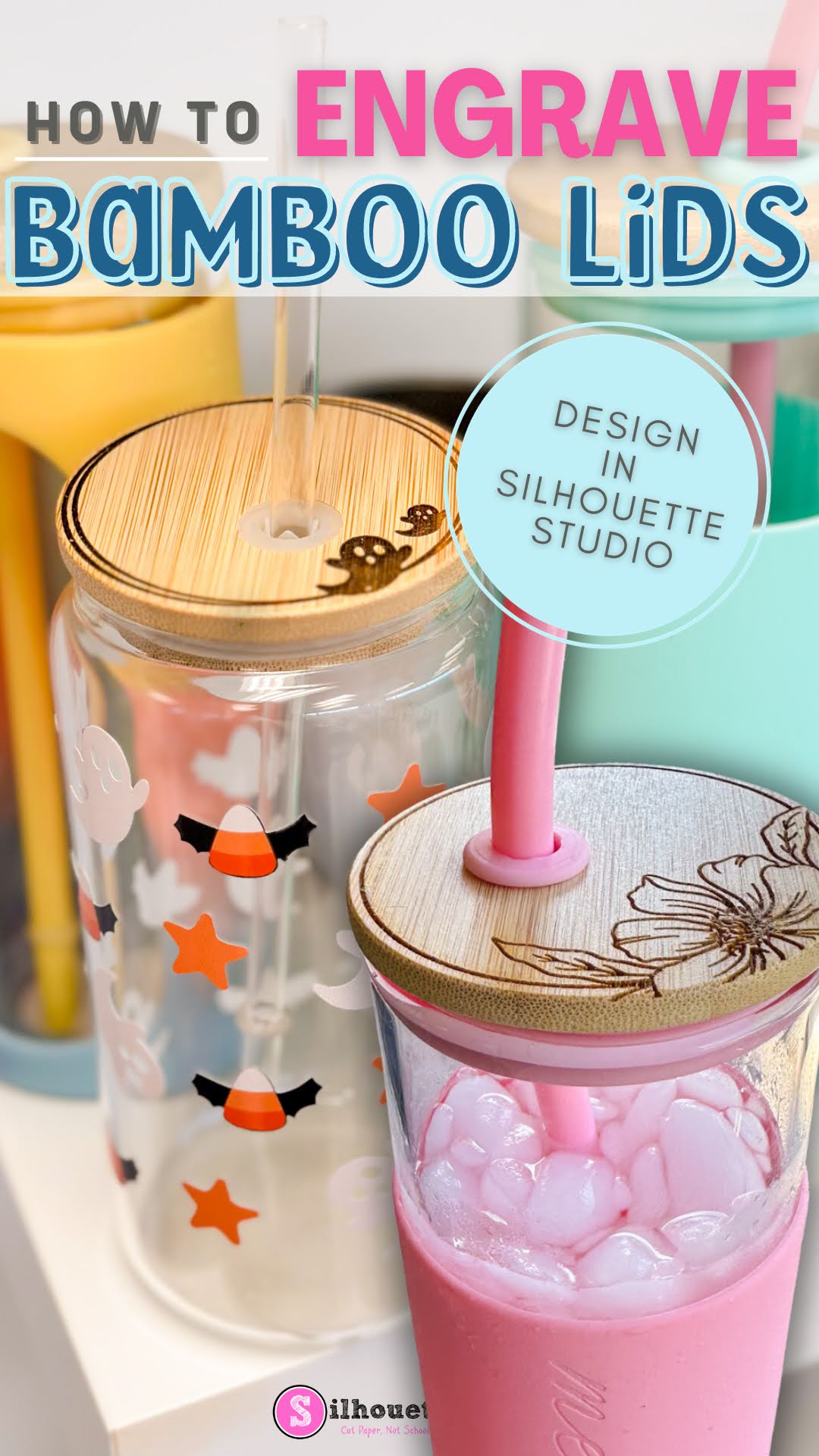
How to Engrave Bamboo Lids for Glass Cans and Tumblers

Don't just customize the glass cans and tumblers with bamboo lids - customize the lids too!! 

xtool, xtool P2, laser engraver, laser printer, roland bn2, laser engraver

You can laser engrave on bamboo lids very quickly and easily with an xTool laser engraver - including the xTool M1 and P2 lasers. And..the best part is you can do all the designing in Silhouette Studio.

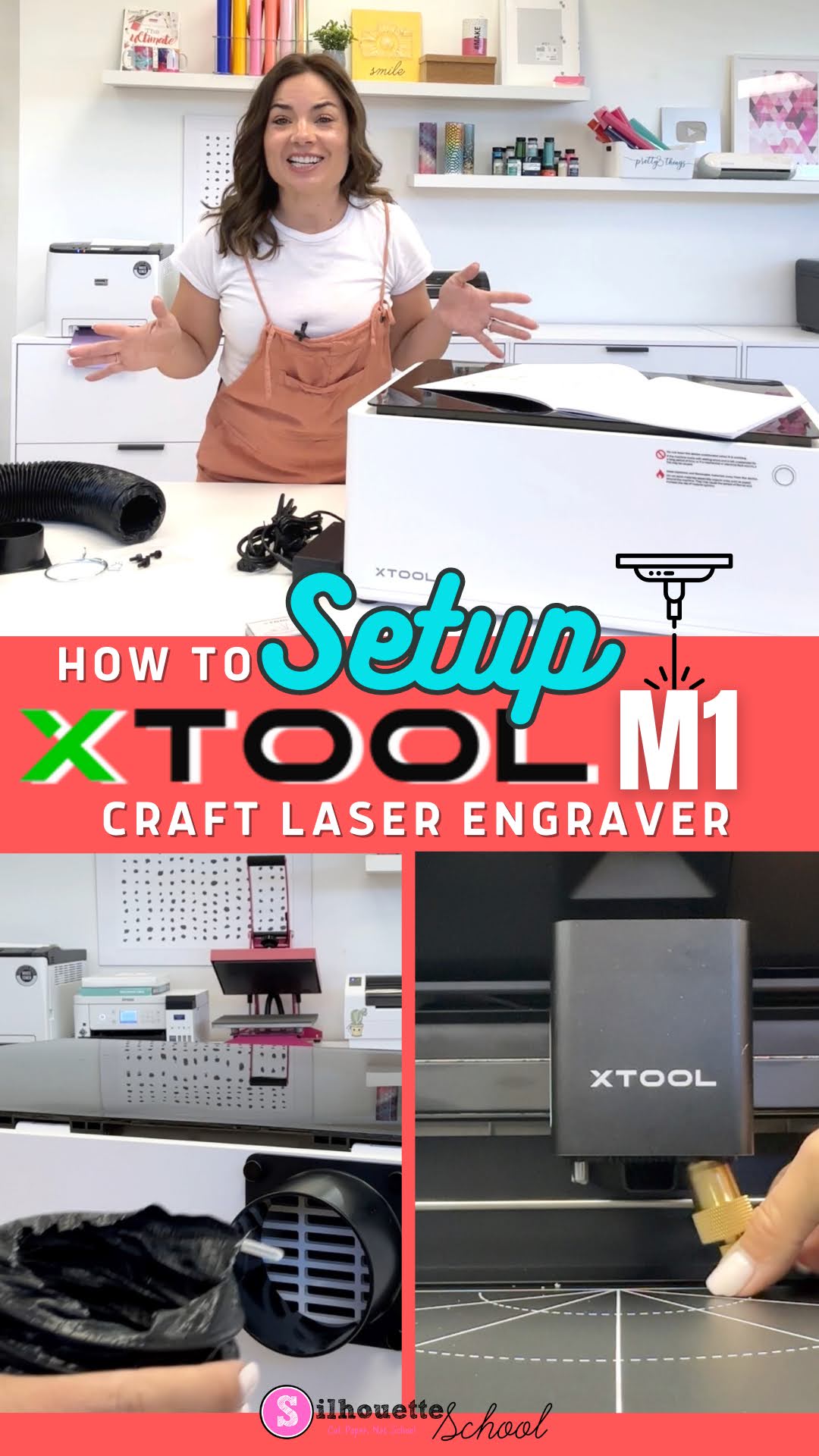
How to Setup xTool M1 in 3 Quick Steps

The XTool M1 craft laser engraver set up really doesn’t take more than a few minutes although it looks a bit intimidating.

xtool, xtool M1, laser engraver, glowforge, glowforge alternative, laser printer, laser engraving

After unboxing the desktop craft laser engraver and cutter you’ll need to assemble the exhaust tube, the cutting blade, and install the software. In this tutorial I’ll walk you through all of those steps so you can get ready to do your first laser engraving.

Roland BN-20A vs Uninet iColor 560 White Toner Printer: Pros and Cons & Feature Comparison

Now that I have both an Uninet iColor 560 White Toner Printer and a Roland BN-20A...I am getting A LOT of questions about which one is "better".  It's not an easy question to answer because they are two totally different machines!  

Although if you ask in the respective Facebook groups...it may seem to be an easy decision based on just how adamant users of the respective printers are that "theirs" is hands-down, no-question better, more versatile, better quality, the top pick over the other.


silhouette america blog, silhouette 101, Roland, Roland BN 20, Uninet icolor

The truth is I totally understand that for most crafters-turned-at-home small businesses it's a choice to get one over the other due to price and space....so let me help you decide between the BN-20A vs the Uninet iColor 560 White Toner printer... from someone who has both and has no allegiance one way or the other. 

My only goal here is to help you make an informed decision for your growing business..and then help you learn whichever machine - BN-20A or Uninet iColor 560 - you decide to invest in. 

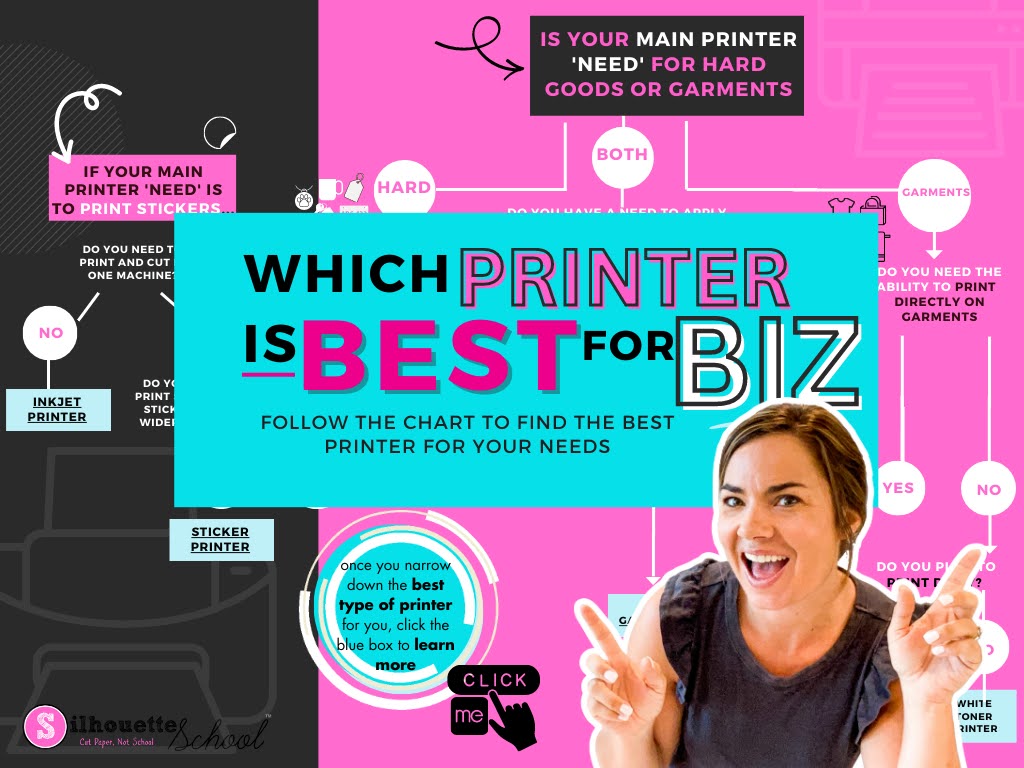
Best Printer for Small Business 2023: Is Inkjet, Sublimation, Ecosolvent, Print and Cut, DTF, DTG Best for You?

Whether you're a home crafter looking for a basic inkjet printer to do print and cut with Silhouette, want a low cost sublimation printer or are looking to expand a small business by investing in some type of sticker printer or transfer printer - I'm going to help you finally decide which is BEST for you. 

silhouette 101, silhouette america blog, small business, printers, print and cut

Unfortunately there's not one printer that will do it all. Especially if you're on a budget and have space restrictions. However, there are a wide variety of printers for both hobby crafters and small businesses. 

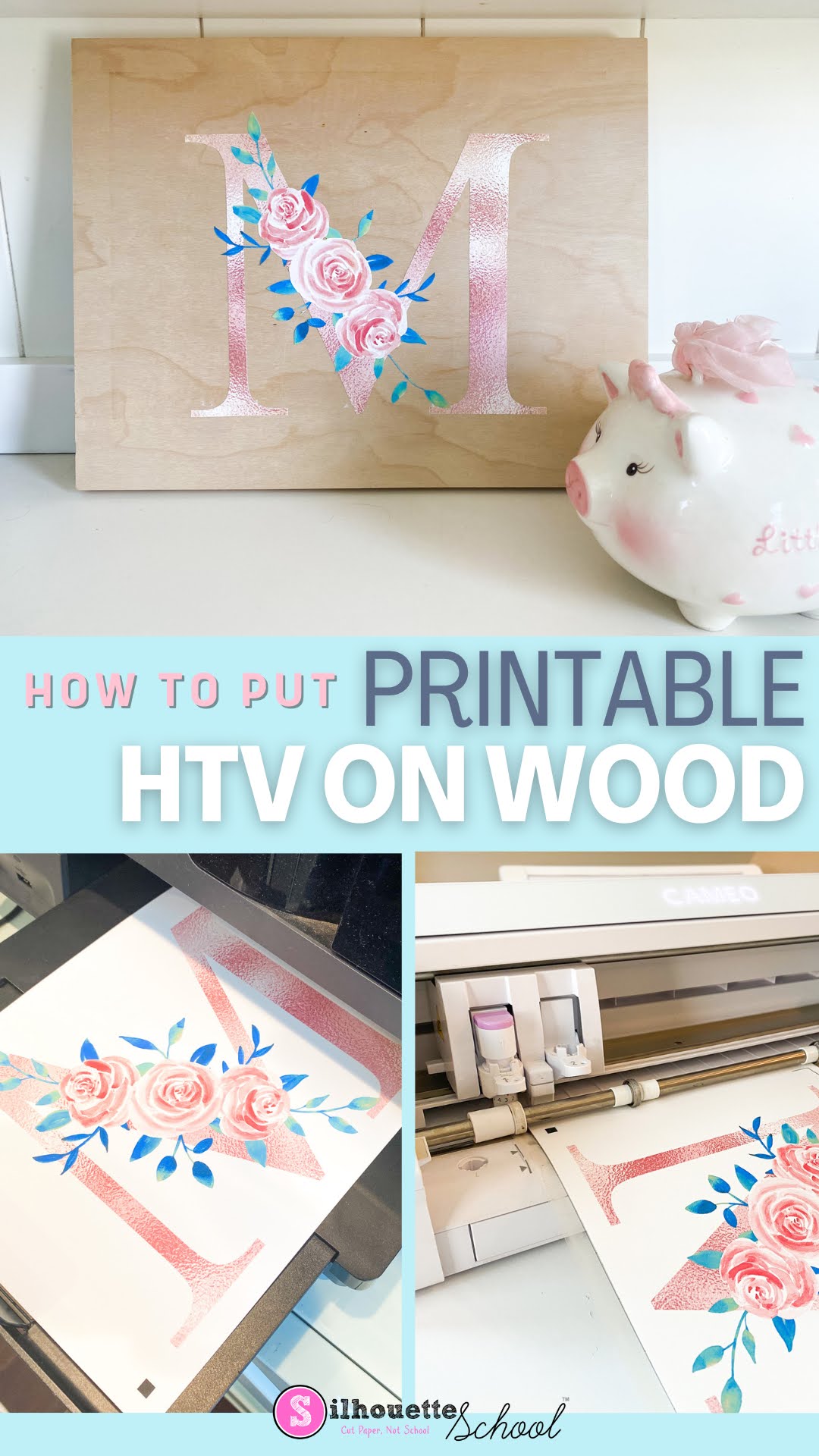
How to Use Printable Heat Transfer Vinyl on Wood

Heat transfer vinyl on wood is a game changer for so many reasons!! 

silhouette 101, silhouette america blog, printable heat transfer, wood signs, heat transfer paper

In this tutorial I'll show you how to put heat transfer vinyl on wood...and why this thicker inkjet printable HTV is my go to for signs! 

Silhouette Studio Not Printing Correct Size? How to Match Your Page Size to Your Printer

Silhouette Studio can print to any printer on the same WIFI network or attached by USB which is a big benefit of the software program especially when you have a lot of different printers like me.

silhouette 101, silhouette america blog, epson sublimation, sublimation printing, print and cut

In order to correctly print from Silhouette Studio to your printer, though, you'll want to make sure you match the page size between your print manager and Silhouette Studio.  This tutorial will explain exactly how to match your printer page size to the settings in Silhouette Studio.

How to Print Chalkboard Signs on Black Paper

If you've been wondering how to print white ink on black paper to print those popular chalkboard signs...I'm going to share the secret today!

silhouette 101, silhouette america blog, white toner printer, chalkboard signs, uninet icolor 560

I love that the Uninet iColor 560 White Toner Printer gives me the ability to print white on black paper. The best part is I do all of my designing in Silhouette Studio then export for the final step before printing.

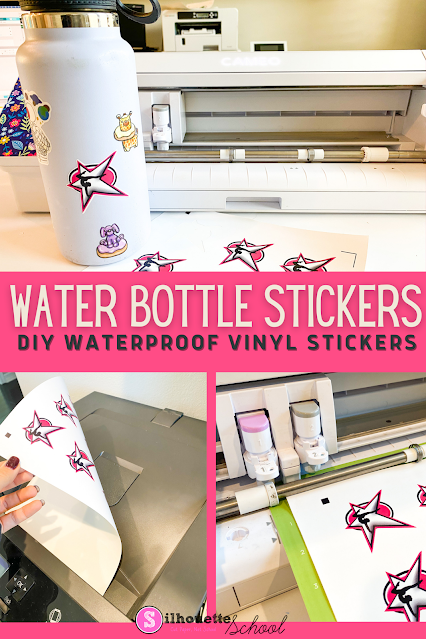
How to Print Vinyl Stickers for Water Bottles and Tumblers

There are a number of techniques, printers, and materials that can be used to print vinyl stickers for water bottles and tumblers. There are pros and cons to each usually based on the type of ink you are using and the type of equipment you have. 

silhouette 101, silhouette america blog, silhouette print and cut, print and cut, uninet icolor 560

I actually have three different printers in my craft room that can print vinyl stickers - which I think just shows how it's possible to do this with almost any type of printer you have!  But it doesn't always means you'll get the same print quality. 

I have shared how to print vinyl stickers on an inkjet printer previously and today I'm going to show you how to print vinyl stickers on a laser printer to make fade resistant, waterproof vinyl stickers so read on.