Copyright Silhouette School 2016. Powered by Blogger.


Showing posts with label adhesive vinyl. Show all posts

Laminated Vinyl Stickers Without Registration Marks

If you're looking to make laminated vinyl stickers without registration marks - there is an entry-level print and cut sticker machine that is often overlooked. 
icolor 250,Uninet iColor,vinyl stickers,adhesive vinyl,cutting vinyl,sticker,print and cut sticker machine,Sticker Paper,sticker shop,

The iColor 250 is usually dubbed as a label printer, but this MAC and PC compatible printer and cutter can easily be used as a vinyl sticker printer. When it is, it comes in as the lowest priced sticker printer on the market. 

How to Add a Weeding Box in Silhouette Studio...and Why You Should

If you haven't used weeding boxes in Silhouette Studio - that's going to change today. 

silhouette 101, silhouette america blog, weeding, silhouette studio v4, adhesive vinyl

Weeding boxes are extremely helpful when weeding vinyl and HTV for several different reasons. They help break up the negative space around the design or text which helps avoid problems while weeding specifically small pieces of your design pulling up.  This Silhouette tutorial will show you how to add a weeding box in Silhouette Studio and why you should.

Trick to Size a Vinyl Decal Perfectly in Silhouette Studio

If you've struggled with how to size vinyl decals..that's about to end. 

sizing,Silhouette Studio,Silhouette Studio 4,Silhouette Studio V4,scale,cutting vinyl,adhesive vinyl

It's actually very, very easy to get perfectly sized vinyl stickers when you use this trick in Silhouette Studio. Read on for the why-didn't-I-think of that tutorial! 

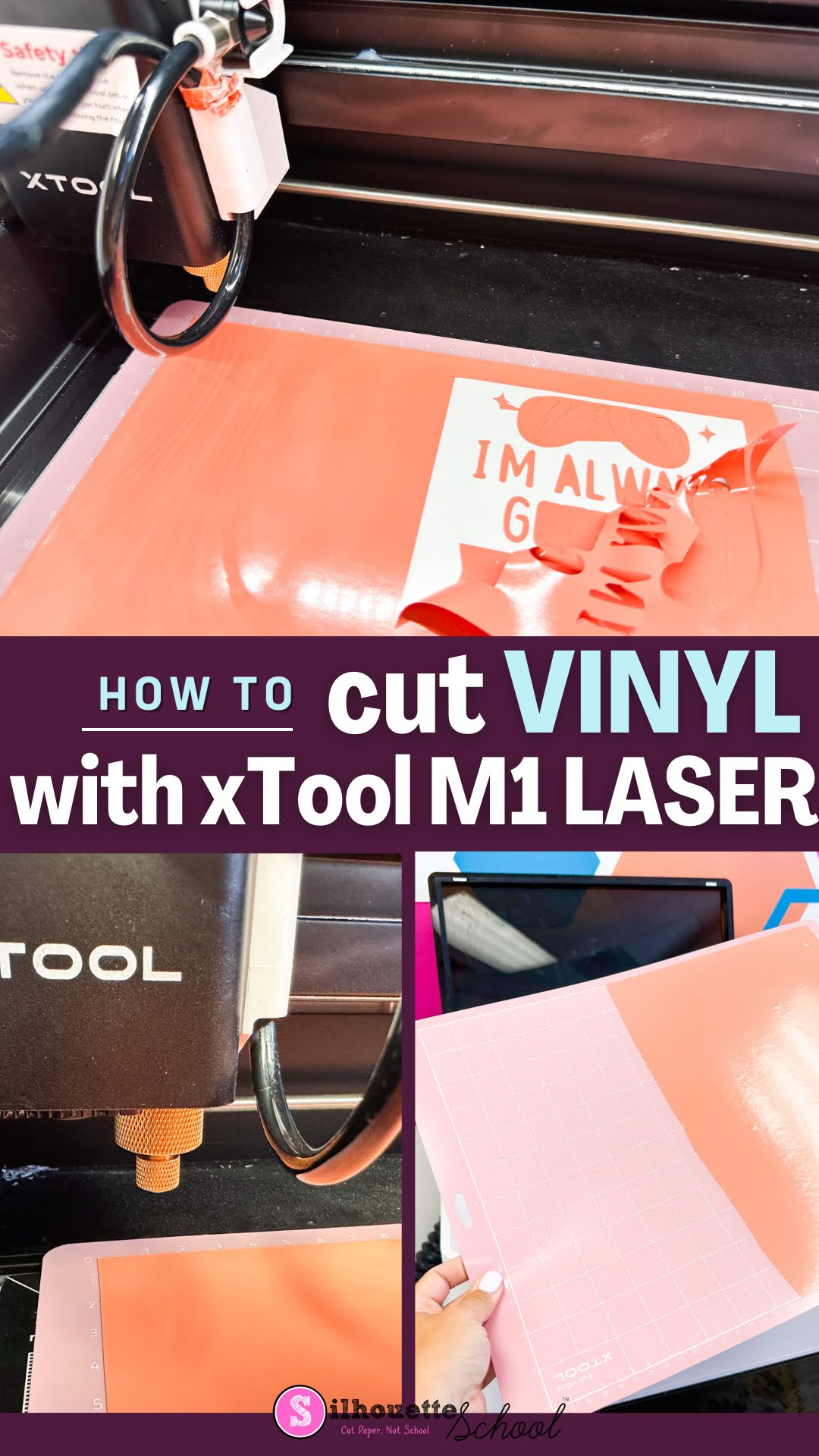
How to Cut Vinyl with XTool M1 Craft Laser

The xTool M1 craft laser is not only a laser engraver and cutter, it is also a vinyl cutter. The versatility of the 12x15" machine makes it an all one craft machine! 

xtool m1, diode lasers, cutting vinyl, adhesive vinyl, xtool

If you're a crafter that likes to dabble in a lot of different material and mediums...the hybrid xTool M1 is a great option. Read on to learn how to cut vinyl with the M1. 

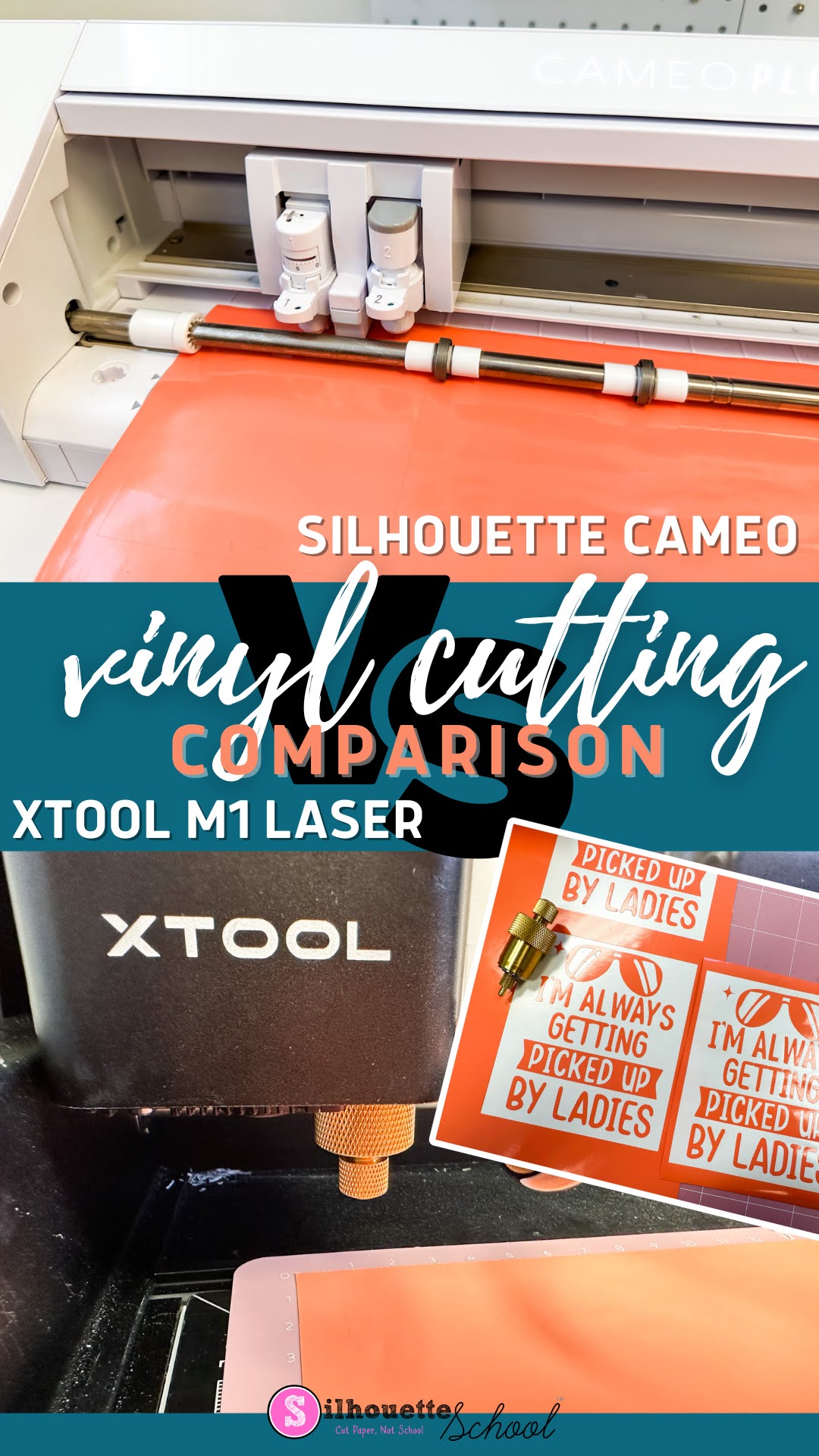
Silhouette CAMEO 4 vs XTool M1 Vinyl Cutting Comparison

I recently added a craft laser to my collection and one of the features of the XTool M1 Craft Laser is vinyl cutting.  

silhouette 101, silhouette america blog, xtool, vinyl, laser engraver

Not only does the XTool M1 have a 10W diode laser for cutting and engraving wood, stainless steel, and many other material, the hybrid craft machine also has a cutting blade for vinyl and paper which means it has the potential to be an all in one craft machine! 

But how well does the vinyl cutting compare to a Silhouette CAMEO?  I compared the speed, max size, and quality of side by side so you can decide for yourself. 

Tumblers for Sublimation, Vinyl, and Laser Engraving + Free Tumbler Templates

If you are trying to find the best place to buy tumblers for sublimation, vinyl or laser engraving...do not sleep on Save a Cup. 

sublimation, tumblers, sawgrass, laser, adhesive vinyl, epson f570, engraving

I recently received my first shipment from Save a Cup and I can safely say I'm hooked. Not only do they have lots of different types of tumblers in various sizes and styles, but they are tons of on trend colors as well. 

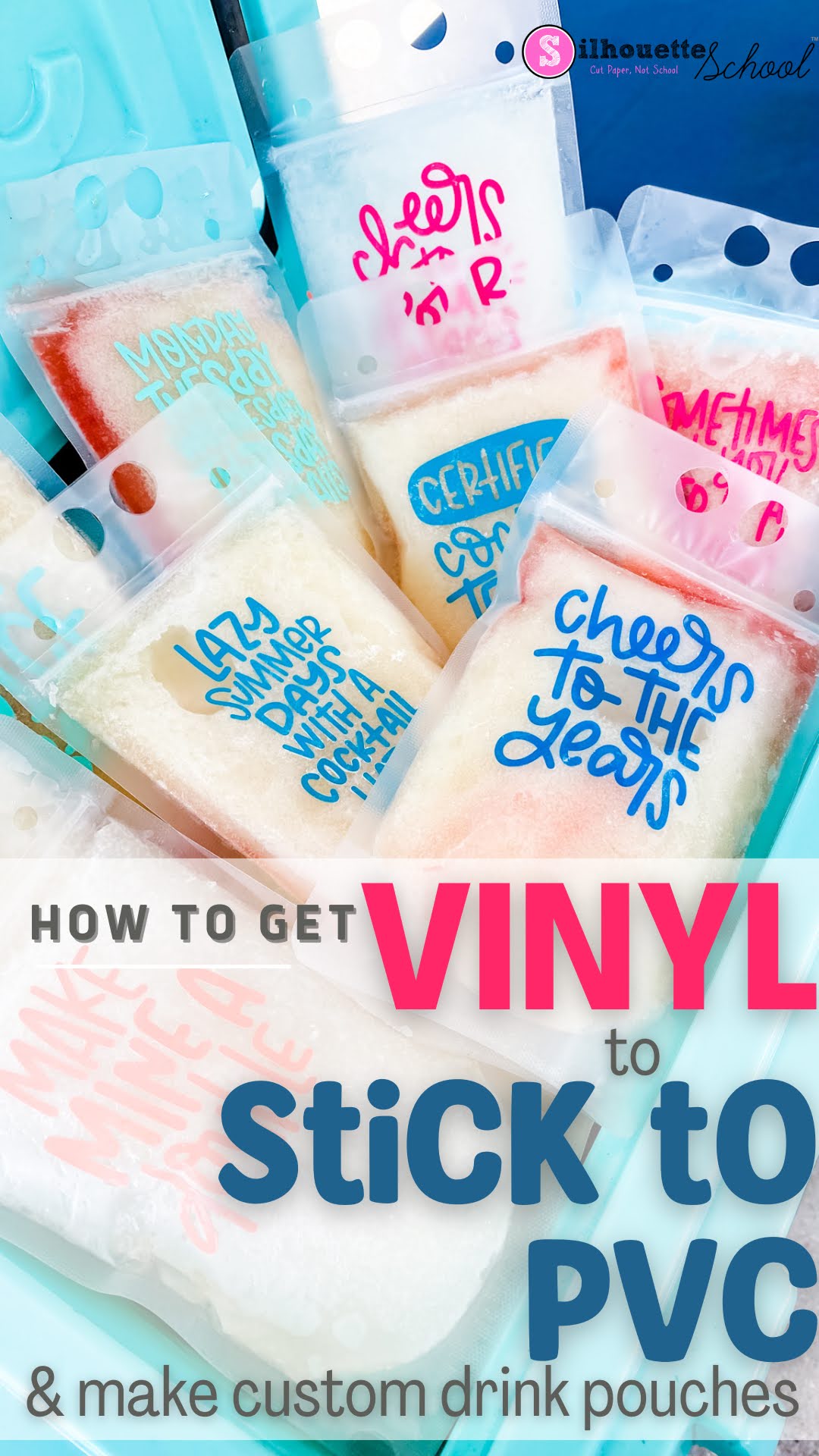
How to Get Vinyl to Stick to PVC (Like DIY Drink Pouches)

If you're looking for a fun way to personalize a party, make your own drink pouches and add some vinyl!

silhouette 101, silhouette america blog, oracal 651, drink pouches, oracal 631

Vinyl doesn't always want to easily stick to PVC...but there is an easy trick so read on. 

How to Make Holographic Stickers with Roland BN-20A

You can make stunning holographic vinyl stickers with the Roland BN-20A ecosolvent print and cut machine

silhouette 101, silhouette america blog, stickers, vinyl stickers, roland bn20a

It's a big step up from the Silhouette, but if you have a sticker, vinyl or t shirt shop the 20" Roland is a workhorse! 

How to Design Personalized Vinyl Stickers for Water Bottles in Silhouette Studio

You can make personalized vinyl stickers for water bottles in several different ways. You can cut all the different layers of vinyl with a Silhouette machine and then layer or you can use a printer and cutter like a Roland BN-20 and make super durable, full color, and long lasting stickers without any layering at all. 

silhouette 101, silhouette america blog, script fonts, stickers, silhouette studio

In this tutorial I'm going to show you how to make personalized vinyl name stickers for water bottles with the 20" Roland BN-20A ecosolvent printer and cutter...designed in Silhouette Studio.  

And P.S. if you are looking for alternatives ways to print and cut on your inkjet printer and Silhouette CAMEO I have a few options for you at the bottom so keep reading.

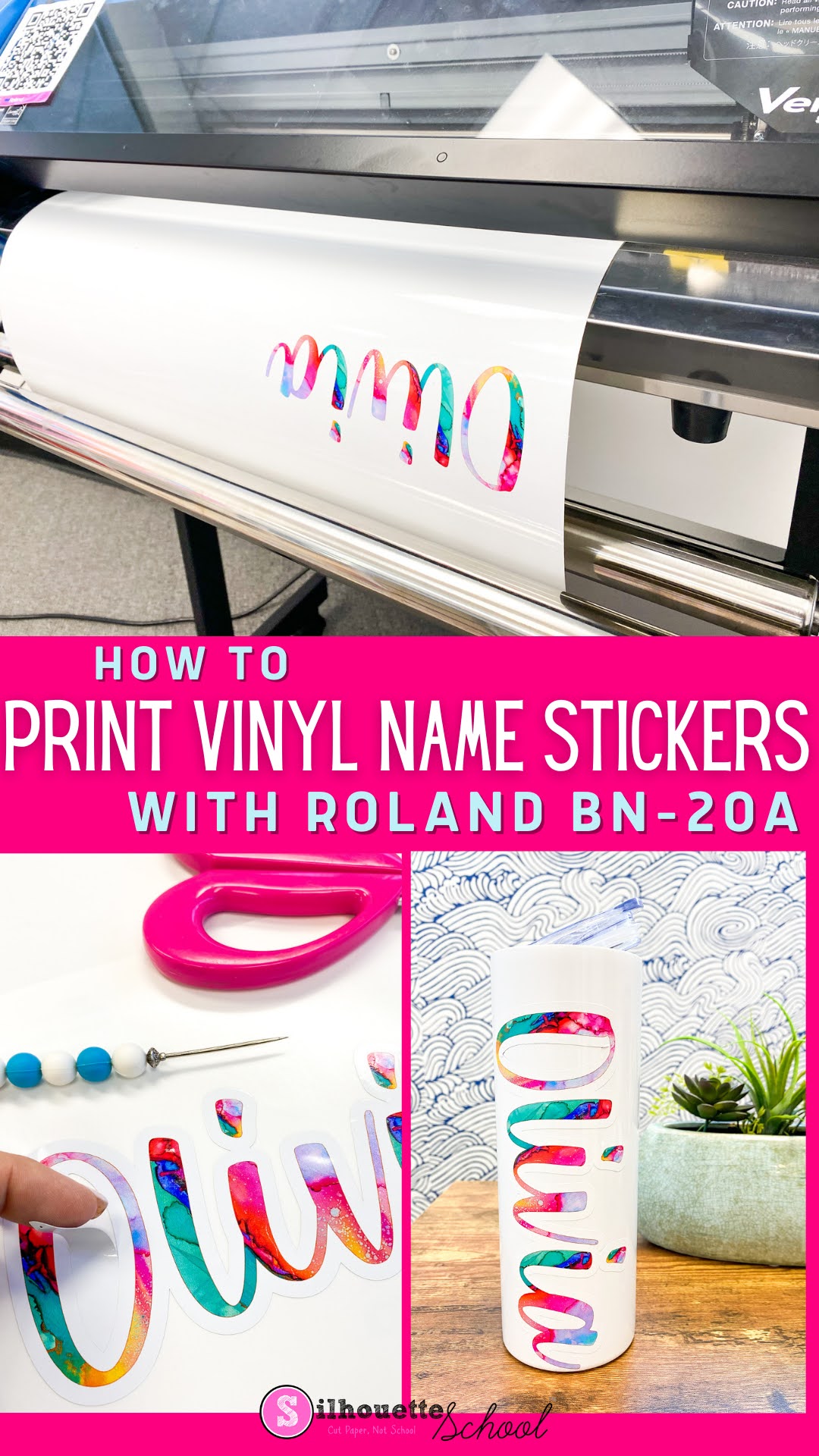
How to Print Vinyl Name Stickers with Roland BN-20A

You can print vinyl name stickers, designed in Silhouette Studio or another program, with a Roland BN-20A which is an ecosolvent print and cut machine.

vinyl stickers, roland, print and cut, roland bn20, adhesive vinyl

One of the benefits about printing vinyl stickers with an ecosolvent printer is the ink is waterproof, and scratch and fade resistant. This makes it ideal for things like water bottles that will be handled a lot. 

If you haven't already designed the personalized vinyl sticker, the first part of this tutorial will take you step by step through the design process in Silhouette Studio..then pick it up here to print and cut on your 20" Roland BN-20A. 

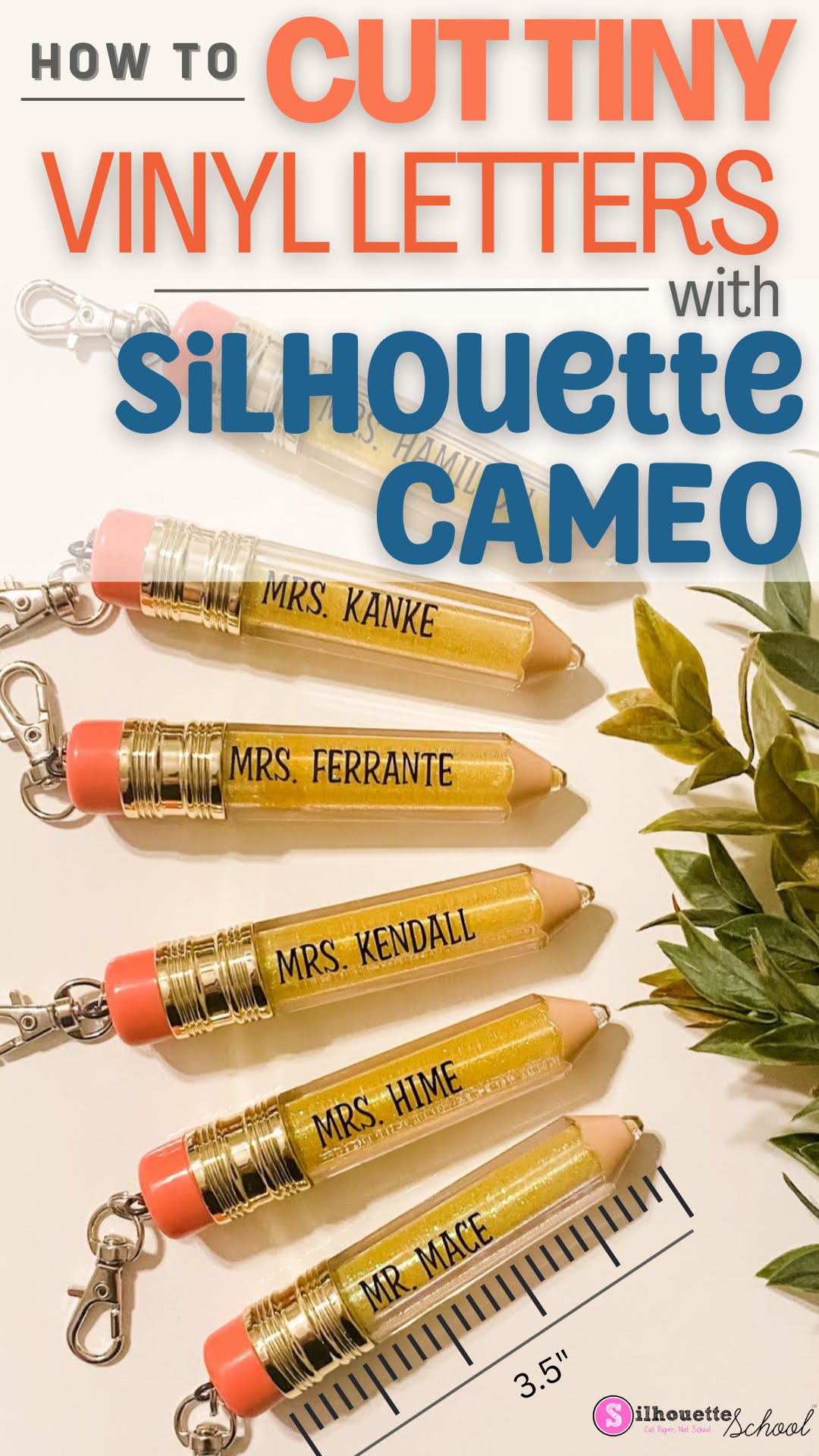
Don't Cut Small Vinyl Text with Silhouette CAMEO Without Reading This FIRST!

You can cut small vinyl text with your Silhouette CAMEO...and not actually pull your hair out. 

silhouette 101, silhouette america blog, cut settings, oracal 651, adhesive vinyl

But just how small can vinyl lettering be cut? In this blog post I'll share some some tips on how to successfully cut even the smallest vinyl letters. 

How to Make Multicolor Vinyl Decals (Video)

To make multicolor vinyl decals you need to layer the vinyl.   

multicolor vinyl, layer vinyl, oracal 651, adhesive vinyl, layer video

Adding small squares or registration marks that are cut with each layer of vinyl will help you line up the layers of vinyl.  Check out this video for tips on how to make multi color vinyl decals. 


Note: This post may contain affiliate links. By clicking on them and purchasing products through my links, I receive a small commission. That's what helps fund Silhouette School so I can keep buying new Silhouette-related products to show you how to get the most out of your machine!


Get Silhouette School lessons delivered to your email inbox! Select Once Daily or Weekly.


www.silhouetteu.com

Turning a Multi color SVG Design into a Single Color Design

With Silhouette Studio, you can quickly and easily turn your multi-layered, multi-colored SVG design into a single layered, single colored design. Whether you need to simplify the look of your project for a more professional finish or just want to do some personalization for a gift, making this conversion is easy and straightforward. 

silhouette 101, silhouette america blog, silhouette studio v4, adhesive vinyl, single color svg, single color design

Follow this guide to learn how to transform any complex multicolored design into its simpler variant in Silhouette Studio.

DIY Wallpaper Peel and Stick: Print at Home with Roland BN-20A

Found another reason to love my Roland BN-20A...DIY Peel and Stick Wallpaper! 

silhouette 101, silhouette america blog, craft room decor, roland, roland bn 20

I wouldn't suggest this for large areas, due to how long it takes to print, but for a nook or a smaller area this is the perfect way to print your own wallpaper on removable vinyl. Using the Wallflair adhesive vinyl makes the wallpaper peel and stick so there's no damage to the walls AND it's super easy to apply! 

Waterslide or Sublimation: What Should I Use?

Have you been seeing the trendy beer glass tumblers and are dying to get your hands on some? We are taking a look at decal printing, and are comparing the options: sublimation and waterslide transfer decals! 

Silhouette America Blog, Silhouette 101, waterslide, sublimation, glass tumbler

Both are great for customizing products and apparel, but which one is better for YOU? Let’s dive in!

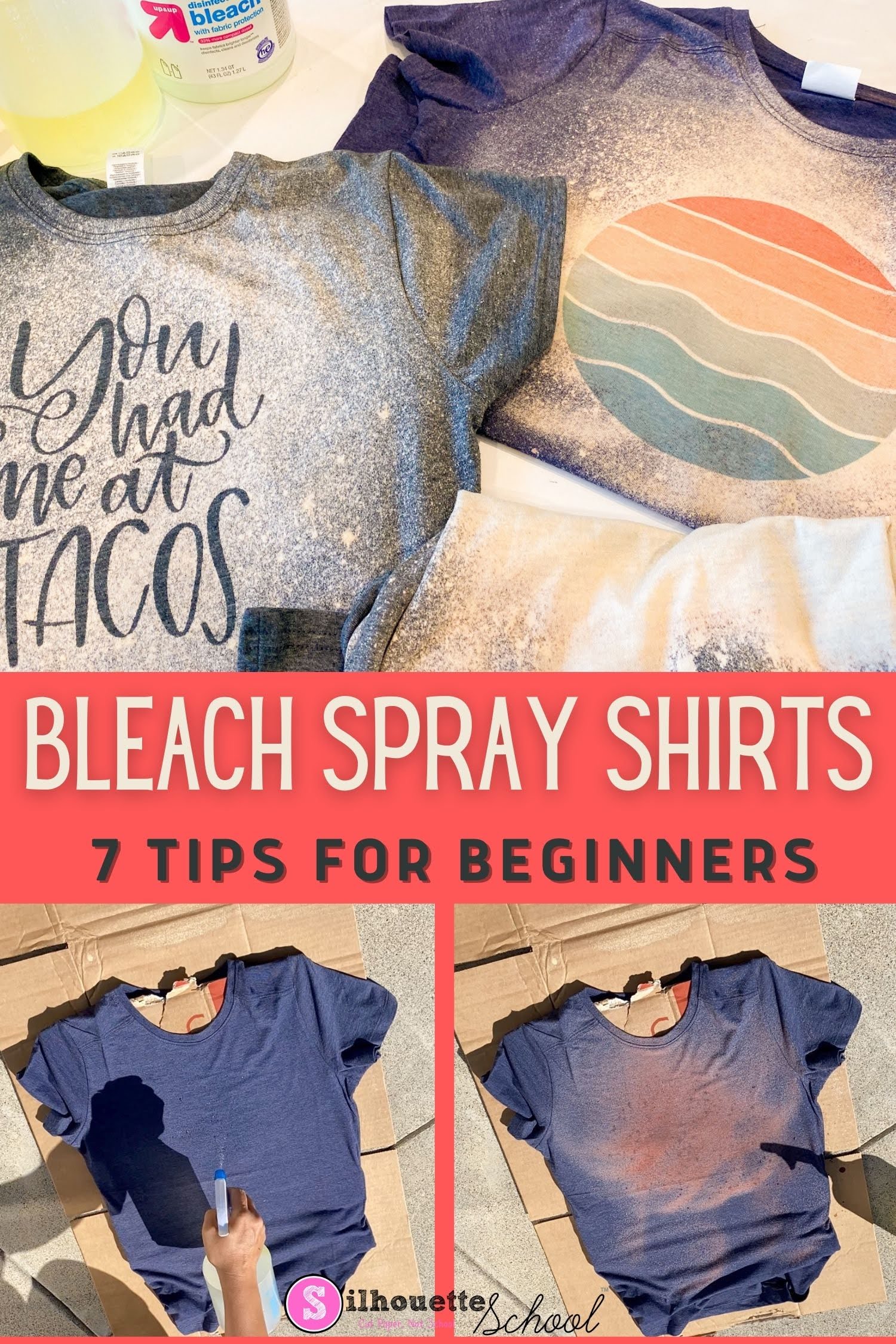
Bleach Spray Shirts: 7 DIY Tips for Beginners

If you are new to making DIY bleach spray shirts - I have some tips for you today to make sure your first bleach shirt is a huge success! 

silhouette 101, silhouette america blog, bleach shirts, sublimation printing, adhesive vinyl

These five tips will help you make an awesome bleach spray shirt at home....and then once you know the basis you can get fancy by making vinyl stencils and sublimation bleach shirts. 

How to Cut Puffy HTV and Use it on Paper

Are you're looking for a way to add a special something to your paper crafting projects, then look no further than puffy HTV! This material is perfect for adding texture, dimension, and color to your finished product. 

silhouette 101, silhouette america blog, puff htv, heat transfer vinyl, paper projects

We'll guide you through the steps of cutting puffy HTV and using it on paper projects - from cards to scrapbooks and more. Let's get started!

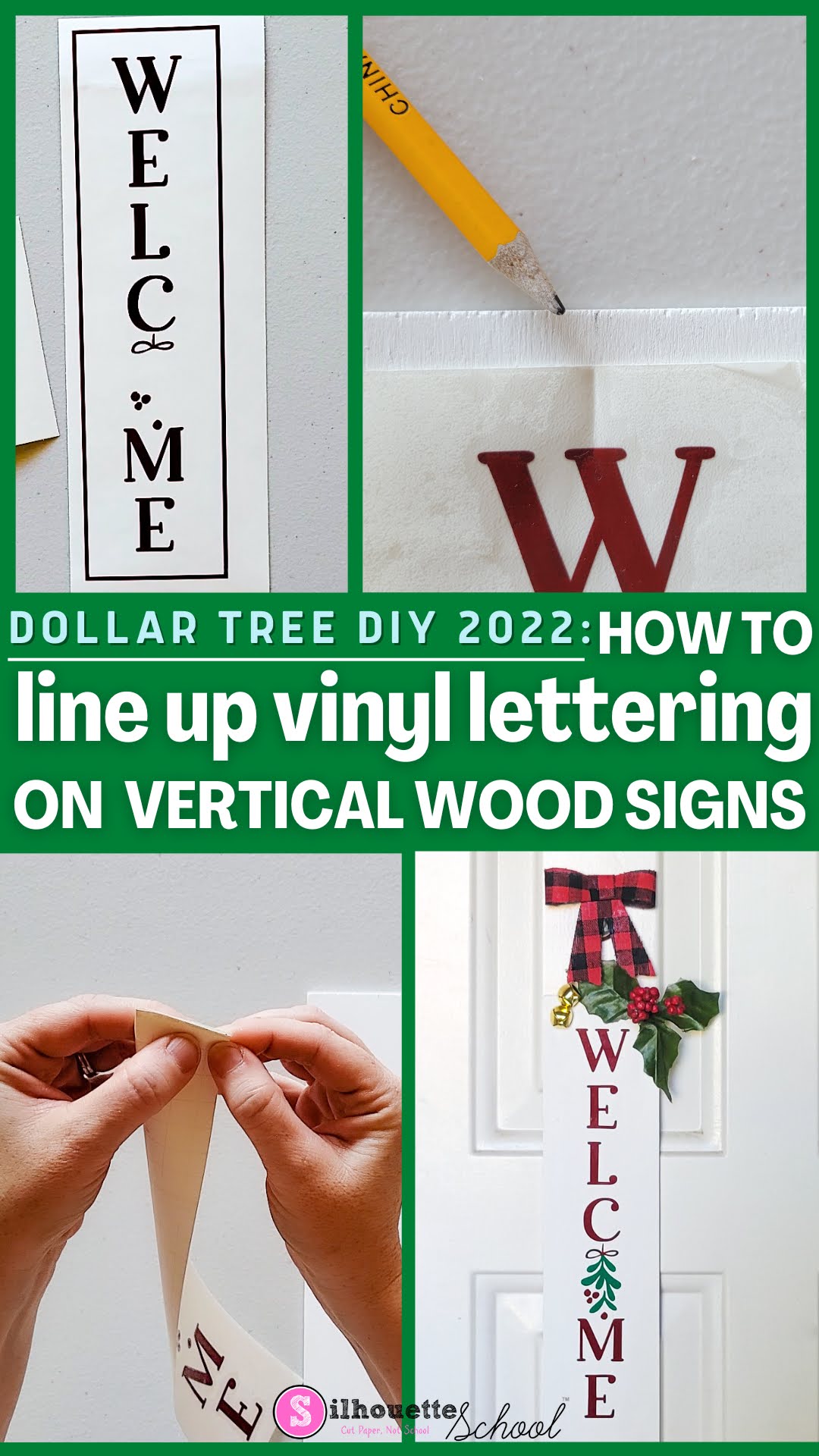
How to Line Up Vinyl Letters on Vertical Wood Signs

Let's make some Dollar Tree crafts using Silhouette!

silhouette 101, silhouette america blog, dollar tree crafts, wood sign, vertical sign

Check out this blog post about how to line up vinyl letters on a Dollar Tree DIY Christmas 2022 vertical welcome sign.

How to Change SVG Size in Silhouette Studio to Fit Project

When you've found the perfect SVG design for your project, but you need to change the SVG size, it's easy to do in Silhouette Studio. 

modify svg, modify svg file, modify svg color, silhouette 101, silhouette america blog

You might need to modify an SVG file for any number of reasons including changing the SVG color or it's layout.  This tutorial will show you how to change SVG size and layout so the design perfectly fits. 

Tips for How to Apply Vinyl to Round Ornaments

Before making your own vinyl ornaments, be sure to check out our best tips for how to apply vinyl to round glass or plastic ornaments. You'll thank us later!

Silhouette 101, silhouette america blog, christmas ornaments, oracal 651, holiday decor

Following these tips will help to avoid wrinkled vinyl which can happen when the vinyl is placed on a round surface.