Copyright Silhouette School 2016. Powered by Blogger.


Showing posts with label Setup. Show all posts

Why Your CAMEO 5 or 5a Won't Connect to Silhouette Studio

If your Silhouette CAMEO 5 or CAMEO 5a won't connect to Silhouette Studio - and nothing is working to resolve it - you're in the right spot. 

cameo 5,cameo 5 setup,machine setup,Setup,silhouette cameo 5a,

One of the most frustrating things is setting up a brand new machine and the software acts like it doesn't even exist. 

Before you box it back up...read this. 

How to Setup Brother Sublimation Printer Drivers and WIFI Printing

There's two parts to the Brother SP-1 Sublimation printer setup: the printer setup and the network connection and driver installation. 


In part 1 of the Brother SP1 set up, we went through the printer setup.  In this tutorial I'll walk you through exactly how to get your sublimation printer connected to your network so you can print wirelessly as well directly from any software program! 

How to Setup Silhouette CAMEO 5 Start to Finish (Don't Worry It's Easy!)

If you're trying to get your Silhouette CAMEO 5 setup you've come to the right spot. 

cameo 5, cameo 5 demo, cameo 5 español, cameo 5 plus, cameo 5 pro, cameo 5 release date,

I'll take you through the quick and easy set up process step by step so you can be ready to make your first cut with Silhouette CAMEO 5If you'd rather watch a complete CAMEO 5 setup video, I have that here.

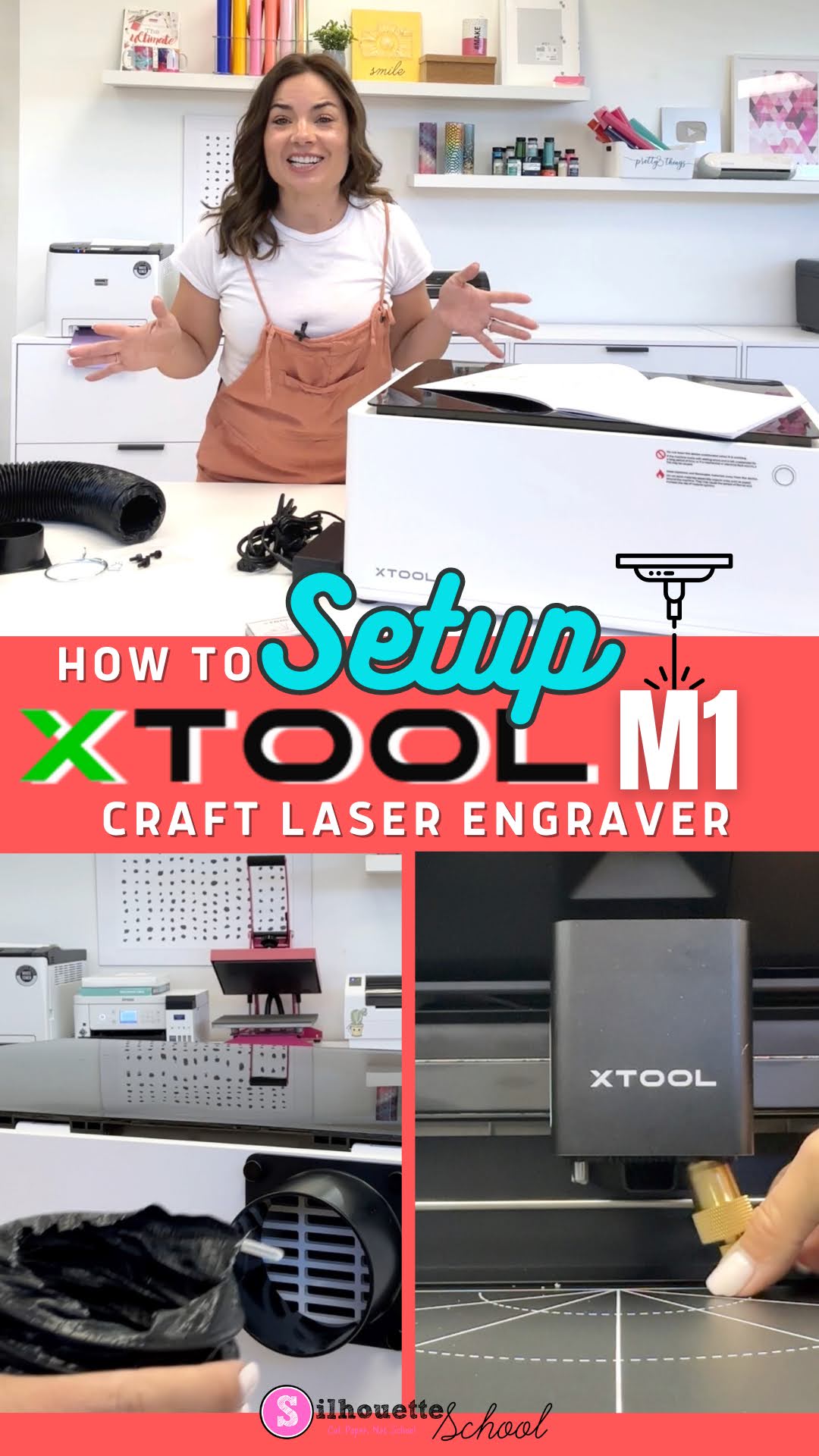
How to Setup xTool M1 in 3 Quick Steps

The XTool M1 craft laser engraver set up really doesn’t take more than a few minutes although it looks a bit intimidating.

xtool, xtool M1, laser engraver, glowforge, glowforge alternative, laser printer, laser engraving

After unboxing the desktop craft laser engraver and cutter you’ll need to assemble the exhaust tube, the cutting blade, and install the software. In this tutorial I’ll walk you through all of those steps so you can get ready to do your first laser engraving.

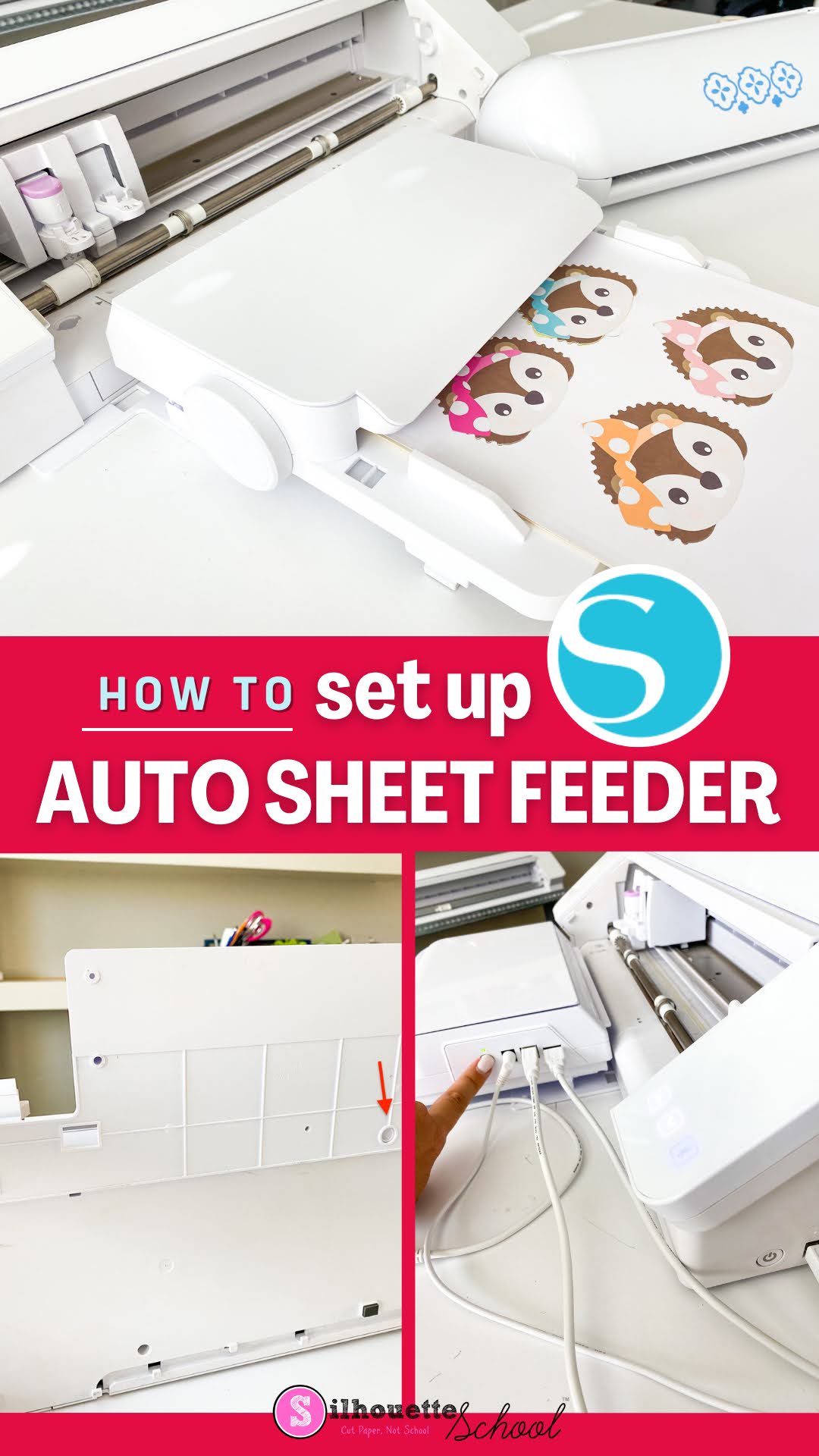
Silhouette Sheet Feeder CAMEO 4 Setup: Step by Step

The Silhouette Sheet Feeder set up for the CAMEO 4 and Portrait 3 is pretty easy and quick, but there are some important things you need to know. 

silhouette america blog, silhouette 101, sheet feeder, silhouette cameo 4, silhouette portrait 3

The initial A4 Silhouette Sheet Feeder set up requires a firmware update in Silhouette Studio and connecting the sheet feeder to the CAMEO 4 vs the Portrait 3 is slightly different. This tutorial will walk you through how to setup the Silhouette Sheet Feed - A4 with the CAMEO 4. You can follow this tutorial for how to use with the Portrait 3. 

Silhouette CAMEO 4 Pro Set Up and Unboxing: Video and Tutorial (Video Unboxing)

Getting started with Silhouette CAMEO 4 Pro is pretty quick and easy...and lucky for you I'm going to walk to you through from unboxing to set up! 

silhouette 101, silhouette america blog, 24" CAMEO Pro, unboxing video, Cameo 4 pro set up

This Silhouette CAMEO 4 Pro beginner tutorial will explain what comes in the box and how to get your machine and Silhouette Studio software.