Copyright Silhouette School 2016. Powered by Blogger.


Showing posts with label card stock. Show all posts

How to Put Foil on Paper with a Heat Press and Laser Printer (VIDEO)

If you have a heat press and a laser printer you can add foil to paper for stunning accents. 

silhouette 101, silhouette america blog, gold foil, heat press, laser printer

This is yet another way I use my iColor 560 White Toner printer although this could be done with any laser printer....as the key to this foil is it likes to stick to toner. 

How to Make Keychain Gift Box Using Paper

With the help of your Silhouette machine, you can easily make a DIY card stock display box perfect for showcasing your handmade keychains. This type of box is great for presenting your creations as gifts or at craft fairs, and it's simpler than you might think! 

silhouette 101, silhouette america blog, keychain, gift box, paper project

In this tutorial, we'll walk you through the process step by step so that you can make the ideal display box for all your DIY keychains.

First Paper Project with the Silhouette CAMEO 4

If you're new to Silhouette and looking for a first Silhouette CAMEO paper project, you've come to the right spot. 

silhouette america blog, silhouette 101, paper crafts, silhouette CAMEO beginners, paper card

In this Silhouette CAMEO beginner tutorial we'll share the ins and outs of cutting paper while making a paper card. 

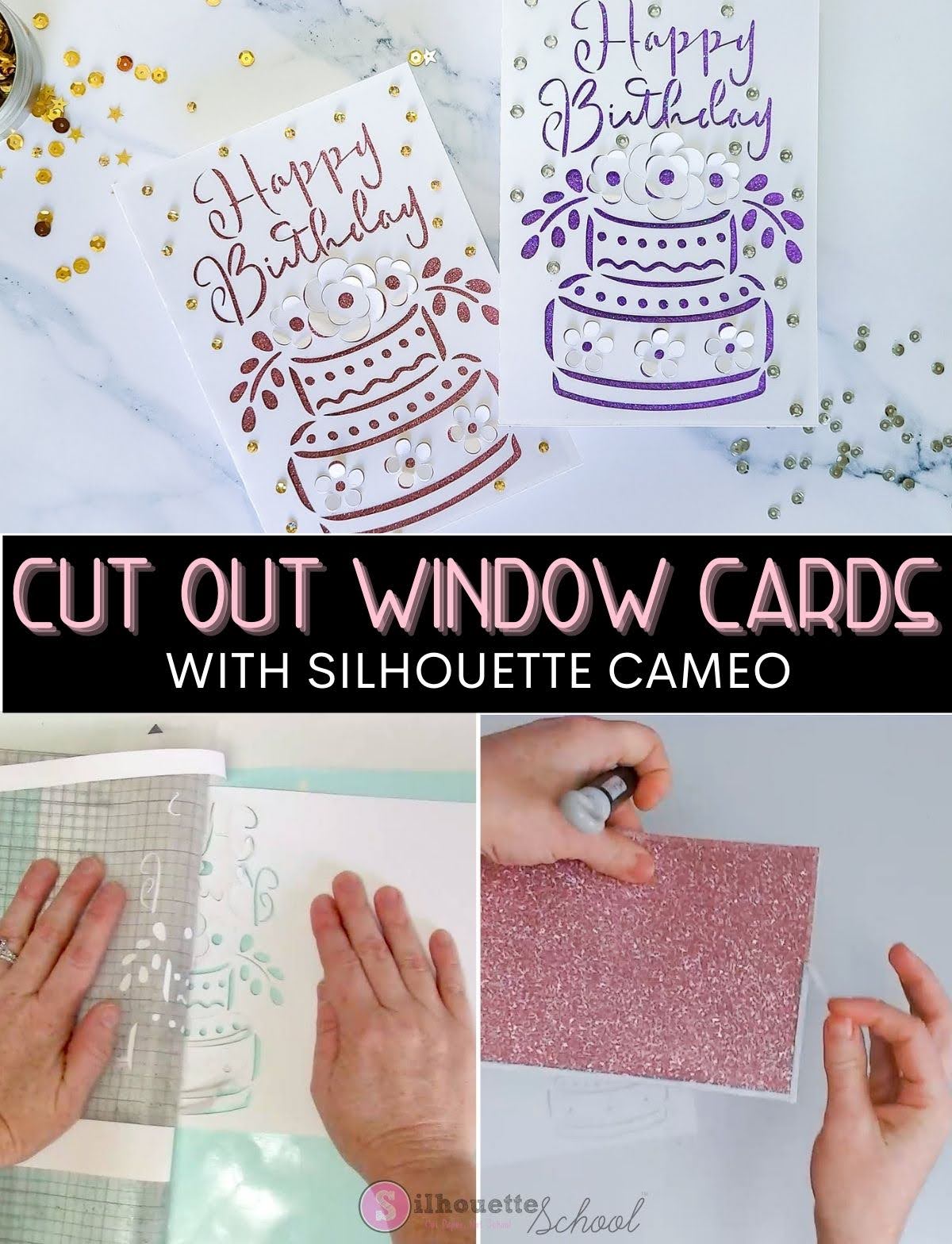
How to Make Cut Out Cards with Silhouette: Beginners Tutorial

If you've never made pop up cards or cutout window cards with Silhouette CAMEO this is a perfect one to start with because you don't have to resize it! 

silhouette 101, silhouette america blog, paper crafts, card stock, cards

Cut out cards have at least two layers with what you see through the cut out being applied after the card is cut and allowing you to customize the look of the card. 

Silhouette Studio Tiling Tool Tutorial: How to Use for Oversized Projects

When it comes to cutting cardstock with your Silhouette CAMEO, don't feel like you are limited to the size of cutting mat or even the size of the cardstock! 

silhouette 101, silhouette america blog, silhouette studio business, tiling feature, paper crafts

Using the Tiling feature in Silhouette Studio Business Edition, you can create impressive, larger-than-life cardstock projects. Here's how to do it!