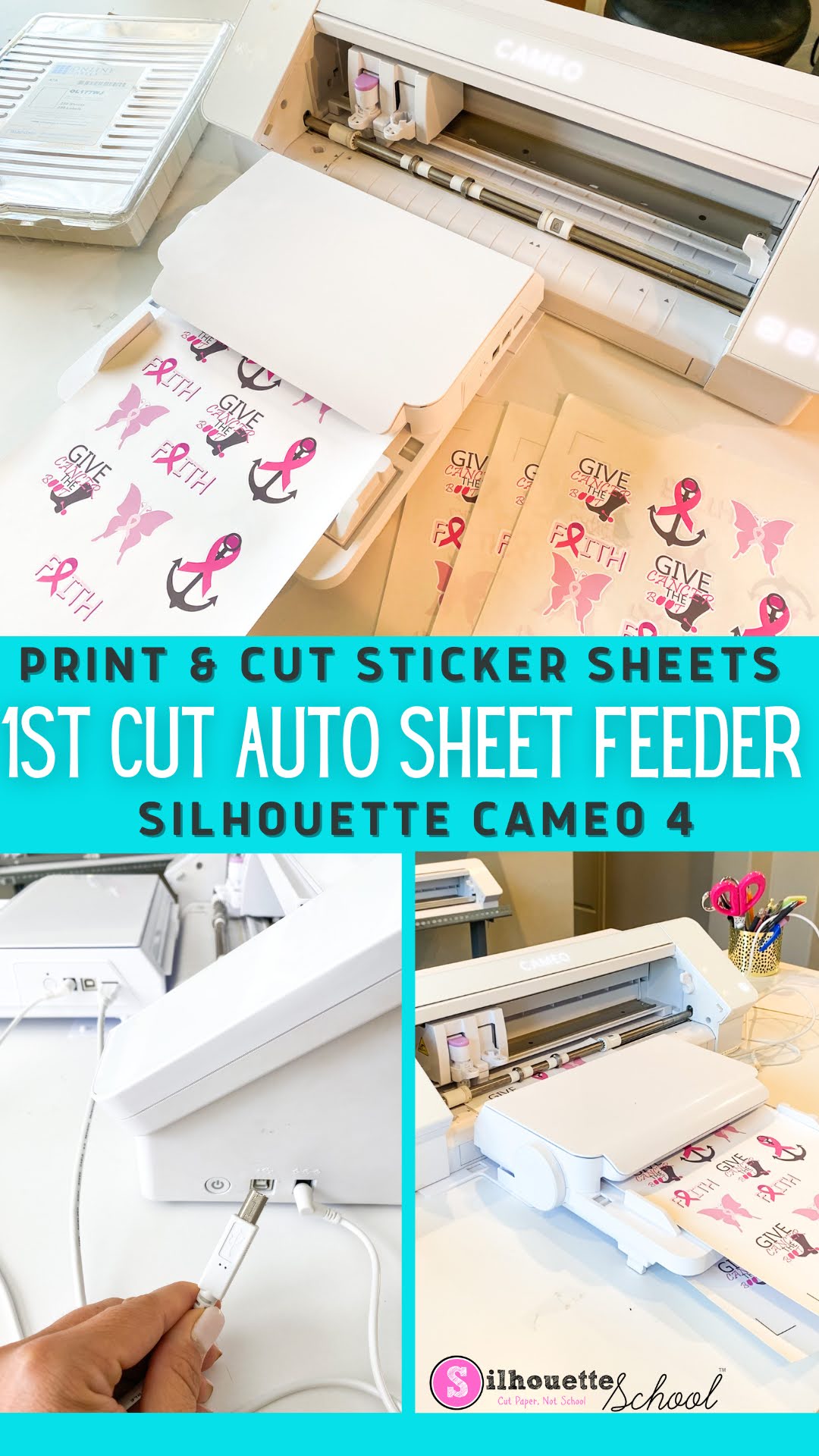
In this beginner tutorial I'll walk you through step by step how to cut multiple stickers sheets with the Silhouette Auto Sheet Feeder and CAMEO 4. I'm using Online Labels stickers sheets to show that you can use other brands of sticker sheets - including my favorite.
Showing posts with label sheet feeder. Show all posts
How to Cut Stickers with Silhouette Auto Sheet Feeder and CAMEO 4: Beginner Step by Step Tutorial
Wednesday, October 12, 2022
The Silhouette Auto Sheet Feeder can be used with the CAMEO 4 and Portrait 3 to cut sheets of lined materials including stickers.
Labels:
How to,
New Products,
online labels,
sheet feeder,
sticker,
Sticker Paper,
Stickers
Silhouette Sheet Feeder CAMEO 4 Setup: Step by Step
Wednesday, October 5, 2022
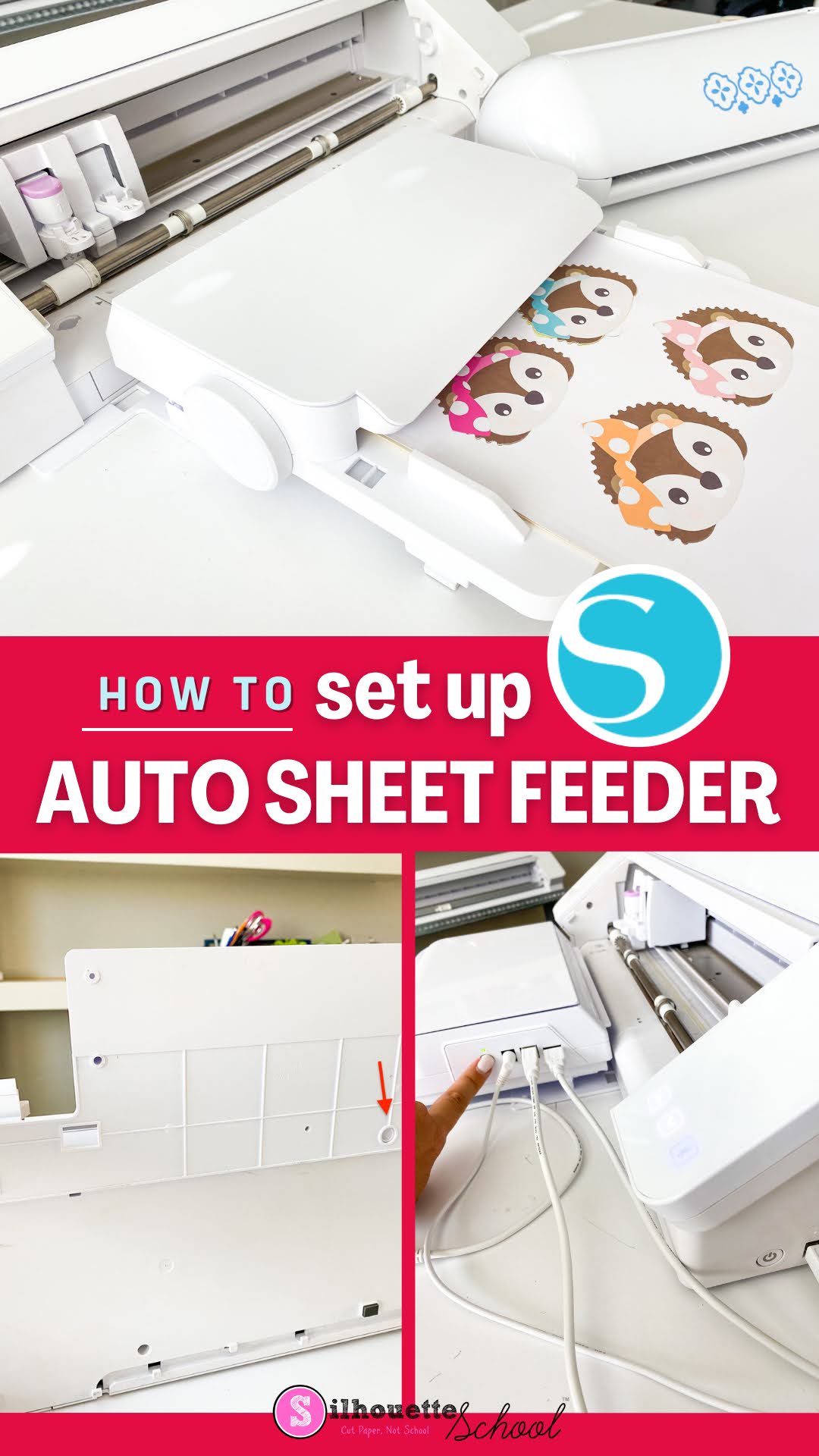
The Silhouette Sheet Feeder set up for the CAMEO 4 and Portrait 3 is pretty easy and quick, but there are some important things you need to know.
The initial A4 Silhouette Sheet Feeder set up requires a firmware update in Silhouette Studio and connecting the sheet feeder to the CAMEO 4 vs the Portrait 3 is slightly different. This tutorial will walk you through how to setup the Silhouette Sheet Feed - A4 with the CAMEO 4. You can follow this tutorial for how to use with the Portrait 3.
Silhouette Sheet Feeder: Everything to Know
Tuesday, September 20, 2022
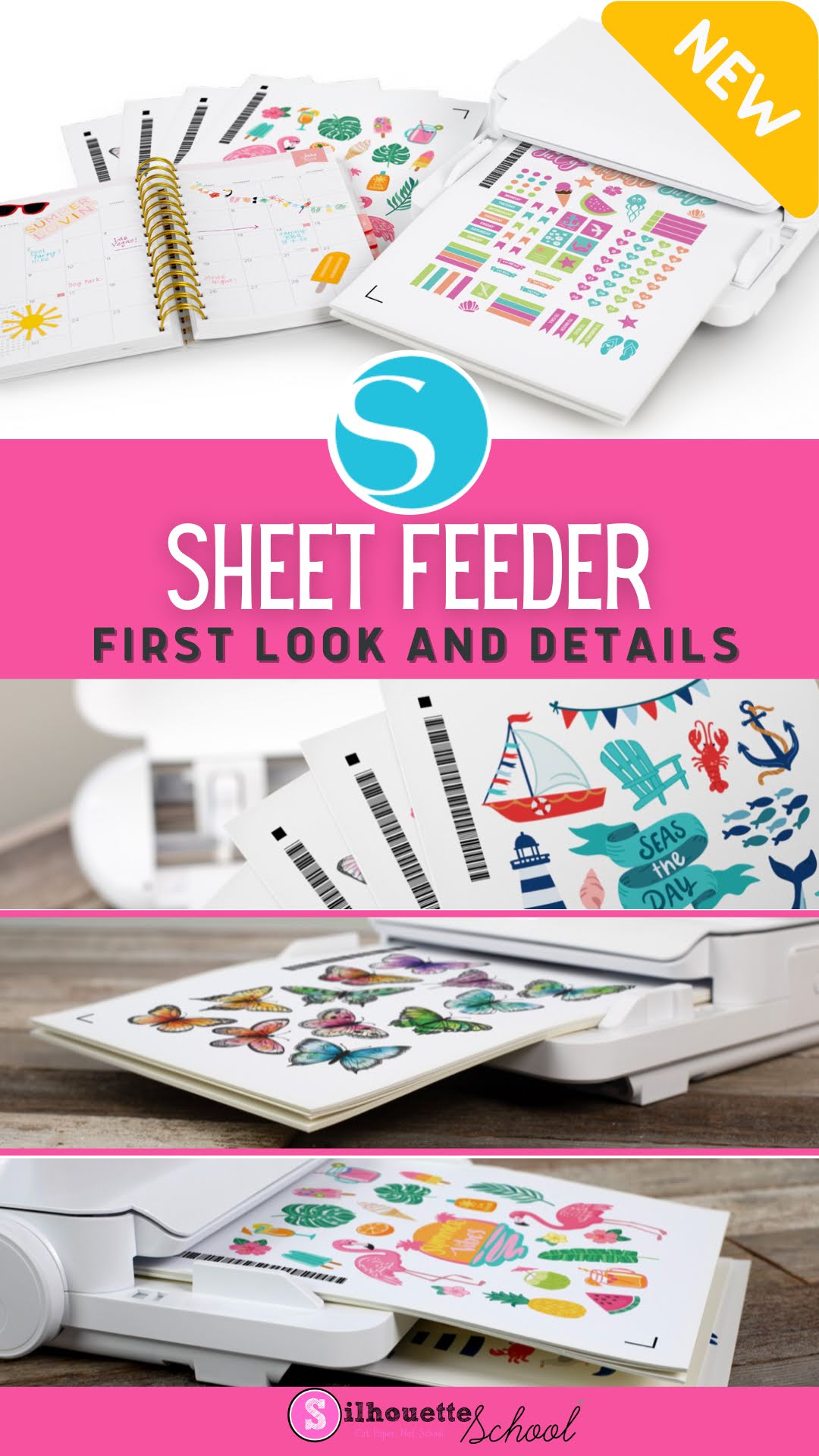
Silhouette America announced the upcoming release of the long-awaited Silhouette Sheet feeder today and with it the first look at the add-on accessory and the opening of pre-orders.
The two different size sheet feeders are compatible with the CAMEO 4 machines and the Portrait 3 and allow for up to 20 printed sheets to be stacked and then automatically fed into the cutting machine for cutting.
Subscribe to:
Posts (Atom)


.png)