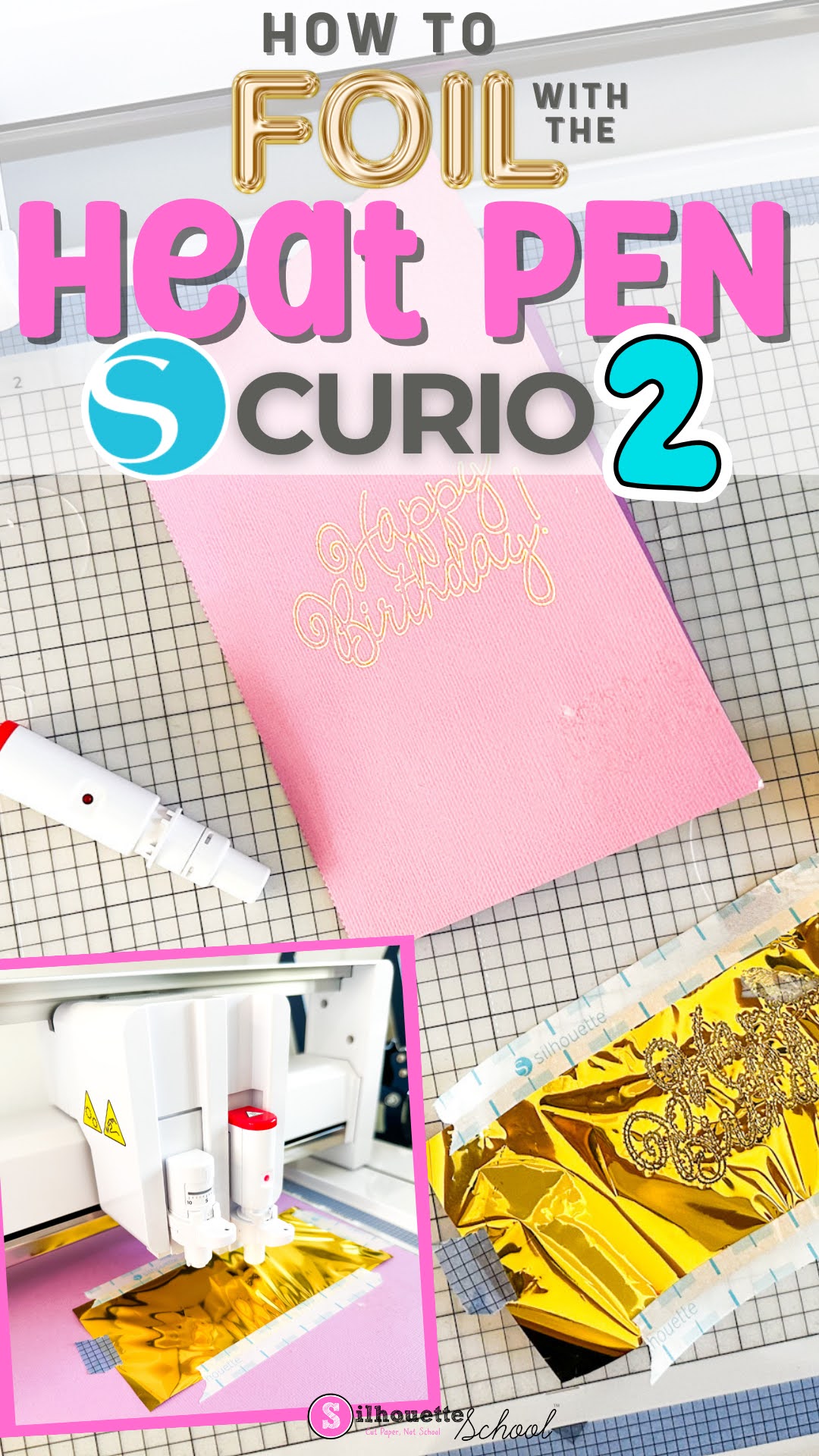
If you're new to using the Silhouette Heat Pen in the Curio 2, I'll take you through the process to foil step by step.
When using the heat pen in the Curio 2, you can add foil to materials and items that are up to 20mm thick thanks to the high clearance. Read on for how to use the Silhouette foil heat pen.
If you're trying to use the Silhouette heat pen (or other tool) and no matter what default material you select, you're getting the dreaded "Settings Not Found" error. Fear not.
You'll need to create your own custom settings to resolve the error and I'm here to walk you through.
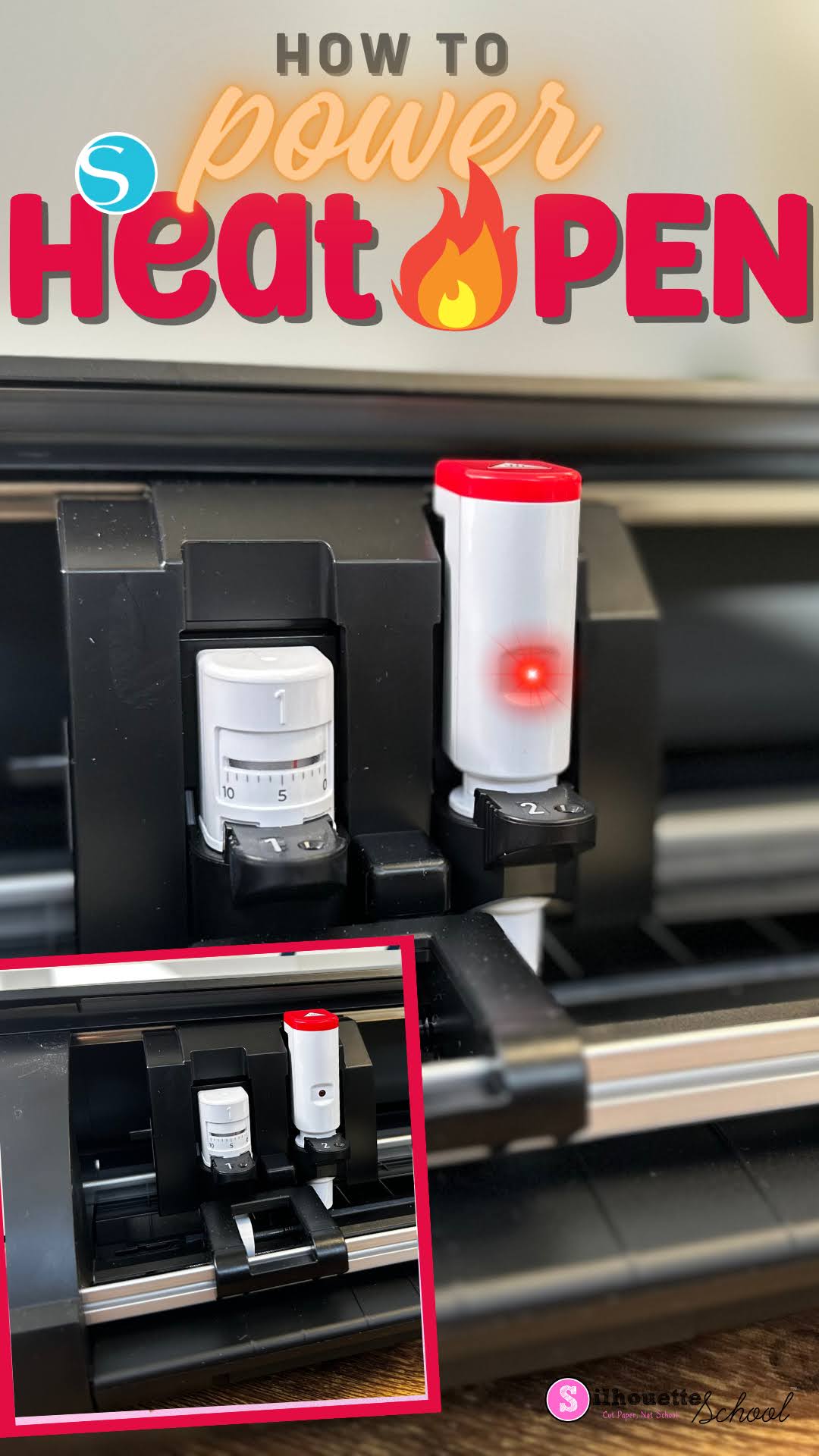
If your Silhouette Heat Pen won't power on...don't worry! There's most likely a good reason...and easy fix.
Simply placing the powered heat pen into the Silhouette Curio 2, CAMEO 5 or Portrait 4 won't provide power to the foil pen. Read on for how to get power to the heat pen.









.png)