Copyright Silhouette School 2016. Powered by Blogger.


Showing posts with label portrait 4 tools. Show all posts

Fix! Silhouette Heat Pen Tool Settings Not Found Error (Works for Other Tools Too)

If you're trying to use the Silhouette heat pen (or other tool) and no matter what default material you select, you're getting the dreaded "Settings Not Found" error.  Fear not. 

cameo 5, foil pen, heat pen, cameo 5 tools, power tools,

You'll need to create your own custom settings to resolve the error and I'm here to walk you through. 
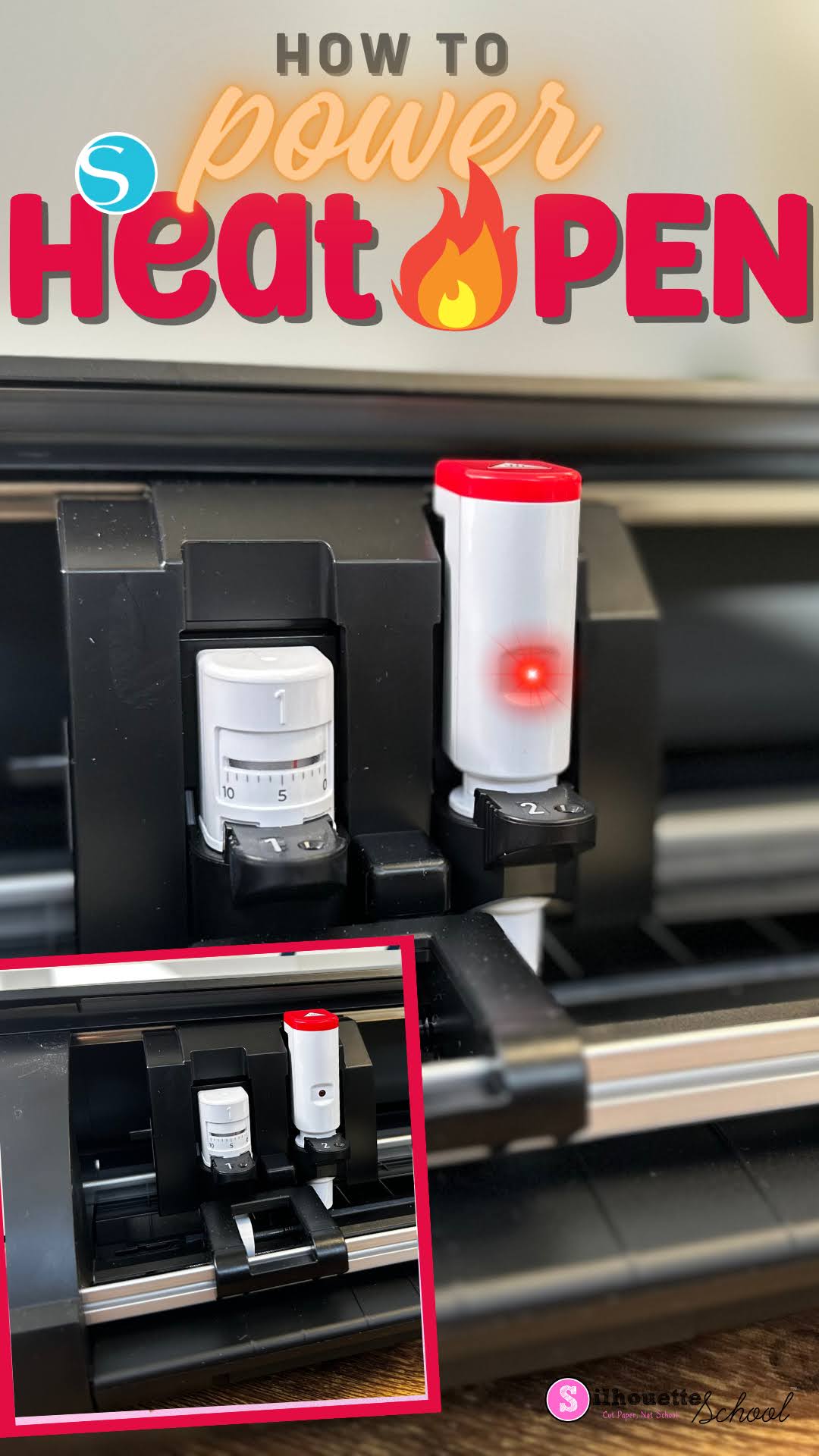
Silhouette Heat Pen Won't Power On? Here's How

If your Silhouette Heat Pen won't power on...don't worry! There's most likely a good reason...and easy fix. 

silhouette heat pen, foil pen, cameo 5 tools, power tools, silhouette cameo 5

Simply placing the powered heat pen into the Silhouette Curio 2, CAMEO 5 or Portrait 4 won't provide power to the foil pen. Read on for how to get power to the heat pen. 

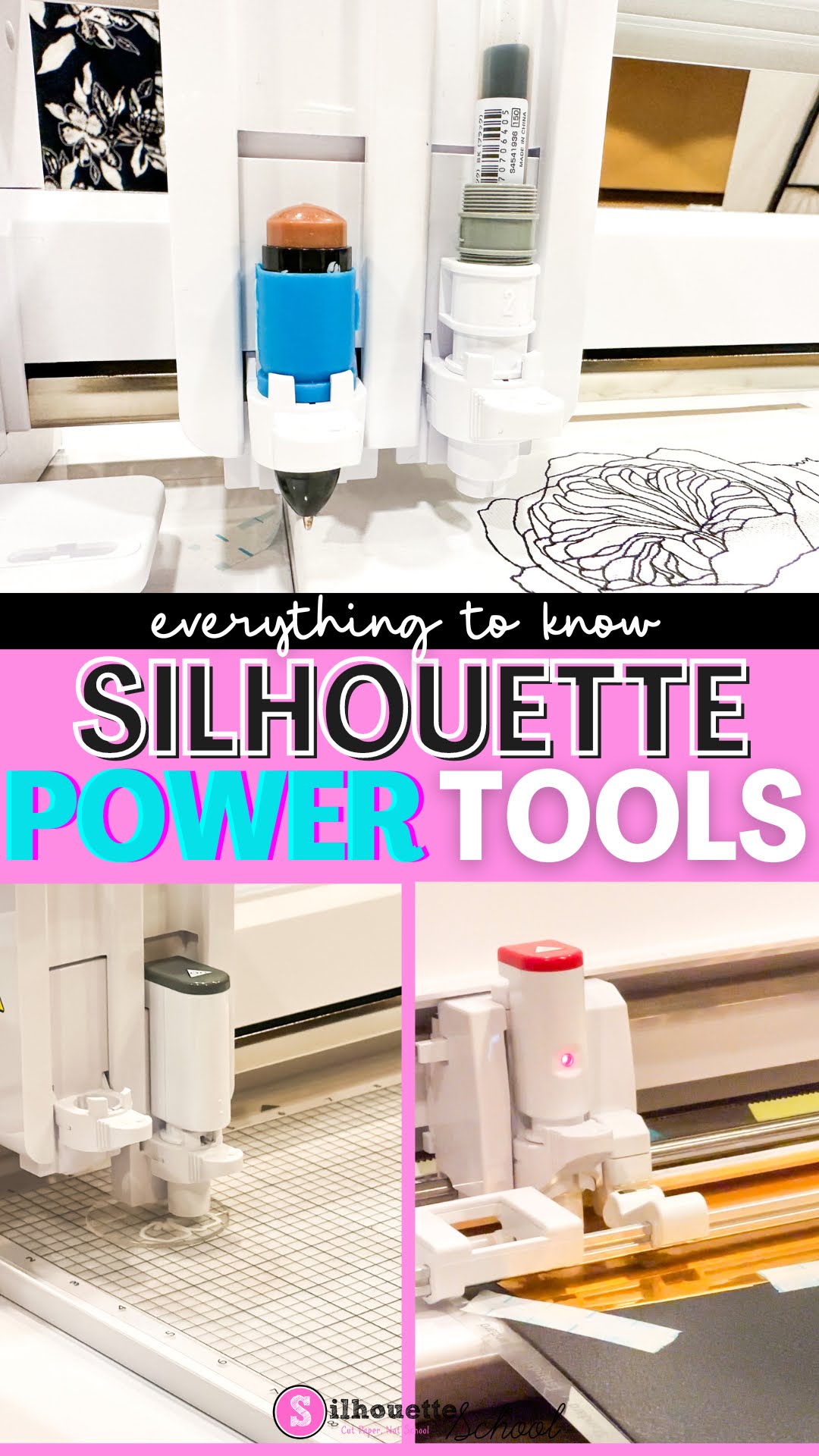
New Silhouette Power Tools Explained and Machine Compatibility (And What’s That Hidden Door)

Along with the launch of four new Silhouette machines, Silhouette also announced the release of five new power tools that an be used with the next generation machines: Silhouette Curio 2, CAMEO 5, and Portrait 4.

silhouette 101, silhouette america blog, cameo 5, new silhouette tools, silhouette power tools

I’ve been getting a lot of questions about the power tools including what are they, what machines can the new Silhouette tools be used with, how do they work…and of course will the Silhouette power tools work in the Silhouette CAMEO 4, original Curio and other older machines? 

Read on for all the details...and check out the accompanying video to get your first look at the Silhouette Power Tools.