Copyright Silhouette School 2016. Powered by Blogger.


Showing posts with label roland contour cut lines. Show all posts

What To Do When Roland Utility Won't Open (And You Want to Pull Your Hair Out)

If launching the Roland software suite has become a source of frustration between DG Connect, DG Connect Hub, the print utility and Versaworks - you are not alone. 

Roland,roland bn 2,roland bn2,roland bn2-20a,versaworks7,versaworks,roland contour cut lines,


Half the time some of them are grayed out, the other half of the time the status probably says "Setup Incomplete" and you're likely left spending a lot of time asking WHY!?! 

Part of the issue is if the applications aren't opened and launched in a specific order there are errors and miscommunications between them. Read on for how to avoid the errors and for the best Roland startup workflow.

Create Roland Cut Lines with Free Affinity Designer - Video Tutorial

 If you use a Roland printer-cutter, you are going to want to stop what you're doing and check this out.

affinity designer,affinity,roland contour cut lines,Print and Cut,

We finally have a way to get professional-grade design software for $0 and no, it’s not too good to be true!

How to Fix Roland Versaworks "Incomplete Setup" Error

You've got your Roland printer plugged in, powered on, and connected — and VersaWorks is still showing "Setup Incomplete." It sounds like something is broken. It's not. 

Roland,roland bn 2,roland bn 20,roland bn2,roland bn2-20a,roland contour cut lines,versaworks,versaworks7,


"Setup Incomplete" doesn't mean there's a problem with your machine or that the machine itself is not set up fully.  The oddly-worded error actually means you haven't set up the material you want to use for - this session. 

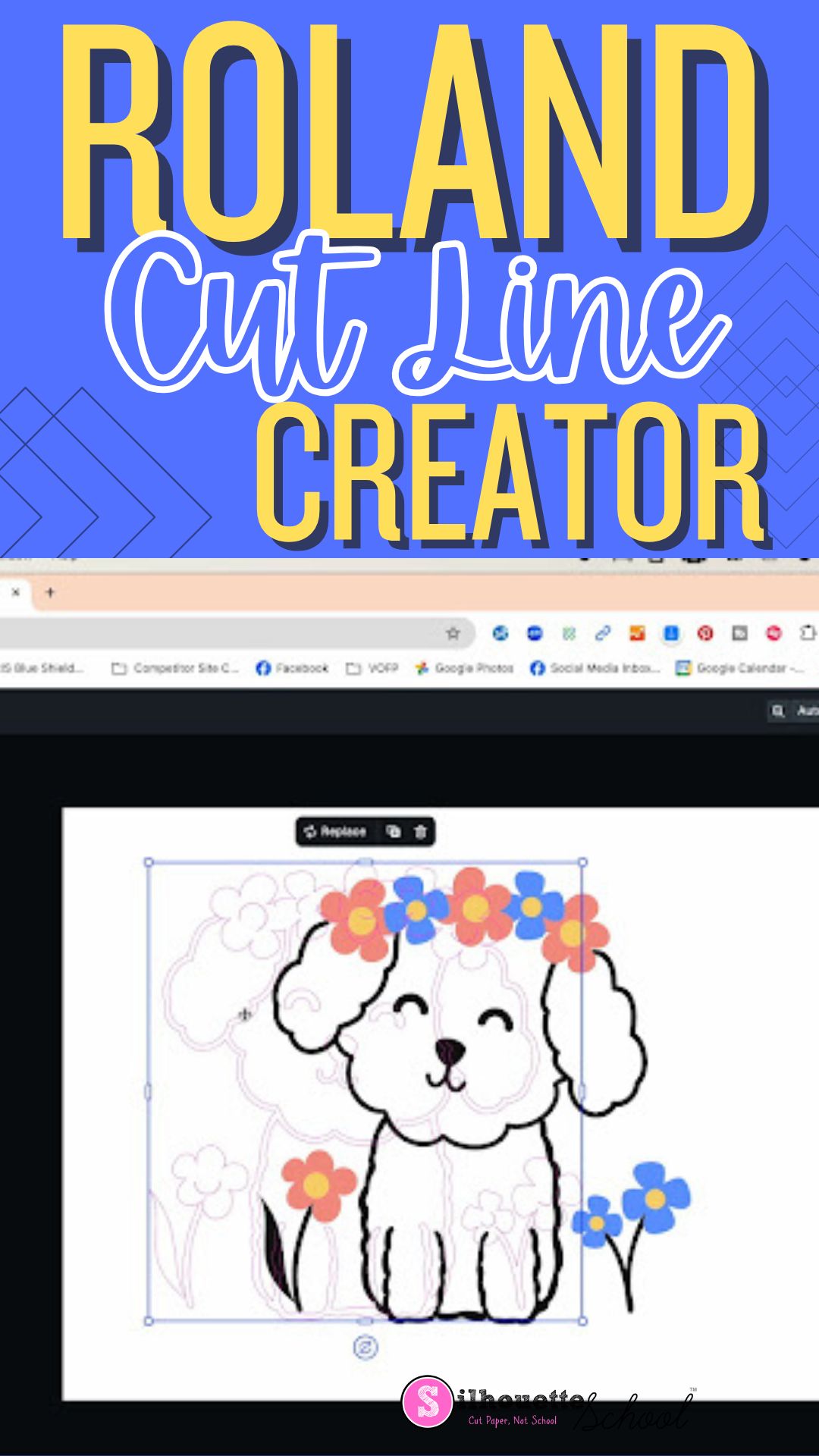
Free Roland Cut Line Creator in New Versaworks 7!

Roland Versaworks 7 is here and it includes a hidden gem that you'll easily miss if you don't know where to look!  

versaworks,Roland,roland contour cut lines,roland bn 20,roland bn2,roland bn20a,roland bn2-20,roland bn2-20a,


Buried deep within Roland DG Connect there's a new Roland cut line creator that's totally free for Roland users to use to create cut lines and perf cut lines. Read on for how to find and use the browser-based tool. 

Meet the Roland Utility: The Control Panel for Roland BN2 and BN-20A

If you are new to Roland BN2 or BN-20A, learning the Utility is as important as learning the machine or Versaworks! 

roland bn2,roland bn2-20,roland bn2-20a,roland contour cut lines,


In this Roland tutorial, I'm going to walk you through every single feature in the Roland Utility so you can master your printer and know how to adjust settings, perform maintenance, and setup new materials.

OMG!!! Roland Print and Cut Machines Now Compatible with MAC (And PC)

If you've been waiting for Roland print and cut machines to be compatible with MAC - it's your lucky day!! 

Roland,roland bn 20,roland bn2-20a,roland bn2,roland by-20,roland bn20a,roland bn2-20,roland bn-20d,roland contour cut lines,roland dtf,mac,


With Roland's new Versaworks 7 software release, the 20" printers and cutters now work with both MAC and PC. This is such a game changer for sticker and t shirt shops. Read on for more details including how to install Roland Versaworks on MAC to run a Roland BN2-20A or BN2-20.

Silhouette Studio Split Screen Feature No One Uses..But You Should!

Did you know Silhouette Studio has a split screen view with the library and work area making it super easy to view, open and layout your designs? 
Silhouette Studio,roland contour cut lines,Print and Cut,Tips and Tricks,t shirt transfers,silhouette software,Heat Transfer Vinyl,roland bn2-20,roland bn2-20a,


This is one of those little know features, like image effects, that often get overlooked but are oh-so-useful. Read on for how to use split screen. 

5 Reasons to Consider the Roland BN-20A (And an Epic Giveaway)

If you're considering getting a Roland printer and cutter, there are plenty of arguments to jump straight to the BN2-20A vs the BN-20A. But there are also a handful of good reasons the BN-20A may actually be a better option for YOU! 

Roland,roland contour cut lines,Print and Cut,t shirt transfers,Printer

When the newer model BN2 was released in 2023, Roland kept the BN-20 and BN-20A ecosolvent printers and cutters around and I'm so glad they did..and you should be too because it's a much more affordable option for many people. 

I love the Roland BN-20A so much that I've partnered up with Roland and Swing Design to GIVE AWAY a BN-20A! 

Read on for 5 reasons where the BN-20A edges out the BN2-20A and may actually be the better 20" Roland printer and cutter for you..plus details on how to enter to win one! 

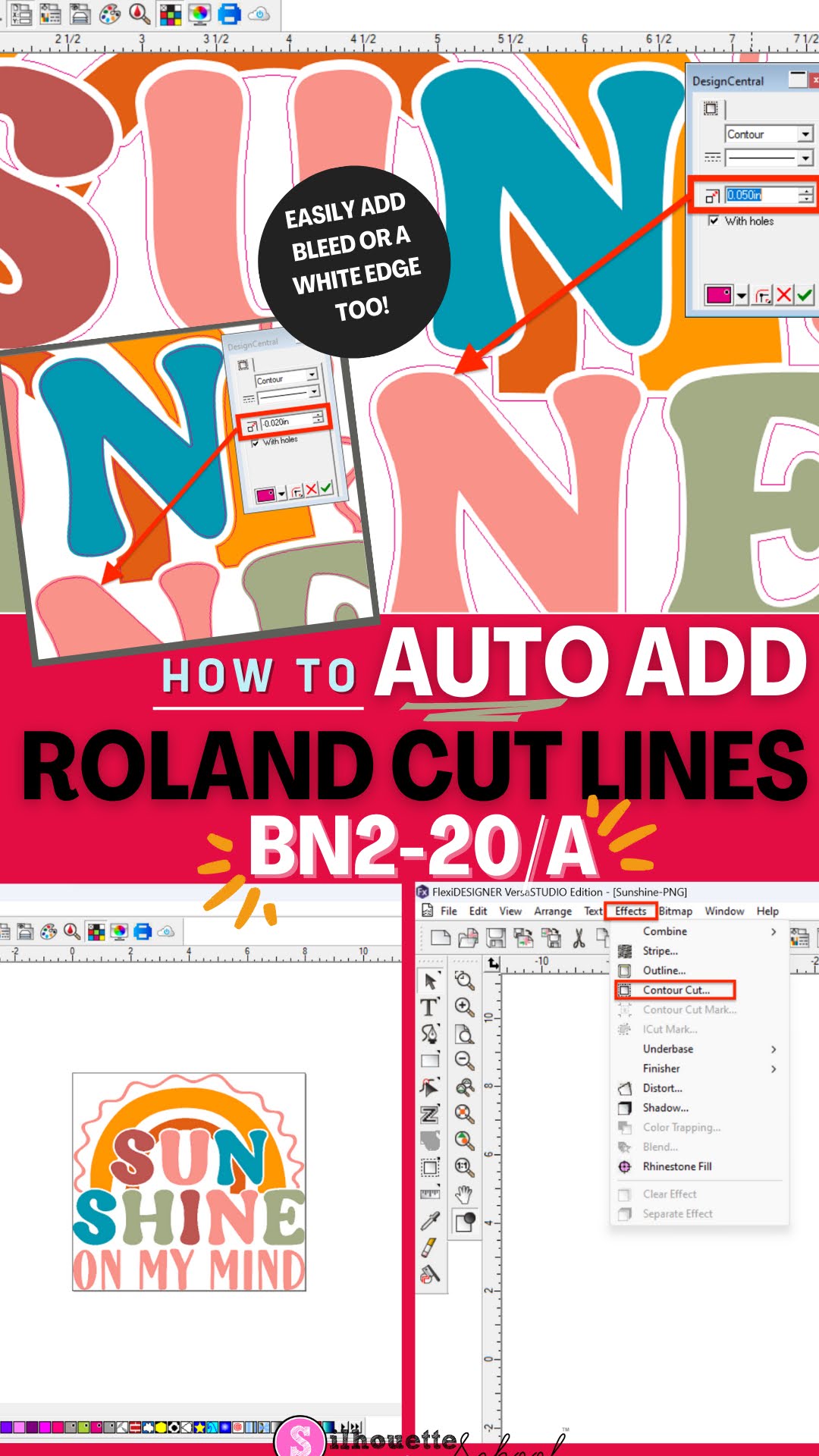
How to Add Roland Cut Lines Automatically to PNG Files with Free Flexi Designer for BN2-20A (Free Practice Design)

With the release of the new Roland BN2-20A and BN2-20 one of the biggest changes from older models is the inclusion of the Versaworks Edition of Flexi Designer included with the 20" ecosolvent printer and cutter. 

versaworks, roland bn2-20a, roland bn2-20, contour cut lines, flexi designer,

This creates a fast and seamless workflow that has made creating Roland cut lines faster than ever before.  In fact - I put myself up against the clock and was shocked how fast you can add Roland cut lines for BN2. Follow along to learn how to go from SVG or PNG to cut lines for BN2 in Flexi in minutes. 

As an added bonus, you can download this Sunshine On My Mind design from So Fontsy for free with the code ROLANDBN2 to practice with and follow along.