


You can add cut lines to a JPEG in Silhouette Studio by using the trace tool.
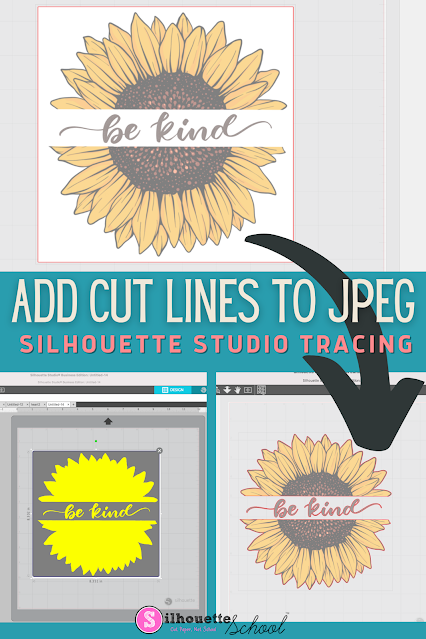
The free version of Silhouette Studio allows you to import JPEG files making it a popular file type choice for some. This tutorial will show you how to add a cut line to a JPEG image in the Silhouette software.


.png)


